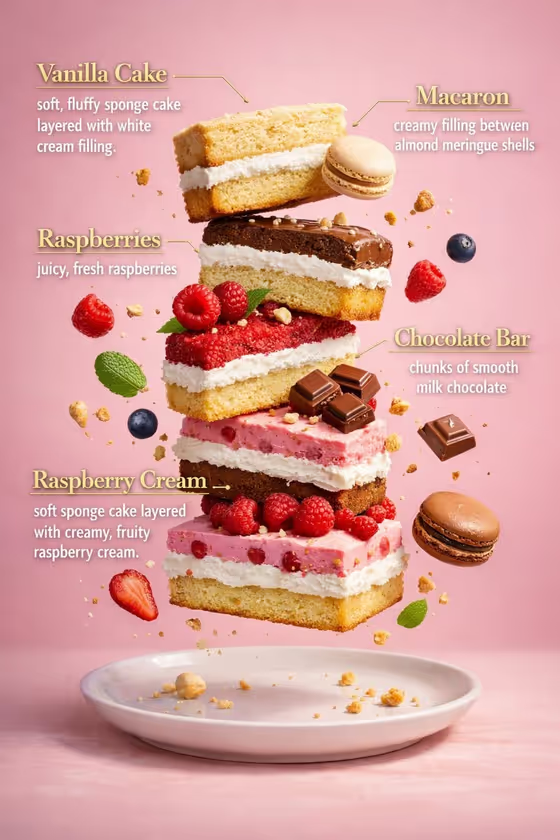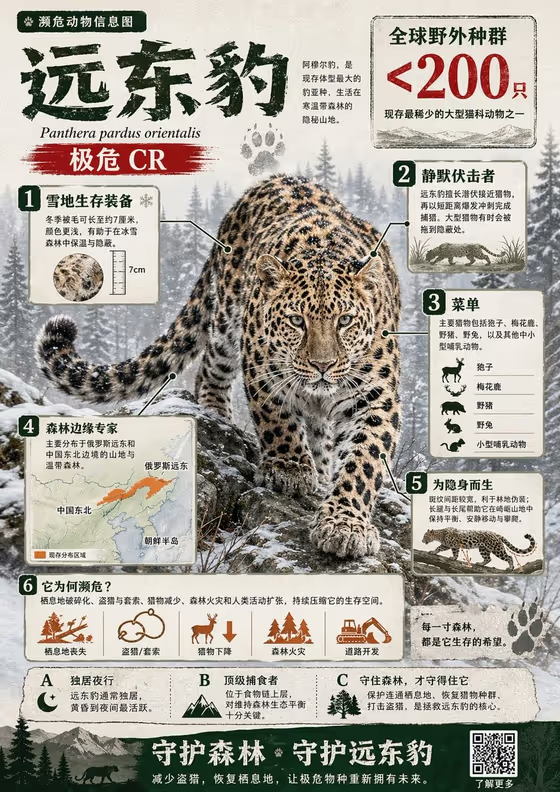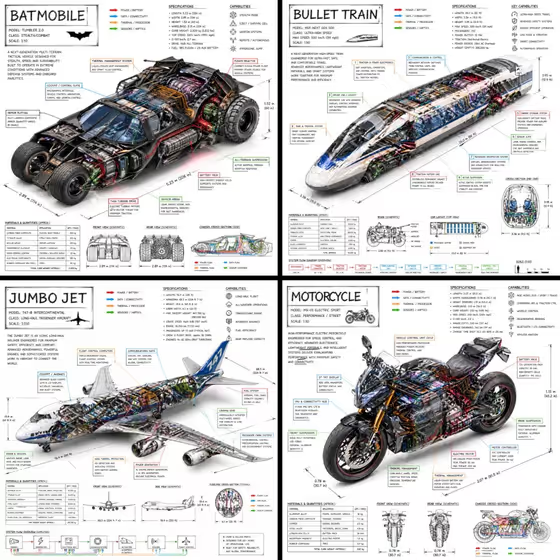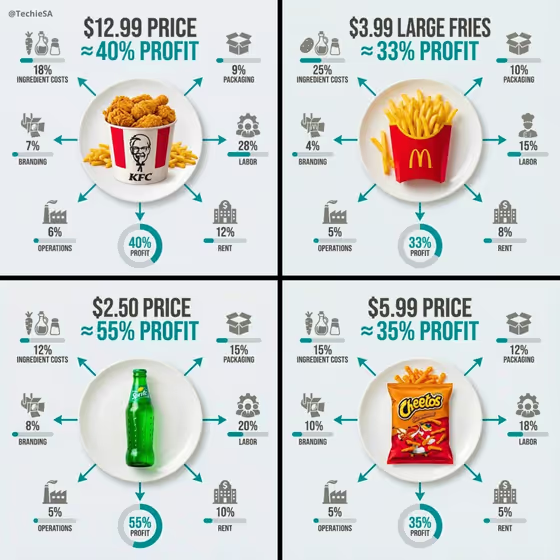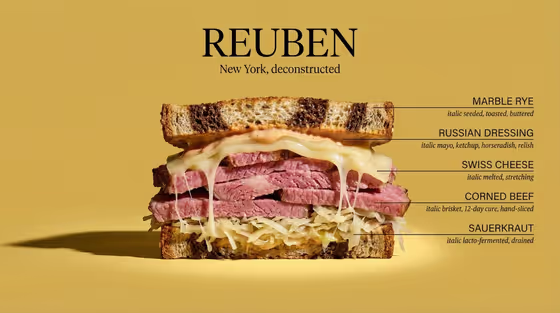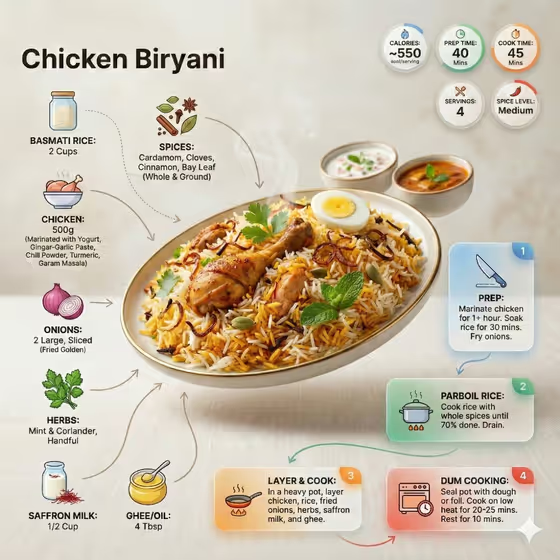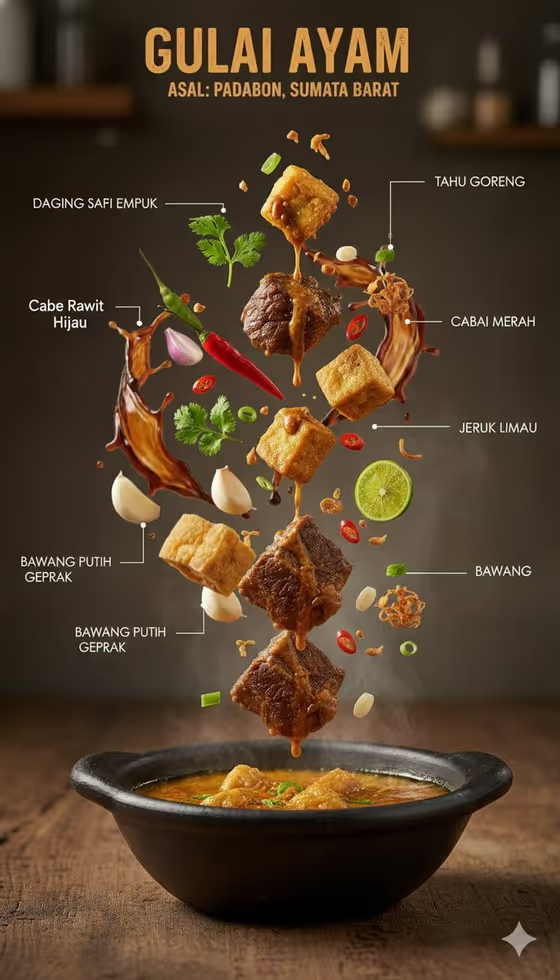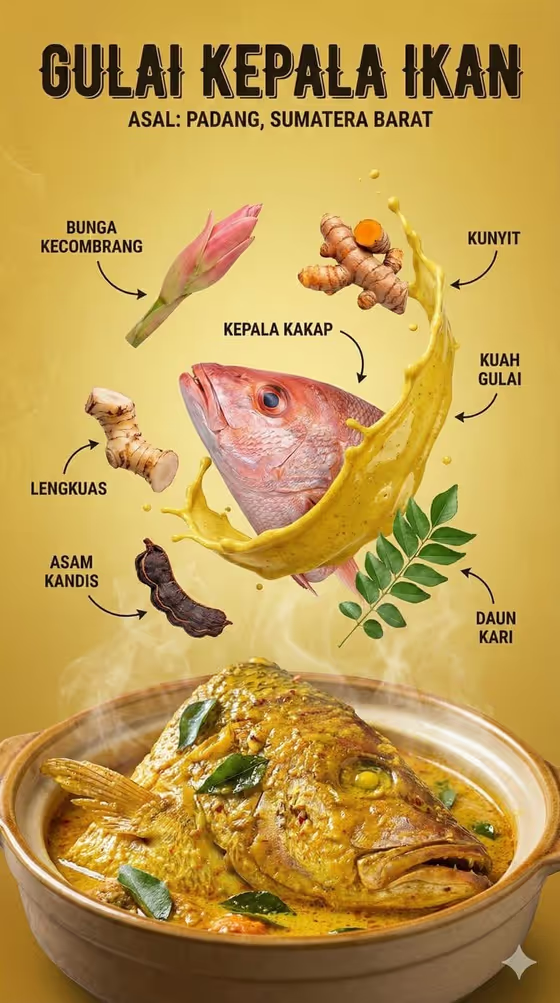
This template turns a traditional Indonesian dish into an editorial infographic poster. The dish is shown plated at the bottom, while its key ingredients float in mid-air above it, each tagged with a curved arrow and a clean label. A bold title and the region of origin sit at the top, as in the cover example of a Padang fish head curry.
It suits food bloggers, restaurant owners, culinary students and anyone who wants a shareable poster that explains what goes into a regional dish. The output is a single 3:4 image, ready to use as a menu feature, social post or educational card.
What works best as input
- In the Featured product or object field, you can describe the dish or use a photo of it. Pick a shot where the dish is clearly the subject, well lit and not cropped, so its look carries into the poster.
- Name the dish specifically. A precise description such as a fish head curry in a clay pot gives better results than just curry, because the ingredients shown around it follow from what the dish is.
- If you describe the dish in text, mention its signature look, like a golden turmeric broth, a clay bowl or garnishes such as curry leaves. These details help the plated dish and the floating ingredients feel consistent.
- Avoid photos with cluttered tables, heavy filters or several dishes at once. A single dish on a simple background is easier to rebuild as a clean poster.
How to use it
- Open the template in Phosphene and add your dish in the Featured product or object field, either by uploading a photo or by typing a description.
- Type your dish name in the Rendered name or title field, for example the dish name in capitals. This is the text that appears as the big headline on the poster.
- Choose an option for Creative direction, such as Clean editorial or Quiet premium, to set the overall mood of the layout.
- Generate the image, then review it. Check that the title is spelled correctly, the ingredients look right for the dish, and the arrows point to sensible items.
Tips for a better result
- Put the dish name in capitals and keep it short. Shorter titles render more cleanly in the bold headline style.
- Try different Creative direction choices on the same dish. Clean editorial keeps the look close to the cover example, while a more cinematic or playful option shifts the lighting and color mood.
- Use the same dish with a different photo angle or a more detailed text description if the first result misses an ingredient or the plating style.
- Once you find a direction you like, reuse it across several dishes to build a consistent set of posters for a menu or a series.
Common mistakes
- Using a vague description like food or soup. The ingredients around the dish are inferred from what you give, so a generic input leads to generic, less accurate results.
- Writing a very long title. The headline is meant to be bold and compact, and long text can come out cramped or misspelled.
- Uploading a dark, blurry or heavily cropped photo, which makes it harder to reproduce the dish convincingly.
FAQ
Can I use a photo of my own dish?
Yes. The Featured product or object field accepts a photo, and you can also describe the dish in text instead.
Does the poster include the region of origin?
The template is designed around a dish name with its origin label, as in the cover example. The text you enter in the title field drives the headline, so check the generated result to confirm the text reads the way you want.
What format is the result?
It is a single image in a 3:4 portrait aspect ratio.
Do I have to fill every field?
Yes. The dish, the title and the Creative direction are all required before you can generate.