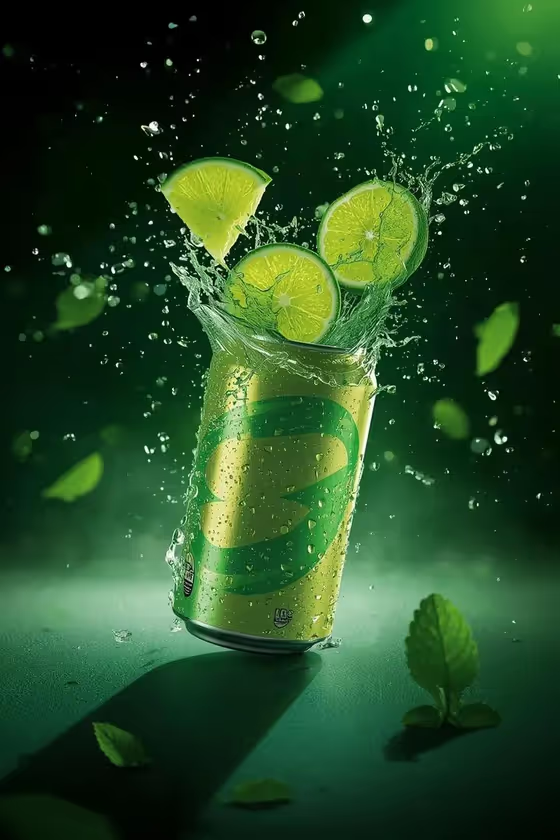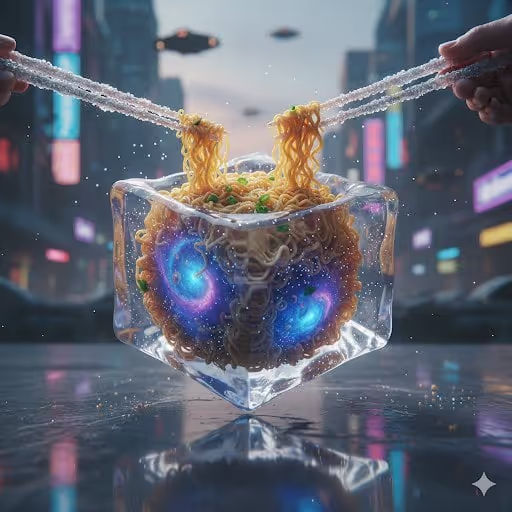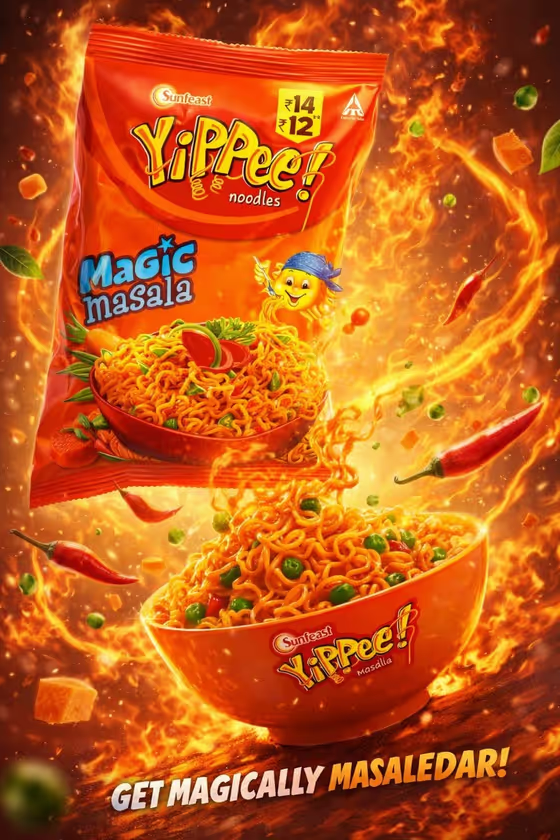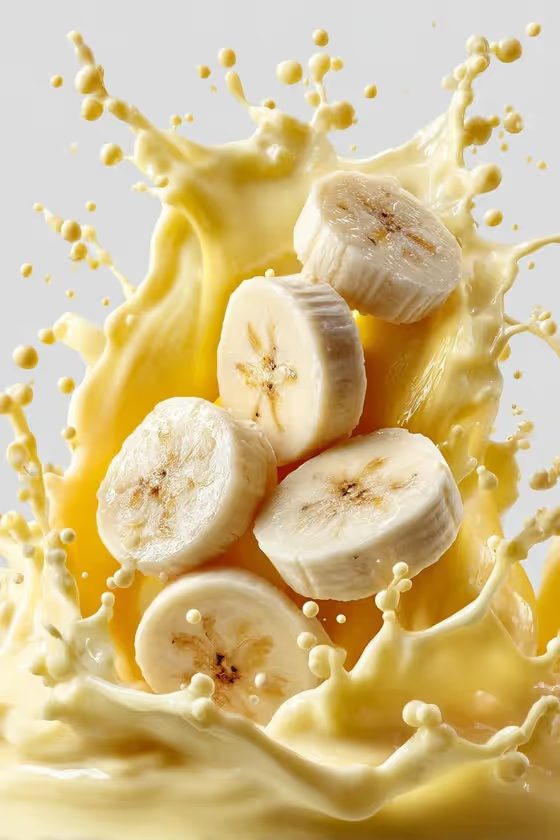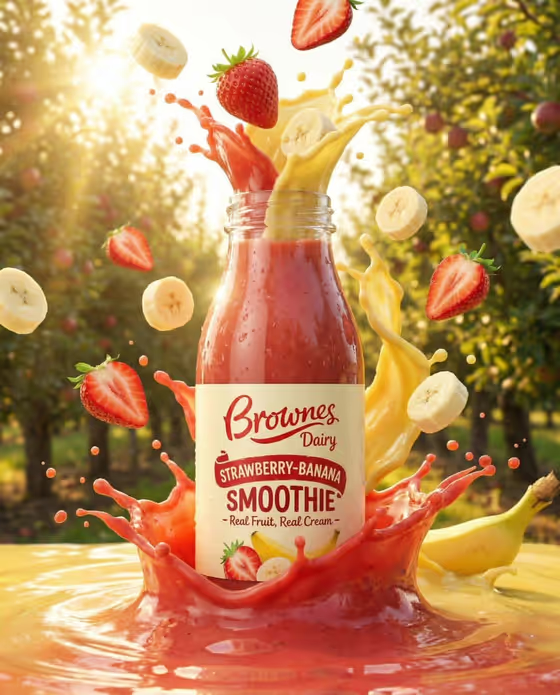
Fruit Splash Beverage Ad turns a drink bottle or can into a commercial-style hero shot. The package stays centered and sharp while fresh fruit pieces and glossy liquid burst around it, as in the cover image of a strawberry-banana smoothie bottle surrounded by sliced banana, whole strawberries and a rising splash.
It suits small drink brands, product designers, social media managers and anyone who needs a polished 3:4 ad visual for a beverage concept. You can start from a reference photo of your own package or from a short written description.
What works best as input
- In the Beverage product field you can either describe the drink package or upload a reference. If you use a photo, pick one where the bottle or can is fully visible and the label is facing the camera.
- Choose a sharp, evenly lit photo of the package on a plain background. Avoid heavy shadows or glare across the label, since the template aims to keep branding readable and unaltered.
- If you describe it instead, be specific about the package type and style, for example 'cold-pressed juice bottle' or 'sparkling tropical soda can'.
- Match the fruit mix to what the drink is supposed to taste like. The cover shows strawberries and banana for a strawberry-banana smoothie, so the visuals tell the same story as the label.
How to use it
- Open the Fruit Splash Beverage Ad template in Phosphene.
- In Beverage product, describe your drink package or upload a reference photo of it.
- Fill in Exploding fruit mix and Campaign setting, using the suggested examples (such as 'orange, kiwi, strawberry and mango' or 'golden orchard at sunset') or your own wording.
- Generate the image, then check that the package is centered and the label is readable, and adjust your fields and run it again if needed.
Tips for a better result
- Pair the fruit mix with the setting for a coherent look. The cover pairs warm berry and banana tones with a golden orchard backdrop lit by low sun.
- Try a contrasting setting such as 'dark glossy studio' to make the fruit colors and liquid highlights stand out more.
- Keep the fruit list to two to four ingredients so the splash stays clear and each fruit is recognizable in the air.
- Generate the same product with different settings to build a small set of campaign variations.
Common mistakes
- Listing too many unrelated fruits, which can make the scene feel cluttered and disconnect it from the flavor of your drink.
- Uploading a low-quality or cropped package photo, which makes it harder to keep the label and shape accurate.
- Describing a package vaguely, such as just 'a drink', instead of naming the bottle or can type and style.
FAQ
Do I have to upload a photo?
No. The Beverage product field accepts either a written description or a reference upload, so you can start from text alone.
What shape is the result?
The template produces a single image in a 3:4 portrait ratio.
Can I choose my own fruits and setting?
Yes. Exploding fruit mix and Campaign setting come with suggested options, such as 'peach, raspberry and passionfruit' or 'bright tropical beach', and you can pick the one that fits your drink.
Will my label and branding stay intact?
The template is directed to keep the package centered, sharp and its branding readable, but it is still worth checking the result closely before using it.