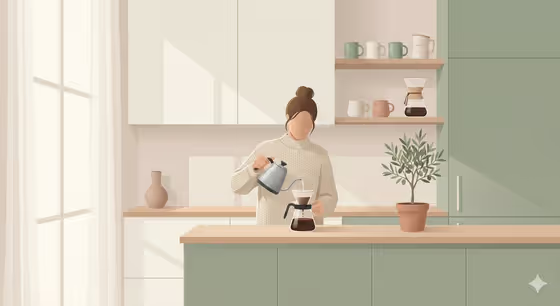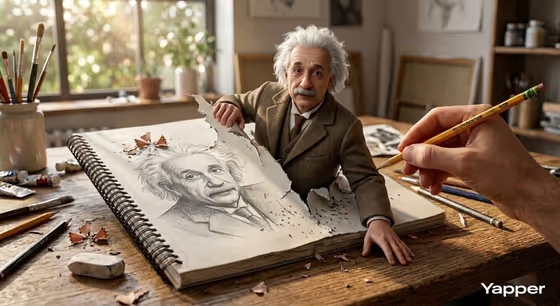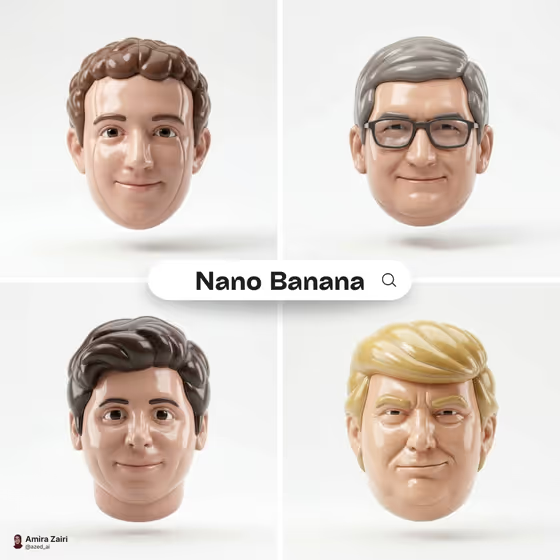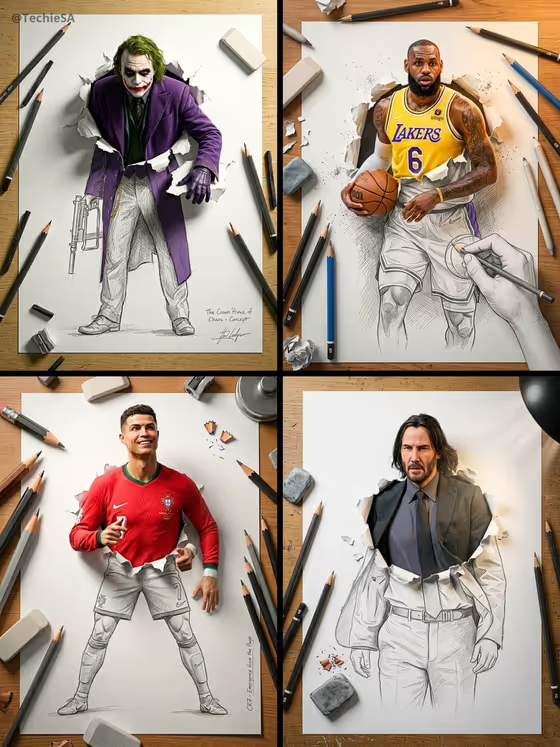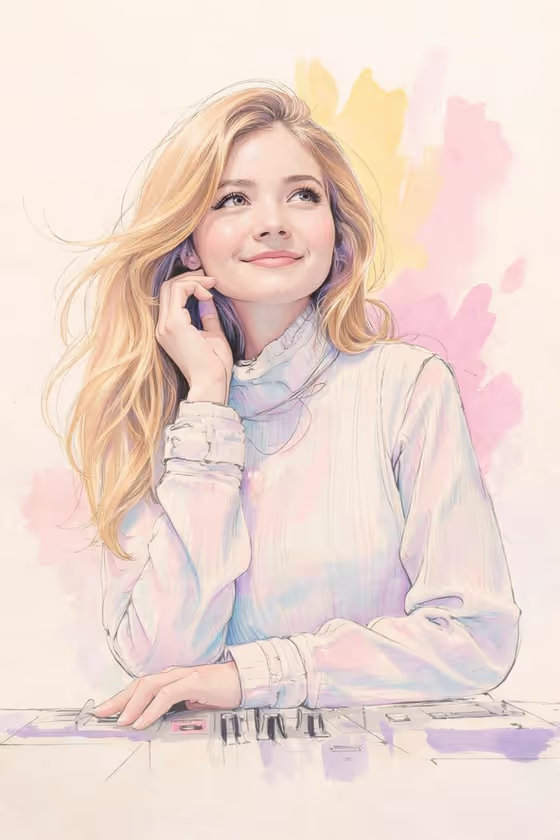
Pastel Watercolor Muse turns a portrait into a hand-drawn style illustration that mixes fine pencil linework with loose watercolor washes. Expect soft pink, lavender, and yellow splashes behind the subject, a clean off-white canvas, and a calm, dreamy mood, as shown in the cover image of a smiling woman with long flowing hair in a high-neck sweater.
It suits anyone who wants a gentle, airy portrait for an avatar, a keepsake, or a creative project. You can describe the subject in text or add a photo reference, and the template handles the illustrated look.
What works best as input
- The first field, softly smiling woman character subject, accepts either a short description or a reference photo. If you use a photo, pick a clear portrait where the face is well lit and easy to see.
- The template asks for 2 or more photos, so add a couple of different shots of the same person to give it a stronger sense of their features.
- The look is built around a soft, gentle expression and a slightly raised gaze, so a relaxed, natural smile in your reference tends to fit the style best.
- If you describe instead of upload, keep it short and concrete, like the placeholder 'a softly smiling woman' or 'an original character'.
- Avoid heavy filters, sunglasses, or busy backgrounds in your reference, since the finished piece uses a minimal, abstract backdrop.
How to use it
- Open the Pastel Watercolor Muse template in Phosphene.
- Fill in the softly smiling woman character subject field by typing a short description or adding your photos (the template expects 2 or more).
- Set Character staging to choose how the image is framed. The options include a collectible character portrait, a full-body character scene, or an environmental story moment.
- Generate the image, then review the 3:4 result and adjust your subject or staging choice if you want a different feel.
Tips for a better result
- Try each Character staging option on the same subject to compare a tight portrait against a wider scene.
- Use a reference where the head and shoulders are clearly visible, since the style centers on a hand near the face and a relaxed pose.
- If you are describing an original character, mention hair length and color, since the style highlights long, flowing hair and soft skin tones.
- Generate more than once and compare, because loose watercolor splashes will vary in placement and color balance.
Common mistakes
- Writing a long, complicated description. The template's style is fixed, so a short clear subject works better than piling on extra styling instructions.
- Using a dark, blurry, or heavily cropped reference photo, which gives the illustration less to work from.
- Expecting a photorealistic or high-contrast result. This template is built for soft pastels, pencil lines, and a minimal off-white background.
FAQ
Do I have to upload a photo?
The subject field accepts either a typed description or a reference photo. The template's input summary asks for 2 or more photos, so adding them is the best way to carry over a specific person's look.
What will the final image look like?
A pastel watercolor and pencil illustration in a 3:4 frame, with fine linework, soft pink, lavender, yellow, and light blue splashes, and a clean off-white background.
Can I use it for a character instead of a real person?
Yes. The subject field's examples include an original character, so you can describe or reference a character instead of a portrait.
What does Character staging change?
It controls how the subject is framed, such as a collectible character portrait, a full-body character scene, or an environmental story moment, without changing the core pastel watercolor style.