ChatGPT Images 2.5 and Canva: The Thumbnail Workflow That Stops Fighting the Chat
ChatGPT Images 2.5 renders text far better than its predecessors, and the hype says you can now build a finished thumbnail in one chat. Then you try to move a headline two pixels and the whole background becomes a different picture. A Japanese creator who tests this daily documents the degradation he runs into and the fix: generate the material with the image model, do the layout in a design tool. Here is that hybrid workflow, the six-edit collapse he measured in his own tests, and the prompts that sidestep it.
AI-assisted draft. Reviewed and edited by the Phosphene team before publication.
On this page
- What everyone celebrates, and what actually breaks
- The collapse limit: about six edits
- The hybrid workflow: AI makes the material, Canva finishes the design
- The prompts that make the split work
- 1. Ask for negative space, not a composition
- 2. Strip the text out of the image entirely
- 3. Use the reference lock for series
- The legibility pass that decides clicks
- Doing the same thing in Phosphene
- The takeaway
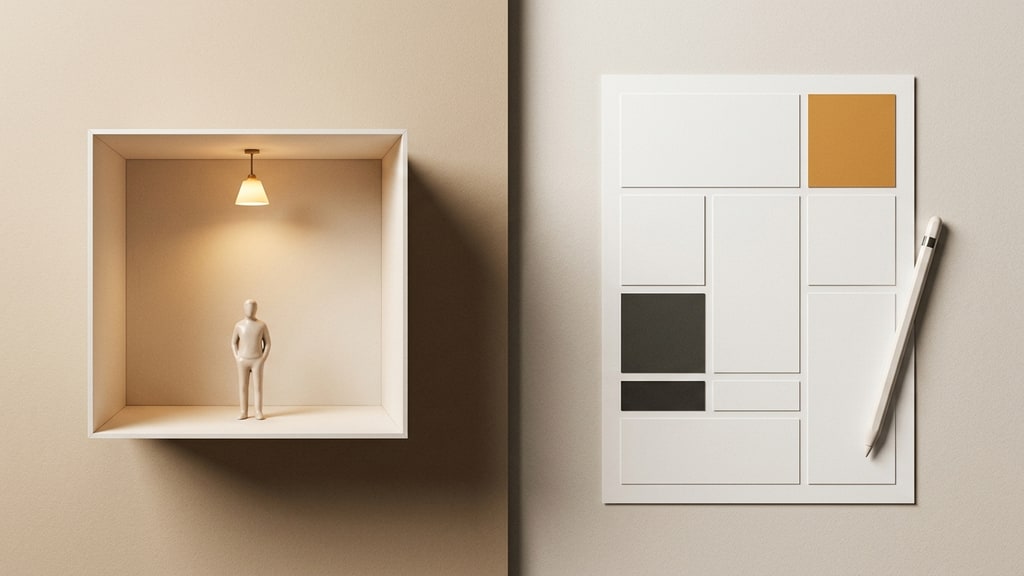
Every time a model like ChatGPT Images 2.5 ships, the same sentence appears in a thousand timelines: "no design software needed anymore." Then the creator who actually makes thumbnails for a living tries it, and three hours later they are still in the chat asking for a headline to move half a centimeter.
The tool got dramatically better at text. It did not become a layout tool. Knowing the difference is the workflow.
What everyone celebrates, and what actually breaks
ChatGPT Images 2.5 fixes the problem that made the previous generation useless for series work: it holds on to a reference image. Keep the same face, hairstyle, outfit, and world while changing the scene, the pose, or the lighting. That is a genuinely new capability — the same person can be generated in a Tokyo cafe and then in a night office without becoming somebody else, and a product photo keeps its shape while the background creative is swapped.
The official notes also claim features survive transformation better than before, and generation got faster. In the Japanese creator community this landed as "now I can finish a banner in the chat, no design tool needed."
The reality, documented after close to six hundred daily tested posts by the note.com creator ZEN: text renders cleaner, but the moment you treat the chat as a design canvas, the same wall hits almost everyone.
"I just wanted to move the text a little to the right — the background became a completely different illustration."
"I asked for a bolder title font — and the person's face that had survived ten generations collapsed."
"I kept nudging positions pixel by pixel and realized an hour had passed."
None of this is a prompting skill problem. It is a tool-property problem: the image model redraws everything when you ask it to redraw one thing. In a chat edit, "make the title bigger" is not a local instruction to the model; it is a re-sampling of the entire image with a modified condition. The face, the background, the light, the grain — all of it gets re-rolled.
The collapse limit: about six edits
The same author ran the limit test and published a second article on it. In his hands, consecutive edits in ChatGPT Images 2.5 hold up for a while and then the image degrades — he reports it reliably starts falling apart around the sixth round of changes. That number is his measurement, not an official spec; OpenAI's own notes describe improved multi-turn consistency, and your mileage may vary by edit type. Still, the pattern he documents is a familiar one: little by little the identity leaks — the jaw shifts, the palette cools, edges soften, details dissolve into ghosting. Six rounds is not that many when a single headline adjustment burns two of them.
The mechanism matters more than the number. Every regeneration carries the image further from its original. Small corrections compound; the model is not layering edits on a stable file, it is re-interpreting an increasingly compressed prior state. The practical conclusion:
The chat is for creating material, not for finishing a layout.
If you need to fine-tune placements, sizes, and colors, you are fighting the model's non-local regeneration. A design tool performs those operations directly.
The hybrid workflow: AI makes the material, Canva finishes the design
The division of labor in this workflow is boring and correct:
- ChatGPT Images 2.5 generates the visual material: the subject, the scene, the product, the background — at high quality, with character or reference consistency.
- Canva does the design work: the title typography, the size and color of every element, the spacing, the platform-specific aspect ratio.
The image model gets the job it is good at (making a great-looking base image), and the layout tool gets the job it is good at (precise, reversible, pixel-exact arrangement with a font library and instant adjustments).
This kills the three failure modes above at once:
- Text placement is now a real layout operation, not a text prompt re-roll.
- The font comes from a font library, so the headline is a deliberate design choice instead of a gamble on model spelling.
- Aspect ratio matching per platform (YouTube, note, X, Instagram) takes seconds because the image is already a background asset.
The author's target: once the flow is standardized, under ten minutes per finished thumbnail. That number is realistic only because the chat stops being the bottleneck.
The prompts that make the split work
The trick is to generate images that are ready to accept design on top of them. Three habits separate an asset from a dead end.
1. Ask for negative space, not a composition
Compose the shot around where the text will go. If the headline sits on the left, put the subject on the right third and leave the left side clean.
A photorealistic barista in an apron behind a wooden counter, golden morning light, shot on a 50mm lens. Subject on the right third of the frame, soft out-of-focus espresso machine behind, generous clean space on the left for a headline. Muted warm palette, high contrast, no text, no watermark, no border.
"No text" is not a broken prompt — it is the point. You are making a billboard, not a finished poster.
2. Strip the text out of the image entirely
Tempting as it is to ask the model to render "BEST COFFEE IN TOWN" perfectly, baked-in text is the beginning of the six-edit death spiral. The moment you change the headline, the model re-renders it — and possibly everything else. Generate text-free material and let Canva own the typography. This alone removes the most common reason people end up editing a chat image eight times.
3. Use the reference lock for series
If your thumbnails feature a recurring host, character, or product, feed ChatGPT Images 2.5 one good reference and let it re-place that identity into new scenes each day. Week to week, the same face carries the channel. The text that changes daily is handled in Canva, so the reference lock is never stressed by text edits.
The legibility pass that decides clicks
A thumbnail is read at about the size of a postage stamp in a timeline feed. The AI-vs-design split pays off most here, because legibility is a layout problem, not a rendering problem.
After the material is generated, the Canva pass should check four things at thumbnail scale:
- One focal point. The eye lands on one thing: a face, a product, a bold headline. If subject and text compete, shrink or dim one of them.
- Contrast that survives compression. Timelines compress and dim images. Dark text on a busy generated background looks broken the moment it is scaled down; use a solid block, an overlay, or a heavy outline instead.
- A headline readable in under two seconds. At feed size, three to five words with a strong weight beat a clever sentence set in a thin font.
- Platform ratios by design, not by crop-luck. Generate 16:9 or 4:3 material, then let the layout tool do the cropping and reflow. The model should not be asked to guess the target ratio. When your destination platform needs a different canvas — Instagram portrait or square, Stories, whatever — pick that canvas in the design tool first and crop to it deliberately: keep the subject and the reserved headline space inside a safe area, so the crop never slices off either one.
Canva's grid and alignment snapping make these checks fast, which means the designer can actually run them on every thumbnail instead of skipping them when the deadline hits.
Doing the same thing in Phosphene
The same principle transfers: treat the generator as the material stage. In Phosphene, build the base image with the subject and scene tags locked, keep character references as the identity source, and resist the urge to render final readable copy into the image itself. Typography, hierarchy, and platform sizing belong to the design stage, whether that is Canva, Figma, or a native layout pass.
One Phosphene-specific advantage: the tag stack keeps the material reproducible. If the background is a tag set and the subject is a tag set, a future thumbnail can be rebuilt with the same character without starting from a chat history that has already degraded past edit six.
The takeaway
ChatGPT Images 2.5's text breakthrough moved the boundary, but it did not move the fundamental contract. The image model renders a world and holds identity; it does not lay out a page. The workflow that survives daily production is the hybrid: generate clean, text-free, reference-locked material in the chat, then do all arrangement and typography in a real design tool.
The creators who report finishing thumbnails in minutes are not better prompters. They separated the jobs.