Image workflows
Make your first AI image, refine an existing picture, and finish a usable asset.
Start here
Start with a clear output: a portrait, a product photo, or a designed poster. Generate a simple first version, change one decision at a time, and check the details at export size. These guides move from a first image to controlled edits and finished compositions.
- Make your first image
Learn the basic loop from an idea to a result you can inspect.
- Change one thing
Describe a local edit while protecting the rest of your image.
- Build a finished composition
Use layers and constraints to turn a portrait into a poster.
Explore the topic
18 articles · Page 1 of 2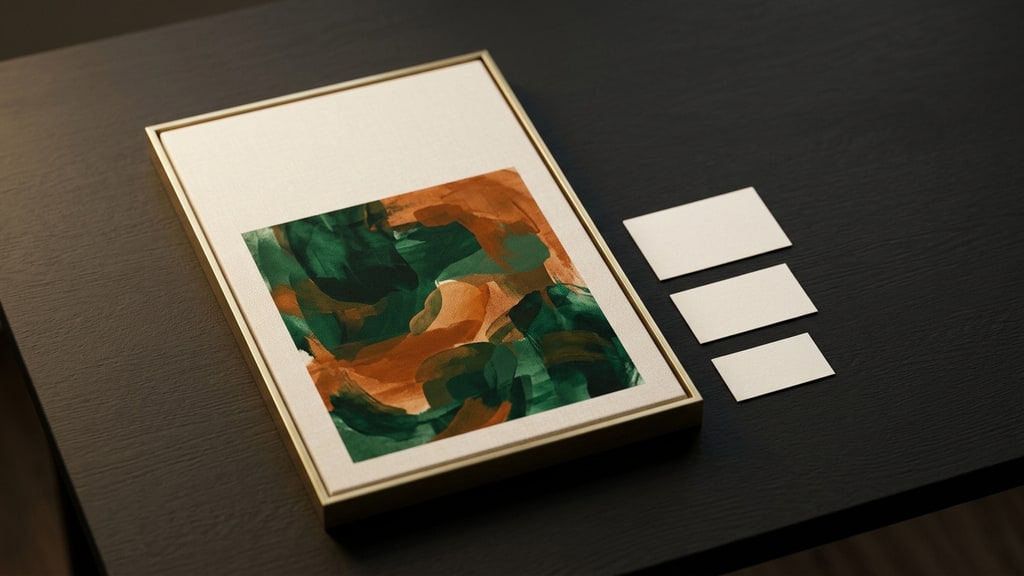
The Prize Nobody Won: When a Strong Illustration Fails as a Magazine Cover
AICU withheld the grand prize in its Halloween contest because none of the entries worked as a printed cover. The published judging notes describe a design problem every AI creator hits: the placement sets the composition.
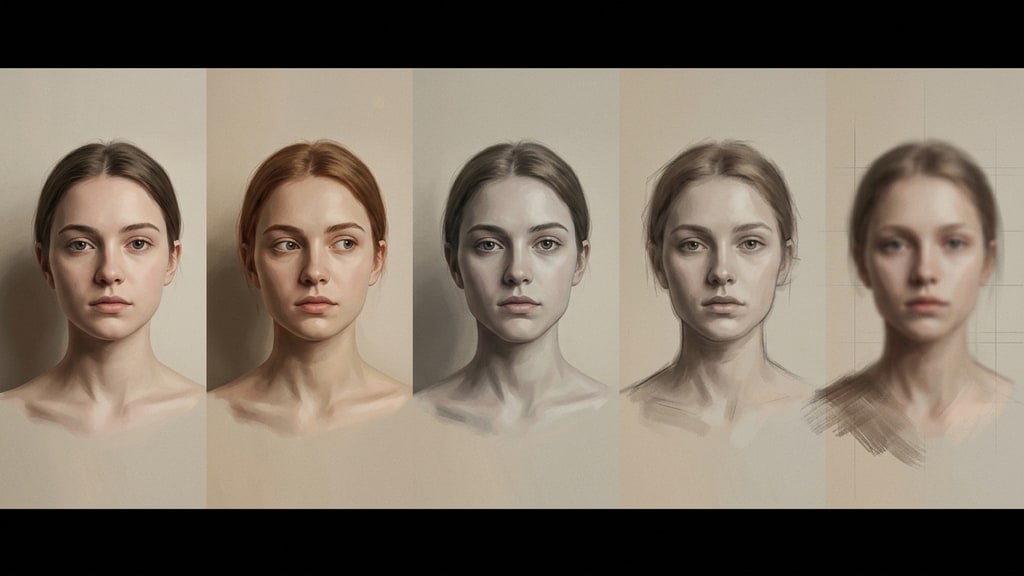
Edit Drift: Why Repeated AI Image Edits Silently Change the Subject (and How to Stop It)
The first few conversational edits on an AI image look great. Keep asking and the face slowly becomes someone else. A Japanese creator calls this edit drift: past instructions pile up until the model has no room left. Here is the mechanism and a protocol for edits that stay clean.
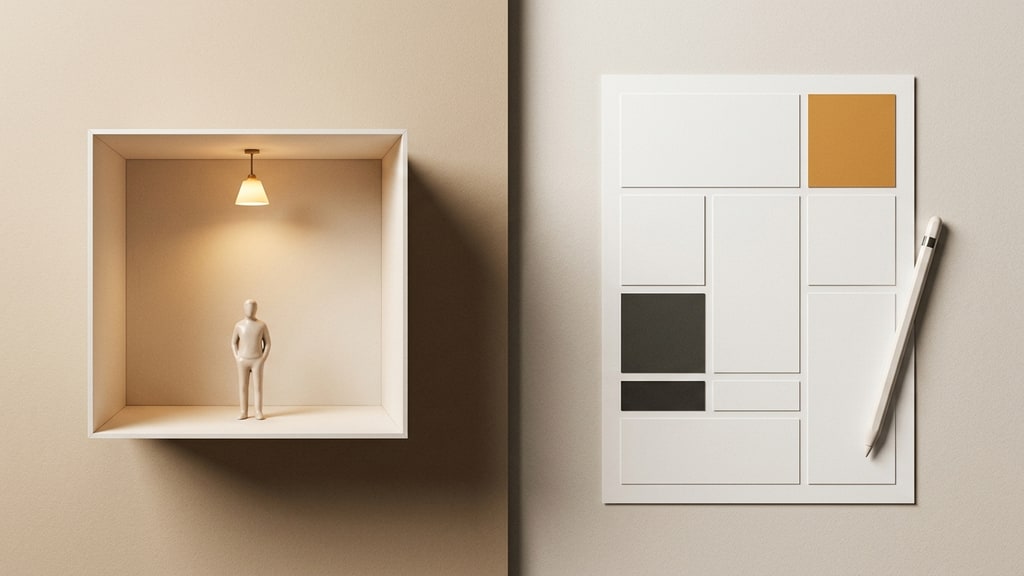
ChatGPT Images 2.5 and Canva: The Thumbnail Workflow That Stops Fighting the Chat
ChatGPT Images 2.5 renders text far better than its predecessors, and the hype says you can now build a finished thumbnail in one chat. Then you try to move a headline two pixels and the whole background becomes a different picture. A Japanese creator who tests this daily documents the degradation he runs into and the fix: generate the material with the image model, do the layout in a design tool. Here is that hybrid workflow, the six-edit collapse he measured in his own tests, and the prompts that sidestep it.
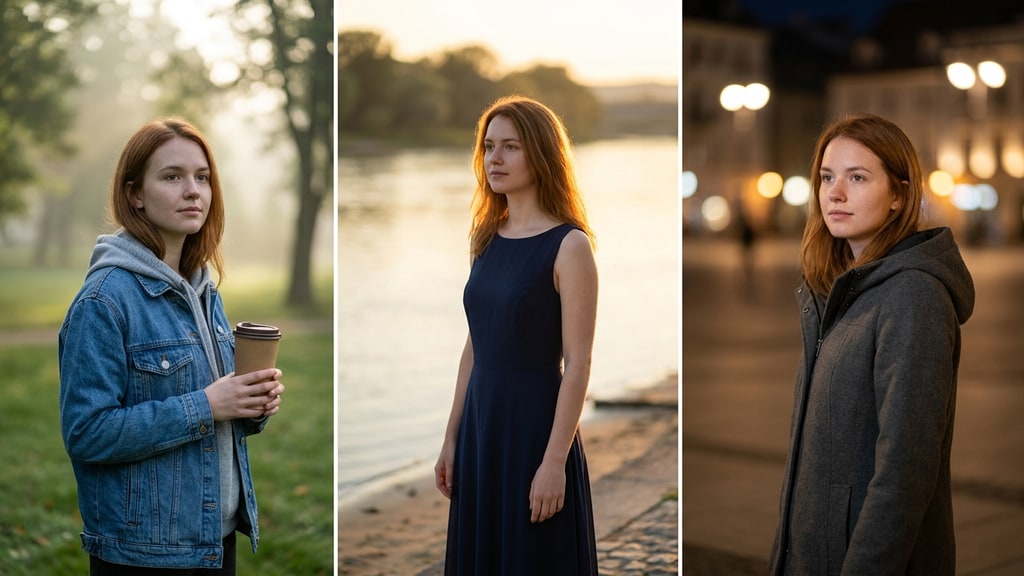
A Video Model That Edits Stills: Character-Locked Image Editing with MiniMax H3 in ComfyUI
Cloud image editors reject or quietly rewrite a surprising share of ordinary requests: multiple people in frame, a specific costume, a borderline atmosphere. A Japanese ComfyUI workflow sidesteps the wall by repurposing MiniMax H3, a video model, as a still-image editor. One reference image pins the character while clothes, expression, and background change.

ChatGPT Images 2.5: From Finger Sketch to Finished Art in 30 Seconds
OpenAI released ChatGPT Images 2.5 with a Sketch feature, partial editing that survives multiple instructions, and marketing templates. A hands-on Japanese test shows what actually changed for editing workflows.

ChatGPT Images 2.5 Makes Editing the Main Workflow
OpenAI’s new image model keeps reference subjects recognizable, follows local edits without redrawing everything, and holds changes stable across a long conversation. Here is what changed for people who actually iterate on images.
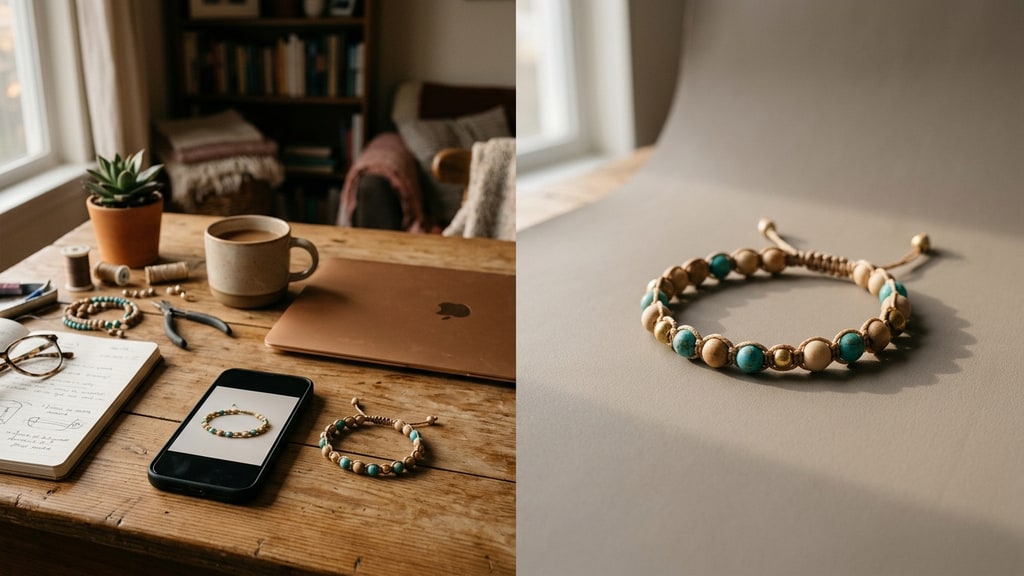
Stop Reshooting Your Listing Photos: Swapping Only the Background in Nano Banana Pro
A marketplace seller with no lights and no backdrop cloth spent 30 minutes and three re-dos on one photo, all because "make the background white" bleeds into the product. Here is the anatomy of that failure and how to instruct an image editor to replace the backdrop while the product stays untouched.
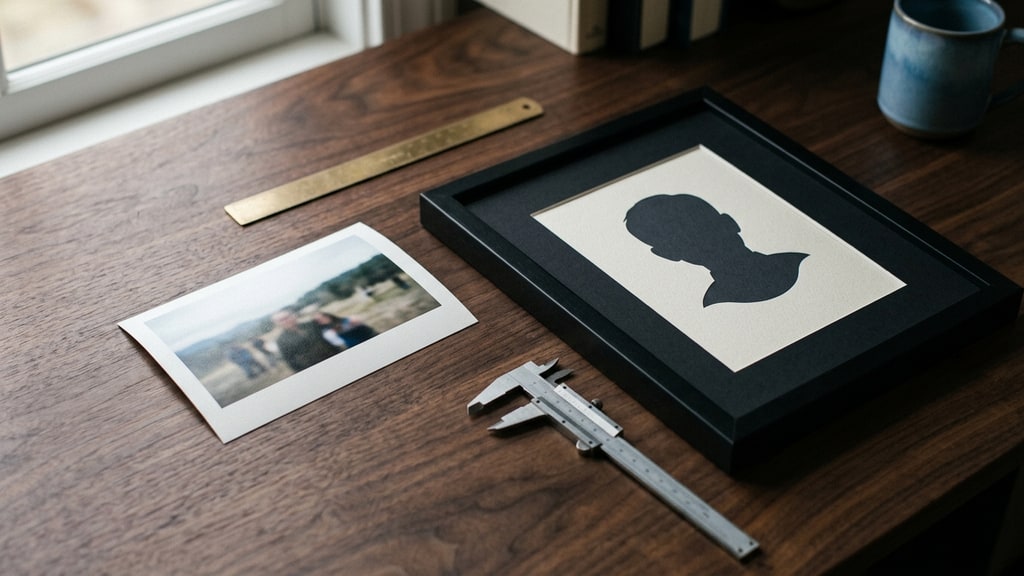
From Phone Snapshot to ID Photo: Spec-First Prompting for Nano Banana Pro
A Japanese writer needed an ID photo the night before a deadline and tried to rescue a casual phone snapshot with Nano Banana Pro. Four failed rewrites and forty lost minutes later, the lesson is clear: give an image editor measurable specs, not genre labels. A practical adaptation, with the boundaries you should not cross.
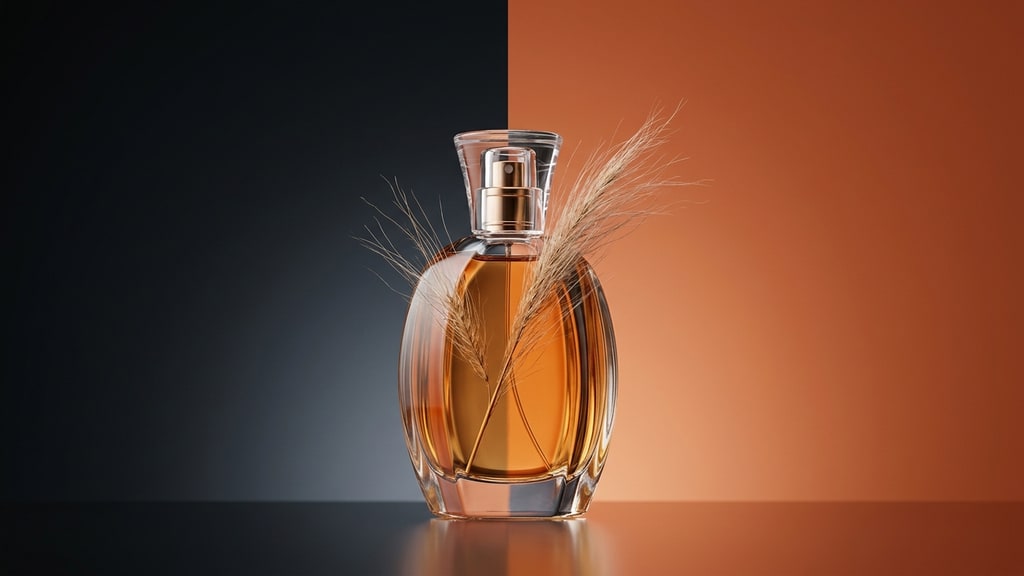
Transparent PNGs Without the Cutout: How gpt-image-2 Generates Alpha Channels Directly
Native transparent PNG generation in gpt-image-2 changes the oldest chore in image editing: cutting subjects out. This guide covers why generated alpha beats background removal, the prompt pattern that produces clean edges, how to evaluate alpha quality separately from subject quality, and what this does to a compositing workflow.
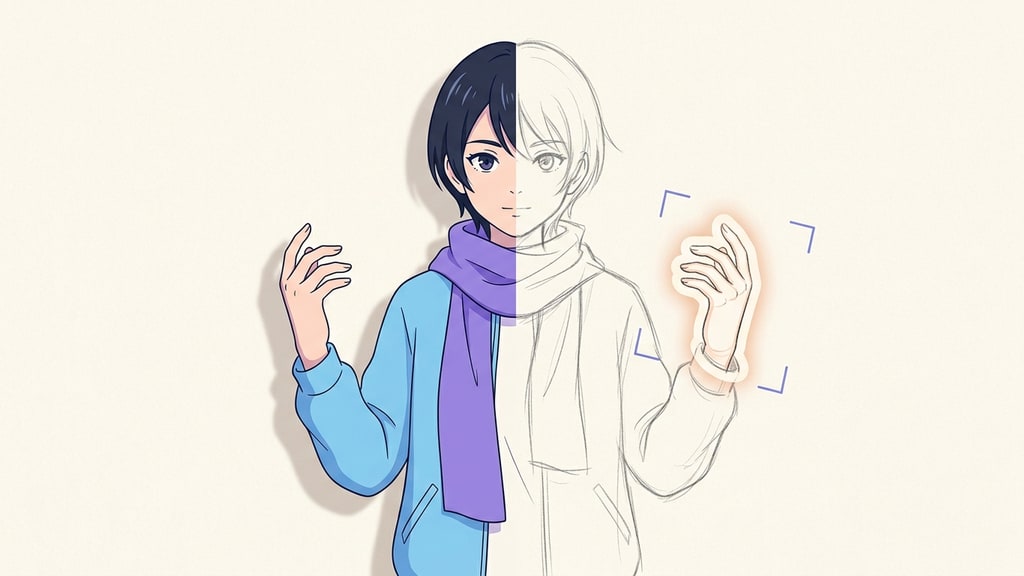
Targeted AI Image Editing: Fix the Pose, Keep the Style
Regenerating an image to fix one flaw usually destroys the rest of it. A targeted edit keeps the original art and changes only what you point at. Here is a practical editing workflow built from inpainting, natural-language edits, and reference transplants.
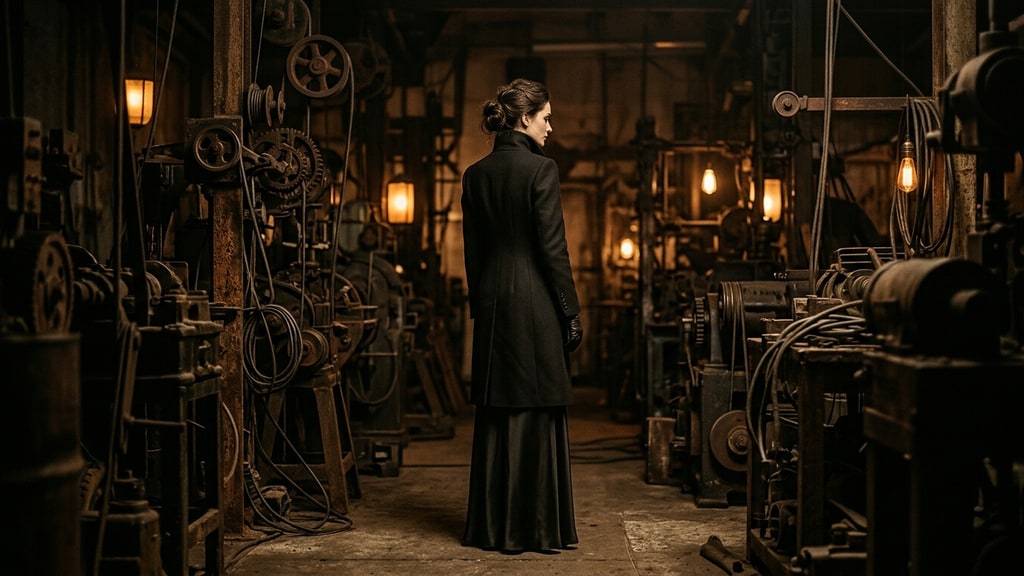
The Case for Keeping a Legacy Model: Midjourney as an Ideation Engine
Creators usually ditch an image model once a newer one looks better. A Japanese visual magazine team argues the opposite: keep the old model for the strange, half-broken ideas it produces, then clean them up with a modern editing model.
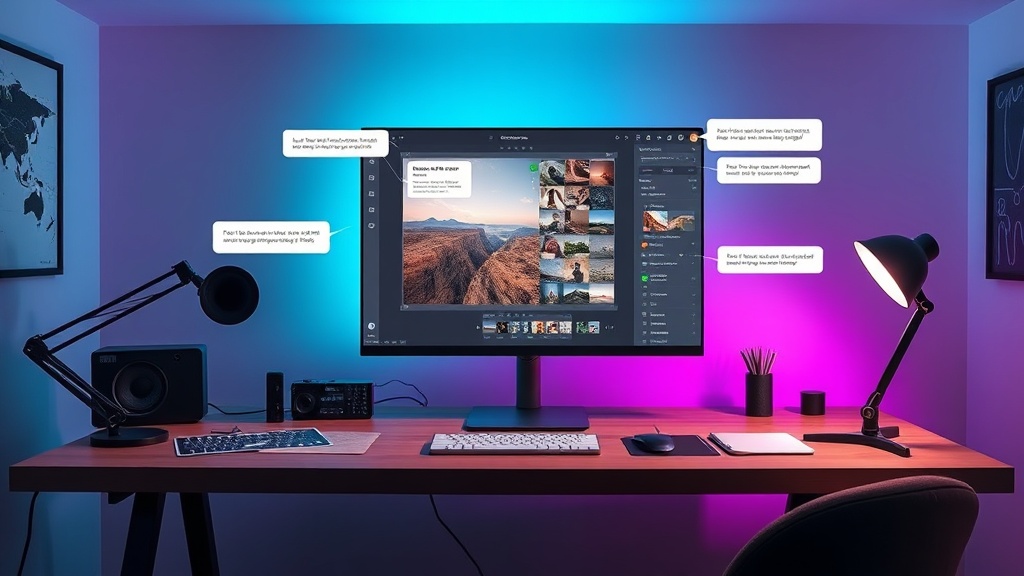
Conversational Image Editing Is the Next Prompting Interface
Meta's Muse Image points toward a new image workflow where the creator describes intent, marks up the canvas, and lets the model plan the edit before generating pixels.