Run ComfyUI From Your Phone: What a Local Render Box Actually Needs
OpenSail puts a Gradio front end on local ComfyUI, llama.cpp and audio.cpp so a phone on your network can drive them. The flags that matter, and what a five-commit project is not.
AI-assisted draft. Reviewed and edited by the Phosphene team before publication.
On this page
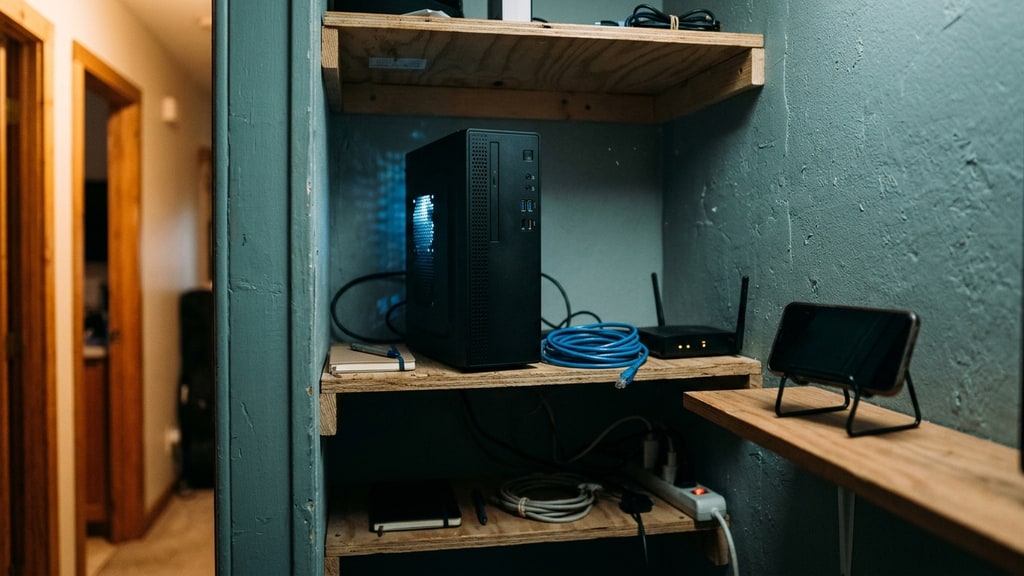
The GPU lives in one room. The ideas arrive in another, usually on a phone, usually while you are doing something else. That gap is why people keep building remote control layers over ComfyUI, and a new one is worth a look precisely because it is small: OpenSail, a single-author MIT project published on November 1, wraps local ComfyUI, llama.cpp and audio.cpp in a Gradio interface you can reach from another device on your network.
I have not run it. Everything below comes from reading the repository, and the parts I trust most are the configuration details, because they describe what actually happens on the wire.
What it is, mechanically
A Python app, 3.10 or newer, that starts a Gradio server and gives you tabs. Each backend is optional and independent:
- ComfyUI for generation and a gallery, defaulting to
http://127.0.0.1:8188. llama-serverfrom llama.cpp for a chat tab with GGUF models, which the app launches and stops itself.audiocpp_serverfrom audio.cpp for text to speech and voice cloning.
Install is a virtual environment, pip install -r requirements.txt, python app.py, and the UI answers on port 7860. That is the whole footprint. The value it adds is not a new node graph or a new sampler. It is a second surface, on a smaller screen, over a slower connection, with the same workflows behind it.
The network detail that usually gets this wrong
Most remote-frontend attempts fall over on one question: does the browser talk to ComfyUI, or does the server?
In OpenSail, the Gradio process is the only thing that ever contacts ComfyUI, and generated media is proxied back through it. That has a practical consequence the README states plainly. comfy_url can stay at 127.0.0.1:8188 even when you open the interface from a phone in the next room, because the request is being made by the app on the machine where ComfyUI already runs.
You only need --listen 0.0.0.0 --enable-cors-header on ComfyUI when ComfyUI itself lives on a different machine from OpenSail. That is a narrower requirement than it looks, and getting it backwards is how people end up exposing ComfyUI's own API to a network when they only wanted to expose the wrapper. That port has no login of its own: the Gradio credentials protect the wrapper, not ComfyUI. If you do bind ComfyUI to 0.0.0.0, restrict who can reach it with a private network, a firewall, a VPN, or an authenticated reverse proxy.
The auth default to check before anything else
Access control is one .env file with GRADIO_USERNAME and GRADIO_PASSWORD. Both set, you get a login prompt. Either one missing, authentication is disabled and the interface is open to anyone who can reach the port.
The README says this clearly, which is better than most projects manage, but it is still a default that fails open. A tool that quietly turns off its own lock when you forget a variable is one you should test from another device before you trust it, and it is the first thing I would change if this were my repository. Exposing this to the open internet means Gradio's login over whatever transport you set up, so a LAN address, a VPN, or a TLS reverse proxy in front of it, not a forwarded port and hope.
One GPU, two consumers
The detail that convinced me the author actually uses this: the Chat tab has an Unload button that terminates llama-server to free VRAM before you run a ComfyUI workflow.
That is a real problem for real setups. A language model sitting resident on the card is not doing anything while you render, and it is holding the memory your sampler needs. Most multi-tool local stacks handle this by manual pkill and a restart, or by not noticing and quietly falling back to a smaller model or a partial offload. Making it a button is the right level of solution.
It also tells you the project assumes one machine with one card and cooperation between the parts, which is worth knowing before you plan around it.
The workflow bridge is the actual work
Wrapping a UI is easy. Mapping an arbitrary ComfyUI workflow onto a handful of form fields is the hard part, and this is where the project spends its complexity.
workflow_fields.json declares bindings keyed by node_id|input_key, the same identifiers used in presets. configs/workflow_presets.json stores named presets per workflow under a workflow_presets key, keyed the same way, with an optional default applied when the workflow is selected. Two limits are documented and both matter: only node input values are stored, so uploaded images and reference audio are not part of a preset, and values that no longer match an available option are skipped on load rather than crashing the form.
Then there are samplers.json and schedulers.json, which must list what your ComfyUI install actually supports. They are git-ignored and generated on first run by copying example files, which is a sane compromise: your sampler list is machine-specific, and shipping someone else's would produce a dropdown that fails at queue time.
workflow_notes.json maps a workflow filename to Markdown shown in a notes panel, so a workflow can explain its own inputs. The README example is a music cover flow: upload a reference song, describe the style, leave lyrics blank to keep the original vocals. That is a genuinely useful idea, and it costs nothing to add to any runner you build.
What a five-commit project is not
The repository listing shows five commits, no releases, no test directory, one contributor, and one fork. That is not a criticism of the code, and it is not a reason to avoid reading it. It is a reason to treat the project as an early prototype rather than infrastructure you build a client workflow on this week.
What that means in practice:
- Test your own workflow before you plan around it. The field mapping only exposes what has been bound, and bindings are hand-written.
- Expect the interface to change. There is no versioning to reason about yet, and installing from
mainmeans installing whatever exists today. - Keep the desktop path working. Remote control is a convenience layer, not a replacement for the editor you use when something goes wrong.
- Do not expose it to the internet until you have confirmed the login prompt appears on a second device.
Why the pattern matters more than the tool
Shortening the loop between noticing and rerunning is not a small usability win. Most of the taste decisions in image work happen when you look at a result and immediately know which single thing to change. If the machine that produces the next version is three rooms away, you batch those decisions and lose half of them. If it is in your hand, you make one change and look at it.
We wrote about the opposite trade recently, in the case for a local box that keeps everything in one place. This is the same machine seen from the other end: not more memory or more speed, just less distance between the person and the render.
There is a catch that the Postgres maintainers ran into this year and every fast generator runs into sooner or later. When a rerun is one thumb tap, you will generate far more than you review, and a phone full of variants is a backlog, not progress. The tool is worth watching. The habit it encourages is worth deciding on deliberately.