Your Saved Gemini Prompt Pack Starts Dying on November 17
For personal Google accounts aged 18 and over, Gems turn read-only on November 17 and disappear on December 17. The instructions survive the move to skills. Canvas, Deep Research, video and audio knowledge files, and anything over the 100 MB cap do not. Younger personal accounts and Workspace accounts get later dates.
AI-assisted draft. Reviewed and edited by the Phosphene team before publication.
On this page
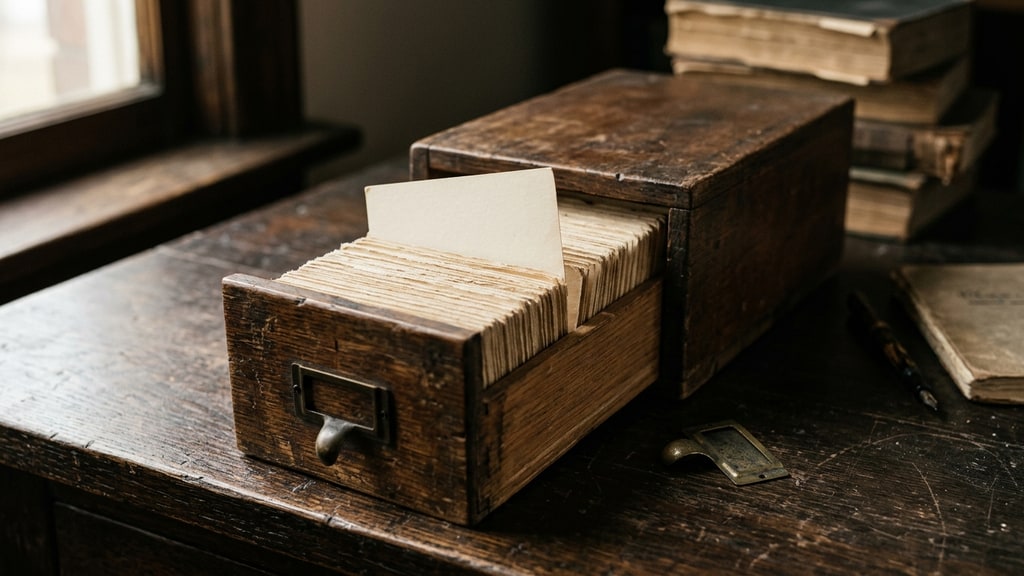
For two years, the most common way to build a small custom assistant inside Gemini was a Gem: a name, a block of standing instructions, and a folder of reference files you could drop in. People used them for brand voice, for tone-of-voice checks on product copy, for a storyboard assistant that already knew the character bible, for client proposal templates with the rates baked in.
That object is being retired on a published schedule. On November 17 the Gems in personal accounts aged 18 and over become read-only, and on December 17 they are removed from the Gemini app. Google moves the contents into skills automatically, and the parts that do not move are the parts most people built their workflow around.
The dates, by account type
The consumer help page splits it three ways. Personal accounts aged 18 and over: Gems transition to skills on November 17, 2026 and become read-only, so you can open them but not use, edit or create them. They disappear from the Gemini app on December 17. Personal accounts under 18 move later, on a date Google has not published. Workspace business, enterprise and nonprofit accounts go no sooner than March 1, 2027, and education accounts no sooner than June 1, 2027.
One detail from the Workspace documentation is worth flagging because it reads differently from the consumer page: the admin timeline says that on November 17 Gems move into the Settings panel and users can keep creating, editing and using them until the 2027 cutoff. Both pages are official. They describe different account types, and if you are unsure which one governs your account, check the banner in your own Gems manager rather than a blog post, including this one.
Two adjacent products are also being switched off in November: Opal, the mini-app experiment, and Gems by Google Labs. Those do not migrate to skills at all.
What actually moves
Skills are the replacement object, and in most respects they are the better one. You invoke a skill by typing / (soon @) and its name in any chat, Gemini can pick it up automatically when a prompt matches, several can be stacked in one conversation, and the underlying format is a Markdown SKILL.md file rather than a platform-only record. That last point is the one to remember, because it is what makes the next migration survivable.
The migration keeps your instructions and your supported files, and Google's Workspace documentation says converted Gems arrive as inactive drafts that the creator has to review and activate, with names, descriptions, custom instructions and uploaded files preserved and Drive permissions carried over.
One scope limit is easy to miss: the automatic migration applies to Gems in the Gemini app, and skills do not sync into Workspace apps. If a Gem was part of a Workspace Studio flow, the "Ask a Gem" step stops working at the relevant cutoff, and you have to recreate that flow separately rather than waiting for a converted skill to appear in it.
What does not survive is the tool layer. Skills do not currently work with Canvas or Deep Research, and most of the default tools a Gem could call are unavailable: create video, create music, Canvas, Deep Research, Guided Learning. If your Gem was a prompt plus a button that produced a video, you are keeping the prompt and losing the button.
That distinction matters more than the headline. A Gem was three things stacked: instructions, a knowledge folder, and access to tools. The migration preserves the first, mostly preserves the second, and drops the third. Anyone who describes their Gem as "my video assistant" is about to discover they had a saved prompt with a shortcut attached.
The file rules will quietly eat your reference set
This is where the migration stops being administrative. Google's help page lists file types that will not be carried into a skill: GitHub files, audio files, video files, legacy Microsoft Office formats (.doc, .xls, .ppt), and archives (.zip, .tar, .7z, .rar, .gz, .tgz).
Then the size rule: skills have a 100 MB total limit for files, and if a Gem exceeds it during conversion, Google removes the largest files first until the total is under the cap.
Read that again, because it is the worst possible failure mode for a creative workflow. No error, no summary of what was dropped, just a skill that works and answers slightly differently because the two heaviest reference files are gone. A style Gem that carried a scanned brand book and a folder of approved visuals is exactly the object that crosses 100 MB without anyone noticing. A pitch-deck Gem that had three sample decks at 40 MB each is guaranteed to lose them.
The rescue window is the same as the deadline: files can still be downloaded from Gems, which stay readable in their read-only state, until December 17, 2026 — the date that applies to personal accounts aged 18 and over. After that, the Gem and its contents are gone from the app.
Thirty minutes of prep, in this order
Do the audit before the cutover, not after. A Gem on a personal account aged 18 and over stays readable in read-only mode until December 17, so a missed export is recoverable for a month, but rebuilding a workflow from read-only material while the deadline runs is worse than doing it once, calmly, now.
- List every Gem you actually still use. Most accounts have five to ten, of which two matter. Write down what each one is for in one sentence, because that sentence is what you will search for in March.
- Copy the instruction text out to a plain file. Do not rewrite it yet. Raw text plus a date is enough to reconstruct the intent later.
- Download the knowledge files to a folder per Gem, and note any single file over about 20 MB. If a Gem's folder totals more than 100 MB, decide now which files you would drop, instead of letting the migration decide by size.
- Check whether the Gem depended on Canvas or Deep Research. If it did, plan the replacement as two explicit steps with a checkpoint in between: research, review, then produce. That is the pattern in our guide to prompt chains and reusable skills, and it is more reliable than the single button was.
- Check that activity history is enabled before you rebuild anything. Google requires it for creating and using skills in a personal account, which is a privacy trade rather than a technical one, and discovering it after the instructions are copied wastes the audit. Then save the Gem's file list before the Gem goes away, because there is nothing to compare against at that point: the converted skill does not exist yet, and on a Workspace account conversion happens when the Gem is removed. After conversion, compare the saved list against the files the converted skill actually carries, since a representative task may never touch the missing file. If you would rather compare before cutover, rebuild the skill by hand first and check that against the list. Either way, replay one representative task and compare the answer with a copy you saved from the Gem as a separate answer-quality check.
The part worth taking beyond December
The migration is annoying for a specific structural reason: a Gem was a platform object, so the knowledge inside it lived at the pleasure of a product decision. Skills are Markdown, which means the same instruction set can live in your repository, in version control, and be re-imported into whatever tool exists next year.
That is the habit I would keep after this. Brand voice rules, style constraints, review criteria, the list of things you always reject: write them as files with a version and a date, and load them into whichever assistant is current. The platform object is a rental. The file is the asset. It is also the reason our reusable-workflow guide treats a saved instruction set as something to maintain rather than something to store.
If you are on a personal Google account aged 18 or over and have Gems you care about, the calendar item is simple and does not move: export the instructions and files before November 17, rebuild before December 17, and check one real answer against the old output. Younger personal accounts move on an unpublished date, and Workspace accounts have until the 2027 dates, which is time to do the same audit without the pressure. Everything after that is a product-update story.