Local Image Generation Is a Bandwidth Problem Before It Is a VRAM Problem
A German hardware test ran one 27B model across five machines and published the numbers instead of the spec sheets: a 16 GB card that technically fits the weights, a 256 GB unified box that loses on prompt processing, and a four-year-old GPU trading above its launch price. Here is what carries over to image and video work, and what does not.
AI-assisted draft. Reviewed and edited by the Phosphene team before publication.
On this page
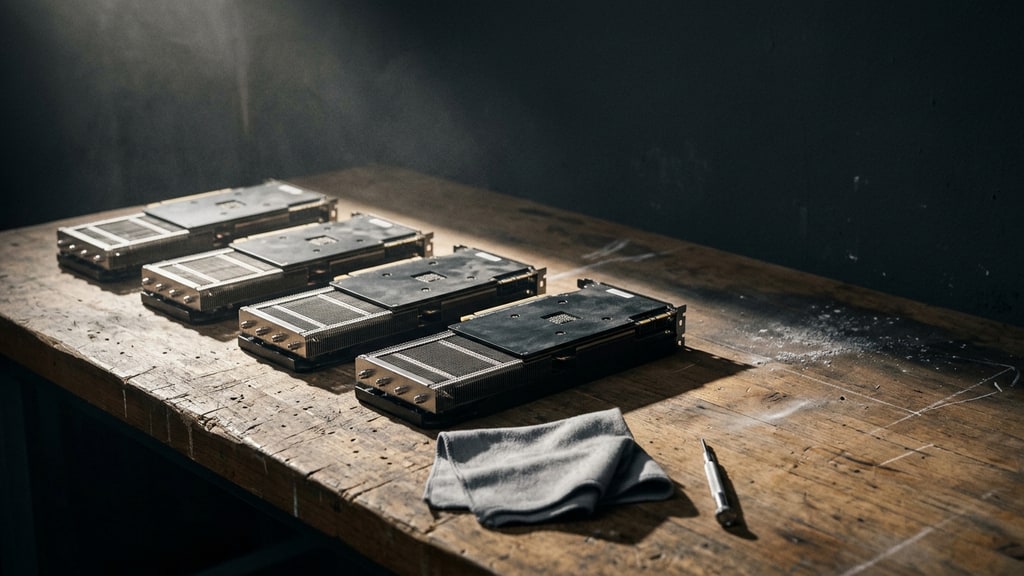
A four-year-old graphics card is selling for more than it cost new, and that is the most useful fact in this week's German hardware test. The RTX 4090 launched at a recommended 1,769 euros. c't 3003, the video channel of the German magazine c't, priced a used one at 4,000 euros on classifieds and a new one at 5,000.
Everything else in that video is a measurement, and the measurements are more interesting than the conclusion. Jan-Keno Janssen ran one model, Qwen 3.8-27B at UD-Q4_K_M, across an AMD RX 9070 XT, an Intel Arc Pro B70, a Mac Mini with M5 Pro, a Mac Studio with M5 Ultra, and an AMD Strix Halo box, plus the 4090 as the reference. Same quantisation, same runtime, llama-bench with default settings.
Two things need saying before the numbers mean anything for image work. First, these are language-model throughput figures, not diffusion timings. Nobody in that test published how long a 2048px render takes. Second, there is one GPU per bin, so read the ordering as a hardware property rather than a precision benchmark. With that out of the way, the ordering is remarkably clean.
The number that predicts everything
Token generation for that 27B model, as published:
- RTX 4090: 51.1 tokens per second
- Mac Studio M5 Ultra, 256 GB: roughly level with the 4090 on generation, under a third of it on prompt processing
- AMD RX 9070 XT, 16 GB: 34.4 tokens per second
- Intel Arc Pro B70, 32 GB: about half the 4090
- CPU only, DDR5-5200: about fifteen times slower than the 4090
The DDR5 result is the one to stare at. DDR5-5200 moves data more than twelve times slower than the GDDR6X in a 4090, and the measured throughput ratio lands almost on top of the bandwidth ratio. Janssen says as much and then gives the buying advice that follows from it: look at the memory transfer rate.
That generalises to image models more than it does to anything else. A diffusion step streams the whole network through the compute units, once per step. A FLUX-class pipeline at FP8 is roughly 18 GB once the text encoders and the VAE are counted alongside the transformer, and twenty steps means twenty passes over that. If the memory bus starves the compute units, each step takes longer, and the step count multiplies that slower step time.
The caveat is that diffusion is not decode. An LLM generating tokens does almost no arithmetic per byte moved, which is why bandwidth dominates so completely. A diffusion step at 2048px does a lot of arithmetic, so core count and precision support matter far more than they do in the table above. Bandwidth is the first filter, not the only one.
The 16 GB card that fits and still does not fit
This is the part worth reading twice if you generate images.
The RX 9070 XT ran the 27B model at 34.4 tokens per second, which sounds respectable next to 51.1. The card has 16 GB, the weights take 15.3 GB, and what is left over is a rounding error. Janssen had to plug the monitor into the motherboard's integrated graphics because the card had nothing spare, context was capped at 8,096 tokens, and image input was impossible.
For a chat model that is a compromise. For image work it is a wall. A 16 GB card can hold one quantised image model and not much else, and the moment the graph needs a second model in memory, that second model has to come off the card and back. That is the mechanism behind the four-minute render that should have taken forty seconds, and it is the same mechanism we walked through in the RTX 5090 supply story: below the resident budget, layers get shuffled over PCIe and the wall clock stops resembling the workload.
The practical reading: 24 GB is the honest floor for a pipeline that includes an upscaler or a second-stage detailer, and 32 GB is where you stop thinking about it. A 16 GB card is not a bad purchase, it just belongs to a workflow that runs one model at a time and never asks for a batch of four.
Unified memory buys capacity, not speed
The Mac Studio is the interesting counter-example, because it breaks the bandwidth story in one place and confirms it in another.
With 256 GB of shared memory, it matched the 4090 on token generation and then fell to under a third of it on prompt processing. That split matters more for image work than it looks, with one caveat about scope. Prompt processing in the table is the language-model pass over your text, and it runs once per job: a workflow of one short prompt and a seed never feels it, a structured 400-word brief does. Reference images are a different cost the table does not capture. In the standard FLUX.2 pipeline, reference-image tokens join the transformer sequence and are processed at every denoising step, and only the cached-K/V Klein variant ingests them once, so the prompt-processing number does not tell you which machine handles a six-reference character job faster.
Capacity is still worth paying for. A FLUX-class pipeline at FP8 wants around 18 GB before anything else, and reference-heavy consistency work is, mechanically, a long-context job: thirty images at full resolution to hold a face stable is a memory question, not a prompt question. We covered the arithmetic of that trade in the unified memory build guide.
The recommendation in the test is 48 GB for shared-memory systems rather than 32, because the operating system and everything else you have open need somewhere to live. The Mac Mini M5 Pro with 48 GB and a 512 GB SSD comes in around 2,879 euros, which is the least bad price in the whole comparison for that much fast shared memory.
Non-NVIDIA stopped being a dead end
Two years ago, buying AMD or Intel for one of these pipelines usually meant spending your evenings on kernels. That has changed enough to matter for budgets.
ComfyUI now supports Intel GPUs, AMD GPUs and Macs explicitly, according to the test. On the Arc Pro B70, Janssen got image and video generation running in ComfyUI without a fight. The card is a 32 GB professional part that launched at 949 dollars and is currently hard to find under 1,700 euros, which is still cheap for that much VRAM, and it produced about half the 4090's token rate.
Two things the test flags that no spec sheet will. The B70 emitted loud coil whine the moment it started computing, loud enough that the reviewer first assumed a cable was caught in a fan. And the x86 systems with discrete cards were audible under load, while the Mac Studio stayed close to silent and idled under 5 W. In a room where you sit and edit, that is a real line item, not a quirk.
On the software side, Linux beat Windows for the AMD card in every measurement except token generation on one model, where Windows was 4 percent ahead, and prompt processing on a 35B model ran more than twice as fast on Linux. The Intel card went the other way, which the reviewer puts down to less mature Linux drivers. These figures apply to language-model workloads only. They do not show how ComfyUI image pipelines compare across operating systems.
Speculative decoding, and the one trick worth stealing
The Strix Halo result is the odd one out and the most transferable idea. It manages 13.3 tokens per second on that 27B model, which reads as unusable. With speculative decoding switched on, the same box clears 40 tokens per second when writing code and over 100 when it is reproducing code it already has in context.
The gain depends on how predictable the output is. Creative prose gets little. Structured, repetitive output gets a lot. There is an image-side analogue in the same spirit: work that reuses what is already in context is cheap, work that invents from scratch is not. Reference-image conditioning, masked edits and tiled passes all fall on the cheap side of that line, which is part of why a character pipeline with a locked reference renders faster per usable frame than free prompting does.
The specialised runtime in the test, Strata, pushes the same idea into the weights: it keeps inactive mixture-of-experts weights in system RAM or on the SSD, so a 120B model with 7B active runs at over 100 tokens per second on a 4090 at 3-bit. Whether 3-bit holds quality is actively argued about, and the reviewer's own observation cuts against it in practice: the smaller 27B model stayed on task, while the big one sometimes failed after two hours. Cheap and fast is not the same as dependable.
What to actually buy
- Few hundred stills a month, mostly iteration speed: hosted. The local box loses on every axis except confidentiality, and that is a compliance decision.
- Stills plus a character pipeline with references, 24 to 32 GB and the highest bandwidth per euro you can find. GPU memory first, bandwidth second, core count third.
- Video, or a graph with a second model in it: 32 GB, and expect to care about system RAM too. Offloading is not a disaster, it is a schedule change.
- Shared memory: 48 GB minimum, and check prompt-processing figures rather than generation figures, because ingestion is what a reference-heavy workflow spends its time on.
- Buying used: verify the card was not harvested for parts. That market exists now, and it is not kind to buyers.
One line from the test is worth keeping as a rule. You cannot get perfect local AI on a 200 euro PC. Anyone selling you that is selling you a benchmark screenshot, and the first thing you should ask for is the memory bandwidth.