Model guides
Compare image and video tools by the job, constraints, and workflow you need.
Start here
Choose a model by a specific task: text rendering, concept exploration, reference fidelity, or motion. A useful comparison keeps the brief and evaluation criteria consistent and records the version and date. These guides provide starting points; availability, prices, and model behavior should be checked against the linked provider documentation.
- Compare creative approaches
Consider how different image models fit concept-art iteration.
- Evaluate a specialist task
Examine text rendering as its own requirement.
- Choose a motion workflow
Compare video options against continuity and production needs.
Explore the topic
16 articles · Page 1 of 2
The 4K Tier Is Where Image Pricing Breaks
FLUX 3 Image Klein renders 4K for 3.6 cents an image while the full FLUX 3 Image asks $0.607. The resolution ladder, not the model name, is what decides your bill.

Nano Banana 2.1 Day-One Measurements: What the Spec Does Not Tell You
AICU fired 19 direct Gemini API calls at Nano Banana 2.1 the day after launch. The token counts, what a thinking level costs in real latency, and the gap between 14 reference images and a usable six-character shot.

Qwen Image 2.1 Is an Edit Bench, Not a First-Frame Generator
Alibaba puts text-to-image and instruction editing in one open-weight checkpoint. What Qwen Image 2.1 traces without a mask, where it still loses, and the config trap that makes it look weaker than it is.
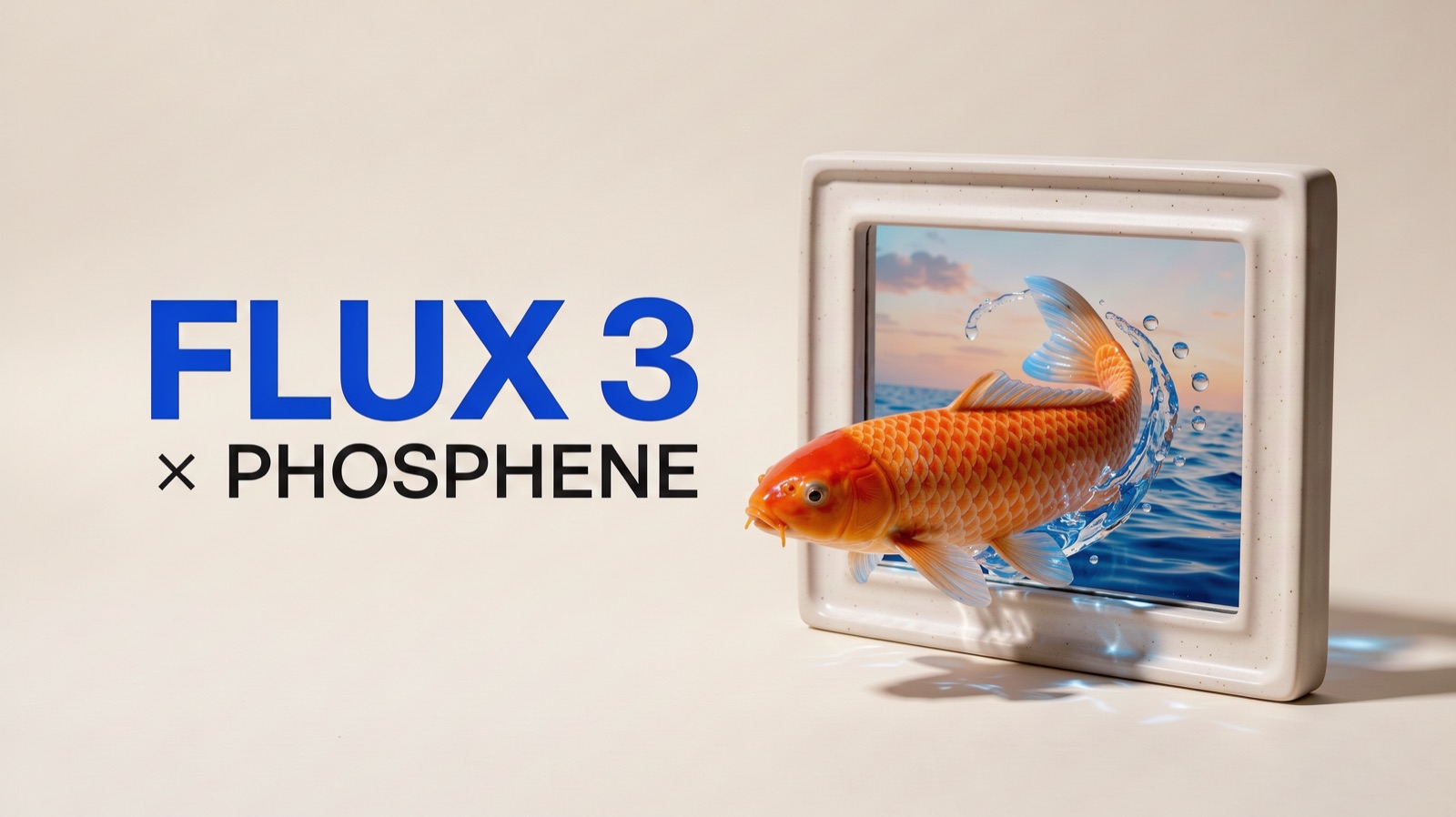
FLUX 3 Image Is Now in Phosphene
FLUX 3 Image renders the exact words you ask for and edits one detail while keeping the rest. See real results, the prompts behind them, and the credit cost of 1K, 2K and 4K.

How to Use Wan 3.0 Video in Phosphene
Make a video from a prompt or animate a starting image with Wan 3.0. Choose the right mode, write motion instructions, check credits, and work up to 30 seconds.

GPT Image 2.5: Flare vs Sunburst, Credits, and the Spatial Consistency Audit
GPT Image 2.5 ships as two models with different jobs, and the credit math reshuffles which flagship models make sense. A Japanese studio test shows how to audit multi-panel spatial consistency with a critic model.

128 GB of Unified Memory in a Laptop: What Local Image Generation Actually Gains
ASUS new ProArt machines put NVIDIA RTX Spark, a 20-core Arm CPU, and up to 128 GB of shared memory in chassis as light as 1.48 kg. The spec sheet implies local AI finally matches the cloud. For image generation specifically, the honest answer is more layered: uniform memory helps model capacity, but VRAM is not the whole pipeline.
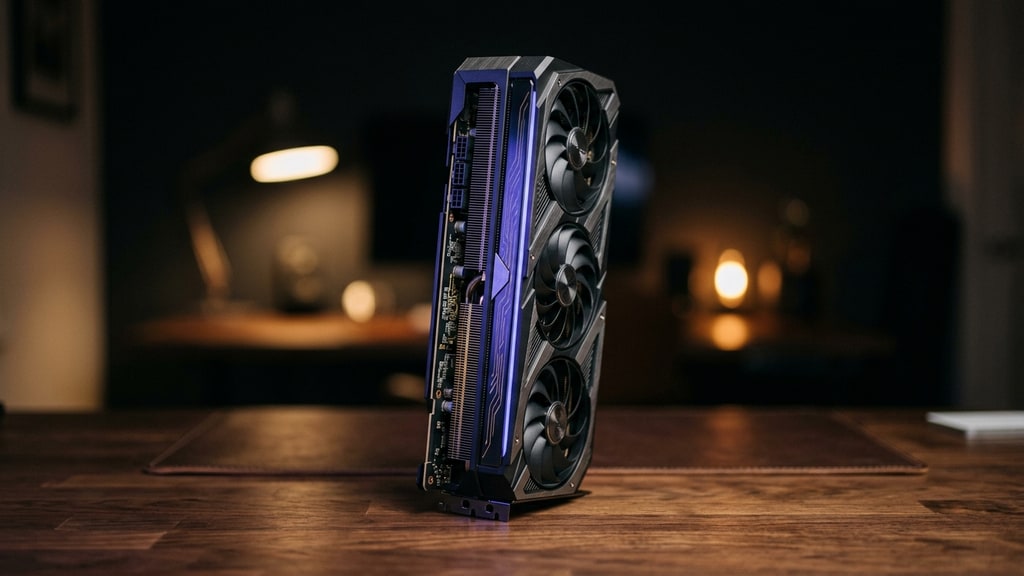
A 27B Model on a Gaming GPU: Qwen 3.8 Shows Local AI Stopped Being a Compromise
Alibaba shipped Qwen3.8-27B open weights and the self-hosting community responded with a countdown page. A hands-on German test shows what actually runs on 16-24GB consumer cards: the VRAM ladder, quantization reality, and where the gap to frontier models really stands.
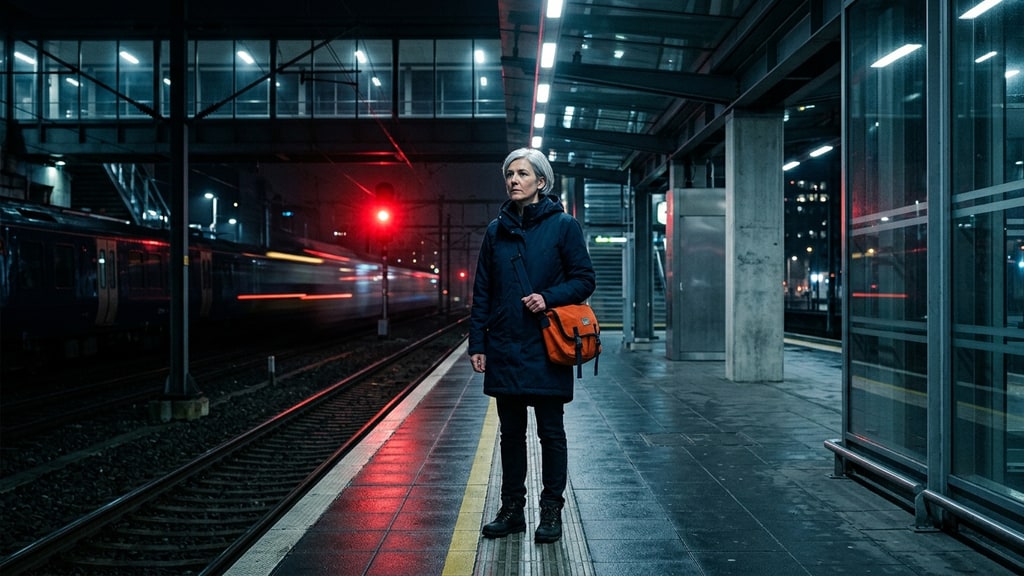
Seedance 2.5 Guide: 30-Second Video, 50 References, and Precise Editing
A practical guide to the confirmed Seedance 2.5 capabilities, reference limits, extension workflow, and targeted video editing controls.

Fast AI Image Models Are for Decisions, Not Final Art
How to use low-latency image models for visual prototyping, creative direction, and cheaper iteration before spending on high-control final generations.
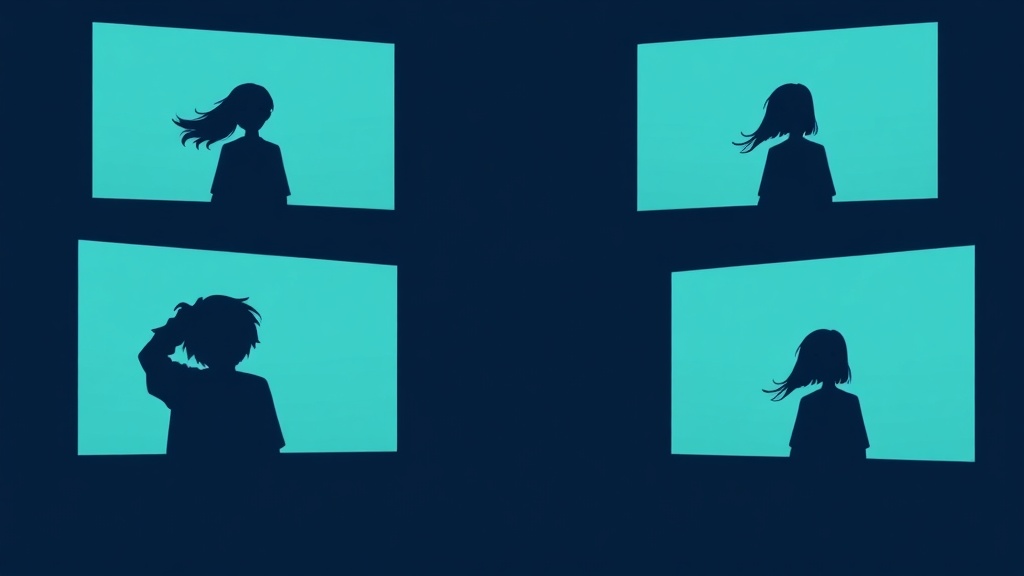
Which AI Video Model Keeps Characters Consistent?
A same-prompt, same-image comparison of PixAI V4, Runway, Vidu Q3, Grok, and ByteDance Happy Horse for anime video character consistency. Spoiler: motion quality and identity preservation are not the same tradeoff.

Ideogram 4 Safety Filter and Text Rendering: What Actually Works
Why Ideogram 4 blocks some harmless image prompts, where its text rendering is genuinely useful, and how to build more reliable poster and layout workflows.