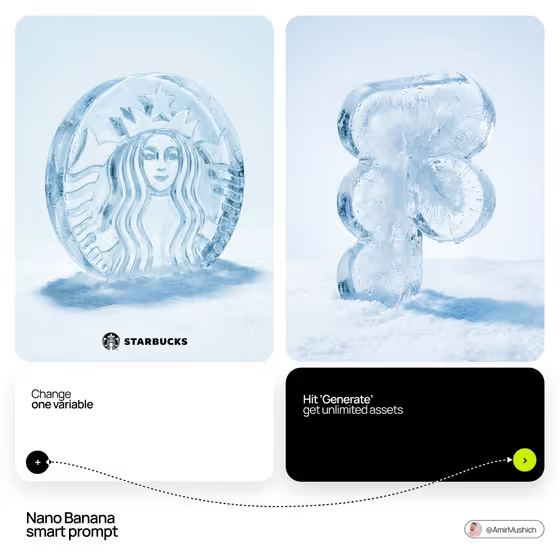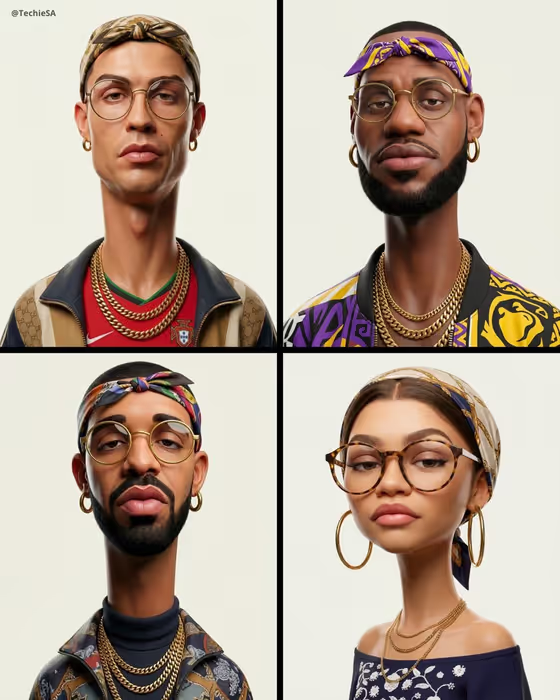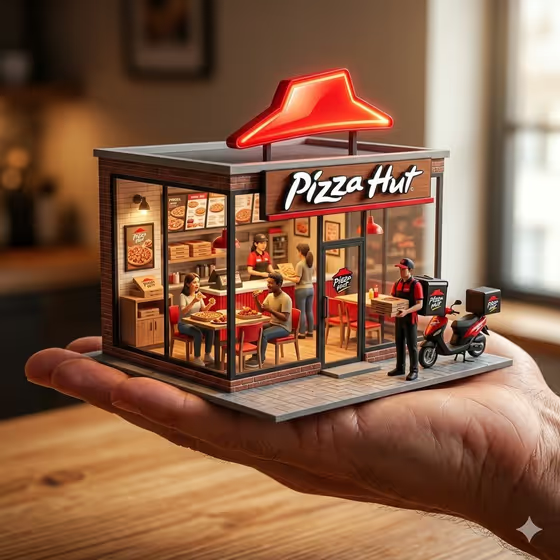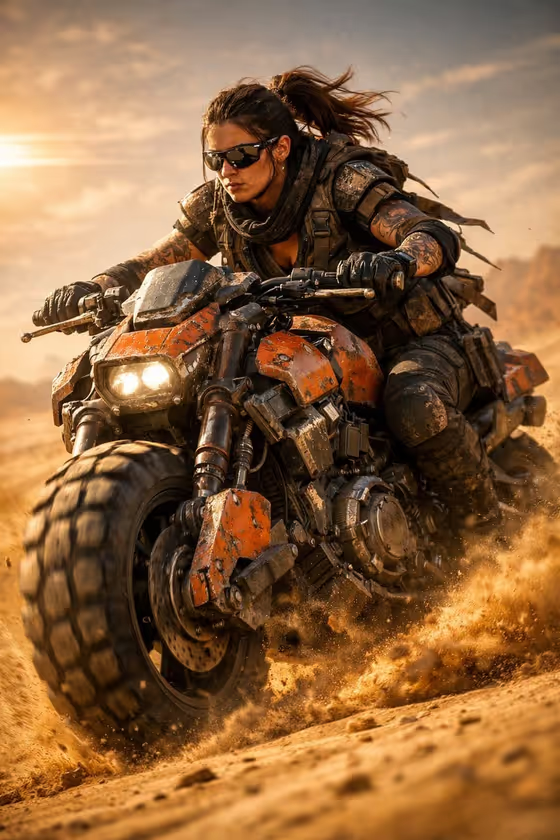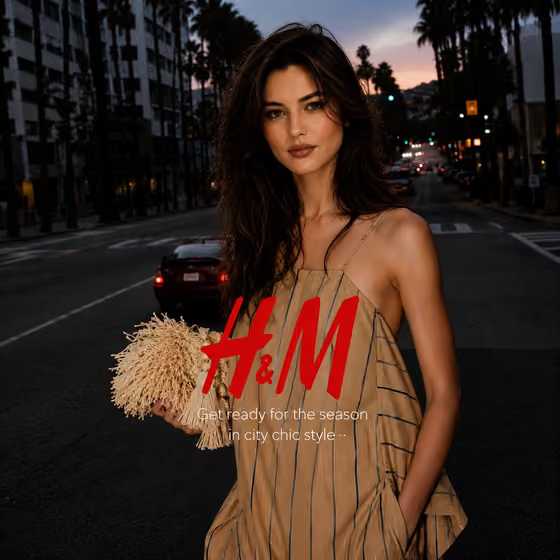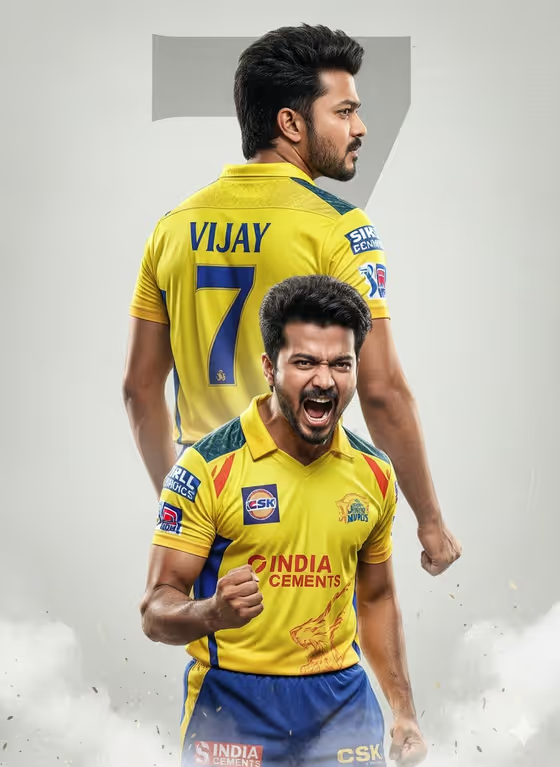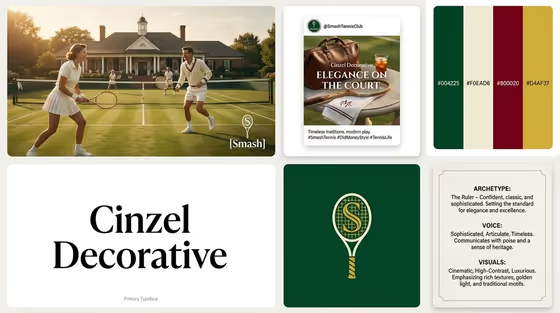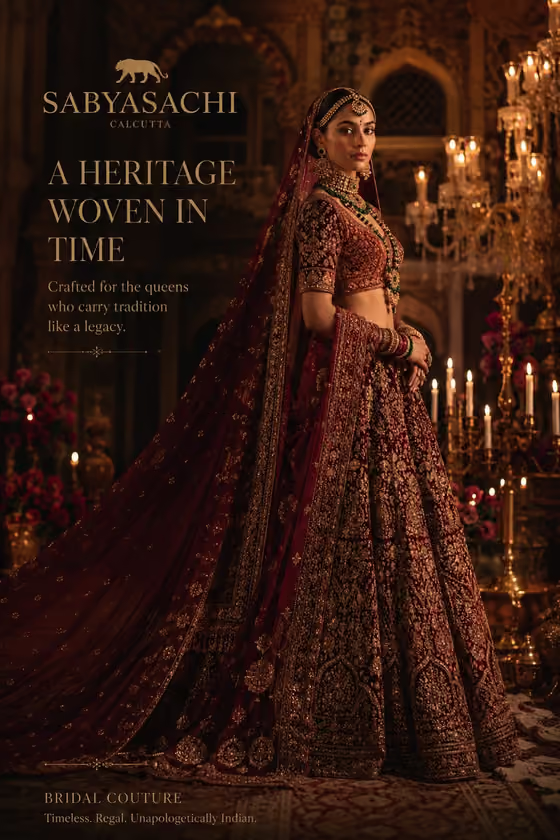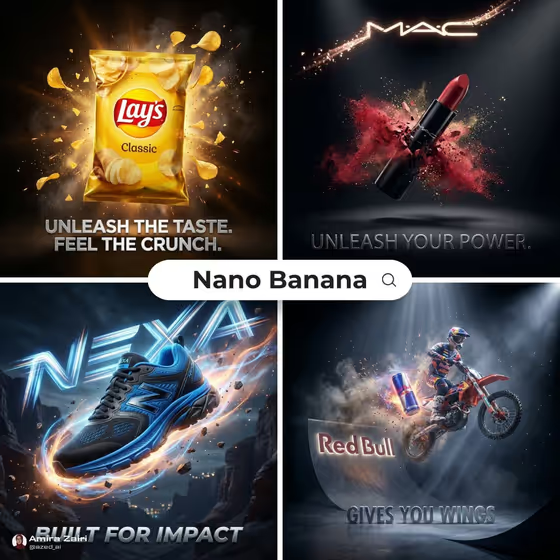
Blockbuster Product Impact turns a short product description into a mid-motion 3D ad. The result is a glossy hero product caught in dramatic light, surrounded by particles and atmospheric depth, with your slogan set cleanly beneath the brand mark. The cover examples show the look: a product frozen at peak energy against a dark, high-contrast studio background.
It is built for people who want a campaign-style visual without a studio shoot: small brand owners, marketers mocking up a launch, or creators testing a product concept. You fill three text-based fields (product, action moment, slogan) and the template handles the composition, lighting, and finish in a 3:4 image.
What works best as input
- This template has no photo upload. Everything comes from the three fields, so the clarity of your wording is what matters most.
- In Product or brand name, be specific about what the object is, for example "a performance sneaker" or "a premium beverage bottle". A concrete noun gives the template something recognizable to keep sharp at the center.
- Choose the Action moment that fits how the product would really behave. "Launching through liquid spray" suits a drink, while "slicing through atmospheric debris" suits something built for speed or rugged use.
- Keep the Campaign slogan short and punchy, like "BUILT FOR IMPACT" or "BREAK THROUGH". Shorter lines are easier to render cleanly beneath the brand mark.
- If you type a brand name, expect the logo and text to be generated by the AI, so check them carefully in the result.
How to use it
- Open the Blockbuster Product Impact template in Phosphene.
- Fill in Product or brand name with what you want as the hero, using the placeholder style ("a performance sneaker") as a guide.
- Pick an Action moment, then enter your Campaign slogan in capitals if you want that bold ad-headline look.
- Generate the image, then review the product, the brand mark, and the slogan text. If anything is off, adjust a field and generate again.
Tips for a better result
- Try the same product with different action moments ("suspended at peak impact" versus "bursting through particles") to see which composition feels strongest for your campaign.
- Match the slogan's energy to the action. Punchy verbs like "BREAK THROUGH" or "MOVE AT FULL FORCE" pair naturally with motion-heavy moments.
- Describe the product category and a key trait together (for example "a gaming headset") so the result reads clearly even with particles and light effects around it.
- Generate a few variations and compare them, since the exact particles, lighting, and text rendering can differ from run to run.
Common mistakes
- Writing a vague product like "a thing" or "my product", which gives the template nothing distinctive to make recognizable.
- Using a long slogan or a full sentence. Overly long text is harder to keep clean and legible beneath the brand mark.
- Expecting the exact logo of a real brand to appear perfectly. Always check the generated brand mark and slogan spelling before using the image anywhere.
FAQ
Can I upload a photo of my product?
No. This template uses three text-based fields only: Product or brand name, Action moment, and Campaign slogan. Describe your product in words instead.
What size is the image?
The output is a single image in a 3:4 aspect ratio, which suits portrait ad placements.
Where does the slogan appear?
The slogan is placed cleanly beneath the brand mark, in a clean modern style, as shown in the cover examples.
What if the text or logo looks wrong?
AI-generated text can sometimes contain errors. Shorten or simplify your slogan, adjust the product description, and generate again.