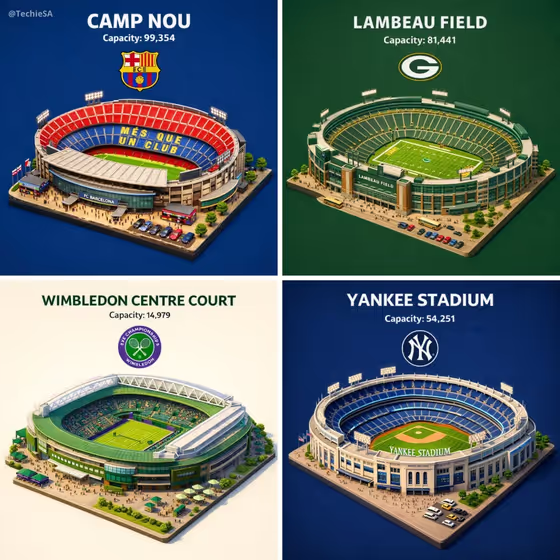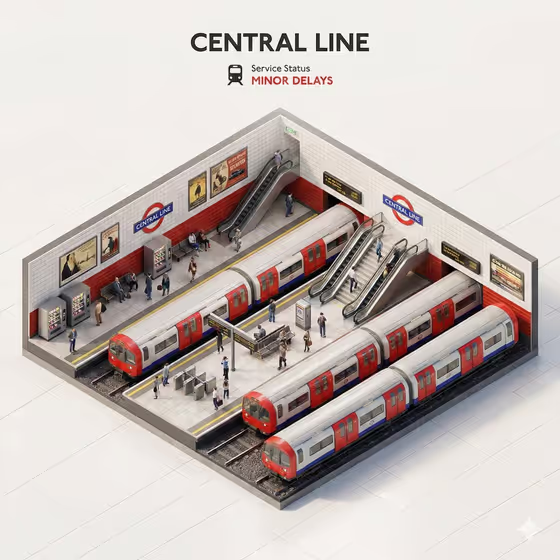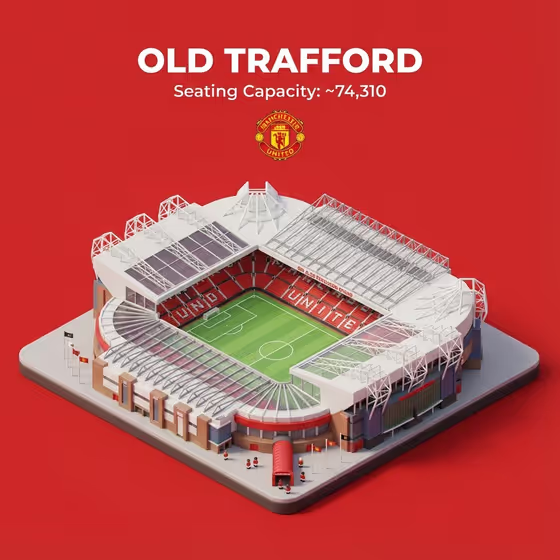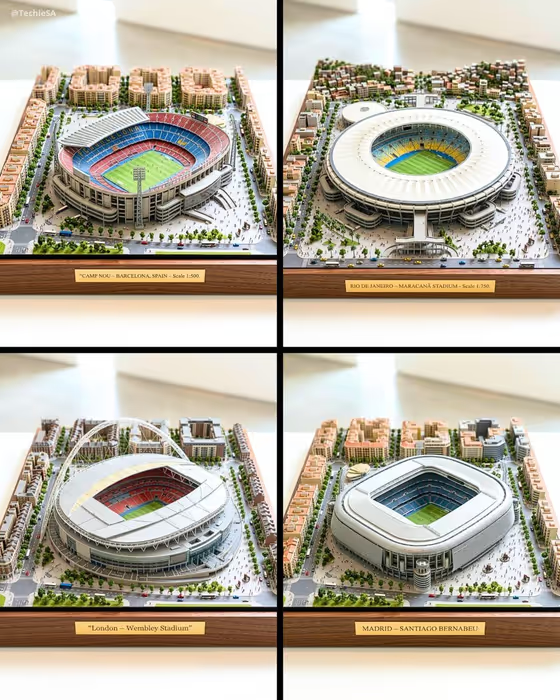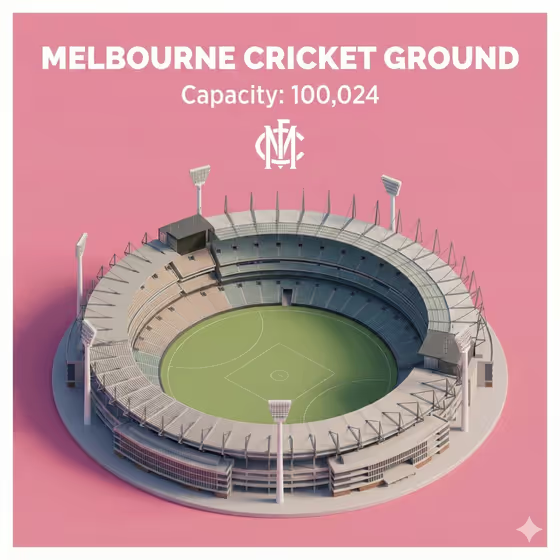
Isometric Stadium Card turns a single venue into a tidy fact card. The stadium appears as a clean 45-degree top-down miniature model, with its name, seating capacity and emblem stacked in the centre above it on a solid contrasting background, much like the Melbourne Cricket Ground example on the cover.
It suits sports fans, designers making venue posters, and anyone building a series of stadium cards for a collection, presentation or social post. You supply the venue reference, the title, the capacity figure and the logo, and the template handles the layout and the miniature rendering.
What works best as input
- For Stadium Model Product, either type the venue name (the examples include Melbourne Cricket Ground and Wembley Stadium) or add an architectural reference photo. A clear view of the whole bowl, roof and floodlight masts gives the model more to work from.
- For Official Logo, you can describe the emblem in text or add an image of it. A clean, flat image of the mark with nothing around it is easier to place than a photo of it on a wall or ticket.
- Type Stadium Name exactly as you want it displayed, in capitals if you want the bold look shown in the examples, such as MELBOURNE CRICKET GROUND.
- Enter Seating Capacity Number as the figure only, formatted the way you want it to read, for example 100,024. Check it against an official source first, since the card will show whatever you type.
- The upload requirement is two or more photos, so plan to add both a stadium reference and a logo image if you want to rely on pictures rather than descriptions.
How to use it
- Open the Isometric Stadium Card template in Phosphene.
- Fill in Stadium Model Product with the venue name or a reference image, then enter the Stadium Name and the Seating Capacity Number in their own fields.
- Add the Official Logo, either described in words or uploaded as an image.
- Generate the card and review the result. Check that the name, capacity and emblem are readable and that the stadium sits centred below them, then adjust your inputs and run it again if needed.
Tips for a better result
- Use the placeholder examples as a pattern for wording. Short, specific entries like Wembley Stadium or Madison Square Garden give the template a clear target.
- Keep the name and capacity short and clean so the stacked text stays easy to read above the model.
- If the stadium shape looks off, add or swap the architectural reference in Stadium Model Product so the roof line and stands are easier to match.
- Make several cards with the same layout by changing only the venue, name, capacity and logo, which gives you a consistent set.
Common mistakes
- Typing the capacity with extra words or units. The field expects the number itself, shown beneath the name, so extra text can crowd the stack.
- Using a busy or low-quality logo image. A cluttered or tiny emblem is harder to reproduce cleanly below the capacity.
- Leaving the model field vague, such as just the word stadium. Without a specific venue or reference, the miniature has little to go on.
FAQ
Do I have to upload photos?
The template lists an upload requirement of two or more photos, and both Stadium Model Product and Official Logo accept a photo. You can also describe those two in text. Stadium Name and Seating Capacity Number are text only.
Can I choose the background colour?
The template uses a solid contrasting background and picks black or white text automatically for contrast. The cover example shows a pink background, so the exact colour can vary.
Does the template check the capacity for me?
No. It places the number you type in Seating Capacity Number, so enter the official figure yourself.
What does the finished card look like?
It is an image with the stadium as a 45-degree isometric miniature, and the name, capacity and emblem stacked centrally above it.