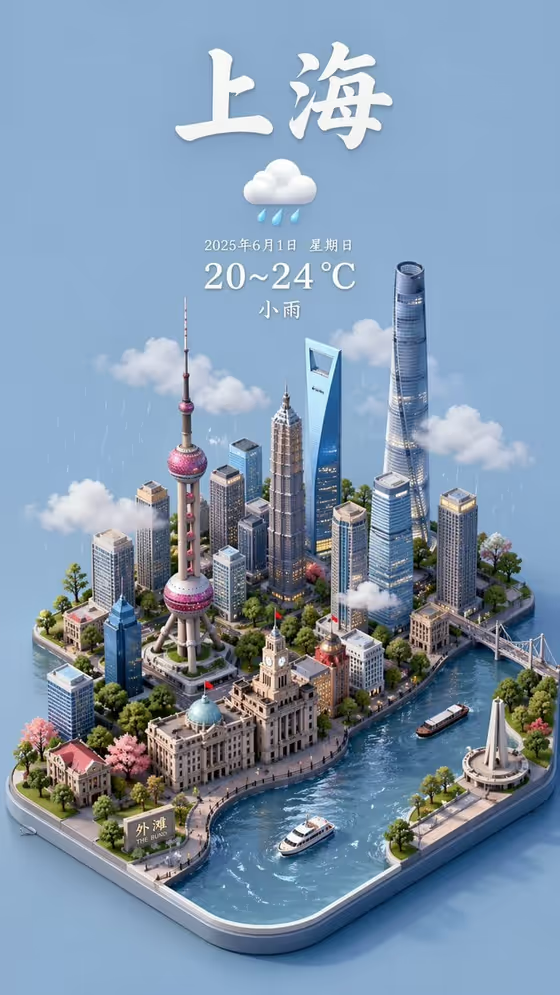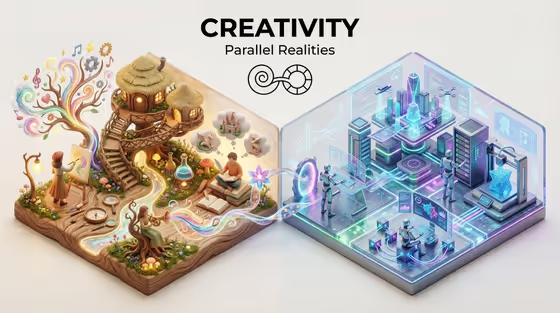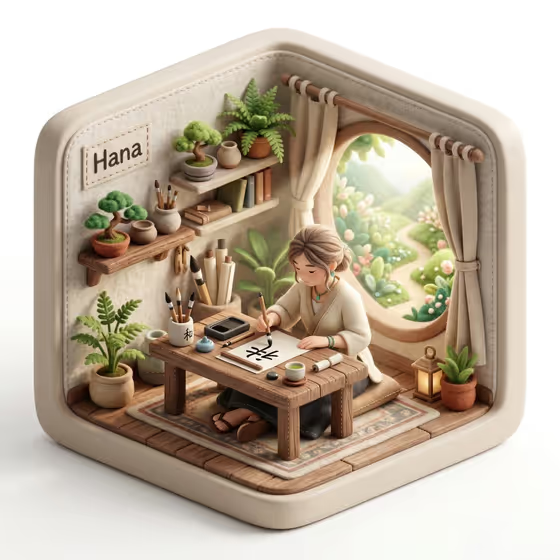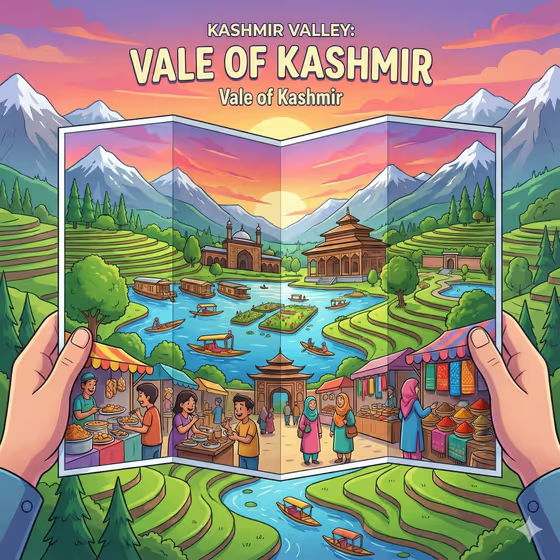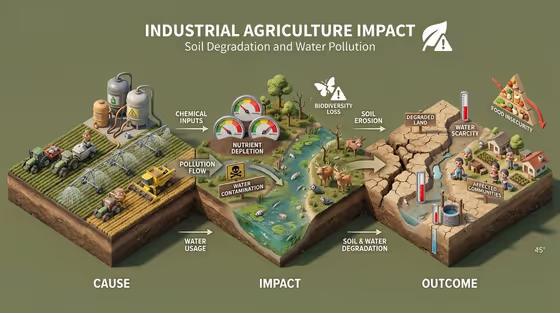
This template turns an activity or product into a single raised diorama that walks from cause to outcome. The cover example shows industrial agriculture as three connected zones on one tilted block of land: farm machinery and chemical tanks on the left, a polluted river and wildlife in the middle, and cracked, degraded ground with a small community on the right.
It suits teachers, students, sustainability writers, and anyone who wants a quick visual explainer for a presentation, article, or poster. You describe the activity, pick an impact pathway, add a title, and choose a background color. There is no photo upload, everything is driven by the four fields.
The output is a 3:4 image with a bold title at the top, a one-line subtitle, small meters, labels, people, and wildlife placed across the scene.
What works best as input
- This template has no photo slot, so all your input is text. Be concrete in Activity or product, for example "fast fashion" or "single-use packaging" rather than a vague word like "pollution".
- Pick the Impact pathway that matches the story you want told, such as "resource use to waste" or "habitat loss to recovery". It decides how the cause, consequence, and outcome zones are arranged.
- Write Topic name as a short headline in capitals, like "FOOD SYSTEM IMPACT" or "PLASTIC AFTERLIFE". Short titles fit the top banner more cleanly.
- For Background color, name a simple solid color such as "muted green" or "deep charcoal". The cover uses a flat green field, and the template adjusts text contrast automatically.
How to use it
- Open the Environmental Impact Diorama template in Phosphene.
- Fill in Activity or product, then choose an Impact pathway that fits the story.
- Type your Topic name and a Background color, using the examples in each field as a guide.
- Generate the image, then check that the title reads correctly and that the cause, impact, and outcome zones look distinct. Adjust your fields and run it again if needed.
Tips for a better result
- Try the same activity with different pathways, for example "emissions to climate effects" versus "pollution to circular redesign", to get a bleak version and a solution-focused version.
- Match the background color to the mood. A pale blue or warm off-white feels lighter, while deep charcoal gives a more serious tone.
- Keep the activity specific. "Industrial agriculture" gives the model clear machinery, water, and land cues to place in each zone, as seen in the cover.
- Use a headline-style Topic name with a clear subject, since the title and subtitle are part of the finished image.
Common mistakes
- Entering a broad or abstract activity like "the environment". The diorama works best when there is a concrete activity with visible causes and consequences.
- Writing a long sentence as the Topic name. It is meant to be a short title, and long text can crowd the top of the image.
- Choosing an Impact pathway that does not fit the activity, which can make the zones feel disconnected from your subject.
FAQ
Can I upload a photo for this template?
No. All four fields are text or choice inputs, and none of them accept a photo.
What shape is the result?
The template outputs a 3:4 image.
What goes in the Impact pathway field?
Pick or describe the story arc you want, such as "resource use to waste" or "habitat loss to recovery". It shapes how cause leads to outcome in the diorama.
Can I change the background?
Yes. Use the Background color field to name a solid color like "pale blue" or "muted green", and the title contrast adjusts to suit it.