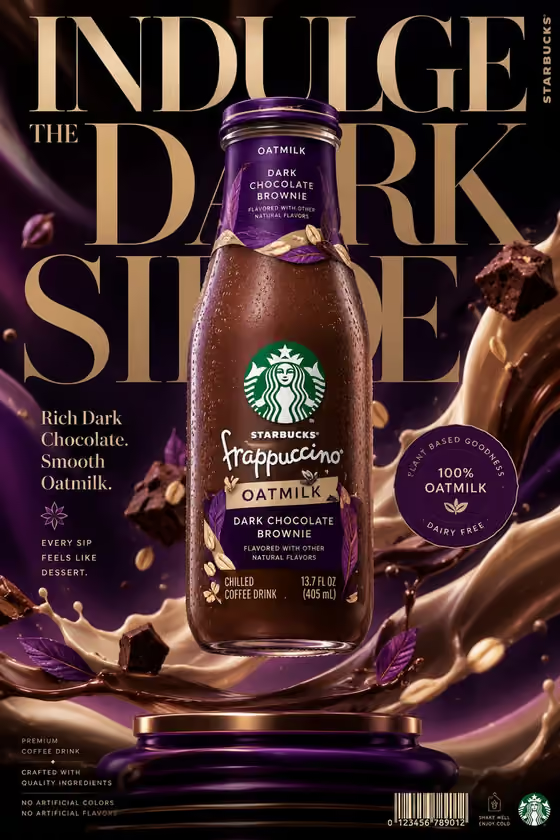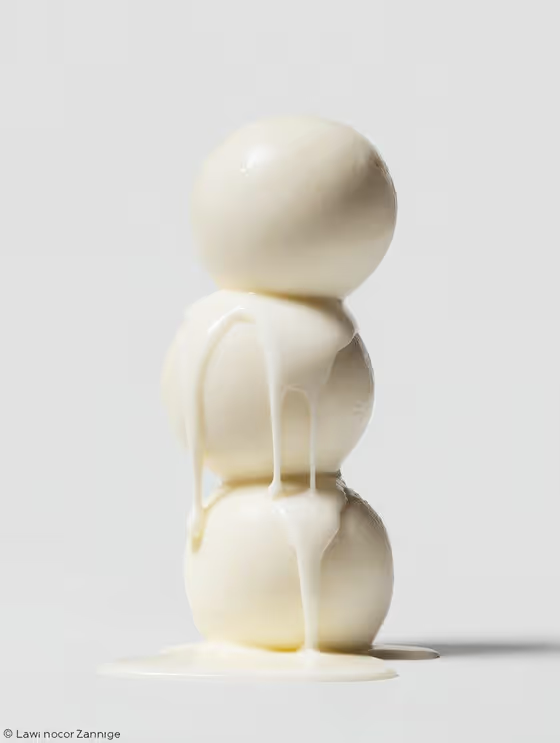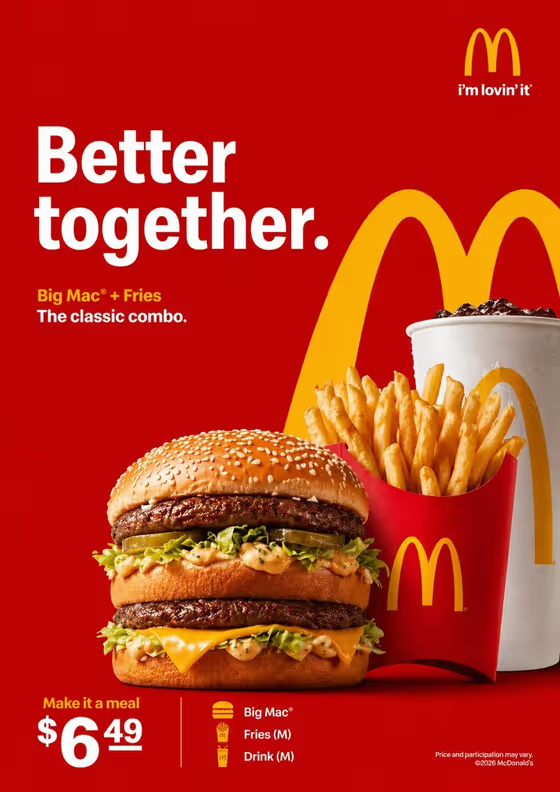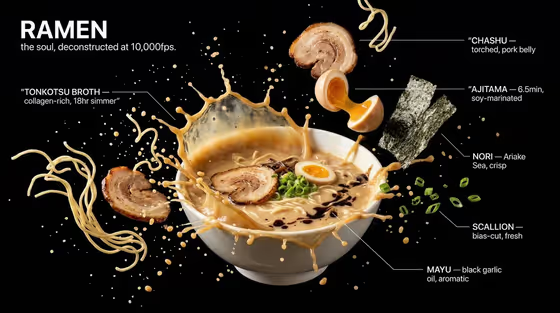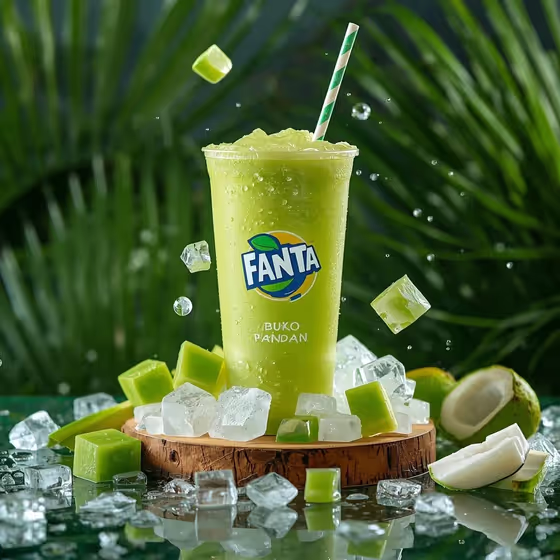
This template turns a green tropical drink into a square, ad-style product shot. The cup is clear and covered in condensation, standing on a small wooden platform with crushed ice, jelly cubes and coconut halves arranged around the base, as in the cover image.
It suits small food and drink brands, cafe owners and social media managers who want a campaign-style visual for a buko pandan drink or a similar green beverage. Branding on the cup is meant to stay crisp and readable, so it works best when you start from your own product reference.
What works best as input
- For the Beverage product or cup field, you can type a short description or upload a matching reference. A clear photo of your actual cup or bottle helps keep the colors and label consistent.
- If you upload a photo, use one where the cup and its label face the camera, with even lighting and no heavy shadows or glare across the branding.
- If you type instead, be specific about the drink, such as the placeholder example 'green buko pandan drink' or 'pandan jelly shake', rather than just 'green drink'.
- Pick the closest option for Tropical ingredients. This is a choice field, not a photo field, so select from the list instead of uploading anything for it.
How to use it
- Open the Buko Pandan Ice Campaign template in Phosphene.
- Fill in Beverage product or cup by typing a description or uploading a reference photo of your drink or cup.
- Choose your Tropical ingredients, for example pandan jelly, coconut and ice, or lime, coconut and mint.
- Generate the image, then check that the cup, label and ingredients look the way you want. Adjust your inputs and run it again if needed.
Tips for a better result
- Match the ingredients to the drink. A pandan jelly shake pairs naturally with pandan jelly, coconut and ice, while a coconut-lime cooler suits lime, coconut and mint.
- Try the different example drinks to see how the cup, jelly cubes and garnishes change while the wet wood and leaf background stay consistent.
- If your brand label matters, upload a sharp reference of the cup so the artwork and colors have something to follow.
- Keep your drink description short and visual. Mention the color and main flavor, since the layout and lighting are already set by the template.
Common mistakes
- Uploading a cluttered or dark photo where the cup is hard to see, which gives the result a weak reference for shape and label.
- Writing a long, detailed scene in the drink field. The setting, lighting and styling are already fixed, so extra scene instructions can conflict with them.
- Choosing ingredients that do not match the drink, which can make the props around the base feel unrelated to the product.
FAQ
Do I have to upload a photo?
No. The Beverage product or cup field accepts typed text or a matching reference photo, so you can describe the drink instead.
Can I upload a photo for the tropical ingredients?
No. Tropical ingredients is a choice field, so you select from the listed options rather than uploading an image.
What size is the result?
The output is a square 1:1 image, which suits feed posts and product listings.
Will my cup label stay readable?
The template is directed to keep package colors and the label readable, but results can vary, so review the image and regenerate if the branding looks off.