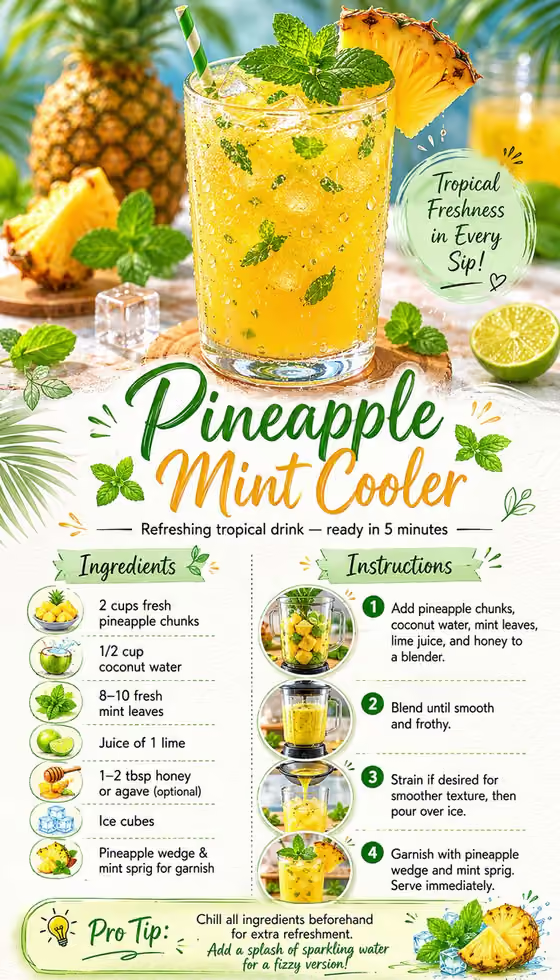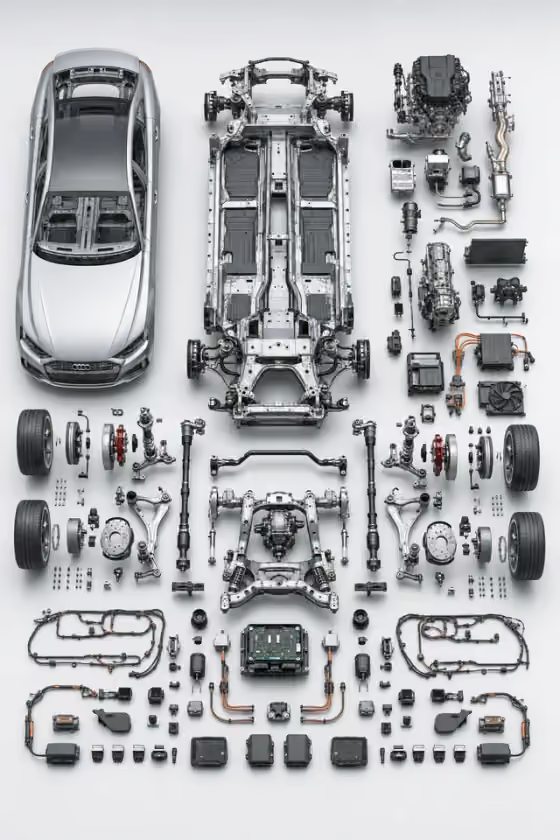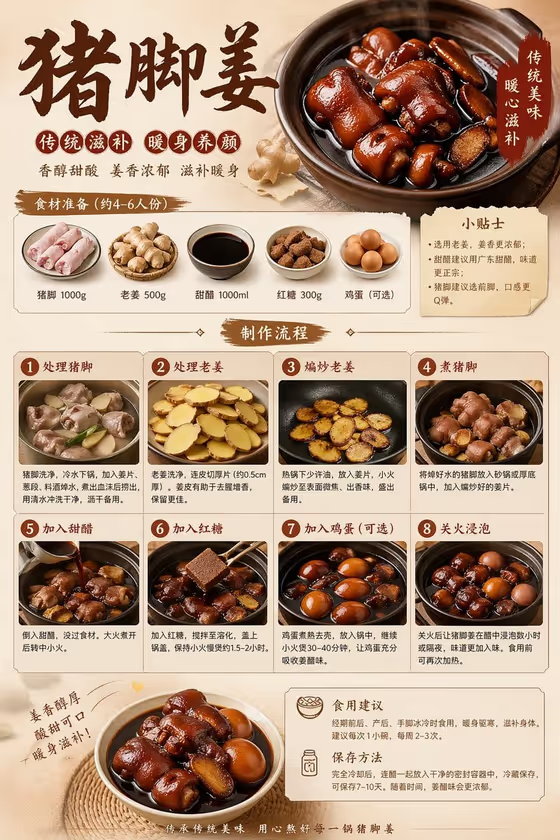
This template turns a dish into a single 3:4 poster that walks from raw ingredients to the finished plate. You name the dish and the stages you want shown, and it lays them out as an easy visual sequence with short labels and a clear editorial hierarchy.
It suits recipe cards, restaurant menus, social posts, and cooking guides. The cover example shows the idea: an ingredient row, numbered steps with photos of each stage, a tips box, and a hero shot of the finished dish at the bottom.
What works best as input
- In the Product field, either describe the dish in words or add a reference photo. A clear, well-lit photo of the actual dish helps the poster match what you really cook.
- If you describe it instead, be specific. Name the dish and its main ingredients, such as the cut of meat, key sauces, and garnishes, rather than just a cuisine.
- If you add a photo, choose one where the food fills most of the frame and the colors are true. Avoid heavy filters or cluttered backgrounds that hide the dish.
- Keep the Preparation Stages field as text only. It does not take a photo, so write the stages you want shown there.
How to use it
- Open the Food Preparation Poster template in Phosphene.
- Fill in Product with your dish, as a short description or a reference photo.
- Fill in Preparation Stages with the sequence you want shown, for example the example 'Ingredients to finished plate' or your own list of steps.
- Generate the poster, then check that the ingredients, step order, and finished plate look right. Adjust your wording and run it again if something is off.
Tips for a better result
- List your stages in cooking order, such as preparing, browning, simmering, and plating, so the sequence reads naturally from top to bottom.
- Name distinctive ingredients in the Product field. The poster draws appetizing ingredient visuals, so specific details give you more accurate ones.
- Try the example variations in Preparation Stages, like a refined classic or a bold contemporary take, to get a different look for the same dish.
- Keep each stage short. The poster uses concise labels, so brief stage names fit better than long sentences.
Common mistakes
- Writing a vague Product such as 'dinner' or 'something tasty'. The poster then has no clear dish to illustrate.
- Packing too many stages into Preparation Stages. A crowded sequence can make the layout tight and the labels hard to read.
- Using a dark, blurry, or heavily edited reference photo, which can lead to dull or inaccurate food in the result.
FAQ
Do I have to upload a photo?
No. The Product field accepts a text description, and a photo is optional if you want to give an exact visual reference.
Can I add a photo for the preparation stages?
No. Preparation Stages is a text-only field, so describe the stages in words.
What shape is the poster?
It is a 3:4 image, a portrait format that works well for recipe cards and vertical posts.
Can I use it for something other than food?
The template is built around a dish and its preparation stages. For best results, describe a food item in the Product field.