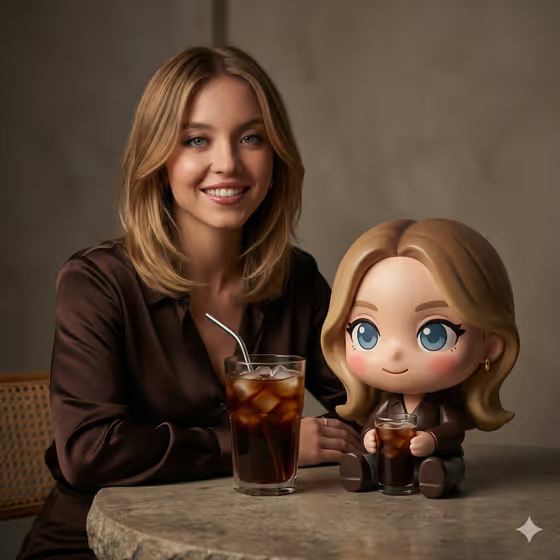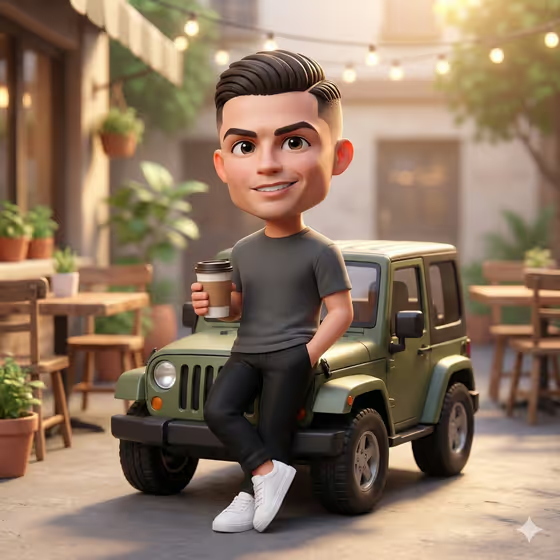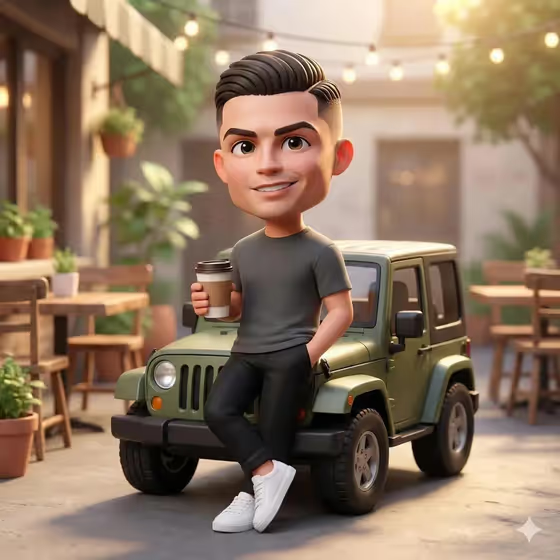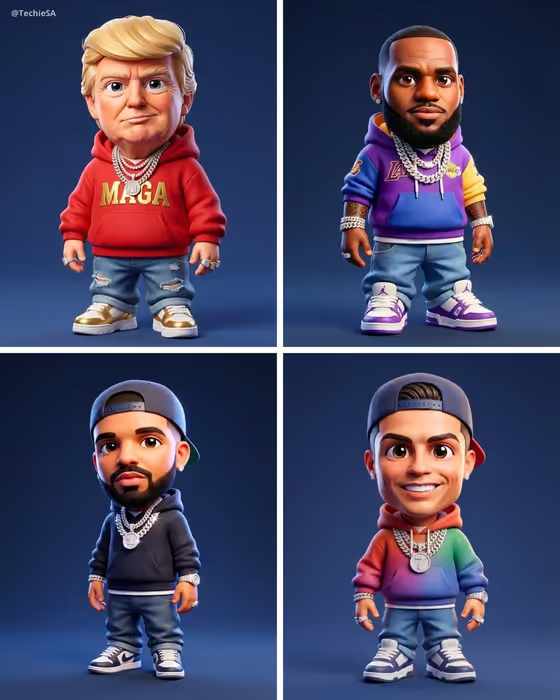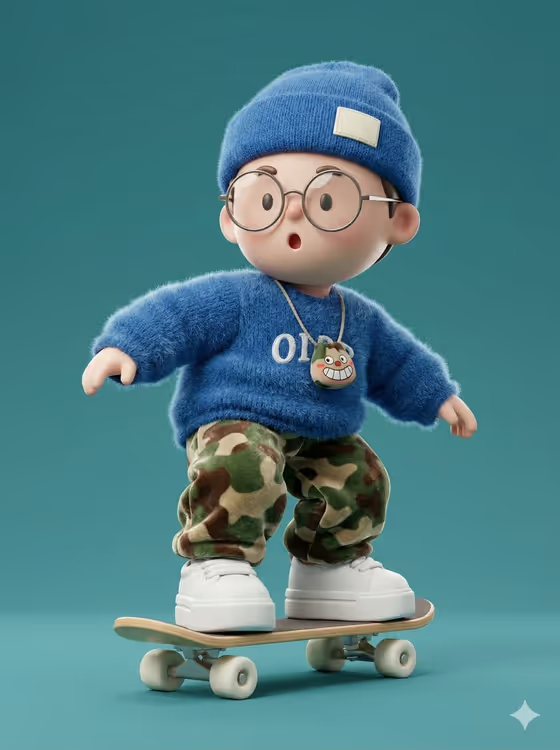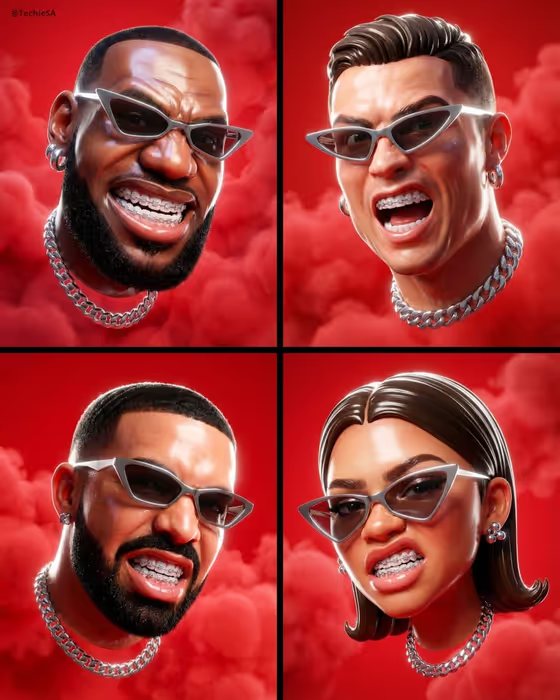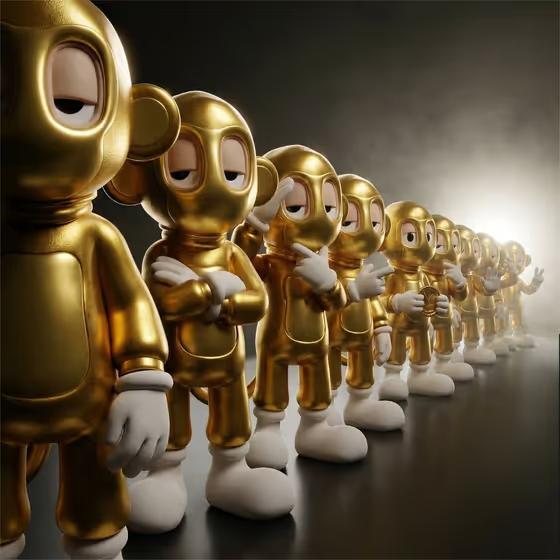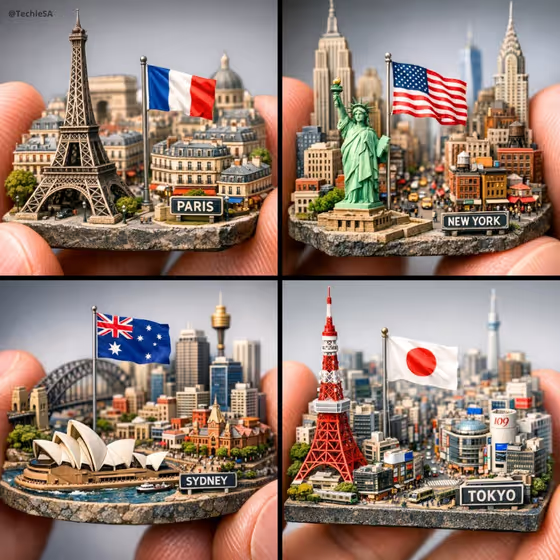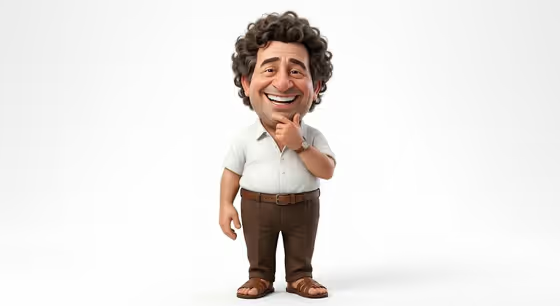
This template turns your subject into a 3D caricature with an oversized head, a wide cartoon grin and a semi-realistic, slightly exaggerated look. The figure stands against a clean white backdrop, like the cover example: a friendly, full-body character in a white short-sleeved shirt, brown trousers and sandals, with a hand resting on the chin.
It suits anyone who wants a playful collectible-style portrait of a person, an original character or a personalized figure. You can describe the subject in words or upload a visual reference, then choose how the character is staged.
What works best as input
- The template asks for 2 or more photos, so gather a few images of the same subject from slightly different angles.
- Use clear, well-lit photos where the face is fully visible and not hidden by sunglasses, hats or heavy shadow. Hair shape matters here, since the caricature builds on it.
- Only use photos of yourself or people who have agreed to be turned into a caricature. Keep the choice respectful and avoid images meant to mock someone.
- If you prefer to type, describe the subject in the first field with concrete details such as hair, expression and age range, for example an original character or a personalized collectible figure.
- For the second field, pick a staging that matches your goal, such as a collectible character portrait or a full-body character scene.
How to use it
- Open the Cheerful 3D Caricature template in Phosphene.
- In the subject field, describe who or what the caricature is, or upload your reference photos of them.
- In Character staging, choose how the image should be framed, for example a collectible character portrait or a full-body character scene.
- Generate the image, then check the head size, grin, outfit and white background. Adjust your inputs and run it again if something is off.
Tips for a better result
- Be specific about distinctive features like curly hair, a beard or glasses, so the exaggeration emphasizes what makes the subject recognizable.
- Try different staging options to compare a close collectible portrait with a full-body scene.
- Use several reference photos with consistent lighting so the face and hair read the same across them.
- Keep the subject description short and focused. The outfit and pose are already part of the template's direction.
Common mistakes
- Uploading photos that show different people or heavily filtered faces, which makes the likeness inconsistent.
- Writing a long, conflicting description that fights the fixed style, such as asking for a dark moody background when the template uses clean white.
- Using blurry or tiny photos where the face and hair are hard to see.
FAQ
Can I use text instead of photos?
The subject field accepts a written description or a photo reference. The template's upload requirement lists 2 or more photos, so photos are the intended input for the closest likeness.
What will the background look like?
The style is set against a clean white background, as in the cover example.
What shape is the result?
The template outputs a single image in a 3:4 aspect ratio.
Can I change the outfit or pose?
The template's direction fixes the overall look, including the oversized head, big grin and casual friendly pose. Your main controls are the subject and the character staging.