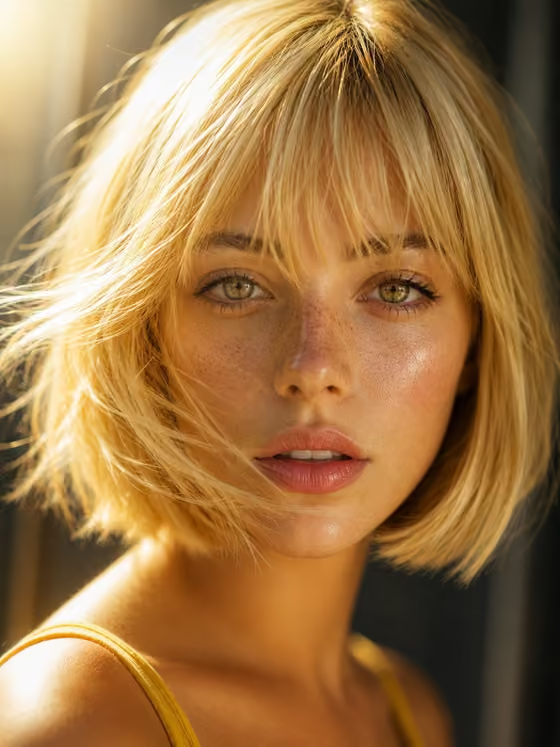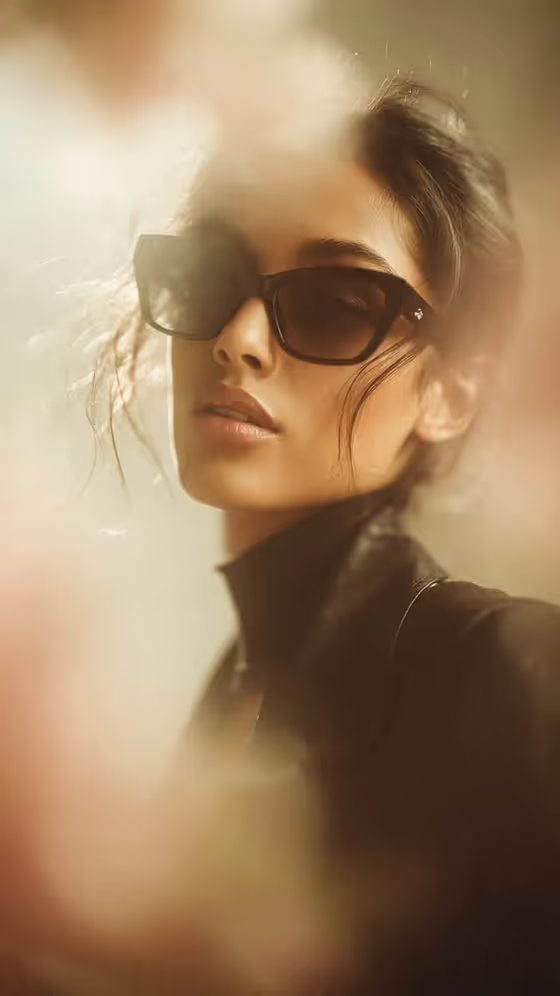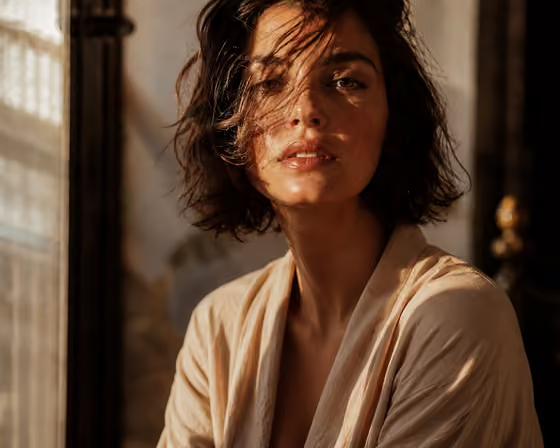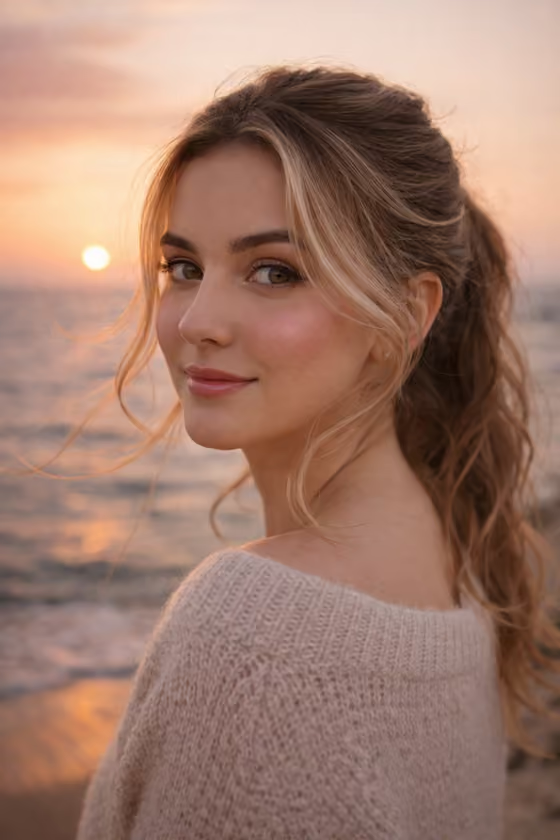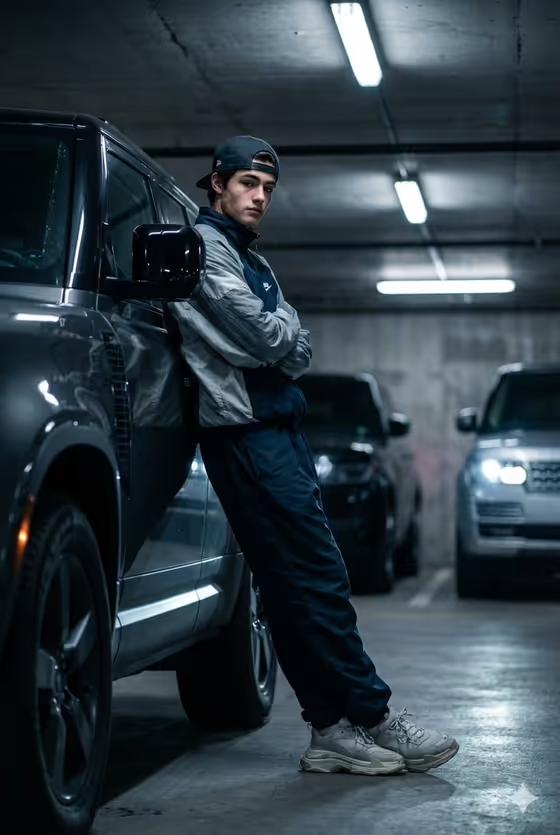
Garage Defender Portrait turns a photo of a person into a moody, low-angle shot of them leaning against a Land Rover Defender in a dim basement garage. Behind them, luxury SUVs sit softly blurred in cinematic bokeh, with overhead strip lights and concrete walls giving the scene an urban, after-hours feel.
It suits anyone who wants a streetwear-style portrait for a profile picture, a social post or a creative project. The template styles the outfit for you (wind cheater, baggy pants, chunky sneakers and a cap), so your main job is to supply a good reference and choose the attitude.
What works best as input
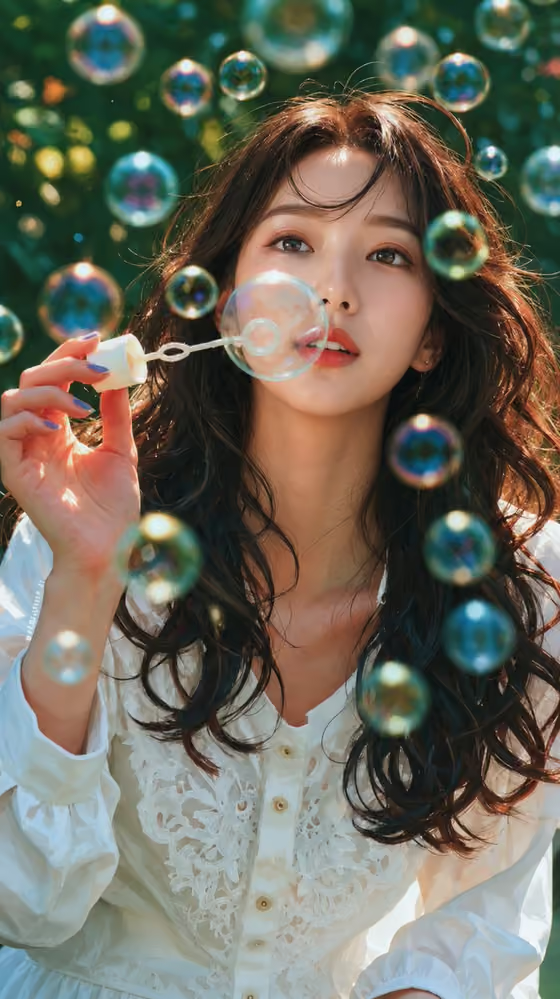
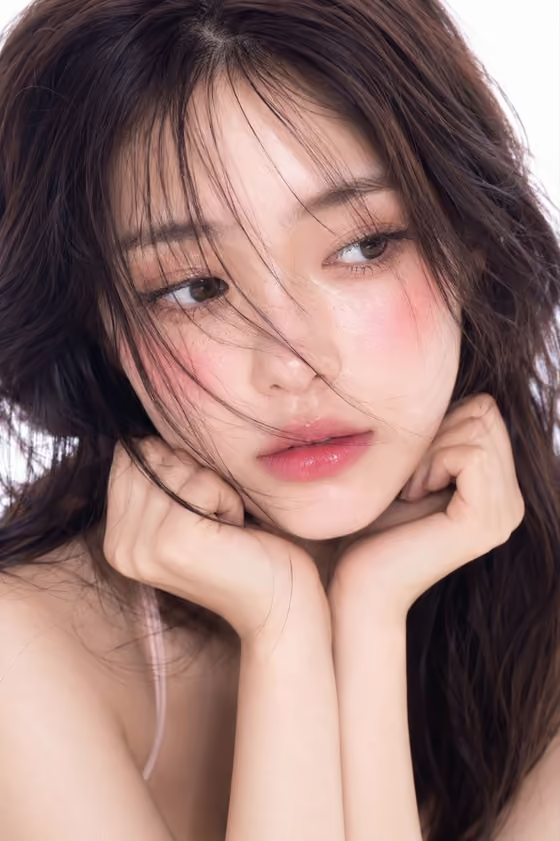
- Use a clear, well-lit photo where the face is sharp and unobstructed. The template uses your uploaded image as the reference for the subject, so a clean face gives it more to work with.
- Pick a photo where your expression is close to what you want, since the default pose option follows the source gaze and expression. A neutral or confident look in the original works well with the crossed-arms, attitude pose.
- Avoid sunglasses, heavy shadows across the face or large group shots. A single person facing the camera or slightly off-angle is the easiest to carry into the new scene.
- In the Portrait subject field you can also describe the subject in words, for example 'an adult man matching my reference'. Keep the description to adults and stick to what is actually visible in your photo.
How to use it
- Open the Garage Defender Portrait template in Phosphene and upload your photo as the reference for the Portrait subject.
- In Portrait subject, keep or edit the description (the placeholder reads 'an adult man matching my reference') so it matches the person in your upload.
- In Pose or expression, choose an option or write your own, such as 'calm direct gaze' or 'intense focused gaze', or keep 'the source gaze and expression'.
- Generate the image, then check the 3:4 result for face likeness, the Defender and the blurred SUVs in the background. Adjust the two fields and run it again if you want a different mood.
Tips for a better result
- Try the different pose and expression examples (calm direct gaze, quiet introspection, intense focused gaze) to see how much the mood of the portrait shifts while the garage setting stays the same.
- If the first result drifts from your face, make the Portrait subject description more specific to what is in your reference photo, then regenerate.
- Use a reference photo shot from slightly below or straight on. It pairs naturally with the template's low-angle framing.
- Because the portrait is 3:4, it fits vertical placements well, so plan your crop or layout around a tall image.
Common mistakes
- Uploading a blurry, tiny or heavily filtered photo. A soft reference gives the result less detail to preserve.
- Writing a long, conflicting description in the subject field that contradicts your photo. Keep it short and consistent with the reference.
- Expecting to change the setting or outfit. The garage, the Defender and the streetwear styling are built into the template, and only the subject and the pose or expression are yours to set.
FAQ
Do I have to upload a photo?
The template is built around an uploaded reference, and the Portrait subject field accepts a photo. You can also describe the subject in the text, but a reference photo is what lets the result follow a specific person.
Can I change the clothes or the car?
No. The Land Rover Defender, the basement garage and the outfit are fixed in the template. You control who the subject is and the pose or expression.
What does the Pose or expression field do?
It sets the attitude of the portrait. You can keep the source gaze and expression from your photo or choose something like a calm direct gaze or quiet introspection.
What shape will the image be?
The output is a single image in a 3:4 vertical aspect ratio.