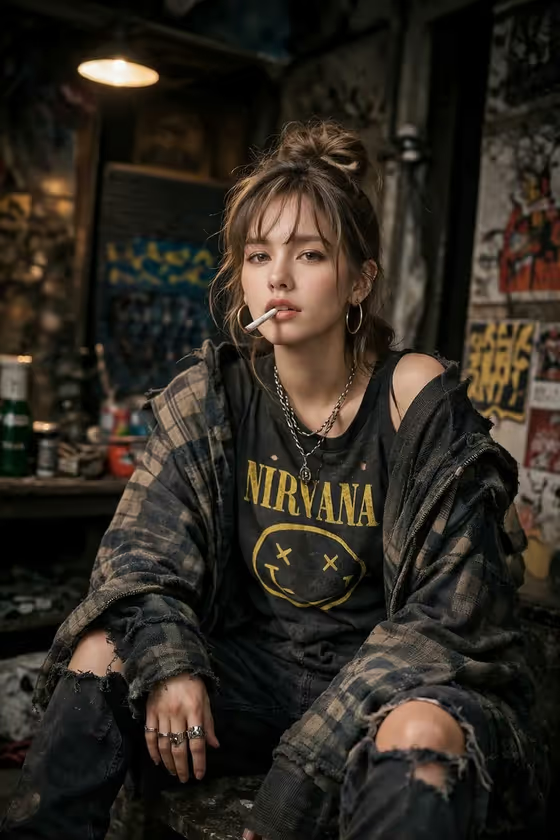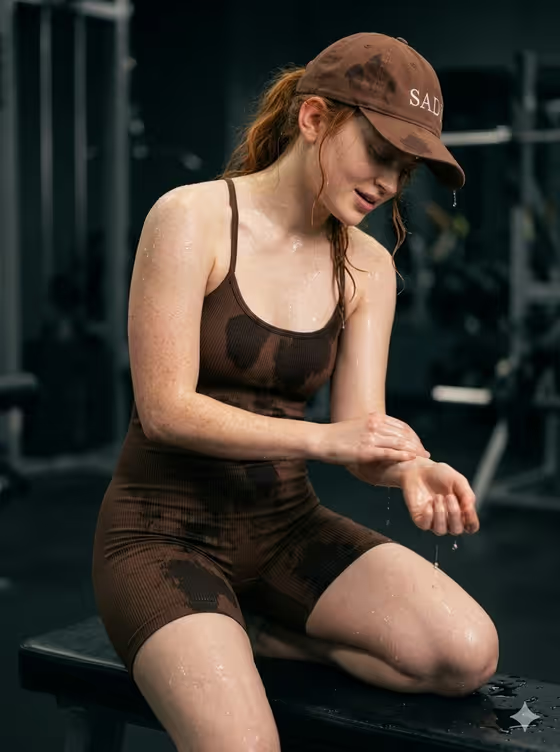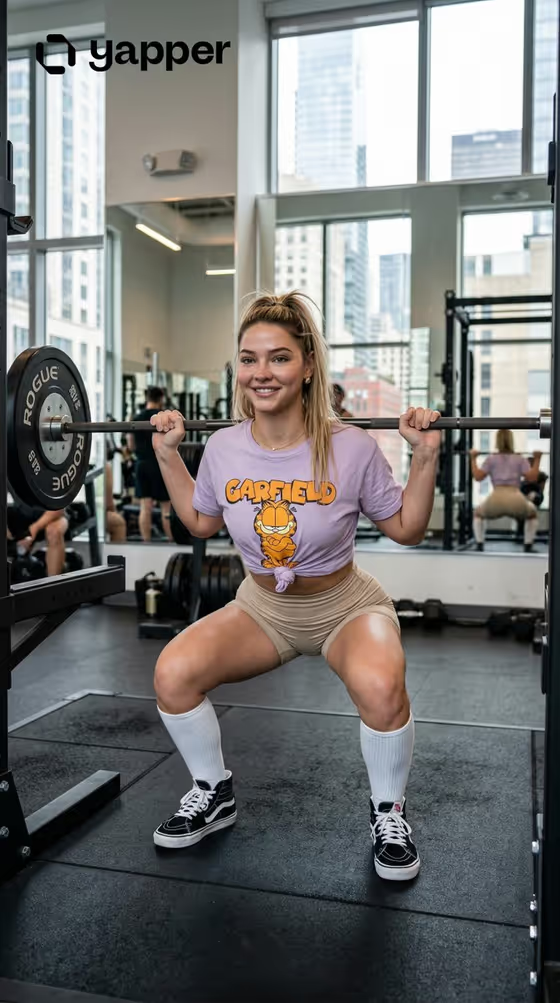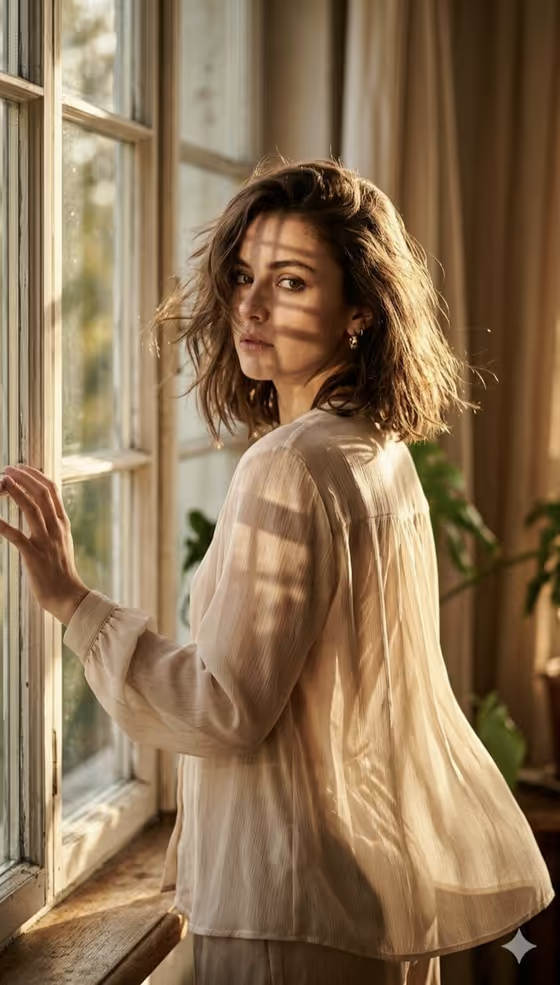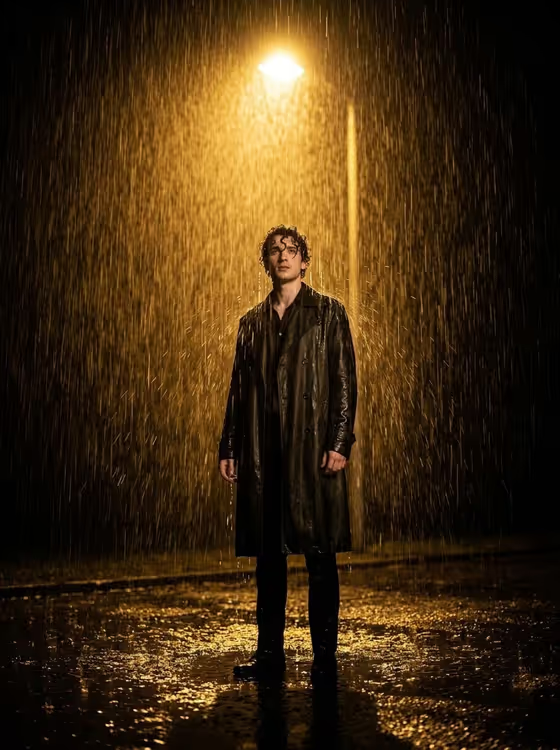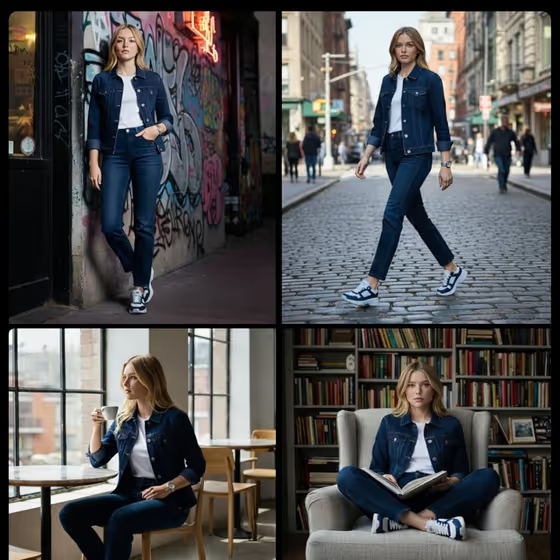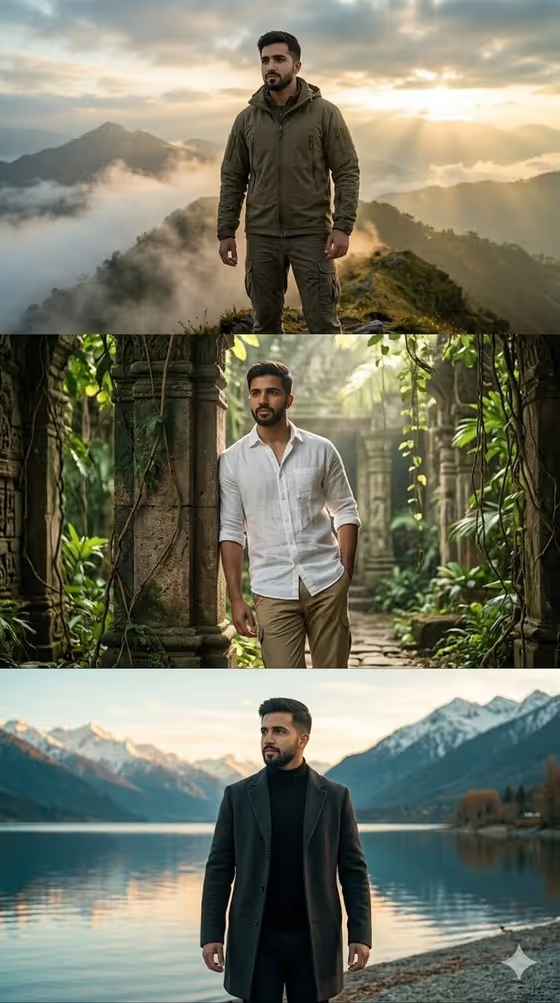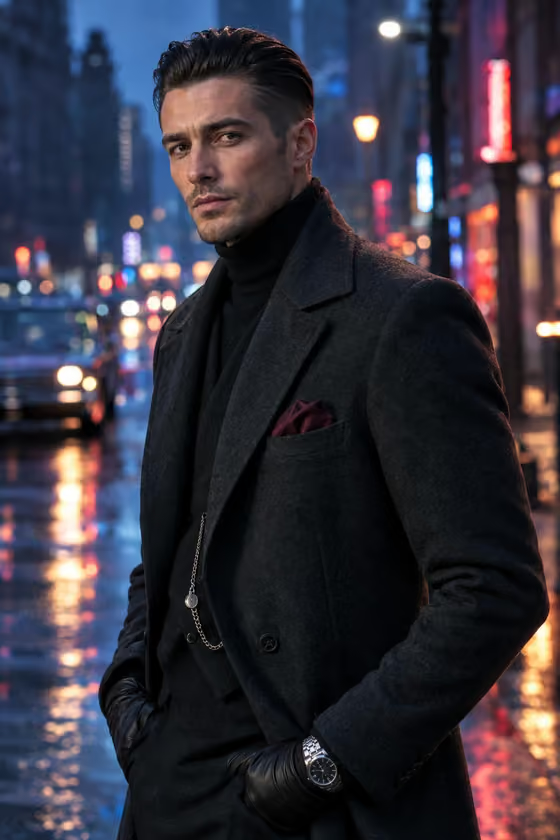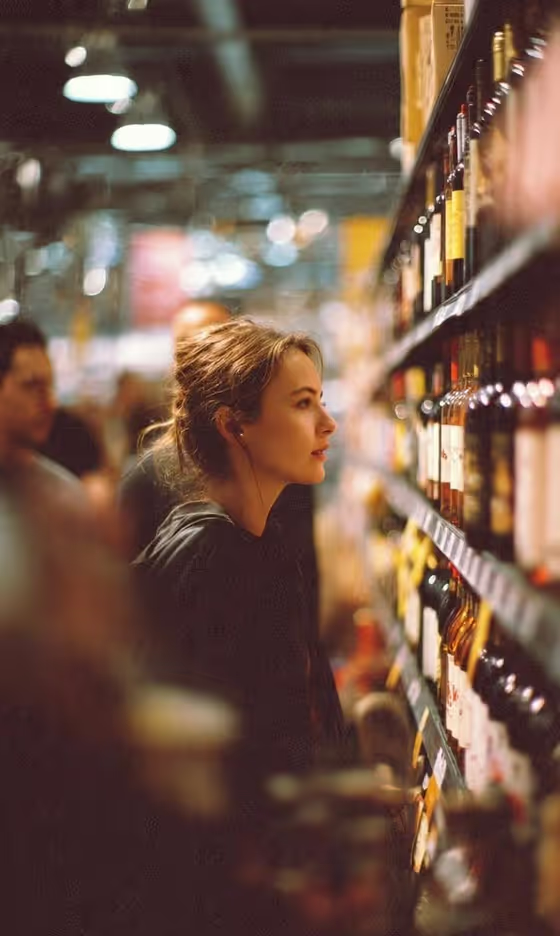
Grocery Aisle Portrait makes a candid, side-profile image of a person browsing a shelf of wine bottles in a store. The look is documentary, with warm indoor light, a shallow depth of field, soft bokeh from the store lights, and blurred shoppers in the background.
It suits anyone who wants an editorial or lifestyle portrait with a cinematic, caught-in-the-moment feel, whether for a character, a profile picture, a mood board or a story illustration. The result is a 3:4 image in the Portraits category.
You can describe the subject in words or upload a reference photo of them.
What works best as input
- If you upload a reference, choose a clear photo where the face and hair are easy to see. Use a picture of yourself or someone who has agreed to be used.
- Good, even lighting in the reference helps. Harsh shadows or heavy filters can carry over into the result.
- In the subject field (labelled 'thoughtful woman portrait subject'), a short plain description works, such as 'a thoughtful woman' or 'a candid everyday subject'. These are the kind of examples the field suggests.
- The scene already describes a loose messy bun and a simple dark outfit, so keep your subject description focused on who the person is rather than repeating the styling.
- Avoid uploading photos with several people or heavy cropping, since this template is built around a single subject.
How to use it
- Open the Grocery Aisle Portrait template in Phosphene.
- In 'thoughtful woman portrait subject', type a short description of your subject or add a reference photo of them.
- Open 'Pose and scene' and pick how you want the shot framed, such as the side-profile in the aisle, an intimate close portrait, a full-body editorial frame or an environmental candid frame.
- Generate the image, then look it over for the face, the wine shelf and the blurred background, and run it again with a different choice if you want another framing.
Tips for a better result
- Try each 'Pose and scene' option on the same subject to compare how close or wide the portrait feels.
- Keep the subject description simple and specific. A short phrase gives the template room to apply its warm, candid look.
- If you want a different person from your reference, say so in the description, as one of the field's own examples suggests ('a different person from my reference').
- Pick the close portrait when you want the face and bokeh to dominate, and the full-body or environmental frame when you want more of the aisle visible.
Common mistakes
- Writing a long, detailed description that fights the fixed look. The warm lighting, side profile and wine aisle are built in, so extra scene instructions may clash.
- Uploading a low-quality or heavily edited photo and expecting a clean, natural-looking face in return.
- Skipping the 'Pose and scene' choice thought, then being surprised by the framing. It changes how close or wide the final image is.
FAQ
Do I have to upload a photo?
No. The subject field accepts a text description, and it also accepts a reference photo if you want to base the portrait on a specific person.
Can I change the setting from a wine aisle?
The wine shelf, warm store lighting and blurred shoppers are part of the template's fixed direction. You choose the framing through 'Pose and scene', not a new location.
What shape is the image?
The template outputs a 3:4 portrait-oriented image.
Can I use it for someone other than myself?
Use photos of yourself or people who have agreed to it, and avoid using the likeness of public figures.