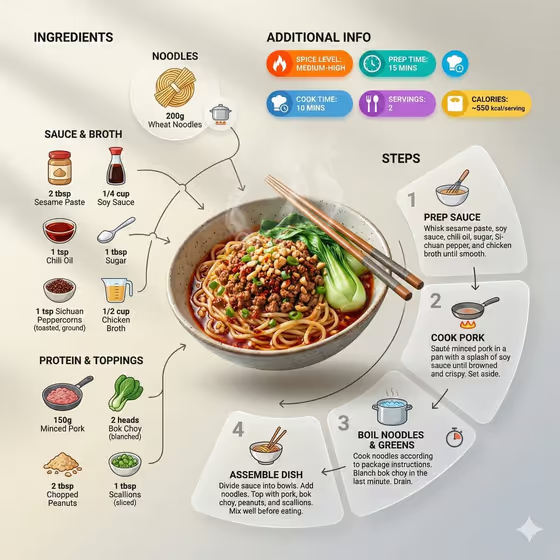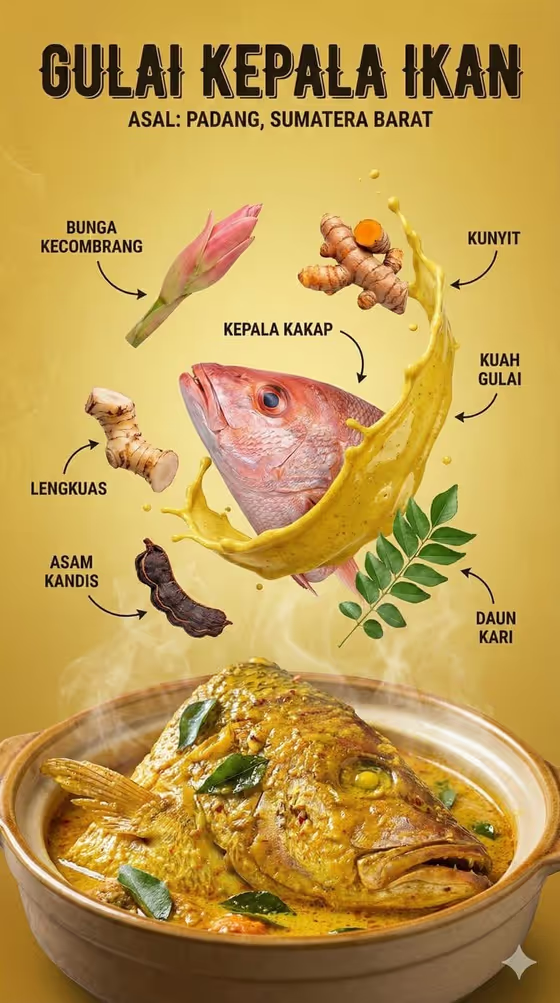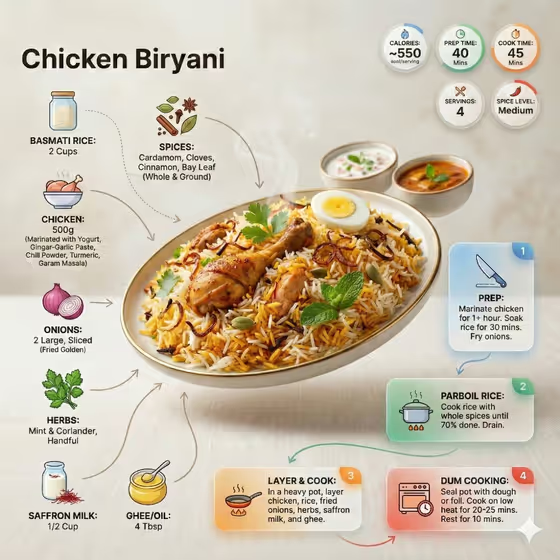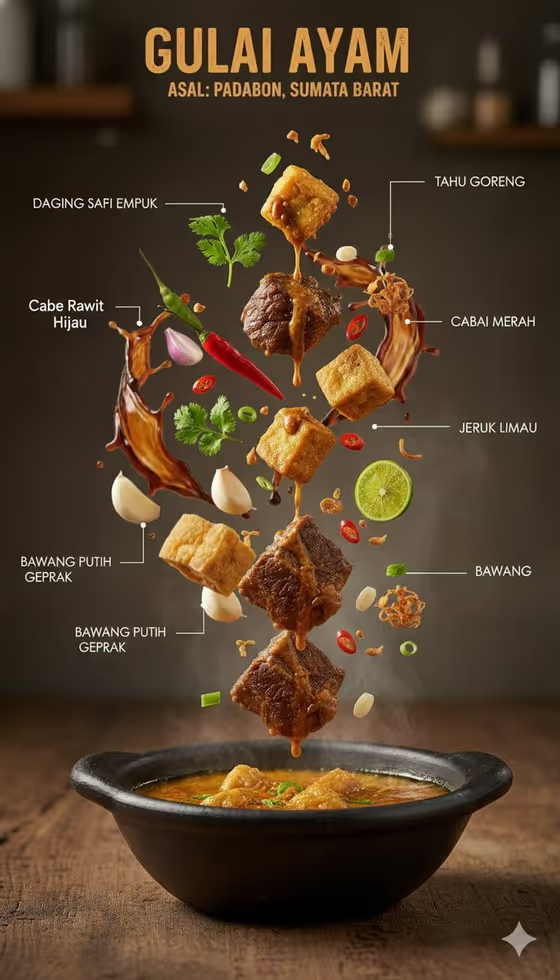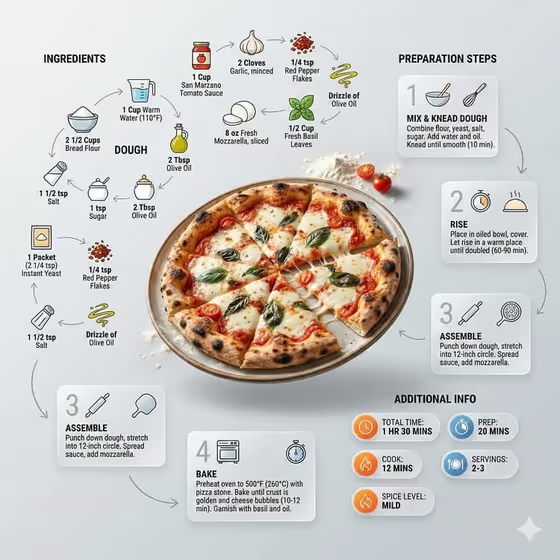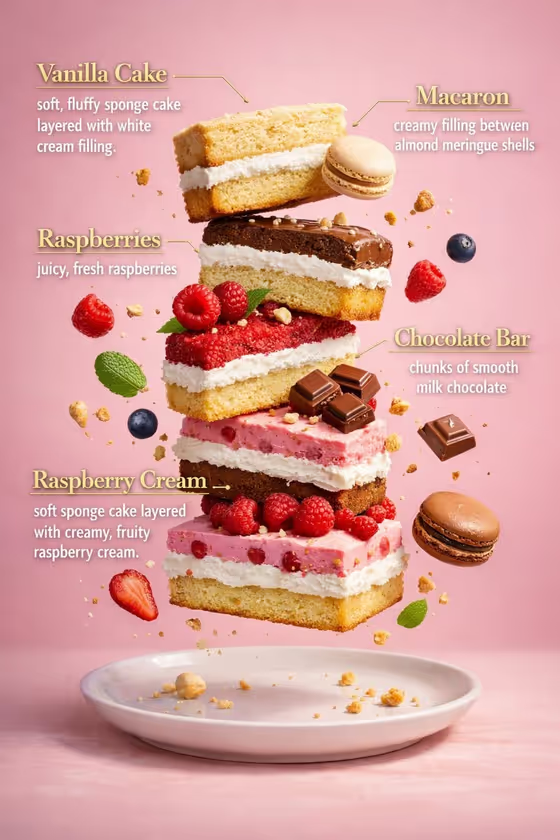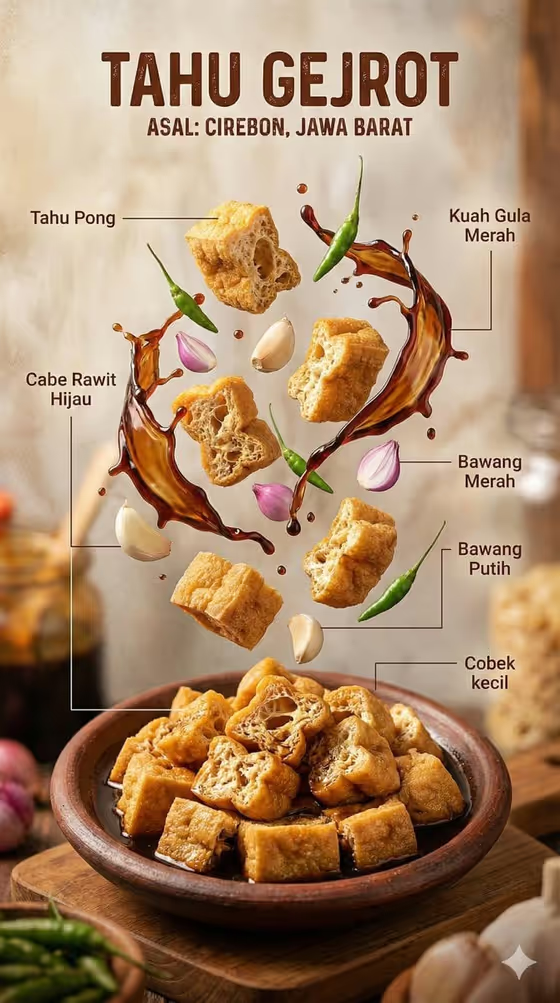
Indonesian Dish Anatomy turns a single dish into a vertical, labeled ingredient infographic. The finished bowl sits at the bottom of the frame on rustic wood, while the ingredients float above it in frozen motion, each tied to a short Indonesian label by a thin white line.
It suits food bloggers, home cooks, restaurant owners, and anyone who wants a clear, appetizing visual that explains what goes into a dish. The 3:4 portrait format works well for stories, menus, and recipe posts.
What works best as input
- For the Indonesian Food Product field, you can describe the dish in words or add a photo of it. A clear, well-lit photo of the finished dish in its bowl gives the template the best visual reference.
- Choose a photo where the dish fills most of the frame and the bowl or plate is fully visible, so the grounded bowl at the bottom matches your real dish.
- If you type instead, be specific about the dish and how it is served, like 'soto ayam with rice and herbs' or 'beef rendang in a traditional bowl'.
- In Ingredient Label Text Set, list the real ingredients you want floating above the bowl, separated by commas. This field is text only, so describe the ingredients rather than uploading anything.
- Keep the ingredient list to a handful of items that visibly belong in the dish, such as 'chicken, noodles, egg and fresh herbs'.
How to use it
- Open the Indonesian Dish Anatomy template in Phosphene.
- In Indonesian Food Product, describe your dish or add a photo of it as the visual reference.
- In Ingredient Label Text Set, type the ingredients you want lifted above the bowl and labeled.
- Generate the image, then review the bowl, the floating ingredients, and the labels, and adjust your inputs if something looks off.
Tips for a better result
- Match the ingredient list to what is actually visible or expected in the dish, so the floating items look believable next to the bowl.
- Try the example styles of list, such as 'coconut curry, vegetables and aromatics' or 'meatballs, greens, sauce and fried garnish', to see how different ingredient groupings change the composition.
- Name sauces and garnishes as well as main ingredients, since they give the arrangement variety in shape and color.
- If a result is close but not right, change one field at a time, either the dish description or the ingredient list, so you can see what made the difference.
Common mistakes
- Listing too many ingredients, which crowds the space above the bowl and makes the labels harder to read.
- Using a dark, blurry, or cropped dish photo, which gives the template a weak reference for the bowl.
- Writing a vague dish name like 'soup' instead of describing the specific dish and how it is served.
FAQ
Do I have to upload a photo?
No. The Indonesian Food Product field accepts a text description, and a photo is an optional way to give an exact visual reference.
Can I add a photo to the ingredient field?
No. Ingredient Label Text Set is text only. Type the ingredients you want shown and labeled.
What will the labels look like?
The template adds thin white leader lines connecting each floating ingredient to a short Indonesian label, as in the cover example.
What format is the result?
It is a single image in a 3:4 vertical format, with the bowl at the bottom and the ingredients above it.