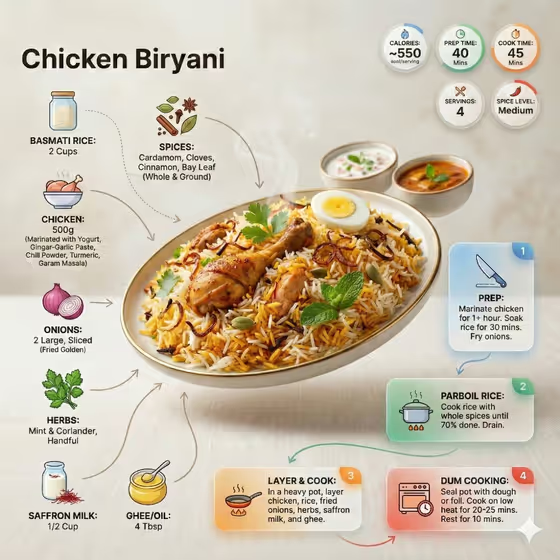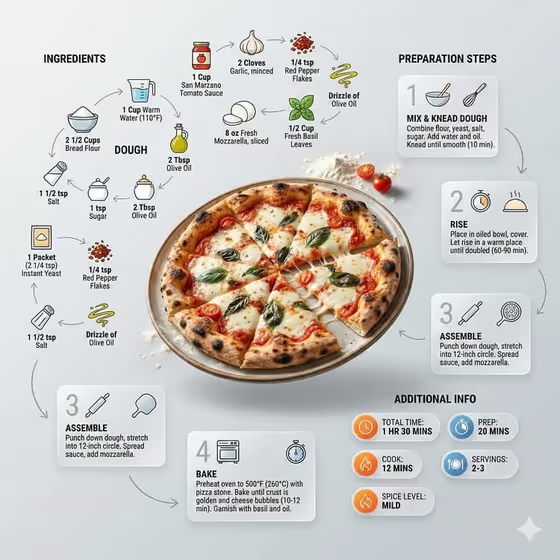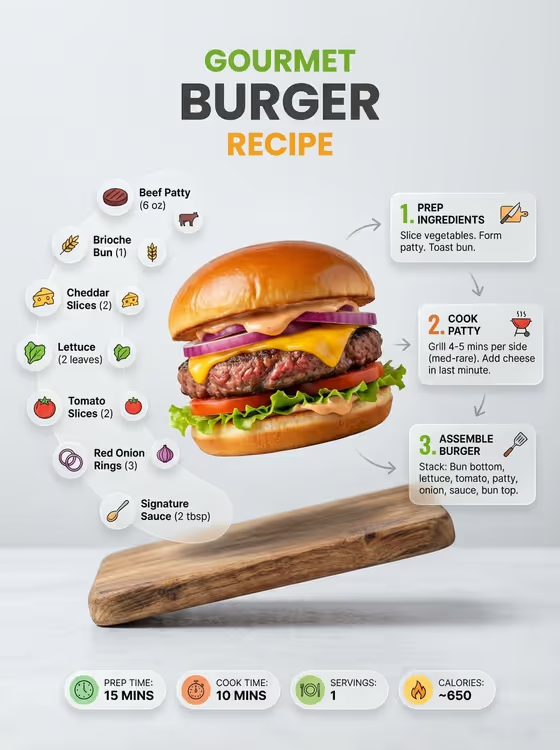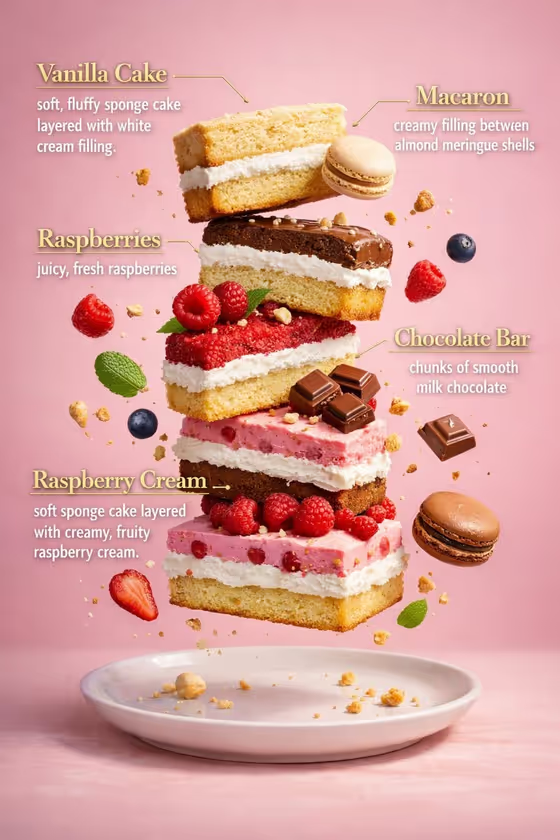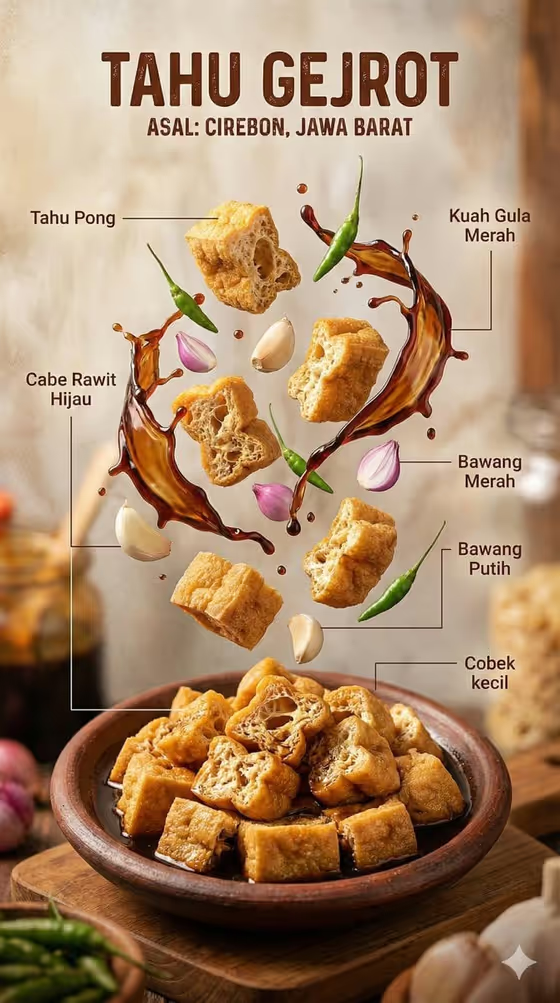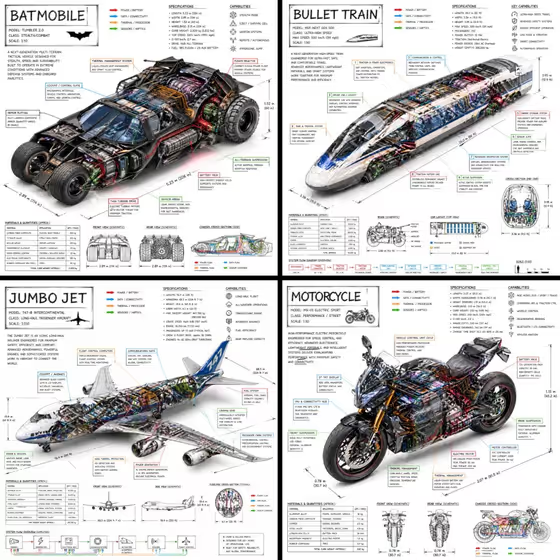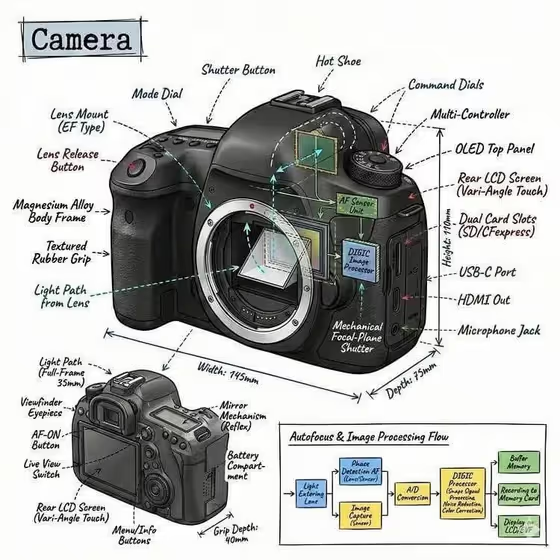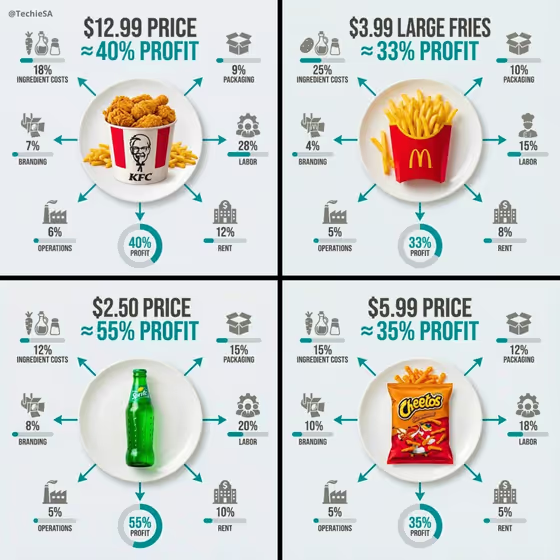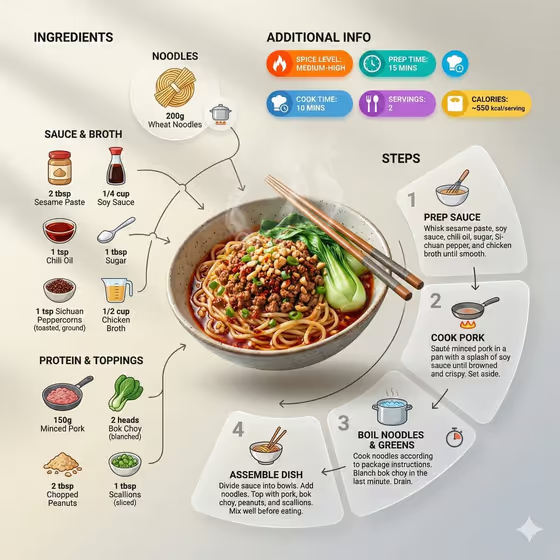
This template turns a single noodle dish into a recipe infographic. The finished bowl sits at an angle as the hero, with icon-labeled ingredients, numbered step panels, and small badges for things like spice level or prep time arranged around it.
It suits food bloggers, home cooks, and anyone who wants a shareable visual recipe card instead of a plain photo. You can describe a dish or use a reference photo of it, then pick how the layout is framed.
What works best as input
- In the 'plated noodle dish food product or dish' field, you can type a description or upload a photo of the dish itself. A clear, well-lit shot of the finished bowl gives the layout a strong hero to work from.
- If you describe the dish, be specific about what is on it. Something like 'wheat noodles with spicy minced pork, bok choy, peanuts, and scallions' gives the ingredient icons and steps more to match.
- If you use a photo, pick one where the noodles and toppings are easy to read, not hidden under steam or heavy shadow.
- The field's examples include 'a plated noodle dish', 'a regional specialty', and 'a chef-made variation'. Naming the style or region can help the ingredients and steps feel right.
How to use it
- Open the Noodle Recipe Infographic template in Phosphene.
- In the 'plated noodle dish food product or dish' field, type your dish or add a reference photo of it.
- Choose an option in 'Food presentation', such as 'Ultra-clean modern recipe infographic', 'plated hero composition', 'ingredient motion moment', or 'texture-focused close-up'.
- Generate the image, then check that the dish, ingredient icons, and numbered steps match what you wanted. Adjust your dish description or presentation choice and run it again if needed.
Tips for a better result
- Try each 'Food presentation' option on the same dish. 'Texture-focused close-up' and 'plated hero composition' will emphasize different things than the clean infographic layout.
- Name the key ingredients in your dish description so the icon clusters show the right items.
- Choose a dish with a distinct look, like saucy noodles with bright greens and crunchy toppings, so the hero stands out against the layout.
- The output is a 3:4 image, so leave room in your mind for a vertical layout when deciding how much detail the dish needs.
Common mistakes
- Writing a vague dish like 'noodles' and expecting precise ingredients. The icons and steps follow what you describe, so add a few details.
- Uploading a cluttered or dark photo where the dish is hard to see. The hero should be clearly visible.
- Treating the quantities and steps as tested recipe instructions. They are generated to fit the layout, so check them before sharing.
FAQ
Do I have to upload a photo?
No. The dish field accepts either a typed description or a reference photo, so you can work from text alone.
Can I choose the look of the layout?
Yes. The 'Food presentation' field lets you pick options like 'Ultra-clean modern recipe infographic', 'plated hero composition', 'ingredient motion moment', or 'texture-focused close-up'.
What appears in the infographic?
The dish is the hero, surrounded by icon-labeled ingredient quantities, numbered step panels with small cooking icons, and optional badges such as spice level, prep time, or servings.
Will the recipe details be accurate?
They are generated to fit the design, so review quantities, times, and steps yourself before treating them as a real recipe.