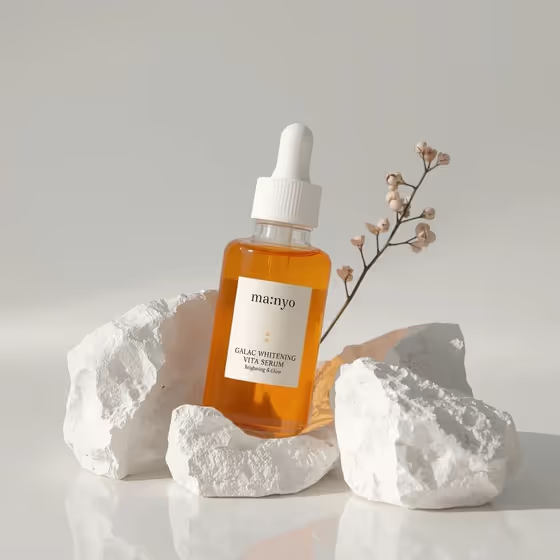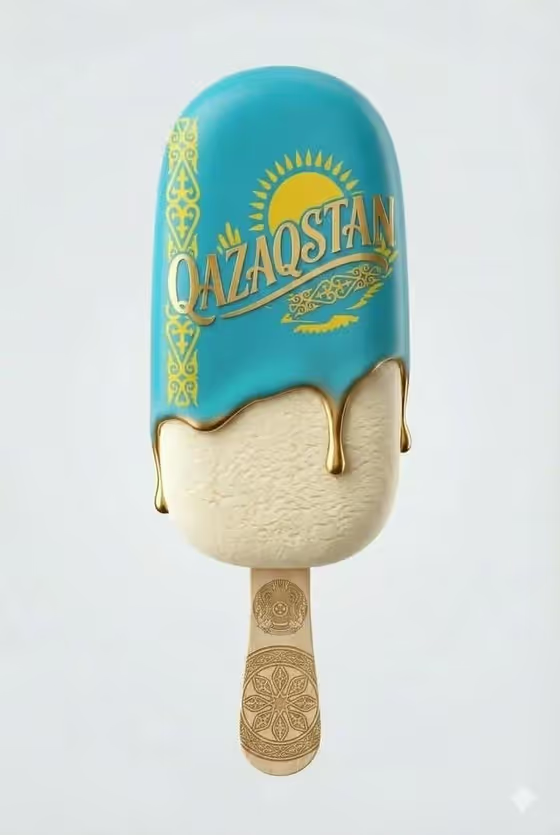
This template shoots a single ornamental ice cream bar as a clean studio product image. The cover shows the look it builds toward: glossy turquoise icing with gold ornamental patterns and embossed lettering, a creamy vanilla reveal underneath with a few slow drips, and an engraved wooden stick, all on a plain white background in a 3:4 frame.
It suits food designers, small brands, and anyone who wants a luxury-styled dessert visual without setting up a studio. You can keep the default turquoise bar or swap in your own food or drink concept and let the template apply the same polished lighting and gold detail.
What works best as input
- In the first field (turquoise ornamental ice cream bar food product or dish), you can either type a short description or upload a photo of your exact food or drink reference.
- If you type, keep it concrete: name the item, its main color, and any decoration, like the default "a turquoise ornamental ice cream bar" example.
- If you upload a photo, choose one where the product sits on its own with clear edges and even light, so its shape and surface are easy to read.
- Avoid cluttered photos with several foods or busy backgrounds, since the template places the result on a clean white studio backdrop anyway.
How to use it
- Open the Kazakhstan Ice Cream template in Phosphene.
- In the first field, describe your food or drink, or upload a reference photo of it.
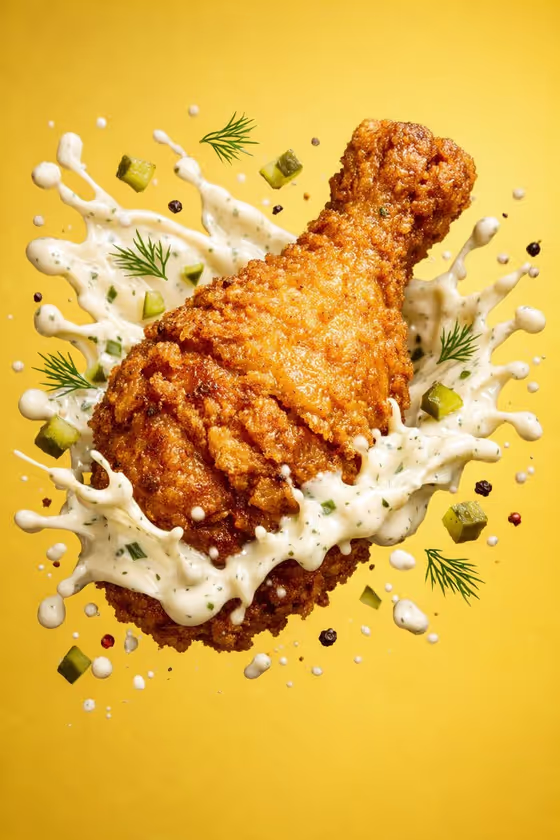
- Pick a value for Food presentation. The default is a minimalist, ultra-realistic product shot, and the other examples include a plated hero composition, an ingredient motion moment, and a texture-focused close-up.
- Generate the image, then check the icing, gold detail, and drips against the cover look and adjust your inputs if needed.
Tips for a better result
- Try the texture-focused close-up presentation when you want the vanilla surface and the melting drips to be the star of the frame.
- Use the plated hero composition if you want the item framed more like a menu or campaign visual.
- Add specifics to your description, such as a flavor, color, or regional specialty, to steer the subject while the studio lighting and luxury styling stay the same.
- Change one field at a time between runs so you can see which input caused the difference.
Common mistakes
- Writing a long, vague description. Short and specific wording like "a regional specialty" with a clear color works better than a paragraph of loose ideas.
- Uploading a low-detail or dark photo of the food, which gives the template little to work from for texture and shape.
- Expecting the background or lighting to change. The clean white studio setup and soft diffused light are fixed parts of this template.
FAQ
Do I have to upload a photo?
No. The first field accepts either a typed description or an uploaded reference photo, so you can use whichever you have.
Can I make something other than the turquoise bar?
Yes. The examples in the first field include a chef-made variation, a regional specialty, and your own exact food or drink reference. The studio look stays the same.
What shape is the output?
It is an image in a 3:4 portrait ratio, as shown on the cover.
What does the Food presentation option change?
It sets how the finished image is framed, for example a minimalist product shot, a plated hero composition, an ingredient motion moment, or a texture-focused close-up.