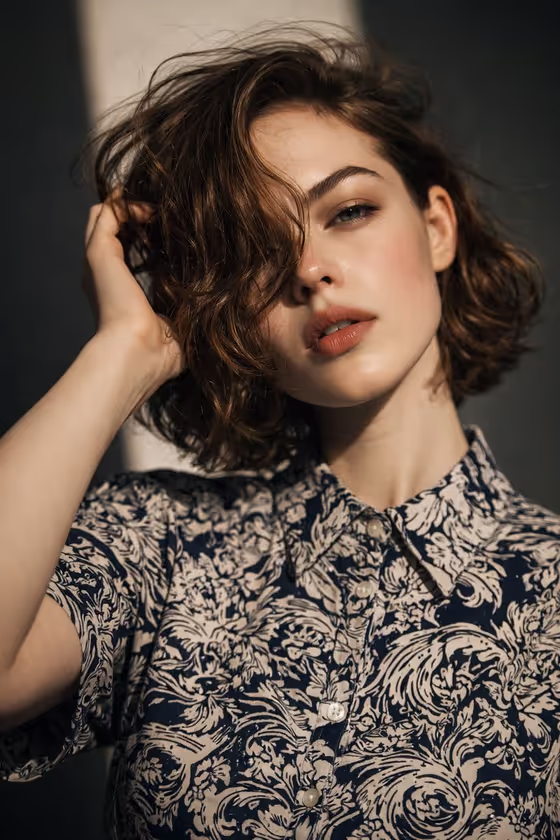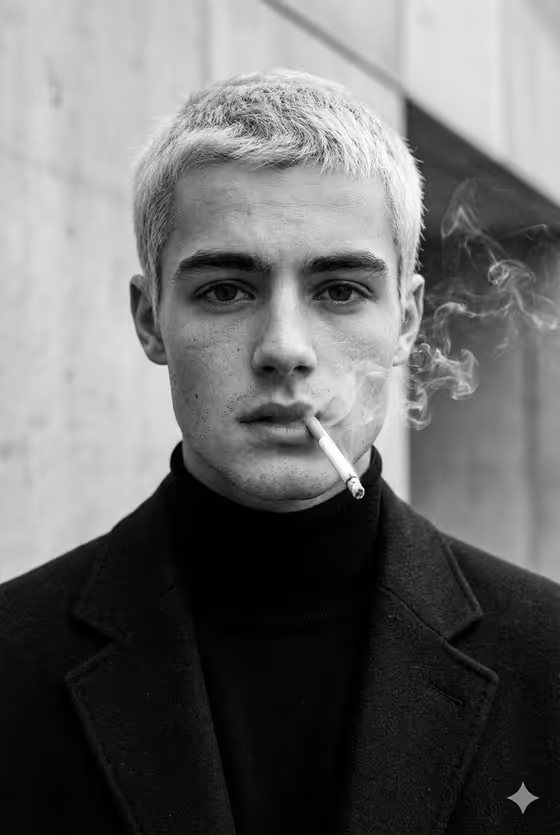
Smoky Monochrome Fashion turns your portrait into a black-and-white editorial image with curling cigarette smoke, a dark tailored coat, a black turtleneck and a minimal concrete-style backdrop. The look is built around high contrast, visible skin texture and a soft film grain, like the cover image you see on this page.
It suits anyone who wants a moody, magazine-style portrait for a profile picture, a creative project or a mood board. The output is a single 3:4 image, so it works well as a vertical portrait.
What works best as input
- Use a clear, well-lit photo of an adult where the face is fully visible and sharp. The template is built to match your reference, so a clean source gives it more to work with.
- A front-facing or slightly angled shot with an open, direct gaze fits the composition best, since the cover is a close, centered portrait.
- Keep the background simple and avoid heavy filters or sunglasses, which can hide the skin detail and expression the template tries to preserve.
- In the Portrait subject field you can leave the suggested wording, such as an adult man matching my reference, or describe the person yourself, for example an adult woman with a distinctive presence.
How to use it
- Open the Smoky Monochrome Fashion template and upload one photo of the person you want in the portrait.
- In Portrait subject, keep the default text that matches your reference or replace it with your own short description of the adult subject.
- Choose a Pose or expression, such as the source gaze and expression, calm direct gaze, quiet introspection or intense focused gaze.
- Generate the image, then check the face, the smoke and the skin texture, and run it again with a different expression if you want another take.
Tips for a better result
- Try different Pose or expression options with the same photo. Quiet introspection and intense focused gaze give noticeably different moods to the same monochrome styling.
- Keep the subject description short and concrete. The prompt already specifies the coat, turtleneck, hair and lighting, so extra clothing details may fight with the template.
- If the first result drifts from your reference, set the subject text back to the matching-reference wording and use the source gaze and expression option.
- Use a sharper, higher-resolution source photo when you want the pores and fine lines to read clearly in the final image.
Common mistakes
- Uploading a small, blurry or heavily filtered photo, which leaves little real skin and face detail for the template to build on.
- Writing a long, detailed subject description that contradicts the fixed styling, such as asking for bright colors when the template is deliberately black and white.
- Using a photo where the face is turned away, cropped or covered, which makes the expression and likeness harder to carry over.
FAQ
Is the output in color or black and white?
Black and white. The template's fixed direction is a deliberate monochrome look with strong contrast, film texture and dramatic editorial lighting.
Do I have to upload a photo?
The Portrait subject field accepts a photo, and the template is designed around matching your reference, so uploading one is the intended way to use it.
What aspect ratio does it produce?
3:4, a vertical portrait format.
Can I change the clothing or background?
Not directly. The coat, turtleneck, smoke and minimal architectural backdrop are part of the template's built-in direction. You control the subject and the pose or expression.