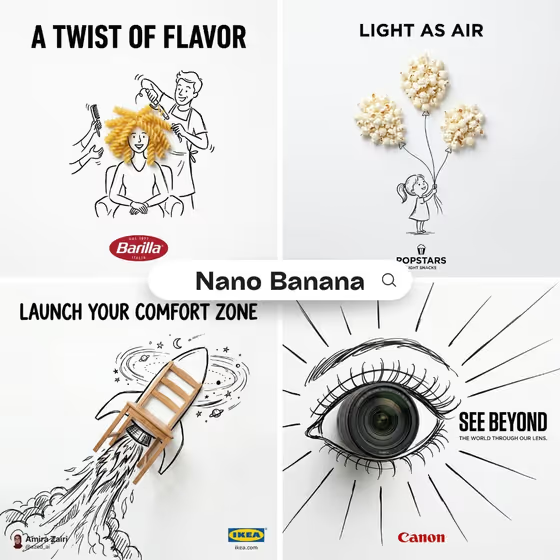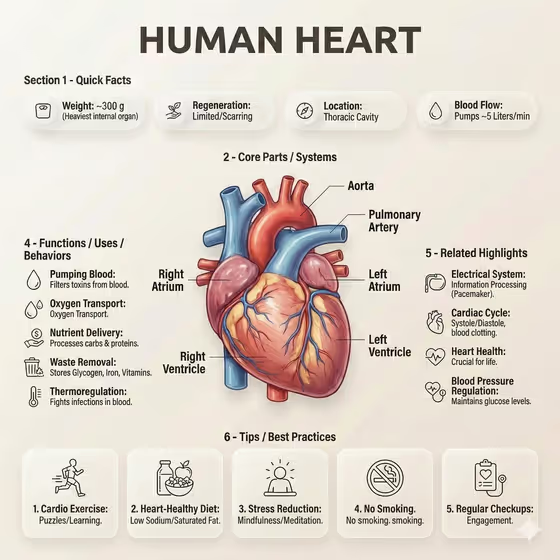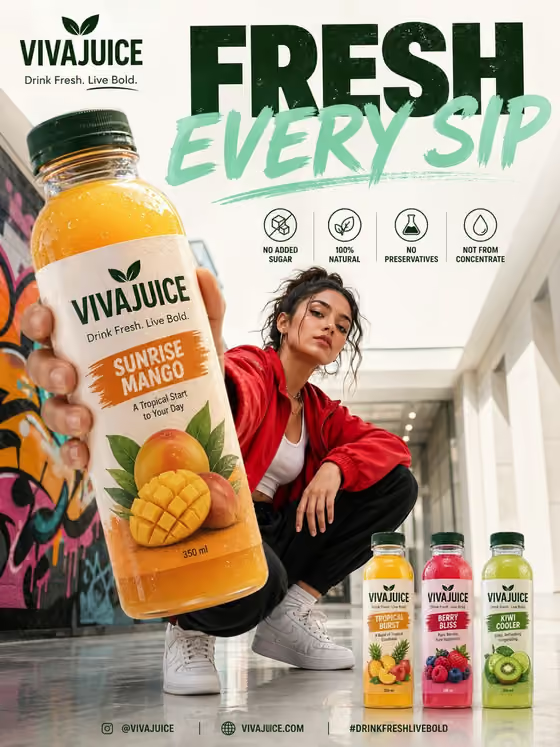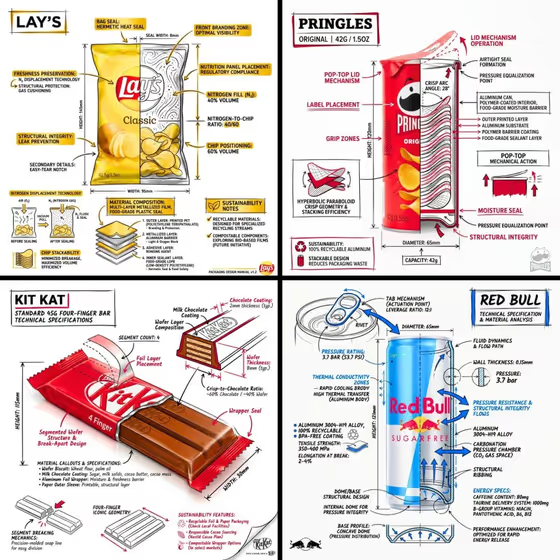
Branded Snack Cross-Section turns a snack product into an annotated technical infographic. A realistic render or photo of the product sits at the center, with black ink-style line drawings, a cross-section, measurements, material callouts, arrows and sustainability notes drawn directly over it on a white studio background.
It suits food brands, packaging designers, students and anyone who wants a product explainer in the look of an engineering drawing. The cover examples show the idea: a chip bag, a stacked-chip canister, a wafer bar and a beverage can, each with a title box in the upper corner and a small brand mark in a corner.
What works best as input
- The Product and Snack fields both accept either a text description or a photo reference. Use a clear, well-lit photo of the actual packaging if you want the hero visual to match a real item.
- If you describe instead, be specific about shape and packaging, for example a pillow-style chip bag, a tall tube canister, or a four-finger wafer bar in a foil wrapper.
- Keep the product name legible in your input, since the title box is meant to show the product name in bold.
- Pick a Color Palette that contrasts well with the product. The accent color is used for highlights and key callouts, so it should read clearly against black linework on white.
How to use it
- Open the Branded Snack Cross-Section template in Phosphene.
- Fill in the Product field with the featured item, then the Snack field with the snack you want annotated. Add a photo reference to either field if you have one.
- Choose a Color Palette from the options, such as Cobalt blue and warm cream or Monochrome black and white.
- Generate the image, then check that the title box, labels and cross-section are readable, and run it again with adjusted wording if needed.
Tips for a better result
- Describe internal structure in your text, such as layered wafer, stacked curved crisps or a foil-lined bag, so the cross-section has something specific to show.
- Try the same snack with different palettes to compare looks, since the accent color drives the callouts and title border.
- Name the packaging material (foil, paper sleeve, aluminum can) to give the material callouts more believable content.
- Use a clean, front-facing reference photo if you add one, so the product stays clearly visible under the annotations.
Common mistakes
- Leaving the Product and Snack fields vague, which gives the annotations little to work with and makes the callouts generic.
- Choosing a palette that is too close to the product's own colors, so the accents get lost against the hero visual.
- Using a cluttered or low-light photo reference, which can make the product harder to read beneath the line drawings.
FAQ
What is the difference between the Product and Snack fields?
Product is the featured item or design, and Snack is the specific snack the infographic is built around. Both accept a text description or a photo reference, so you can use the same item in each or describe them separately.
Do I have to upload photos?
No. Both fields accept a text description, and a photo is an optional way to give an exact visual reference. The template's input summary mentions 2+ photos, so adding references for both fields is the most precise route.
Can I change the colors?
Yes. The Color Palette field lets you pick the accent colors used for highlights and key callouts, while the main technical lines stay black on a white background.
What will the result look like?
A 3:4 image of the snack with sketch-style technical annotations: component labels, a cross-section, measurements, material notes, arrows, sustainability callouts, a title box in the upper corner and a small brand mark.