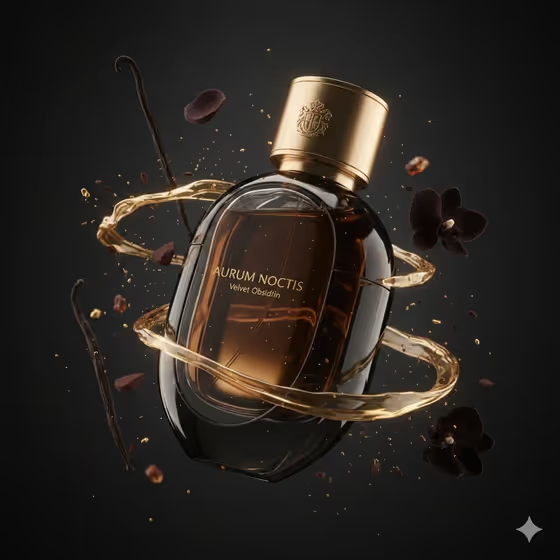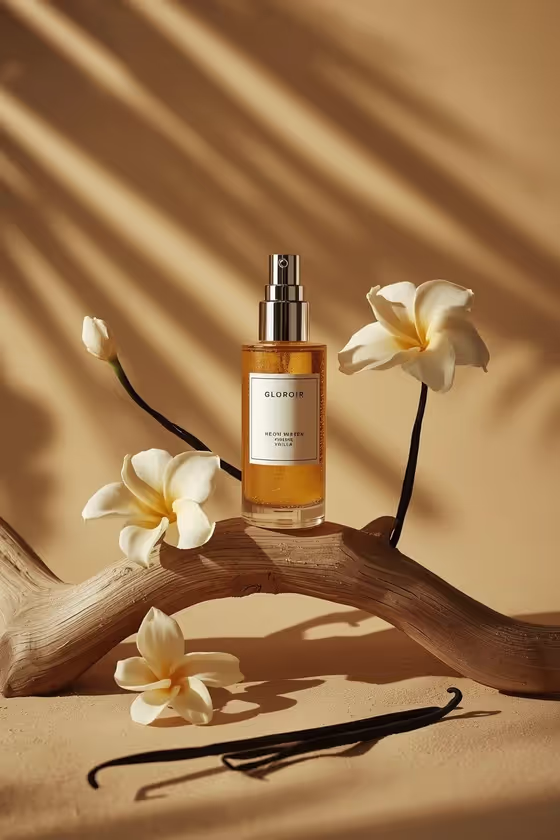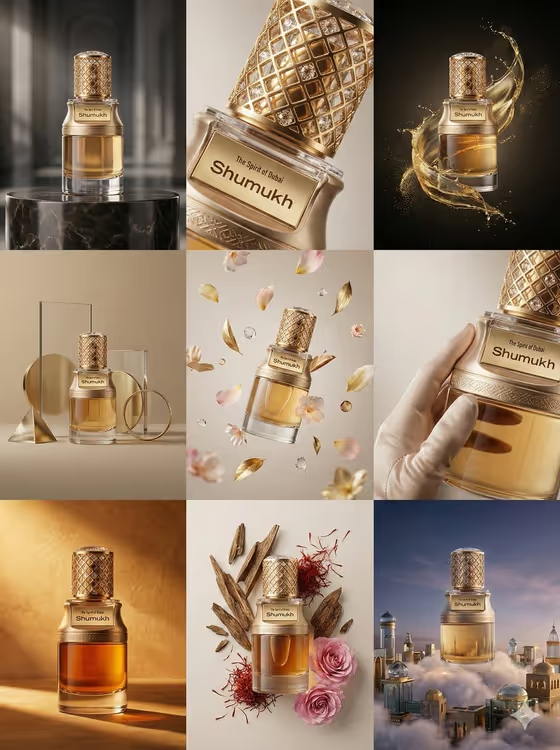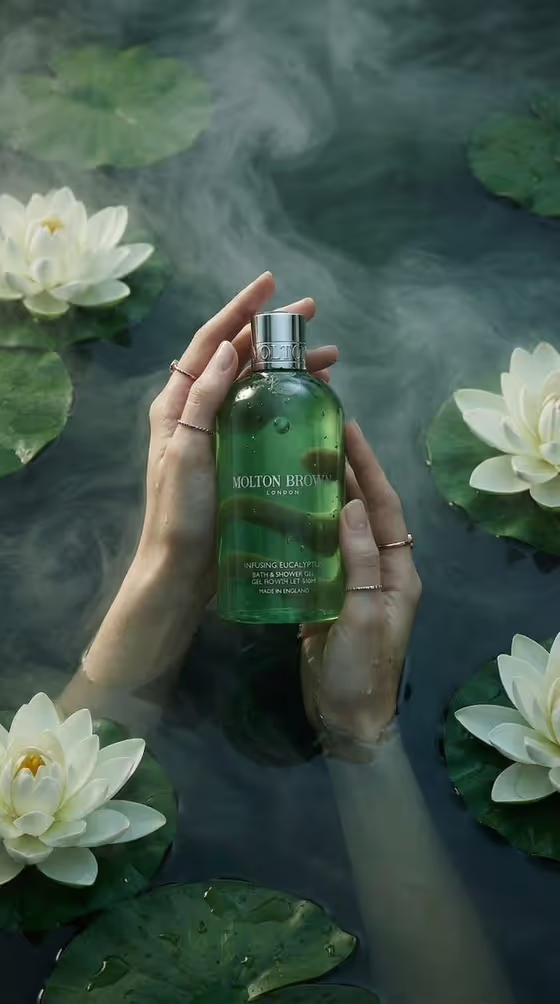
Lotus-Water Bath Gel turns a bath or body product into a calm spa campaign image. Two adult hands hold your product just beneath still, tinted water, with drifting mist and floating flowers around it, in a 3:4 portrait frame.
It suits anyone presenting a bath product, such as a shower gel, bath oil, body wash or hand cleanser, who wants a serene, high-end look without setting up a water shoot. You choose the product, the water color and the botanicals, and the template handles the composition.
What works best as input
- In the Bath Product field you can describe the item in words or add a visual reference. A short, concrete description like "translucent shower gel bottle" gives the template a clear starting point.
- If you use a reference photo, pick one where the bottle is fully visible and evenly lit, so its shape, cap and color are easy to read.
- Mention the packaging details that matter, such as translucent, frosted, glass or a metallic cap, since the template emphasizes translucent packaging and a reflective cap.
- Keep the product description to one item. The scene is built around a single bottle held in both hands.
How to use it
- Open the Lotus-Water Bath Gel template in Phosphene.
- Fill in Bath Product by describing your item or adding a reference, then set Water Palette (for example deep teal green or smoky jade) and Floating Botanicals (for example white lotus and lily pads).
- Generate the image and wait for the 3:4 result to appear.
- Review the result, check how the bottle and water look, and adjust your fields and generate again if you want a different feel.
Tips for a better result
- Try different Water Palette values such as smoky jade, cool lagoon blue or dark botanical emerald to shift the mood from lush to cool and clinical.
- Match the Floating Botanicals to the scent story of your product. A eucalyptus gel might suit gardenia and eucalyptus, while a floral wash might suit jasmine and round leaves.
- Describe the bottle material in the Bath Product field, since glossy, translucent packaging is a focus of the scene and shows up in the droplets and reflections.
- Change one field at a time between generations so you can see which choice made the difference.
Common mistakes
- Writing a vague product name like "bottle" or "soap", which leaves the packaging style up to chance. Add material, shape and type instead.
- Listing several different products in the Bath Product field. The scene holds one product in two hands, so one item works best.
- Expecting exact label text or logos to be reproduced perfectly. Check small printed details in the result before using it.
FAQ
Can I upload a photo of my product?
Yes. The Bath Product field accepts either a text description or a visual reference. The Water Palette and Floating Botanicals fields are text choices only.
What shape is the output?
The template makes a single image in a 3:4 portrait aspect ratio.
Can I use something other than a shower gel?
Yes. The field examples include bath oil, body wash and spa hand cleanser, so any bath or body product you can describe or show can work.
What is in the scene besides my product?
Two adult hands hold the product beneath calm water, with mist, droplets and the floating botanicals you choose around them.