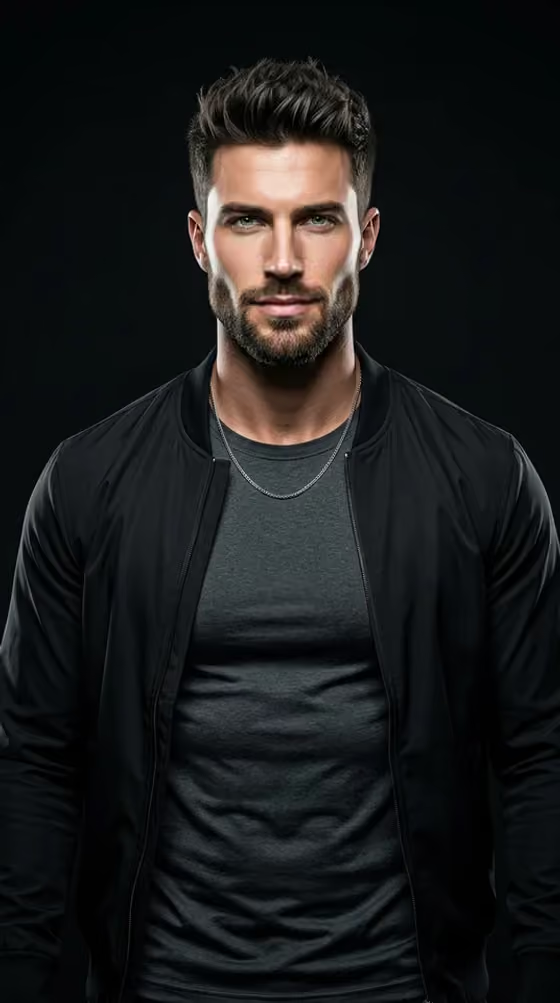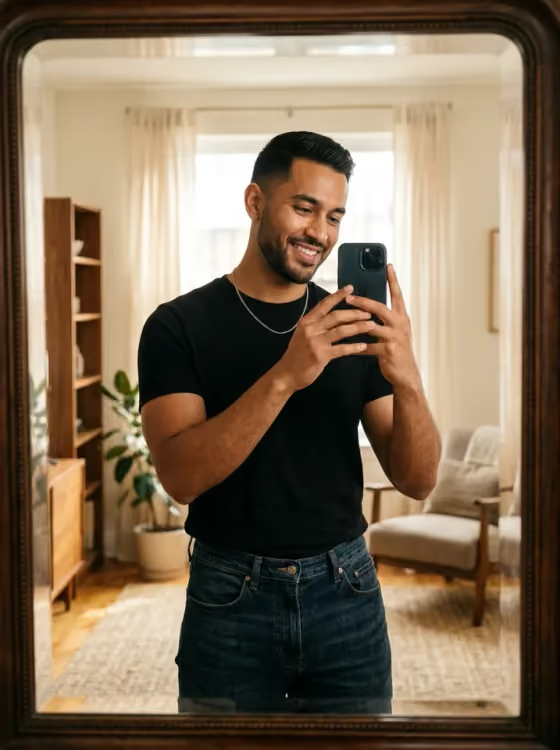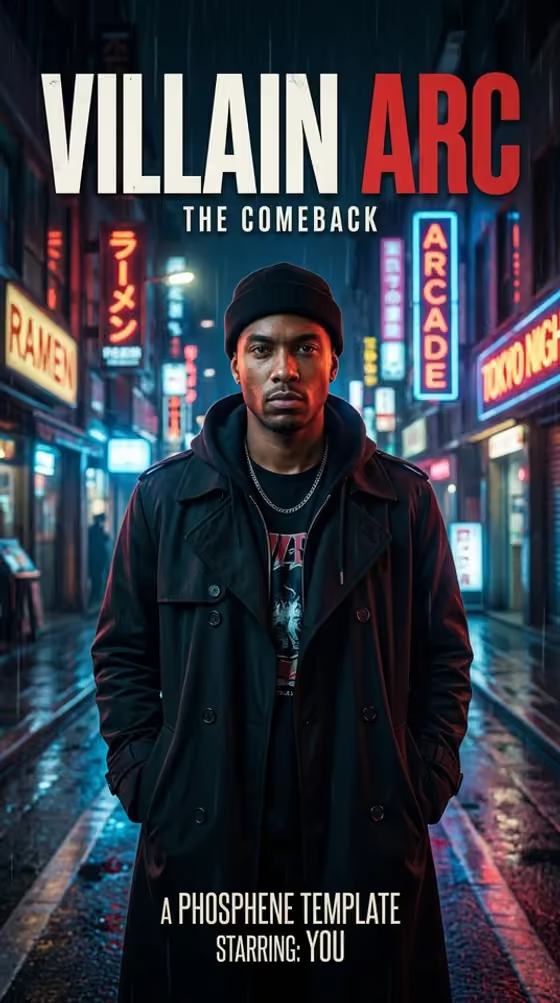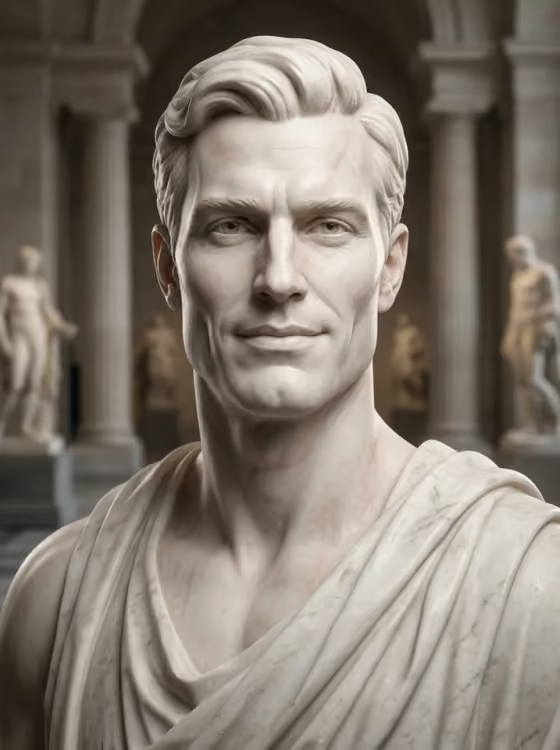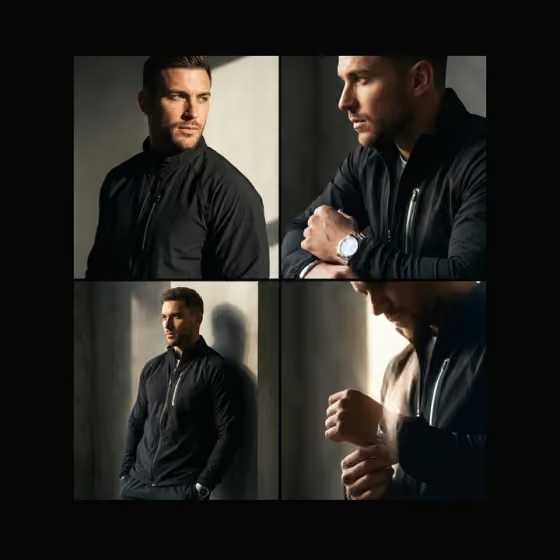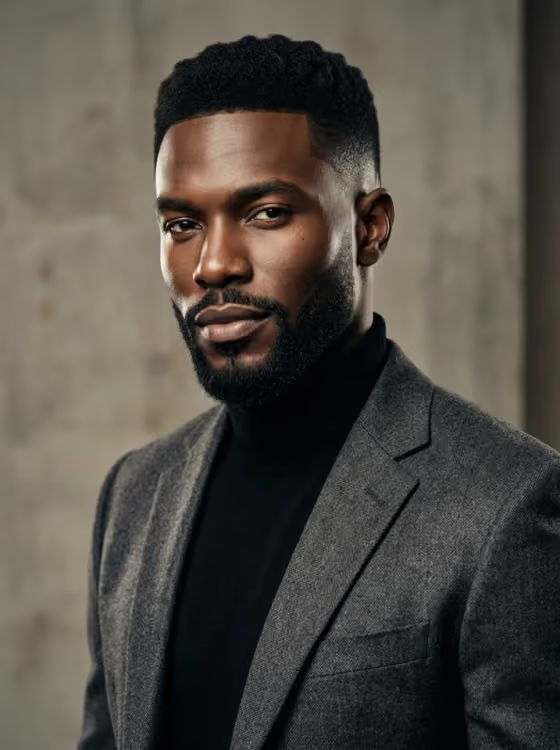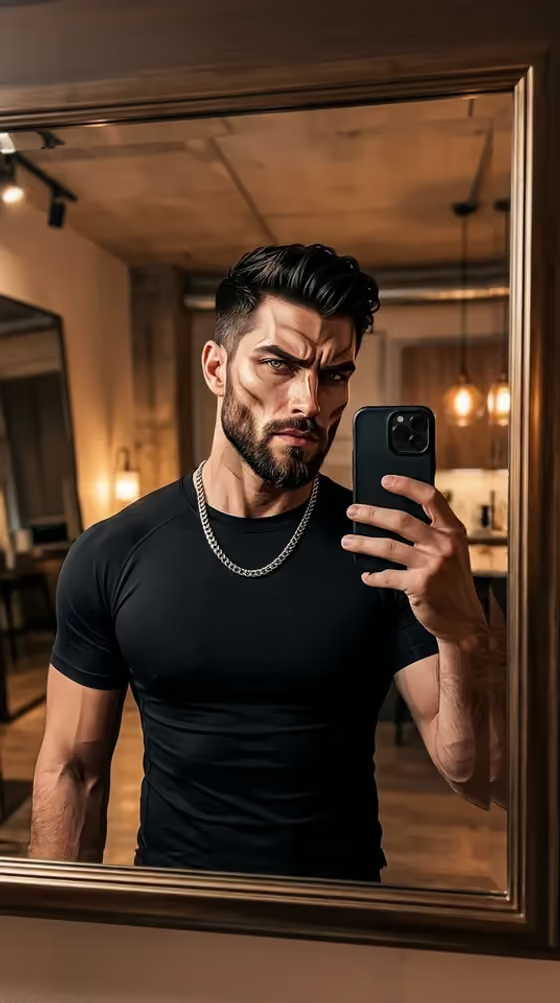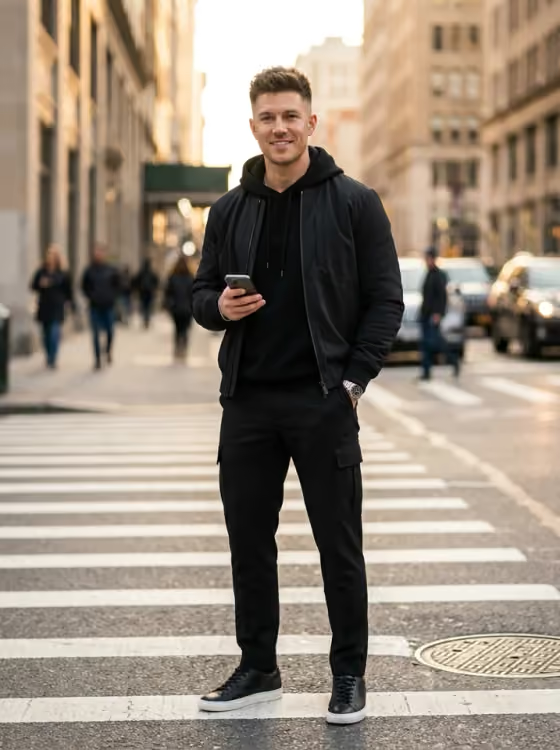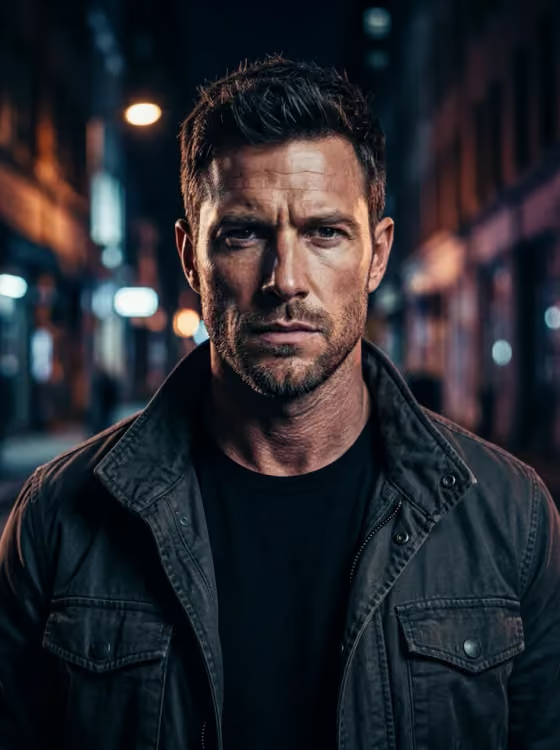
Mog Shot turns one photo of a person into a sharp, high-confidence portrait in a 3:4 frame, built for use as a social profile picture. You pick the visual style, the outfit, and the expression, and the template keeps the person recognizable while pushing contrast, moody lighting, and a controlled pose.
It suits anyone who wants a bold profile image without a photoshoot, especially if you like the editorial look of the cover example: close crop, shadowed jawline, dark jacket, and a blurred night-street background. The result is a clean portrait with no scores, comparison captions, or meme text added.
What works best as input
- Upload one clear photo of one person with the face fully visible and evenly lit. The template needs a readable face to keep the likeness.
- Avoid sunglasses, heavy beauty filters, or anything covering the eyes and jaw, since the lighting is meant to define the face.
- A front-facing or slightly angled shot works better than a tiny, distant, or heavily cropped one.
- Use a photo of yourself or someone who has agreed to be used. Keep it to a single person so the template knows who to preserve.
How to use it
- Open the Mog Shot template in Phosphene and upload your photo in the Your photo field.
- Choose an Aura style, a Fit, and an Expression from the options. These three required fields set the look, the clothing, and the mood.
- Optionally add direction in Anything else, such as a pose, an accessory, or a color detail you want to see.
- Generate the image, then review the 3:4 result and check that the face still looks like you before saving or sharing it.
Tips for a better result
- Match the elements to each other. A night street flash photo with a vintage leather jacket and a calm serious stare gives a cohesive result like the cover example.
- Change only one setting at a time between generations (for example, just the Expression) so you can see what each choice does.
- Use Anything else for small, concrete details like a collar position, a chain, or a head tilt rather than long descriptions.
- Try a minimal studio headshot with a tailored black blazer when you want a cleaner look for professional-style profiles.
Common mistakes
- Uploading a photo with sunglasses, a filter, or a hidden face, which gives the template little to preserve.
- Piling conflicting ideas into Anything else, such as several outfits or moods at once, which can muddy the result.
- Expecting captions, rating text, or meme overlays. The template is set up to avoid adding them.
FAQ
How many photos do I need to upload?
One. The template takes a single photo of one person in the Your photo field.
Will it still look like me?
The template is directed to preserve the uploaded person's recognizable identity, but a clear, evenly lit, front-facing photo gives it the best chance.
What aspect ratio does it make?
The output is a 3:4 image, which suits portrait-style profile photos.
Do I have to fill in Anything else?
No. It is optional. Aura style, Fit, and Expression are required, while Anything else is only for extra pose, accessory, or color direction.