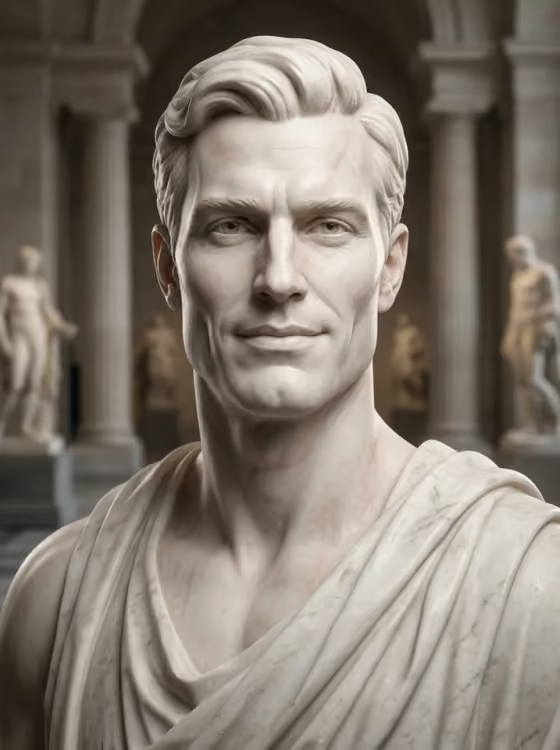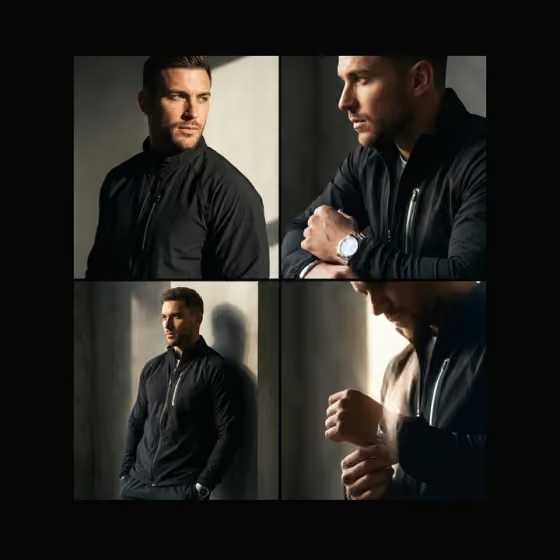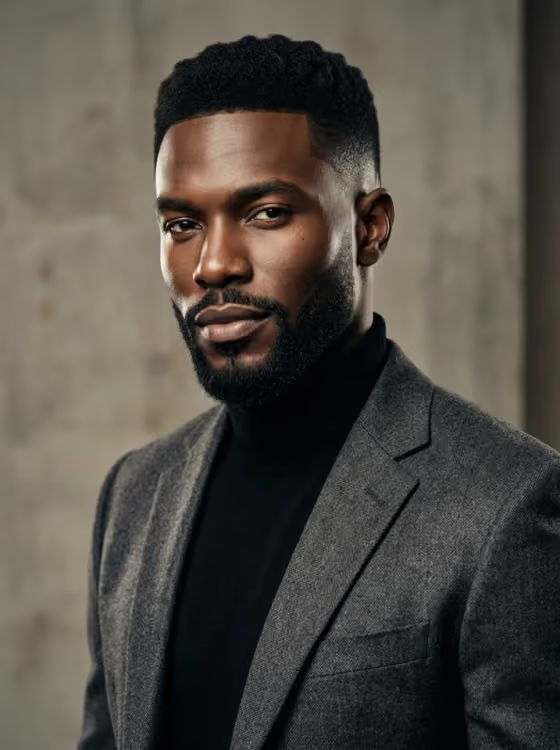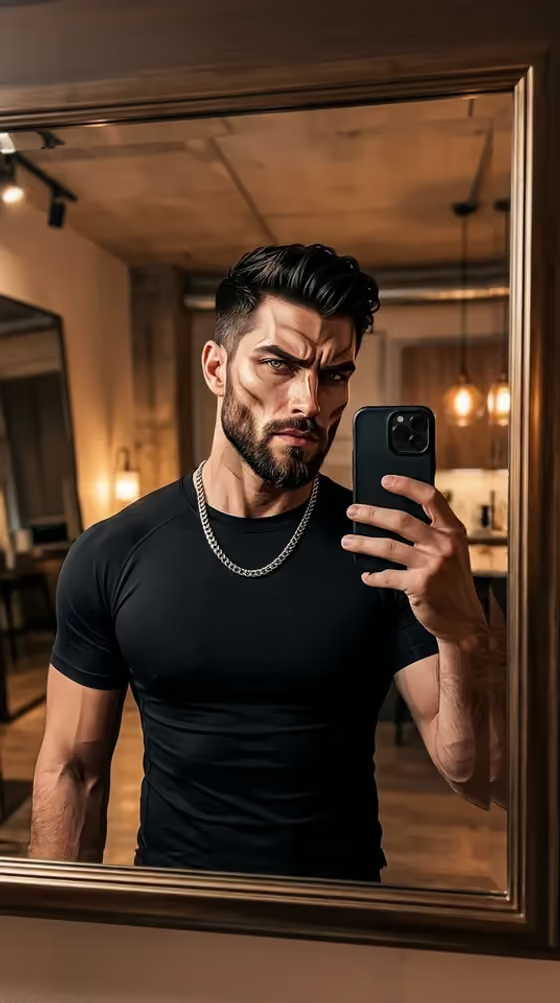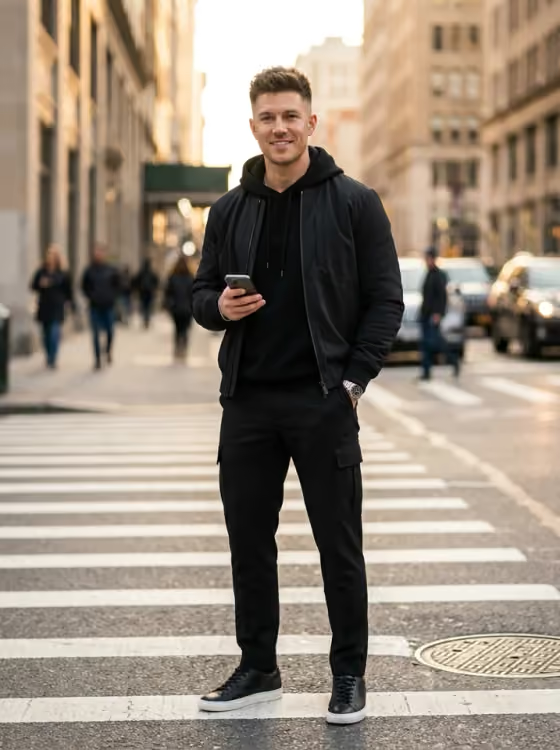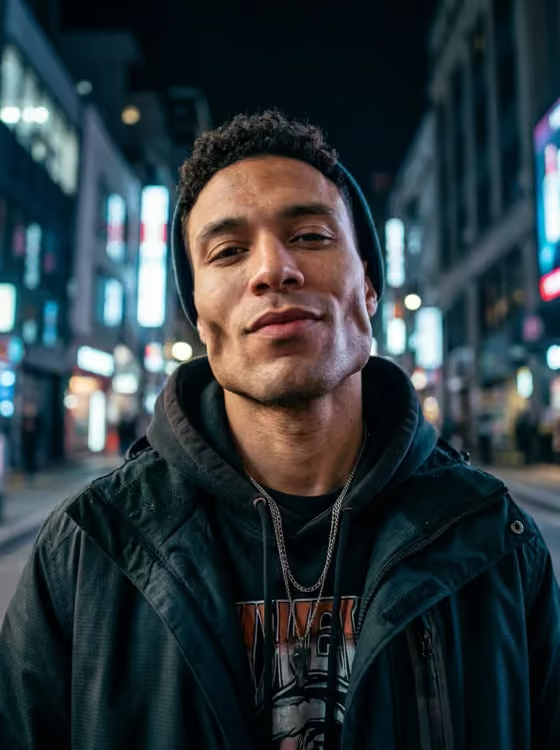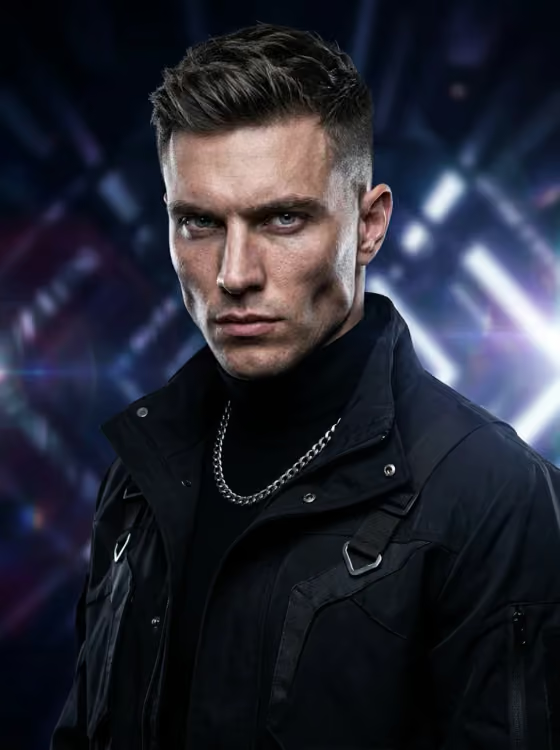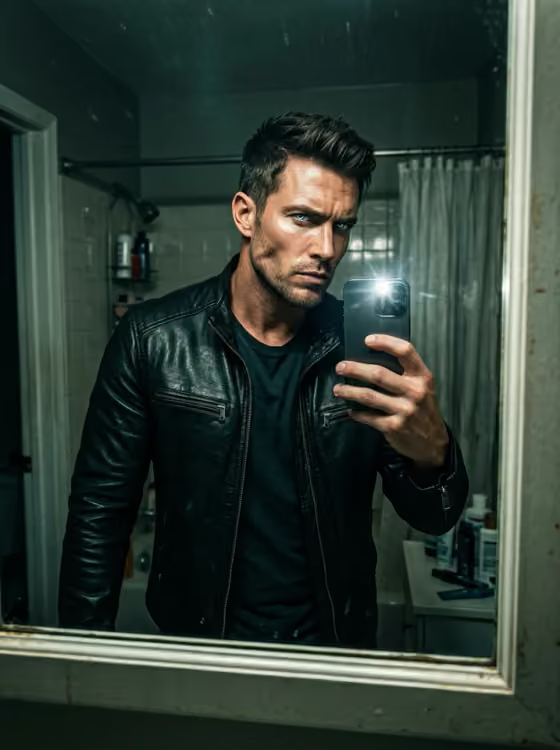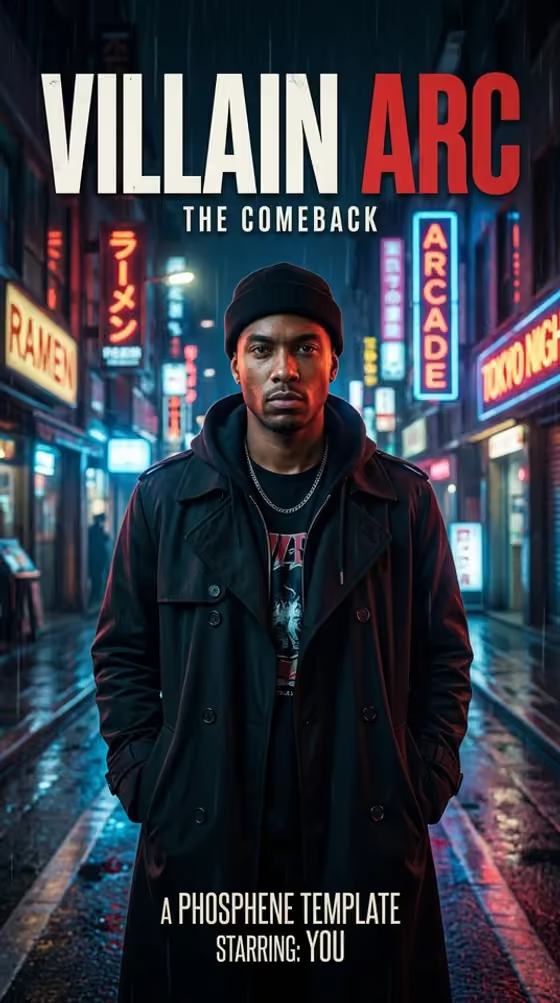
Villain Arc Poster turns one photo of you into a cinematic vertical movie poster built around a comeback story. You pick the story hook, the outfit and the setting, and the result is a 9:16 image with dramatic lighting and a film-poster feel, like the rainy neon street scene on the cover.
It suits anyone who wants a shareable, dramatic portrait for a profile, a story or a group chat. It is aimed at people marking a glow-up, a new haircut, a fresh start or just a main character moment.
What works best as input
- Use one clear photo of just one person, with your face visible and evenly lit. The template is built to keep your recognizable identity, so a clean reference helps.
- Avoid sunglasses, since they hide the eyes the poster relies on for its intense look.
- Skip photos with heavy beauty filters. The poster should look like you, and a filtered face gives the generator a distorted starting point.
- A straight-on or slightly angled shot works well for a poster, since the figure is usually framed front and center and standing tall.
How to use it
- Open the Villain Arc Poster template in Phosphene and upload your photo in the Your photo field.
- Choose your Arc, Wardrobe and World from the options. For example, pair a silent comeback with a black trench coat in a rainy neon city for a look close to the cover.
- Optionally type extra direction in Anything else, such as a pose, an accessory or a color detail, then generate the poster.
- Review the result. If the face or outfit is off, adjust your choices or your photo and run it again.
Tips for a better result
- Make the three choices work as one story. A CEO mode arc with a tailored dark suit in a black marble studio reads as more coherent than mixing unrelated options.
- Use Anything else for small, concrete details like a silver chain, a hand in a pocket, or a cool blue color cast. Short specific notes tend to be clearer than long ones.
- Try the same photo with different Worlds, such as an underground boxing gym or a stormy rooftop, to get a set of posters with different moods.
- Check the Wardrobe pairing against your photo. A hoodie or jacket in the source photo can make a similar outfit easier to match.
Common mistakes
- Uploading a group shot or a photo where your face is small or partly covered, which makes it harder to keep your likeness.
- Using a heavily filtered or sunglasses photo, then wondering why the face looks off.
- Stuffing Anything else with a long list of unrelated ideas, which can muddy the poster instead of sharpening it.
FAQ
Do I have to upload a photo?
Yes. Your photo is a required field, and the poster is built around the person in it.
Which fields are required?
Your photo, Arc, Wardrobe and World are required. Anything else is optional.
What shape is the poster?
It is a vertical 9:16 image, which suits phone screens and stories.
Can I use someone else's photo?
Only use photos of yourself or of someone who has agreed to it, and keep it respectful. The template is meant for making a poster starring you.