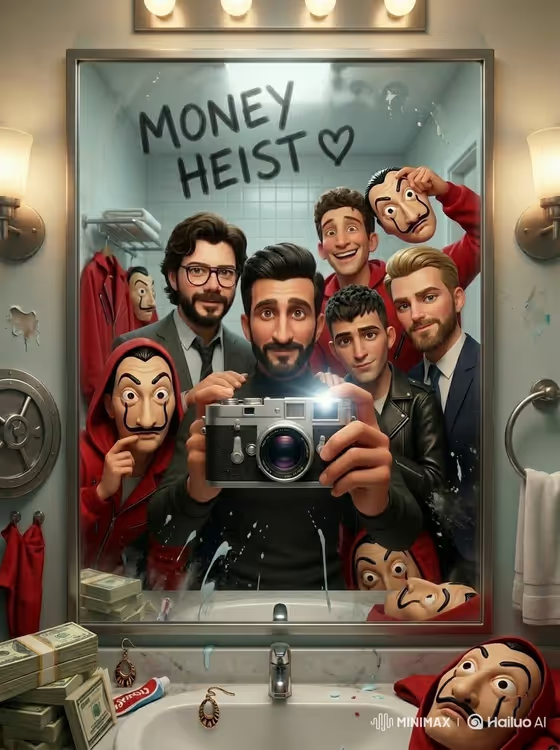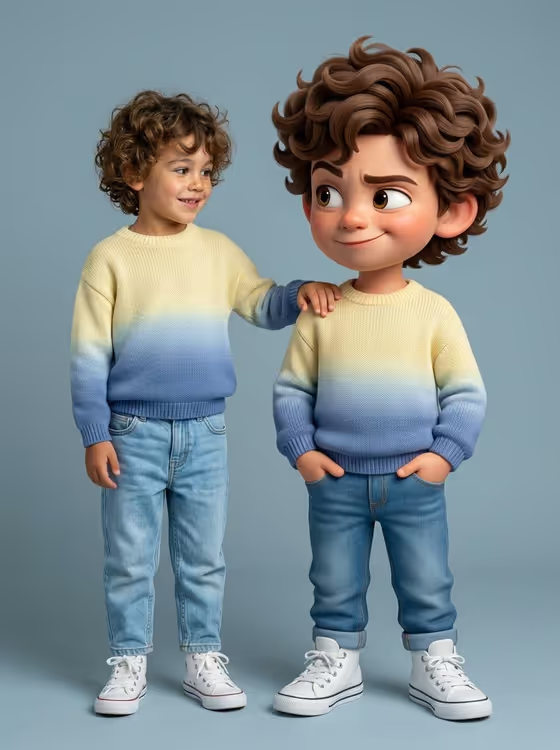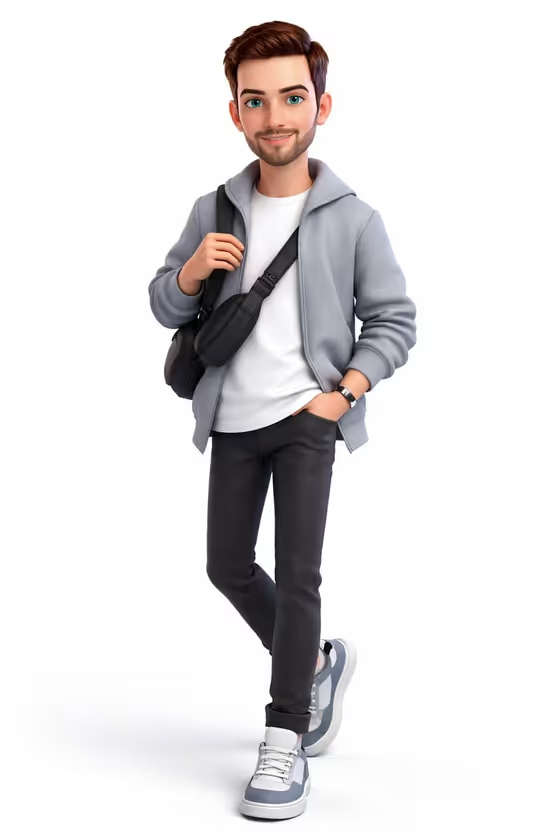
This template turns a photo of a person into a full-body 3D cartoon character in a Pixar-inspired style. The result is a head-to-toe figure with friendly, expressive features, a casual modern outfit and a soft studio look, like the standing character shown on the cover.
It suits anyone who wants a stylized avatar, a profile picture, a gift idea or a fun character for a project. You give it a photo and a creative direction, and it keeps the face, proportions and overall identity recognizable while translating them into an animated form.
What works best as input
- Use a clear photo of one person where the face is well lit and fully visible. The template is built to preserve facial structure and identity, so a sharp reference gives it more to work with.
- Pick a photo that shows the hairstyle and general build, since the cartoon is meant to match your hair and proportions. A shot that includes more than just the face helps the full-body result feel consistent.
- The Portrait subject product or object field accepts a photo, or you can type a short description such as the placeholder 'a confident adult'. Typing is best as a supplement to a photo, not a replacement for one.
- Avoid heavy filters, strong shadows across the face, sunglasses or hands covering the face, so the likeness translates cleanly.
- Only use photos of yourself or people who have agreed to it, and keep the subject respectful and appropriate.
How to use it
- Open the Pixar-Style Full-Body Cartoon template in Phosphene.
- In the Portrait subject product or object field, add your photo, or describe the subject in text if you prefer, for example 'an expressive young man'.
- Choose a Creative direction. The examples include Clean editorial, Cinematic dramatic, Playful colorful and Quiet premium.
- Generate the image, then review the 3:4 result. Check that the face, hair and outfit feel like the person you uploaded, and adjust your inputs if you want a different feel.
Tips for a better result
- Try the different Creative direction options on the same photo. Playful colorful pushes a lighter, brighter feel, while Quiet premium or Clean editorial suggests a more restrained one.
- If the first result drifts from the person, switch to a photo with clearer lighting and a more front-facing view of the face.
- Use the text description to nudge the mood, such as 'a joyful young woman' or 'a distinctive creative professional', alongside your photo.
- Run the same photo more than once and compare, since small variations in expression and outfit details can make one version a better fit.
Common mistakes
- Uploading a blurry, tiny or heavily cropped photo, which gives the template little to preserve about the face and proportions.
- Using a group photo, which makes it unclear which person should become the character.
- Leaving the Portrait subject product or object field with only a vague description and no photo, then expecting a close likeness.
FAQ
Do I need to upload a photo?
The template is designed around a photo, and the Portrait subject product or object field accepts one. You can also describe the subject in text, but a photo is what lets it preserve a real likeness.
What does the output look like?
It is a single full-body 3D cartoon character in a Pixar and Disney-inspired style, delivered as a 3:4 image with a clean, soft look similar to the cover.
What does Creative direction change?
It sets the overall mood of the result. You can choose options like Clean editorial, Cinematic dramatic, Playful colorful or Quiet premium.
Will the character keep my outfit and hair?
The template aims to match your hairstyle and facial structure from the reference. The outfit leans toward a casual modern look, like the white tee, jacket, slim pants and sneakers on the cover.