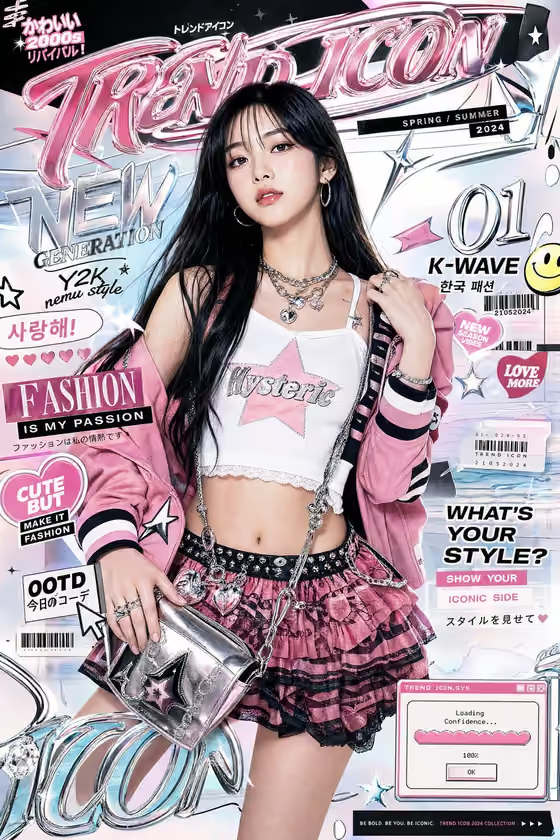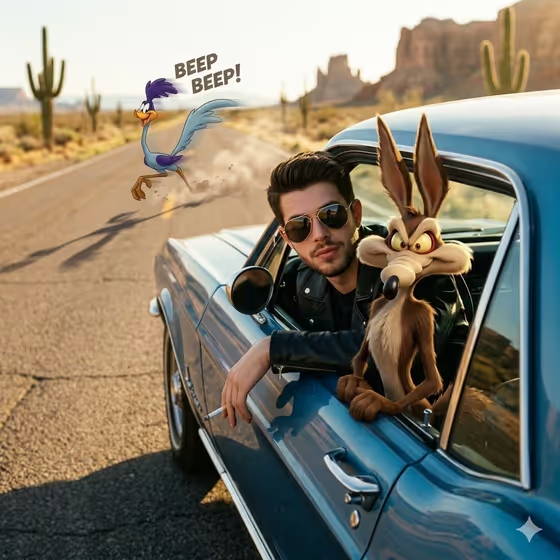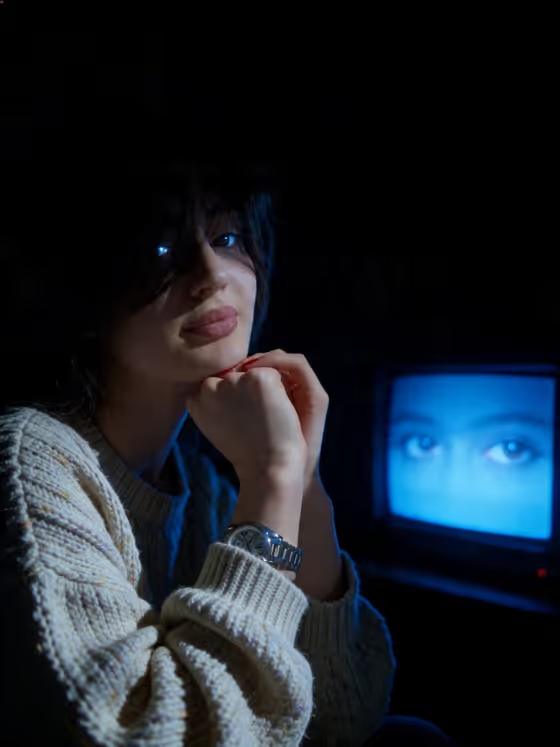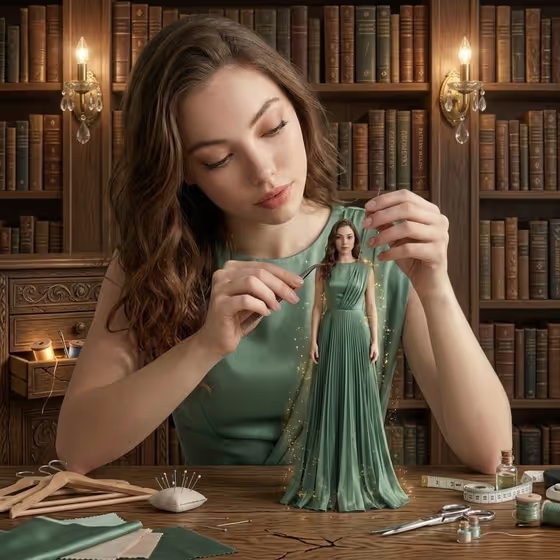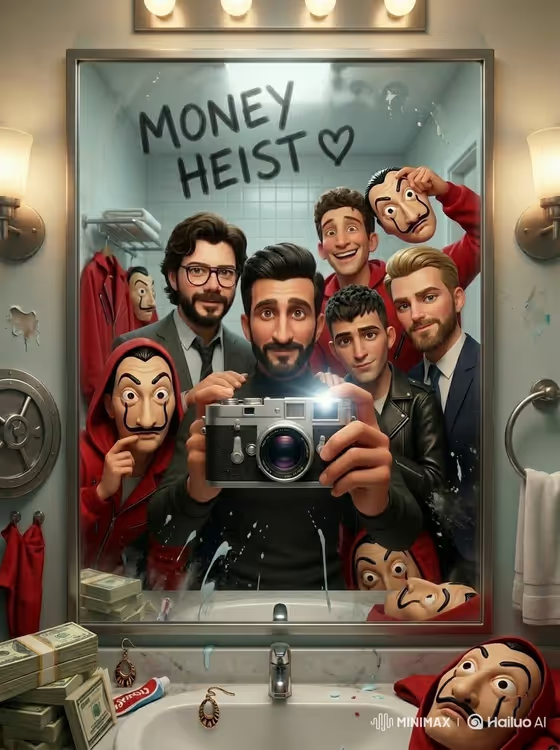
Retro Horror Mirror turns a group of people and their photographer into a single mirror selfie with an '80s sci-fi horror mood. The scene is a bathroom mirror with fogged glass, handwritten text, Christmas string lights, retro gadgets on the sink, and a vintage camera flash, rendered as Pixar-style 3D characters in moody blue and red light.
It suits friend groups, families, cast-and-crew style posts, or anyone who wants a playful themed group portrait. You provide two inputs, the group in front of the mirror and the person holding the camera, and the template builds the scene around them in a 3:4 image.
What works best as input
- For the Portrait subject group slot, use clear photos where each face is visible and well lit, since the group has to read as distinct characters in a crowded mirror.
- For the Photographer slot, pick a separate photo of the person who will be holding the camera in the reflection. A front-facing shot with a visible face works best.
- If you describe instead of upload, keep it close to the examples, such as 'a group of friends and their photographer' or 'a friend taking the mirror photo'.
- Keep the group size modest. A mirror frame fits a handful of people more naturally than a very large crowd.
- Use respectful, ordinary photos of people who are happy to be included. The result is a stylized 3D cartoon, so no special pose is needed.
How to use it
- Open the Retro Horror Mirror template in Phosphene.
- Fill in Portrait subject group by uploading photos of the people in the shot, or by typing a short description like the placeholder.
- Fill in Photographer with a photo or description of the person taking the mirror photo.
- Generate the image, then check the faces, the fogged mirror text, and the sink details, and run it again if something feels off.
Tips for a better result
- Use sharp, evenly lit input photos so the Pixar-style characters keep recognizable features.
- Try different groupings by swapping which photo goes in the group slot and which goes in the Photographer slot.
- The scene's text and props are part of the template's direction, so focus your effort on getting good people inputs rather than rewriting the setting.
- Generate a few times and pick the version where the faces and the camera in the reflection look best.
Common mistakes
- Uploading blurry, dark, or heavily cropped photos, which makes the faces in the group harder to read.
- Putting the photographer in the group slot too, which can leave the camera holder duplicated or unclear.
- Expecting a realistic photo. This template is built for stylized 3D characters, so judge it as an illustration.
FAQ
How many photos do I need?
The template asks for two or more photos, one set for the group and one for the photographer.
Can I type a description instead of uploading?
Yes. Both slots accept text as well as photos, and the placeholders show the kind of short description to use.
Can I change the text on the mirror?
The fogged handwriting is part of the template's fixed direction, so it is not an input you can edit in the fields.
What shape is the output?
It makes a single image in a 3:4 portrait ratio.