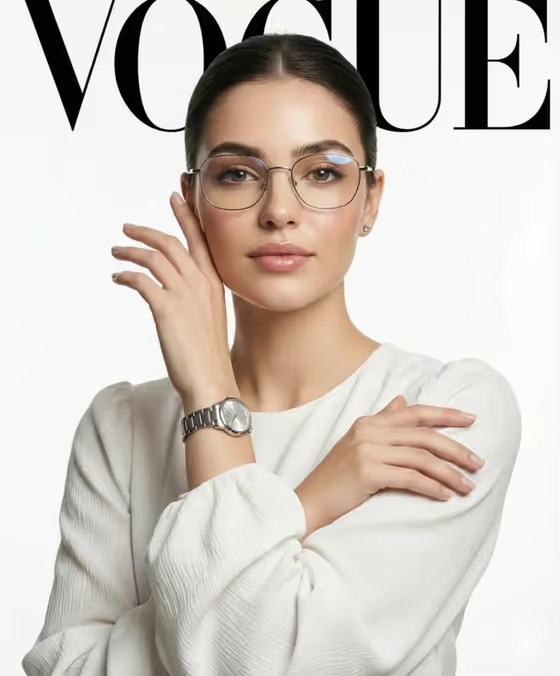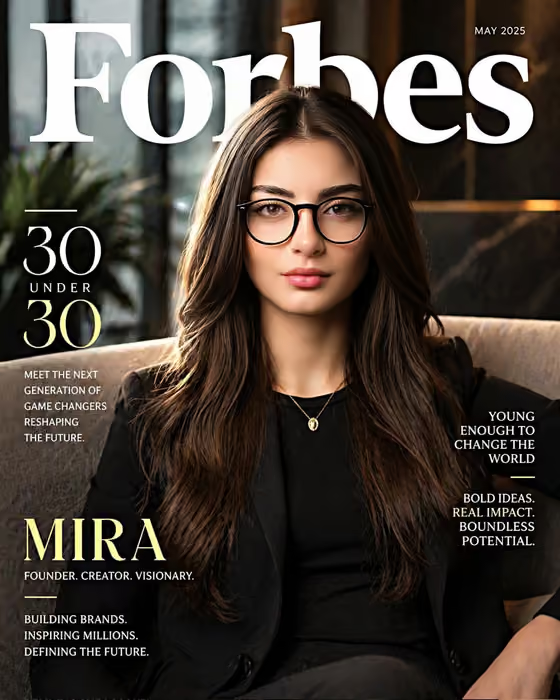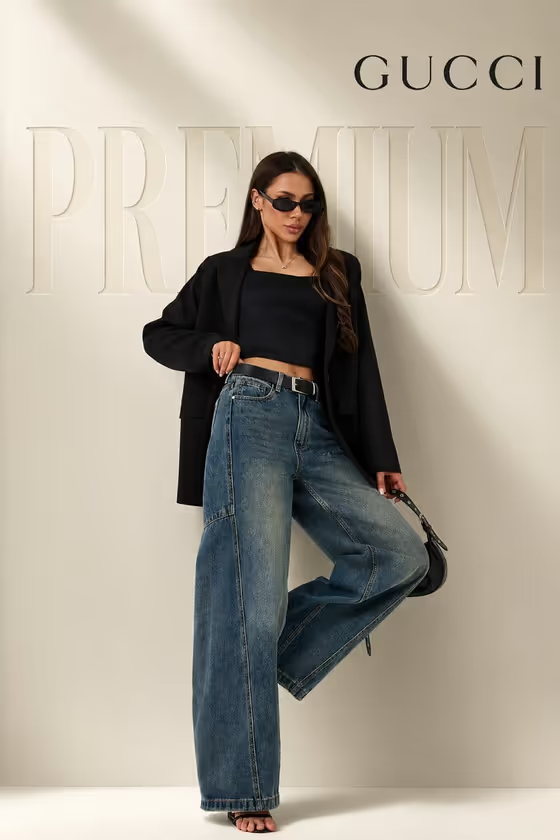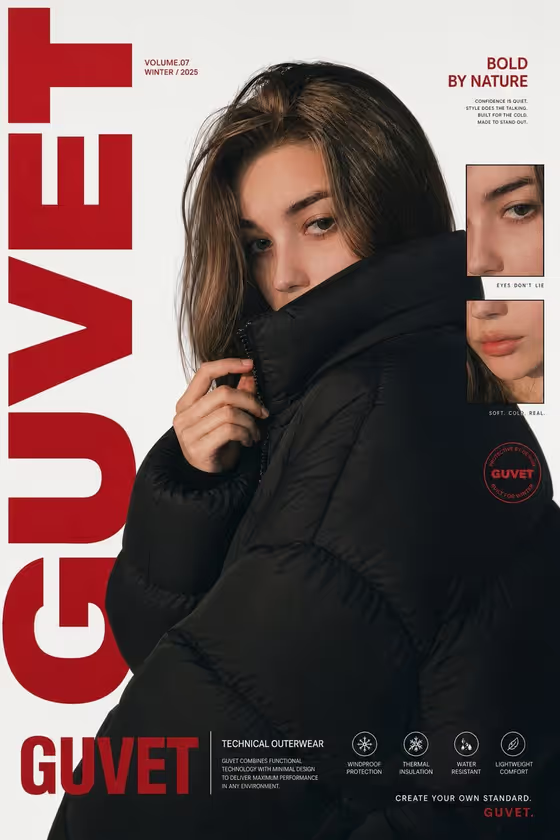
Puffer Editorial Poster turns your subject into a close-up fashion magazine cover. The model is wrapped in an oversized black puffer jacket with a high collar, turned slightly away and glancing back over one shoulder toward the camera. It comes out as a 3:4 image in a red and black editorial layout.
It suits anyone building winter campaign visuals, streetwear concepts, lookbook covers or personal style posters. You can describe your subject in text or upload a reference photo, then pick how the poster is laid out.
What works best as input
- In the subject field (labelled "streetwear model poster subject or product"), either type a short description or upload a reference. The field accepts both.
- If you upload a photo, use a clear, well-lit shot of one person, ideally with the face and shoulders visible and not hidden by sunglasses or heavy shadow.
- Only use photos of yourself or people who have agreed to appear. Do not use the likeness of public figures.
- If you type instead, keep it simple and concrete, like the placeholder "a streetwear model" or "an original campaign subject". Add a few visual traits rather than a long story.
How to use it
- Open the Puffer Editorial Poster template in Phosphene.
- In the subject field, describe your model or upload your reference photo.
- Choose a Poster layout. The options include the default bold editorial poster, single hero with title, modular editorial grid and layered cinematic collage.
- Generate the image, then review the pose, jacket, typography and framing. Adjust your inputs and run it again if you want a different look.
Tips for a better result
- Try each Poster layout with the same subject. Single hero with title gives a cleaner cover, while the modular editorial grid leans into the inset detail frames.
- Keep the subject description focused on the person, not the outfit or background. The template already sets the black puffer jacket, white background and red vertical lettering.
- When using a photo, pick one with a calm, direct expression. The template aims for a serious, reserved look, and a matching reference tends to fit that mood.
- If the first result is close but not right, change only one thing (the layout or a detail in your description) so you can see what made the difference.
Common mistakes
- Uploading a busy group photo or a heavily cropped image. The poster centers on one close-up subject, so a clear single-person reference works better.
- Writing a long description that fights the fixed styling, such as asking for bright colors or a different jacket. The black puffer and red and black scheme are part of the template.
- Expecting exact text. The headline lettering is meant to read as bold letterforms like "GUVET" or similar, and small microtext may not come out as readable copy.
FAQ
Do I have to upload a photo?
No. The subject field accepts either a typed description or an uploaded reference photo.
What size and format does the poster come out in?
It is an image in a 3:4 portrait aspect ratio, which suits poster and cover formats.
Can I change the jacket color or the red lettering?
Those are part of the template's fixed direction, an oversized black puffer with a red and black editorial design. You control the subject and the poster layout.
Can I use it for a product instead of a person?
The subject field mentions people, characters, products and objects, but the pose and jacket styling are written around a model, so a person will fit the template best.