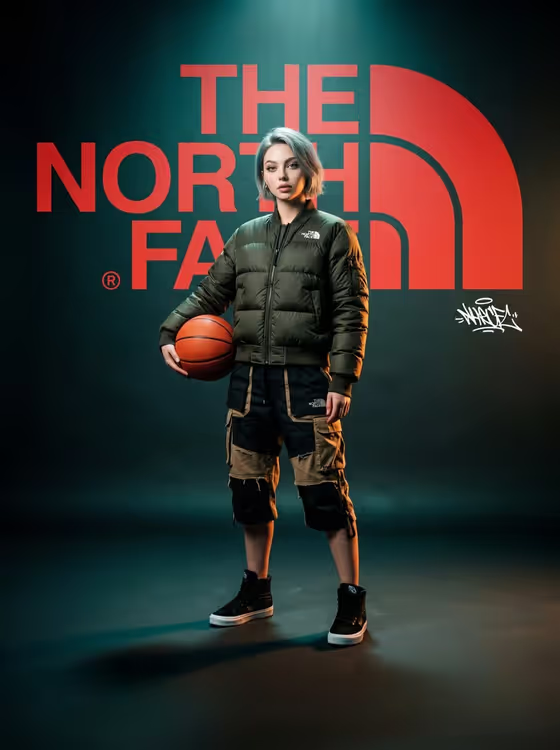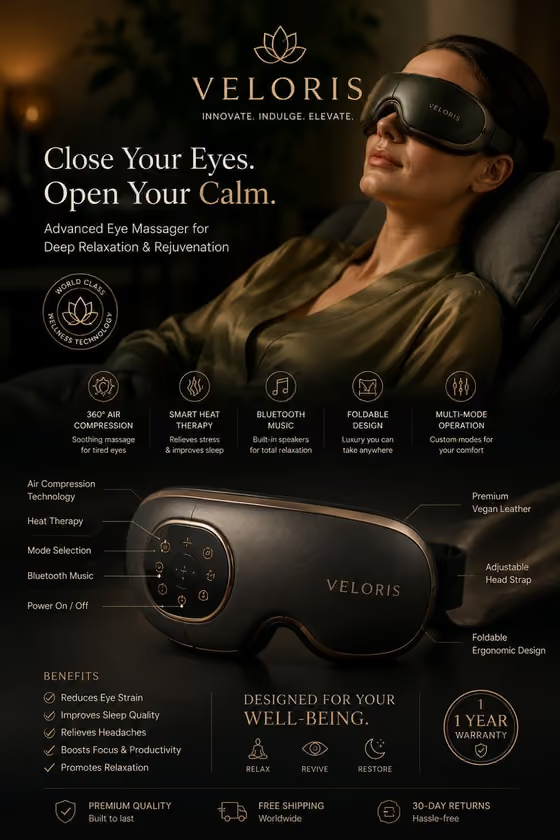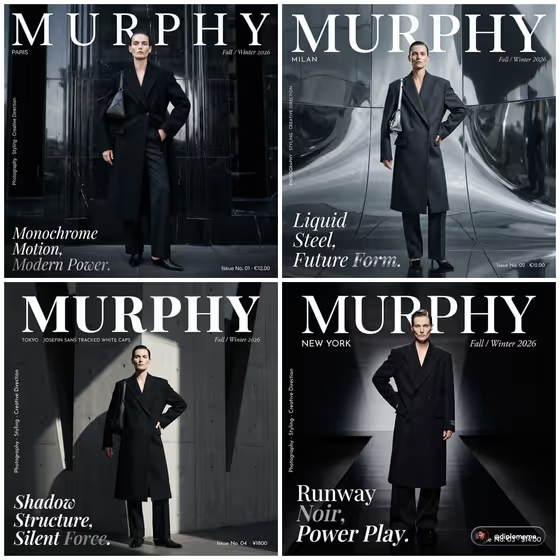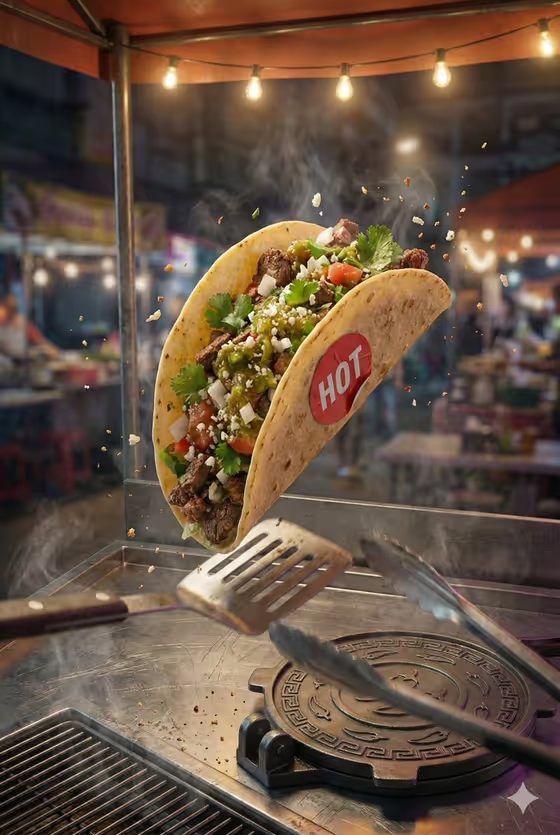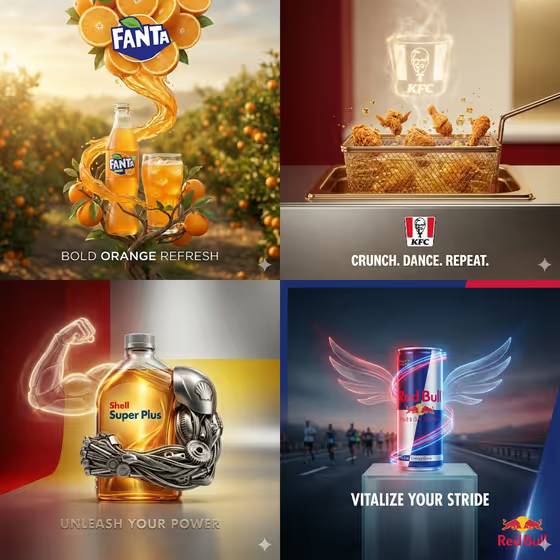
Smart Surreal Product turns a single product into a polished advertisement built around one visual metaphor. The product stays centered and dominant while the world around it, such as oranges, a fryer basket, or glowing wings, hints at what the product is about. You also get a brand-colored background, an elegant logo, and one short three-word slogan.
It suits anyone who needs a quick concept ad for a product: small brand owners, marketers testing campaign ideas, or designers looking for a first visual direction. The output is a single 3:4 image, so it works well as a poster-style or social-feed ad concept.
What works best as input
- In the Hero Product field, you can describe the product in words or add a reference photo of it. A clear, well-lit photo of the exact product helps the result stay faithful to its shape and label.
- If you describe it instead, be concrete about the type and look, for example 'a premium fragrance bottle' or 'a functional beverage can'. Mention material or color if it matters.
- Choose a reference where the product is fully visible, with no heavy cropping, glare, or clutter around it. A clean background makes it easier to keep the product as the hero.
- In Product Name, type the exact brand or product name as you want it to appear, such as AURA. Short names are easier to render cleanly.
How to use it
- Open the Smart Surreal Product template in Phosphene.
- Fill in Hero Product with a description of your product or add a reference photo, then type the visible name in Product Name.
- Pick a Surreal Product Metaphor from the options, such as formed from its core ingredient or levitating through a material ripple.
- Generate the image, then check the product shape, logo, brand colors, and the three-word slogan before using or regenerating it.
Tips for a better result
- Match the metaphor to the product. 'Formed from its core ingredient' suits a drink or food item, while 'opening into its natural environment' can suit a product tied to a place or origin.
- Try the same product with each metaphor option and compare the results. The composition and mood change noticeably even when the product stays the same.
- Be specific in the Hero Product description about the ingredient or theme you want hinted at, since the metaphor builds on it.
- Keep the product name short and easy to read so the logo and slogan area stays clean and balanced.
Common mistakes
- Describing the product too vaguely. A phrase like 'a drink' gives the template little to build the metaphor from, so name the type and look.
- Using a cluttered or low-quality reference photo, which can make the product shape and label less accurate in the final ad.
- Expecting extra text. The template is designed for one three-word slogan and the logo only, so long taglines or multiple lines of copy are not part of the design.
FAQ
Do I have to upload a photo?
The Hero Product field accepts either a text description or a reference photo. A photo of the exact product usually helps keep its look accurate.
Can I write my own slogan?
The template generates one concise three-word English slogan for you. The Product Name and metaphor you choose guide what it says.
What kind of image do I get?
A single 3:4 image of your product centered in a brand-colored scene with realistic materials, soft cinematic lighting, and one surreal visual idea.
What does the Surreal Product Metaphor setting do?
It sets the surreal idea around your product, for example formed from its core ingredient, levitating through a material ripple, opening into its natural environment, or casting a functional miniature world.