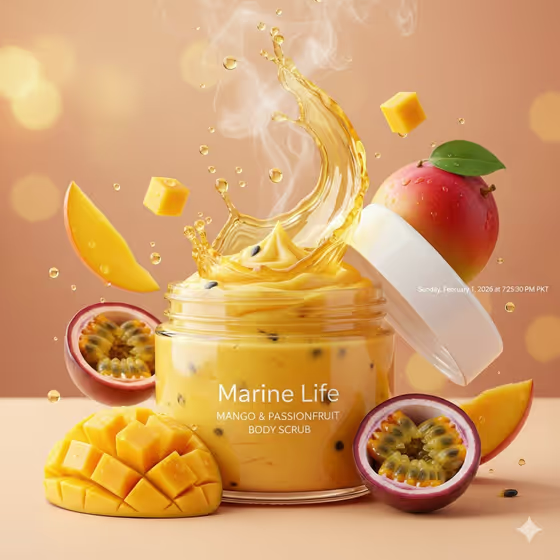
This template makes a golden-hour product image of an open jar of whipped body scrub, with the white lid lifted and mango and passionfruit floating around it. The result is a 3:4 portrait shot with a warm peach bokeh background, a golden splash in the air and glossy droplets on the fruit.
It suits anyone who wants an appetizing, ad-style visual for a fruit-scented body scrub, such as a small skincare brand, a seller preparing product listings, or someone testing a packaging idea before it exists.
What works best as input
- In the first field (the mango and passionfruit body scrub jar product or object), you can type a description or upload a photo of your actual jar. A photo helps when you want the packaging to match your real product.
- If you upload a photo, pick a clear shot of the jar with even lighting and the whole container visible, so its shape and label are easy to read.
- If you type instead, be specific about the scrub itself, for example the default idea of a mango and passionfruit body scrub jar, or a premium unbranded alternative if you do not want a brand shown.
- Keep the description focused on the product. The template already supplies the fruit, the splash, the lighting and the background, so you do not need to describe them again.
How to use it
- Open the Tropical Body Scrub template in Phosphene.
- In the product field, type a short description of your scrub jar or upload a reference photo of it.
- Choose an option in the Product presentation field to set how the shot is framed.
- Generate the image, then check the jar, lid, fruit and label area in the 3:4 result and adjust your inputs if something is off.
Tips for a better result
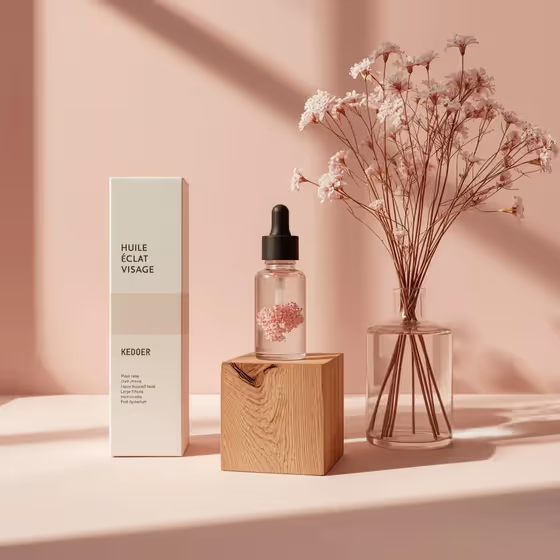
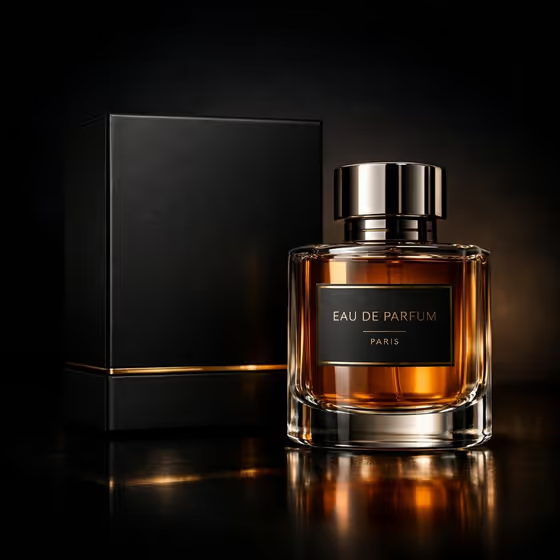
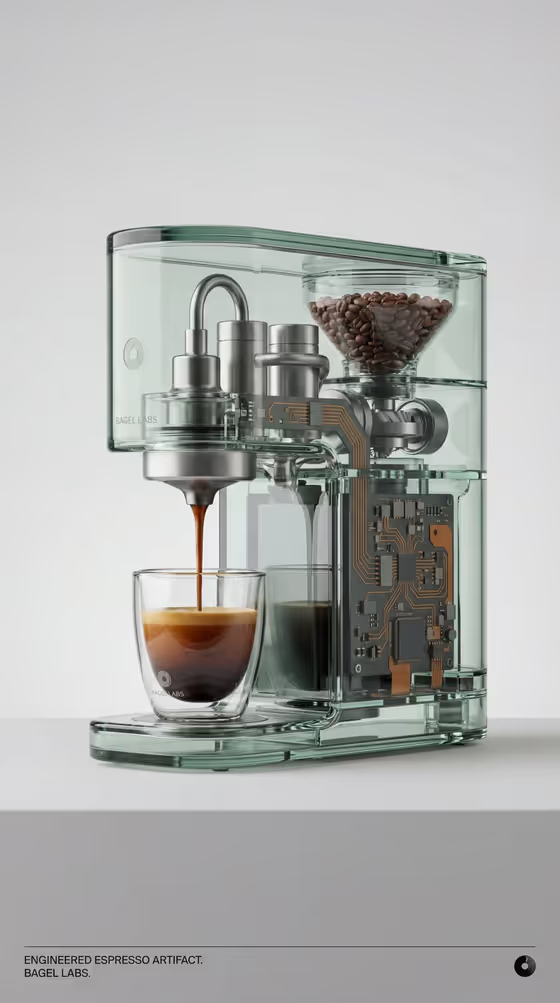
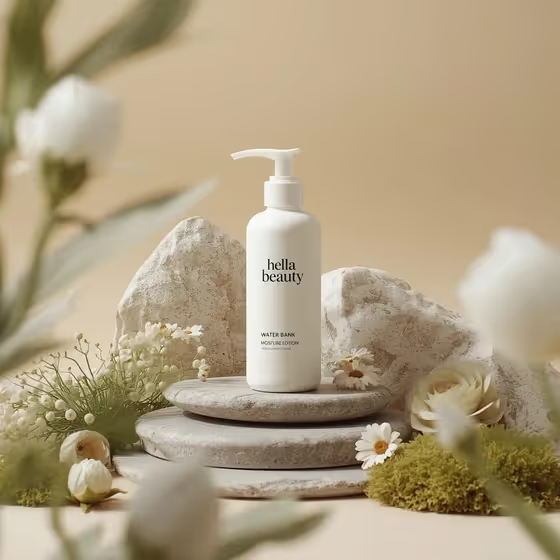
- Try different Product presentation options, such as a clean studio hero or an annotated product breakdown, to see the same jar framed in different ways.
- Use a reference photo when label or jar shape matters, and a text description when you are exploring a concept like a personal product design.
- Change the flavor wording in your product description to test variations, while keeping the jar and fruit setup the template is built around.
- Run the same input a few times and compare, since the splash shape and fruit placement can differ from one result to the next.
Common mistakes
- Writing a long scene description in the product field. The lighting, splash and fruit are already part of the template, so extra scene details can compete with it.
- Uploading a cluttered or dark photo of the jar, which makes it harder to keep the real packaging recognizable.
- Leaving the product description too vague, which gives the template little to work with beyond the default jar.
FAQ
Can I upload my own product photo?
Yes. The product field accepts either a text description or an uploaded visual reference, so you can use a photo of your own jar.
What size is the image?
The template produces a 3:4 portrait image.
Do I have to use a brand name?
No. You can describe a premium unbranded alternative or a personal product design instead.
Does it only work for mango and passionfruit?
The template is built around mango and passionfruit with a whipped scrub jar, so that is where it gives the most consistent look.