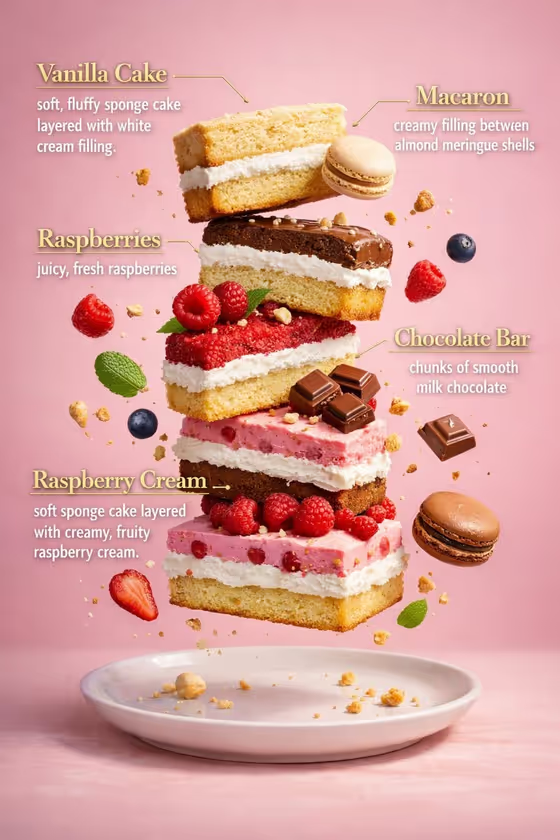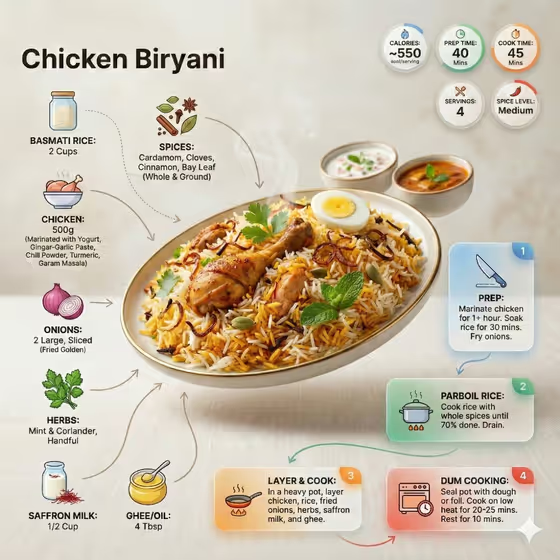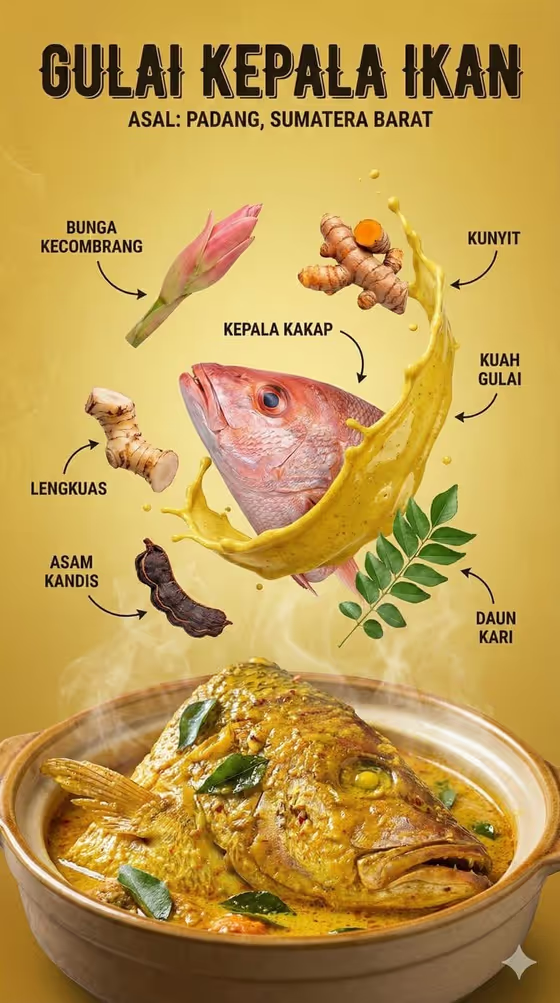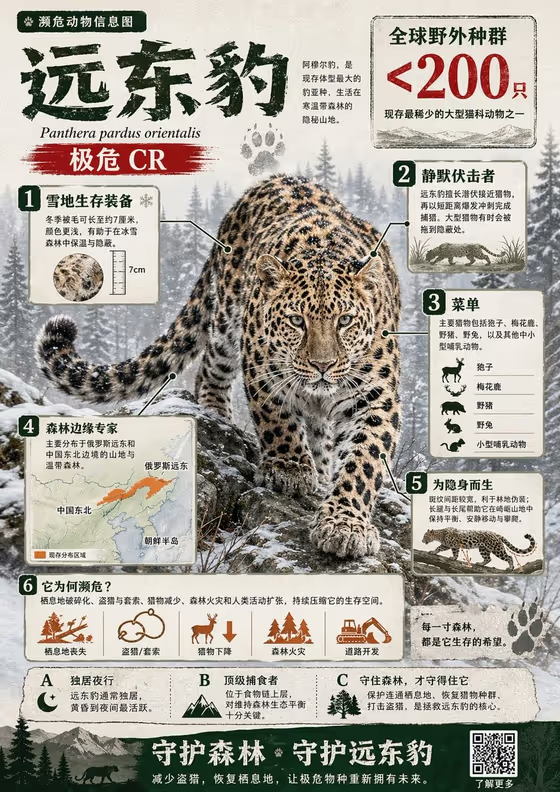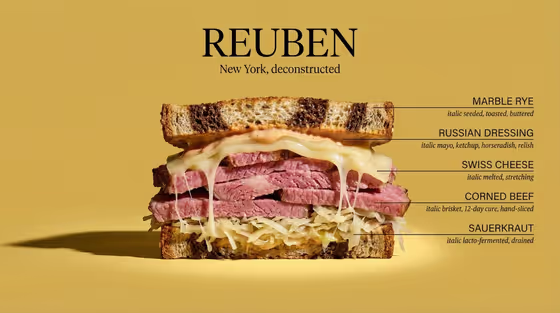
This template turns a dish into a labeled cross-section diagram. The food is sliced cleanly down the middle and faces the camera straight on, with fine horizontal callouts naming each visible layer, a large title above and a short tagline beneath it. The cover example shows a Reuben sandwich on a butter yellow backdrop, with labels for the rye, dressing, cheese, corned beef and sauerkraut.
It suits anyone who wants a food graphic with an editorial, anatomy-chart look: home cooks sharing a recipe, bakers showing off a layer cake, menu designers, food bloggers and restaurant social teams. It works best with dishes that have clearly separate layers or fillings, so the cut face has plenty to label.
What works best as input
- In the Dish product or recipe field you can either type a description or upload a reference photo. Describing the dish is enough, for example something like 'layered vegetable lasagna' or 'seven-layer celebration cake'.
- Be specific about the layers and fillings you want visible. A dish described as 'broth-filled ramen burger' gives the cut face more to show than just 'burger'.
- If you upload a reference photo, pick one where the dish is clearly lit and the main components are easy to recognize. Use a single dish rather than a crowded table.
- Choose dishes that look interesting when sliced in half, such as stacked, layered, stuffed or filled foods. Flat or uniform dishes give the callouts less to point at.
- For Dish name, keep the title short and bold, like 'LASAGNA STUDY' or 'LAYER CAKE', since it is rendered as the large heading above the cutaway.
How to use it
- Open the Annotated Food Cross-Section template in Phosphene.
- Fill in Dish product or recipe by typing a description of the dish or uploading a reference photo, then enter your Dish name for the big title.
- Choose an Ingredient annotation system (such as precise culinary callouts or editorial tasting notes) and a Background palette (such as matte butter yellow or deep tomato red). Add a Tagline if you want a subtitle.
- Generate the image, then check that the labels match the layers you expect and the title and tagline read correctly. Adjust your inputs and generate again if needed.
Tips for a better result
- Match the background palette to the food. The cover pairs warm yellow with a rye and corned beef sandwich, and a contrasting or complementary backdrop helps the cut face stand out.
- Try different annotation systems on the same dish. Minimal ingredient labels give a cleaner look, while a technical recipe diagram or editorial tasting notes changes the tone of the callouts.
- Write the tagline in the same voice as the title. Short uppercase phrases like 'ANATOMY OF COMFORT' or 'A STUDY IN FLAVOR' fit the restrained typography.
- Name the layers in your dish description in order, top to bottom, so the callouts have clear material to label.
Common mistakes
- Describing a dish with no visible layers or structure, which leaves the cross-section with little to annotate.
- Writing a long dish name or tagline. The template renders them as large, restrained type, so short text reads better.
- Uploading a cluttered or dark reference photo where the dish is hard to identify, which makes it harder to reproduce the right layers.
FAQ
Do I have to upload a photo?
No. The Dish product or recipe field accepts a typed description, and you can also upload a reference instead. The other fields are text or choices only.
Is the tagline required?
No, the Tagline is optional. The dish name, annotation system, background palette and dish description are required.
What shape is the result?
The output is a single image in a 3:4 aspect ratio, with the sliced dish centered, the title above and labeled callouts along the layers.
Can I choose the background color?
Yes. Background palette lets you pick a flat studio backdrop, with options like matte butter yellow, deep tomato red, cool sage green or warm charcoal gray.