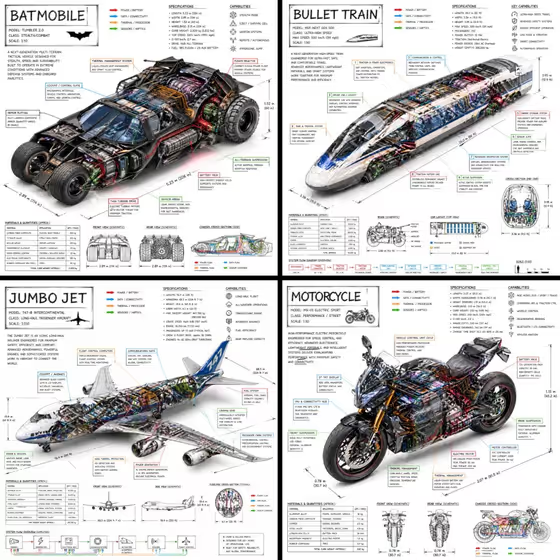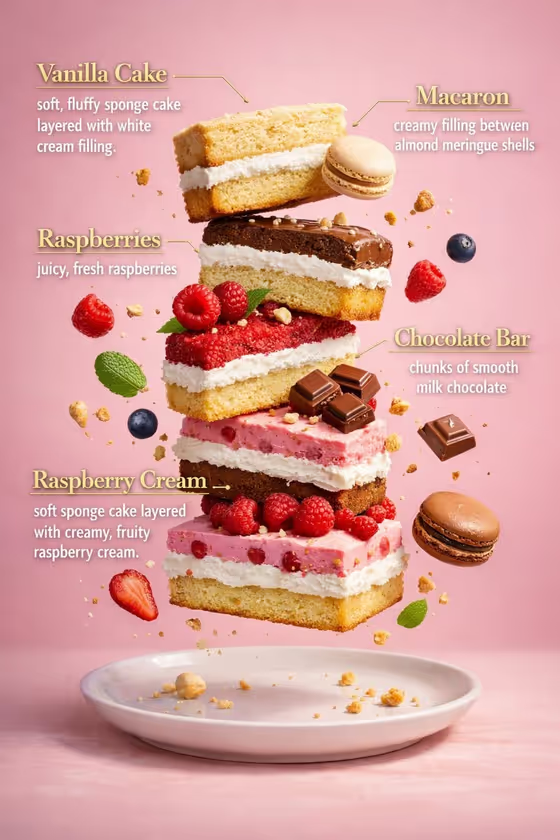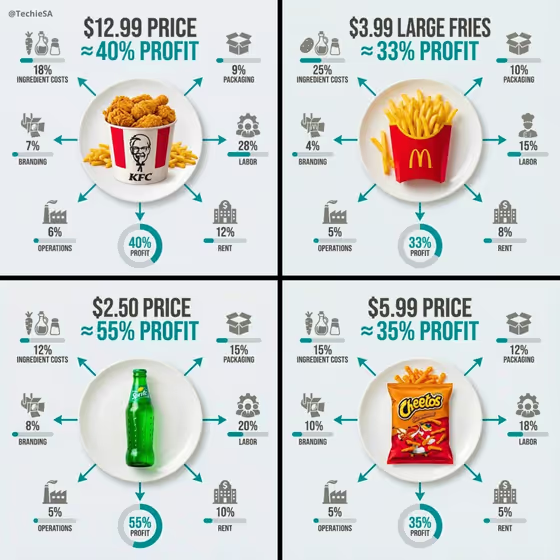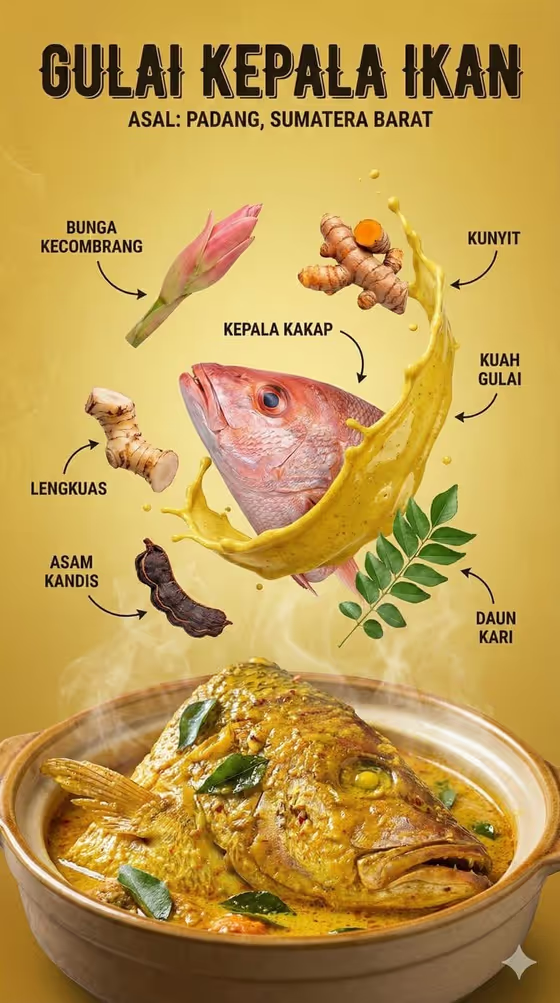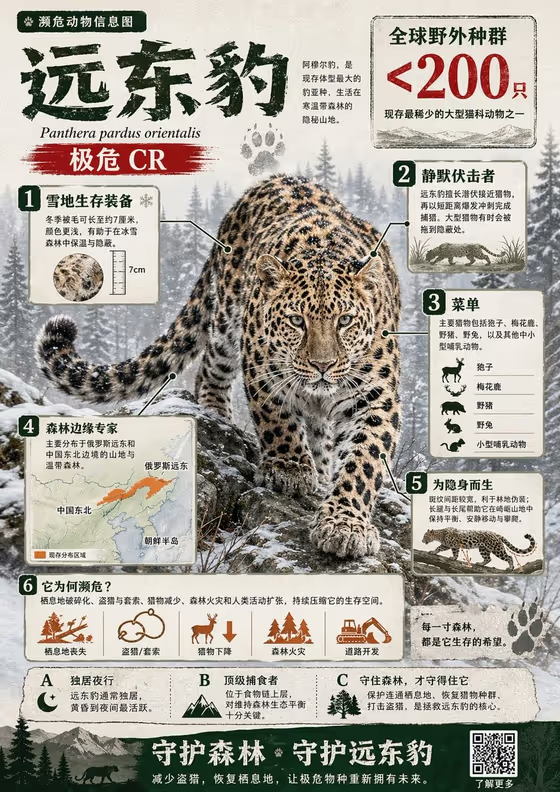
Endangered Animal Atlas turns one species into a dense, annotated infographic. The cover example shows the idea: a photorealistic animal (an Amur leopard in a snowy forest) sits at the center, surrounded by numbered callouts, a range map, a diet panel, small icons and a closing call to action.
It suits conservation campaigns, classroom posters, nature pages and anyone who wants a researched species poster without laying it out by hand. The finished image is 3:4, and the default layout writes the text in Chinese.
What works best as input
- In the subject field, name one specific species rather than a broad group. Something precise gives the research step a clear target to work from.
- You can type a description or upload a reference photo of the animal. If you upload one, pick a clear, well-lit shot where the whole animal is visible.
- If you want a particular pose, coat pattern or setting to appear in the hero image, mention it in your text so it stays consistent with the reference.
- Keep the subject to one animal. The layout is built around a single hero, and mixing several species makes the callouts less focused.
How to use it
- Open the Endangered Animal Atlas template in Phosphene.
- In the subject field, type the endangered animal you want, or upload a visual reference of it.
- Choose a Poster layout: the default Chinese infographic, single hero with title, modular editorial grid, or layered cinematic collage.
- Generate the image, then review the callouts, map and text for anything you want to adjust and try again.
Tips for a better result
- Try the different Poster layout options on the same animal. A modular editorial grid and a layered cinematic collage organize the same facts very differently.
- Add a habitat or season to your subject text, such as a snowy forest, so the background and hero image match the story.
- Use a reference photo when you need the animal to look a specific way, and a plain text name when you want the template to find its own look.
- Check the generated facts against a trusted source before publishing, since the poster is meant to be informative.
Common mistakes
- Entering a vague subject like 'a wild cat' instead of a named species, which gives the research and callouts little to anchor on.
- Uploading a blurry, cropped or heavily filtered photo, which weakens the photorealistic hero animal.
- Treating the first result as final fact. Small labels and numbers in dense infographics should be reviewed before you share them.
FAQ
Do I have to upload a photo?
No. The subject field accepts a typed description or name, and a photo is optional if you want the animal to match a specific reference.
What language is the text in?
The default Poster layout asks for an infographic in Chinese, as in the cover example. The other layout options focus on how the poster is composed.
What does the poster usually include?
A central photorealistic animal with numbered callouts, a habitat map, a diet section, icons and a closing message, as shown in the cover image.
Can I use it for something other than animals?
The template is built for endangered animal infographics. The subject field mentions other subjects, but the research and layout are designed around a single species.