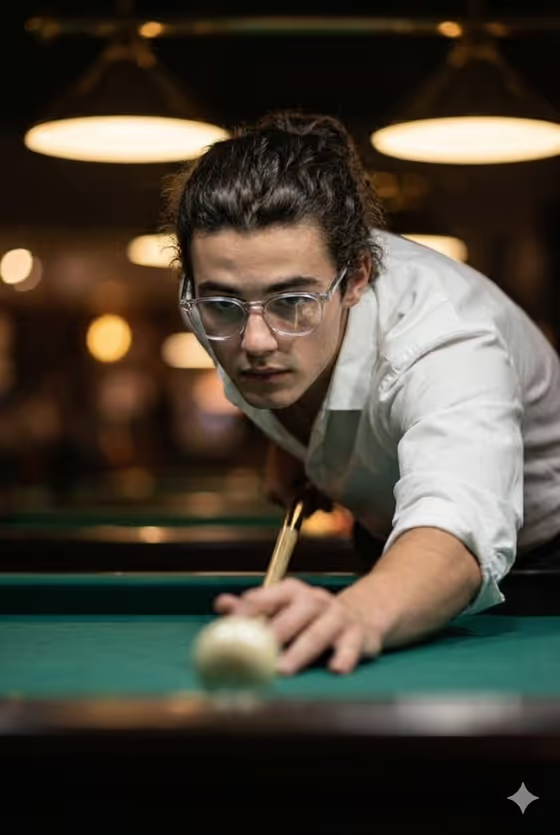
Billiards Focus Portrait turns a face reference into a cinematic 3:4 close-up of someone leaning low over a pool table, mid-shot, with their eyes fixed on the cue ball. The scene is built around green felt, a crisp white shirt with rolled sleeves, and warm golden lights glowing in a softly blurred background.
It suits anyone who wants a moody, competitive portrait for a profile picture, a creative project, or just a fun alternative to a standard headshot. You describe who the portrait is of and choose the mood of the gaze, and the template handles the setting and lighting.
What works best as input
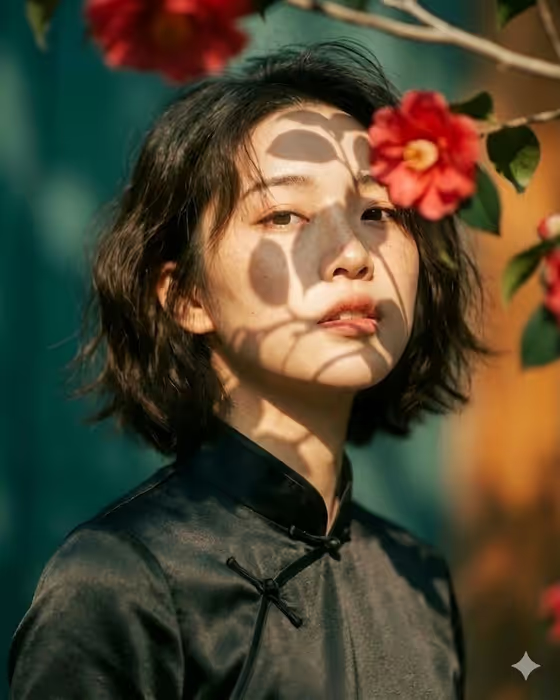
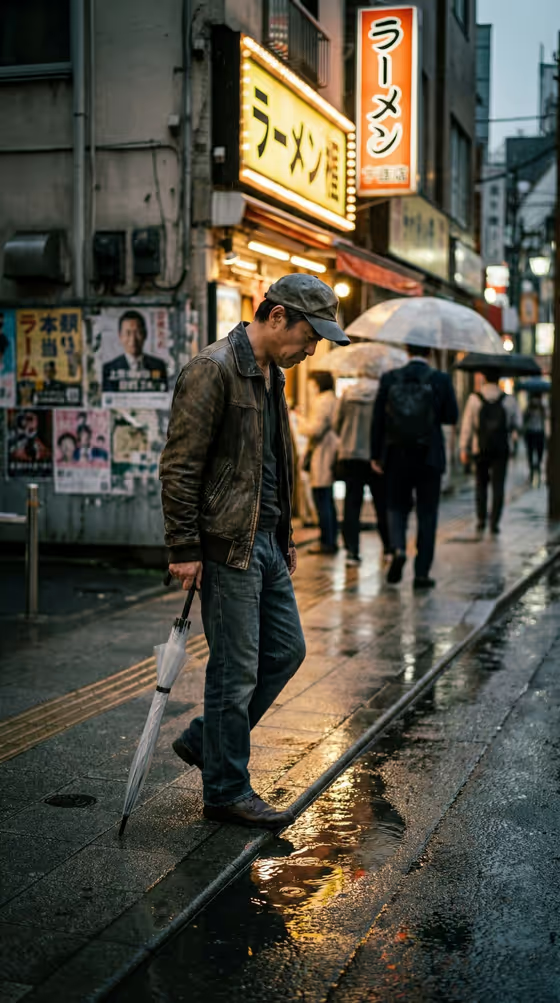
- Use a clear, well-lit photo where the face is fully visible and in focus, since the template is written to follow the face reference closely.
- Pick a photo with a natural expression and a gaze you like. The default Pose or expression option, "the source gaze and expression", carries that look over into the new scene.
- Avoid photos where the face is partly covered or turned far away from the camera, because there is less for the template to match.
- In the Portrait subject field, keep the description short and consistent with your photo, for example the placeholder "an adult man matching my reference".
- If you describe the subject in text instead, stick to adults and a few distinctive traits, like the example "an adult woman with a distinctive presence".
How to use it
- Open the Billiards Focus Portrait template in Phosphene.
- In Portrait subject, upload your photo or describe the subject in text. This field is required.
- In Pose or expression, keep the default "the source gaze and expression" or enter another mood such as "calm direct gaze", "quiet introspection" or "intense focused gaze". This field is also required.
- Generate the image, then review the face likeness, the cue ball focus and the golden background glow. Adjust the two fields and run it again if you want a different feel.
Tips for a better result
- Try each Pose or expression example in turn. "Intense focused gaze" leans into the tension of the shot, while "quiet introspection" gives a softer, more reflective result.
- Choose a reference photo with a similar head angle to the scene, slightly lowered and looking forward, so the face reads naturally as someone lining up a shot.
- Keep the subject description brief. The template already sets the wardrobe, setting and lighting, so extra detail in the subject field can compete with the fixed direction.
- Because the output is 3:4, think of it as a portrait crop. A reference photo framed from the shoulders up works well.
Common mistakes
- Uploading a small, blurry or heavily filtered photo, which makes it harder for the result to keep the face accurate.
- Writing a long, detailed description in Portrait subject that contradicts the fixed look, such as a different outfit or location. The template defines the white shirt, the pool table and the golden lights.
- Leaving Pose or expression vague or empty. It is a required field, and a clear choice gives the portrait a stronger mood.
FAQ
Do I have to upload a photo?
The Portrait subject field accepts a photo, and the template is built to match a face reference. You can also describe the subject in text, though a photo gives the template something concrete to follow.
Can I change the outfit or the setting?
No. The white shirt with rolled sleeves, the billiards table, the green felt and the warm golden background are part of the template's fixed direction. You control who is in the portrait and the pose or expression.
What does the Pose or expression field do?
It sets the mood of the gaze and face. You can keep the source expression from your photo or pick something like "calm direct gaze" or "intense focused gaze".
What size is the result?
The template produces a single image in a 3:4 portrait format.