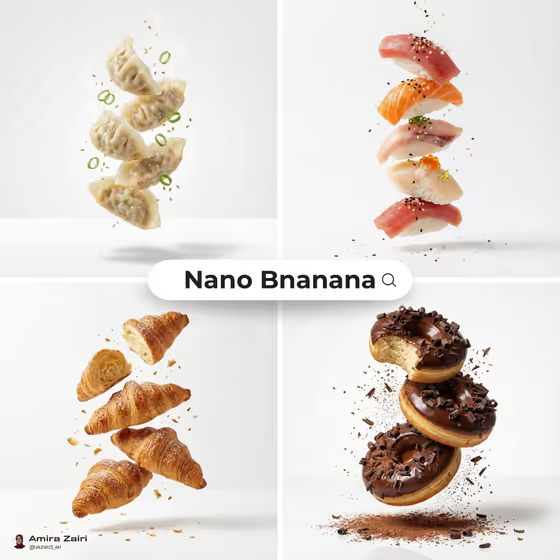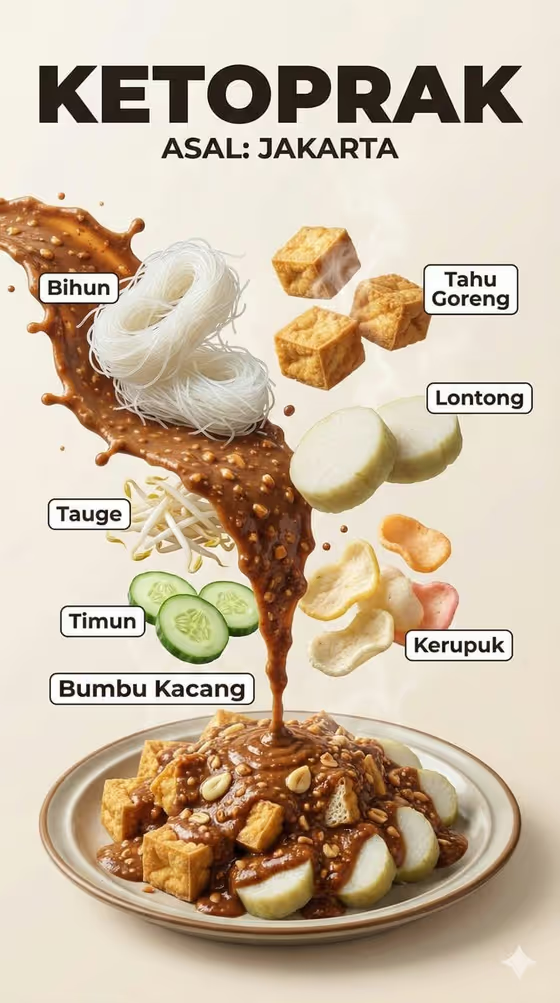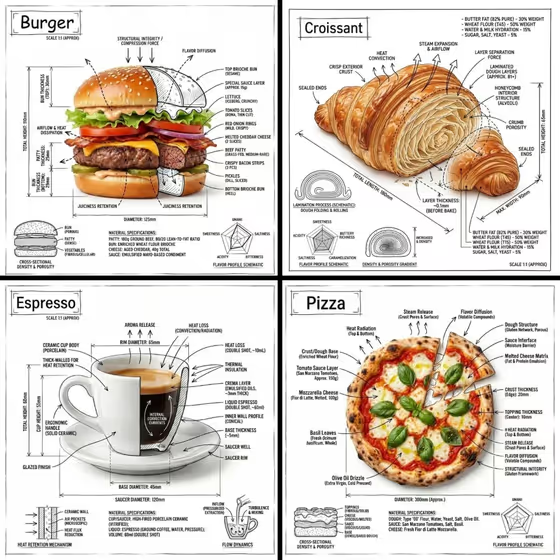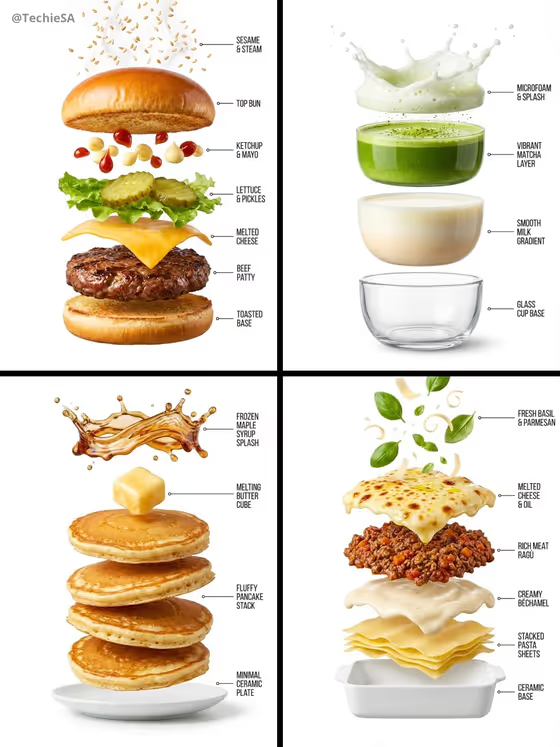
Exploded Food Anatomy turns a single dish into a floating vertical stack on a pure white background. Garnish, surface, core ingredients, base and serving vessel are pulled apart and connected to short labels by thin pointer lines, like the burger, matcha drink, pancake stack and lasagna in the cover image.
It suits food bloggers, menu designers, recipe creators, cooking students and anyone who wants a clean infographic showing what a dish is made of. The output is a 3:4 image, so it fits portrait layouts such as posts, posters and menu cards.
What works best as input
- In the Food Item field, name one specific dish rather than a whole meal. Something like "a gourmet burger" or "a layered tiramisu" gives the template clear layers to separate.
- Dishes with visible, distinct layers work best, such as burgers, parfaits, stacked pancakes or baked pasta. A reference photo is accepted too, so pick one where the food fills most of the frame and is well lit.
- If you add a photo, use a single dish on a plain or uncluttered background so the template does not confuse side items with the main food.
- Add a few descriptive details in text if they matter, for example "a ramen bowl with soft egg and nori", so the key ingredients appear in the stack.
How to use it
- Open the Exploded Food Anatomy template in Phosphene.
- In Food Item, describe your dish or add a reference photo of it. The placeholder "a gourmet burger" shows the level of detail that works.
- In Label Treatment, choose how the annotations should look, for example Minimal technical labels, Editorial ingredient labels, Fine culinary annotations or Clean numbered callouts.
- Generate the image, then review the stack order, the label text and how well each layer matches your dish. Adjust your inputs and run it again if needed.
Tips for a better result
- Try the same dish with different Label Treatment options. Clean numbered callouts feel more like a diagram, while Editorial ingredient labels read more like a magazine spread.
- Pick dishes with contrasting textures, like glossy sauce, melted cheese or fluffy sponge, since the template emphasizes sharp macro food detail.
- Include the serving vessel in your description if it matters, such as a glass cup or ceramic baking dish, because the stack ends with a base and vessel.
- Run several dishes from one menu with the same label style to get a consistent set of visuals.
Common mistakes
- Entering a vague or multi-dish description like "dinner". The template builds one stack for one item, so the result will be muddy.
- Using a cluttered reference photo with several foods or busy surroundings, which makes it harder to separate the right layers.
- Expecting exact label wording to be fully controlled. Check the labels in the result and re-run if any text looks off.
FAQ
Do I have to upload a photo?
No. The Food Item field accepts a text description, and a reference photo is optional.
What kinds of food work best?
Layered or composed dishes, like burgers, pancakes, lasagna or drinks with distinct layers, show the exploded stack most clearly.
Can I change how the labels look?
Yes. The Label Treatment field lets you choose styles such as Minimal technical labels or Clean numbered callouts.
What format is the result?
A single image in a 3:4 portrait ratio, with the food stack floating on a pure white background.