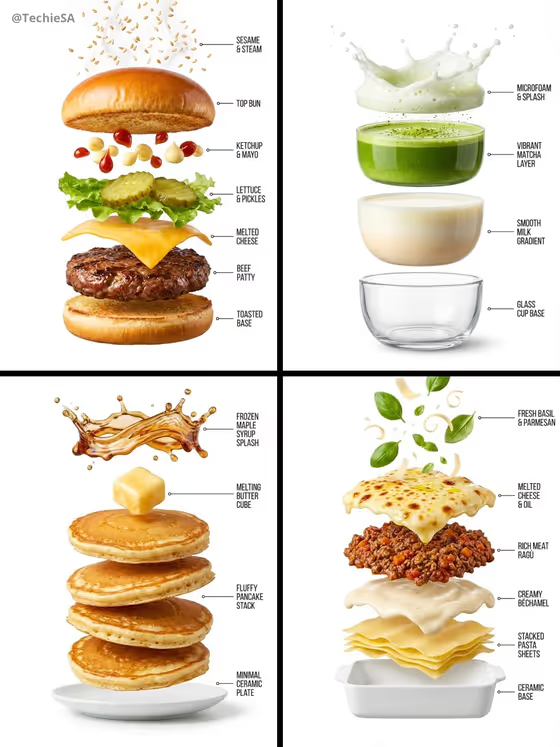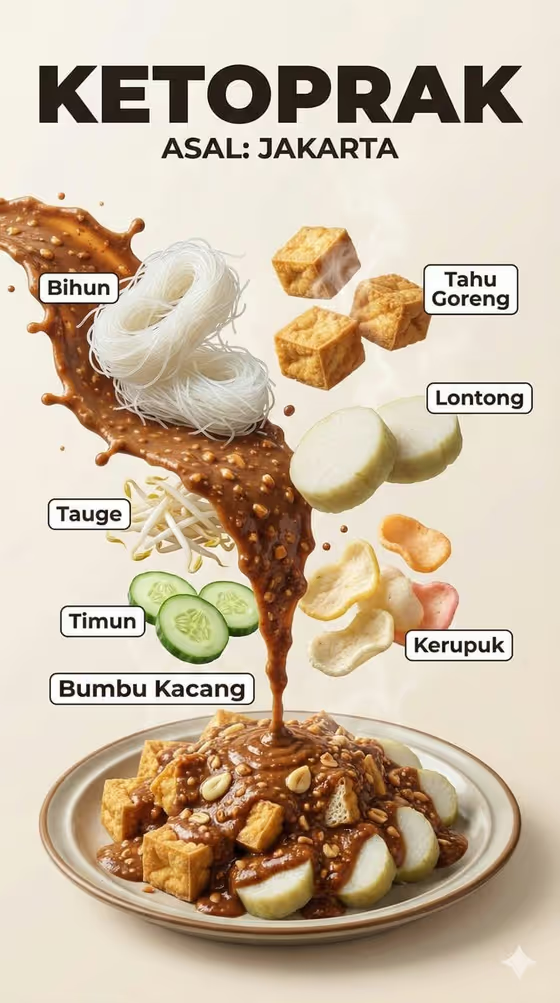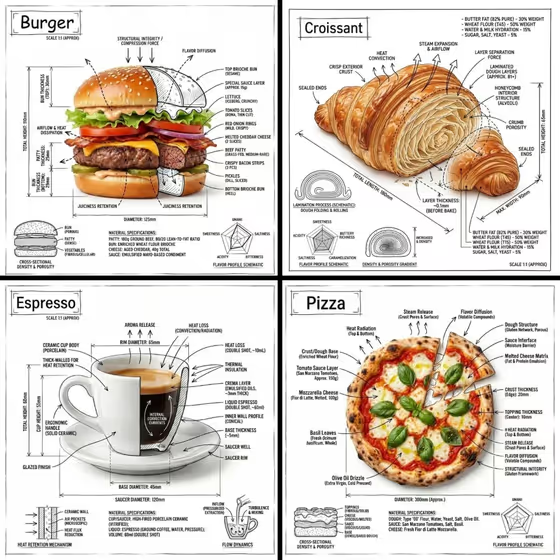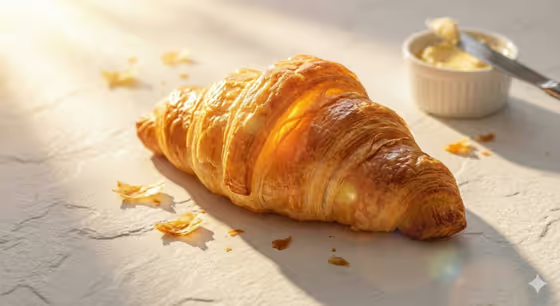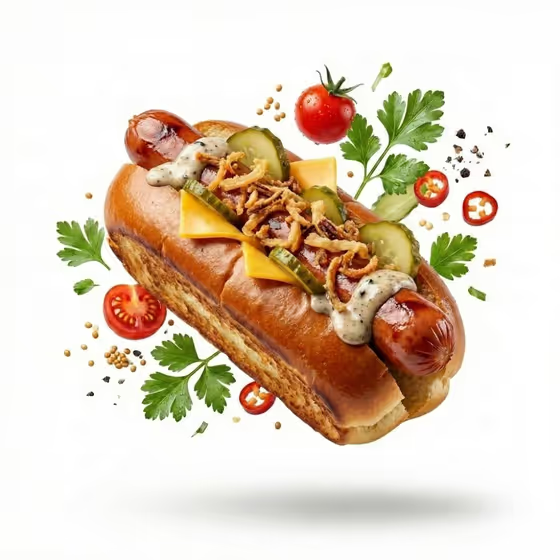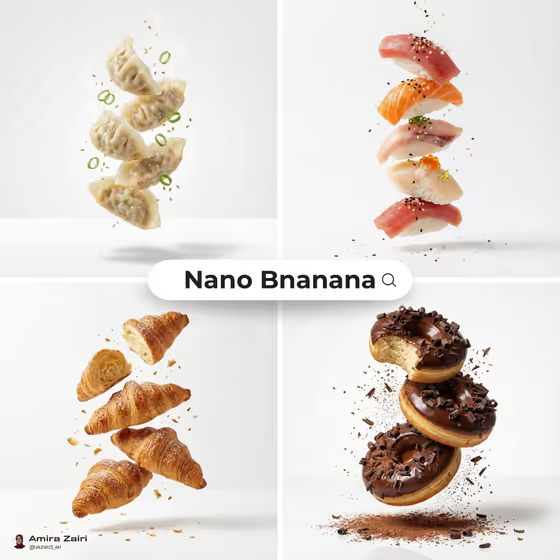
This template turns a food idea into a floating, vertically stacked product shot on a clean white backdrop. Small ingredients hang in the air around the stack, and a soft shadow sits underneath it, like the dumplings, sushi, croissants and doughnuts in the cover collage.
It suits anyone who wants a clean, minimal food visual for a menu, a social post, a recipe page or a mock ad. You describe the hero food and the bits floating around it, and the template handles the lighting, framing and white studio look.
What works best as input
- For Food Product, name one clear hero item, such as a stacked chicken sandwich, a layered pastry or a gourmet taco stack. A single focused subject reads better than a long list of dishes.
- Both fields accept a photo as well as text, so you can add a reference picture of the food you want. Choose a sharp, well-lit photo where the food fills most of the frame.
- For Floating Ingredients, list small, recognizable pieces that belong with the dish, like crispy crumbs and herbs, or cheese, pickles and sauce drops. Small items suspend more naturally than large ones.
- Keep the ingredients consistent with the hero food. Berries and pastry flakes pair well with a layered pastry, while chilies, onions and cilantro suit a taco stack.
How to use it
- Open the Floating Food Stack template in Phosphene.
- Fill in Food Product with a short description of the hero food, or add a reference photo for it.
- Fill in Floating Ingredients with the small items you want suspended around the stack, using text, a photo, or both.
- Generate the image, then check the stack shape, the floating pieces and the white background. Adjust your wording and run it again if something is off.
Tips for a better result
- Use the built-in examples as a starting point, then swap one detail at a time so you can see what each change does.
- Add texture words to your descriptions, such as crispy, glazed, flaky or melted, to give the macro detail something to work with.
- Keep the Floating Ingredients list short, two or three items, so the space around the stack stays clean and minimal.
- Try the same ingredients with different hero foods (a pastry, a taco stack, a biscuit stack) to build a matching set of images.
Common mistakes
- Describing a whole table of dishes in Food Product. The template builds one vertical stack, so one hero food gives a cleaner result.
- Listing too many floating ingredients, which crowds the frame and works against the minimal white layout.
- Using a dark, blurry or cluttered reference photo, which gives the template little clear detail to follow.
FAQ
Can I use only text without a photo?
Yes. Both fields are text fields with placeholders and examples, and they also accept a photo if you want to add a reference. The listing says to upload 2+ photos, so check the template page for what it asks for when you open it.
What shape is the result?
The template outputs a still image in a 3:4 ratio, a portrait frame that fits a vertical stack well.
Does it only make sandwiches?
No. The examples include a layered pastry, a gourmet taco stack and a breakfast biscuit stack, and the cover shows dumplings, sushi, croissants and doughnuts. Describe any food that can reasonably be stacked.
Can I change the white background?
The background and lighting are fixed by the template to keep the clean white studio look. Your inputs control the food and the floating ingredients.