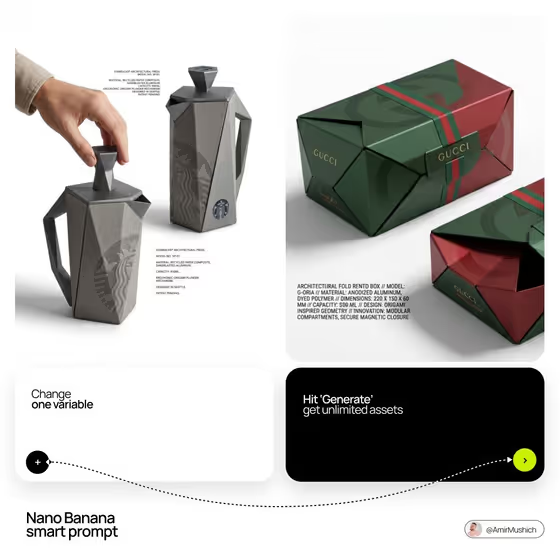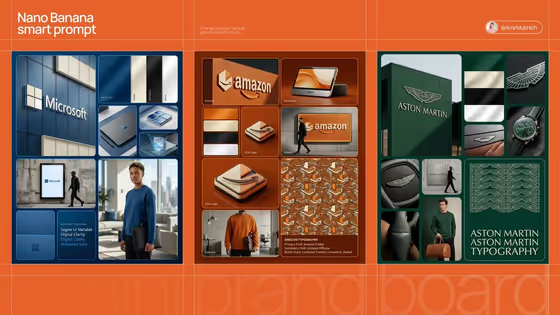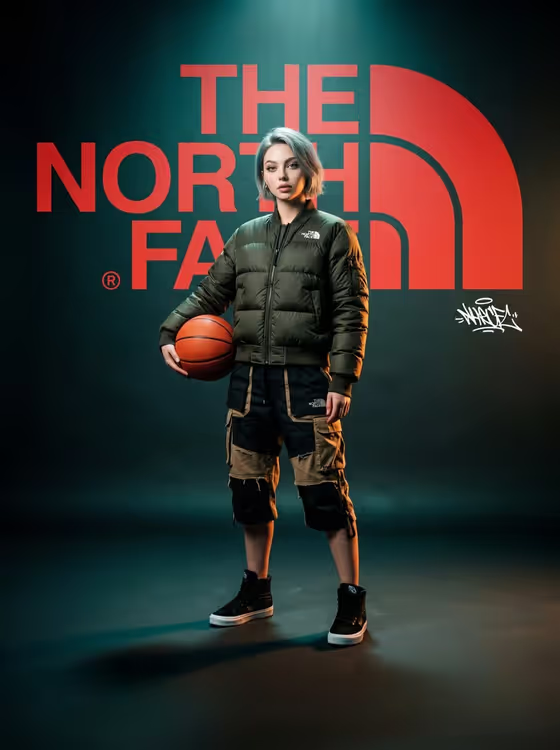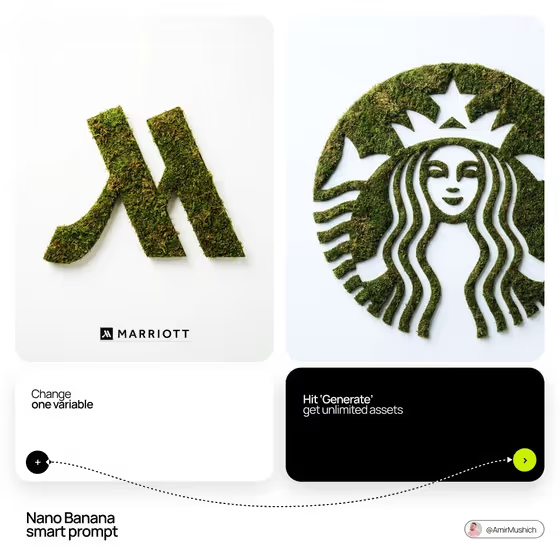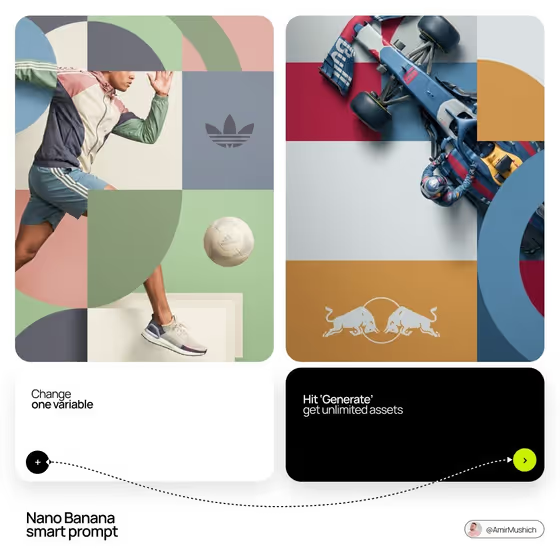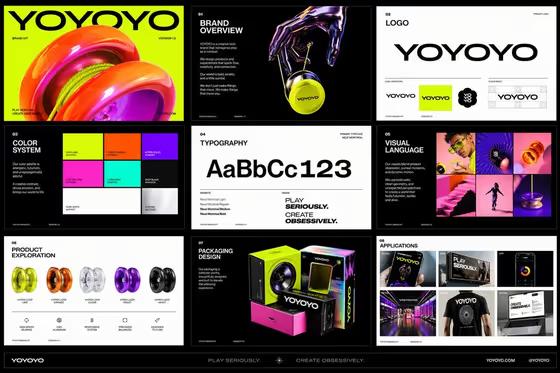
Campaign Identity Wall builds a single poster-style image where your brand name or logo, your slogan and campaign photography sit together in a tight grid of tiles. Every tile touches its neighbors with no margins, so the whole canvas reads like a printed wall of brand material, in the same screen-printed style you see on the cover: halftone dots, rough ink and two-tone color washes.
It suits designers, marketers, small brands and anyone pitching a campaign look who wants to see a logo, a line and a photo mood working together on one board. You describe the pieces in text, and the template handles the alternating layout and the cohesive print texture.
What works best as input
- For Brand identity, a short brand name in capitals (like NORTHLINE or PULSE ATHLETICS) is the simplest input. This slot also accepts a photo, so you can add your official logo as a reference if you want the logo tiles to follow it.
- If you add a logo image, use a clean, high-contrast version with the mark clearly separated from its background. A busy or low-resolution logo gives the tiles less to work from.
- Keep the Campaign slogan to one short line in capitals, like MOVE WITH PURPOSE. This slot is text only, and the same slogan is repeated across the board, so shorter lines stay readable in the slogan tiles.
- For Campaign photography, describe who is in the scene and what they are doing, such as high-energy urban athletes or expressive music performers. People and action read well in the high-contrast halftone treatment.
- Pick a Brand palette that is really two or three colors, like signal red, black and cream. The wall uses a duotone look, so a tight palette gives you a more unified result.
How to use it
- Open the Campaign Identity Wall template in Phosphune and start with Brand identity. Type your brand name, or add your logo reference if you have one.
- Enter your Campaign slogan, then choose a Brand palette from the options. Finish with the Campaign photography field, describing the people and scenes you want in the photo tiles.
- Generate the image. The output is a 3:4 full-bleed wall of logo, slogan and photo tiles.
- Review the result. Check that the brand name and slogan are spelled correctly and that the photo tiles match the mood you described. Adjust your fields and generate again if needed.
Tips for a better result
- Try the same brand with different Campaign photography descriptions (for example athletes, performers or adventurers) to see how the wall changes tone while the layout stays the same.
- Test several palettes with the same slogan. A warm palette like cobalt, orange and warm white feels very different from acid green, black and silver.
- Write the slogan the way you want it printed: capitals, no extra punctuation unless it is part of the line. The cover shows how a punchy, exclamatory line works well in the slogan tiles.
- Be specific in the photography field about energy and emotion (laughing, mid-jump, confident) so the portraits and action scenes feel varied across tiles.
Common mistakes
- Using a long slogan or a full sentence. The slogan tiles are bold and centered, so long text tends to get cramped or garbled.
- Describing a palette with too many colors. The template is built around a duotone, color-washed look, so a crowded palette works against it.
- Leaving the photography description vague, like just people. Without a clear theme the photo tiles lose the cohesive campaign feel.
FAQ
Can I use my real logo?
Yes. The Brand identity field accepts either a typed brand name or a logo reference photo. Use a clean, clear version of the logo for the best match.
Can I change the grid layout?
No. The wide, paired, wide, paired, wide row structure with touching tiles is fixed. You control the brand, slogan, palette and photography content.
Do I need to upload a photo?
Only if you want to supply a logo reference. Every field can be filled with text, and the campaign photography is described in words rather than uploaded.
What shape is the final image?
The template produces a 3:4 image, a full-canvas wall with no outer margins.