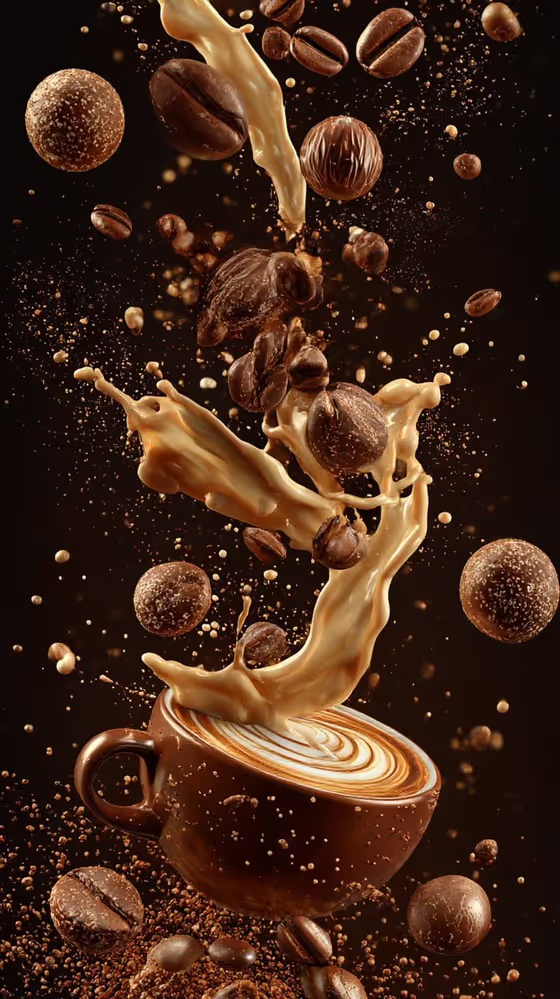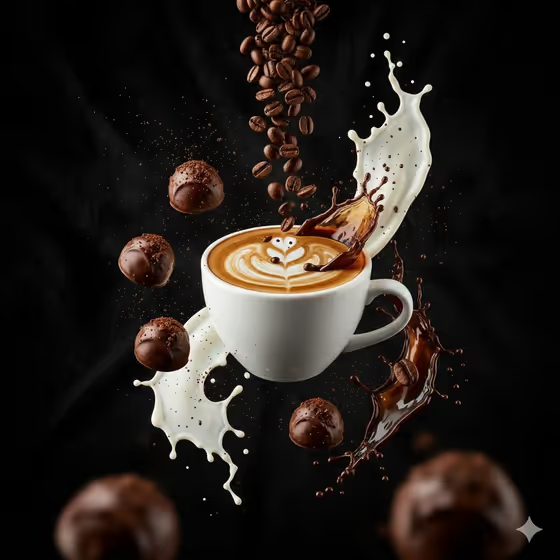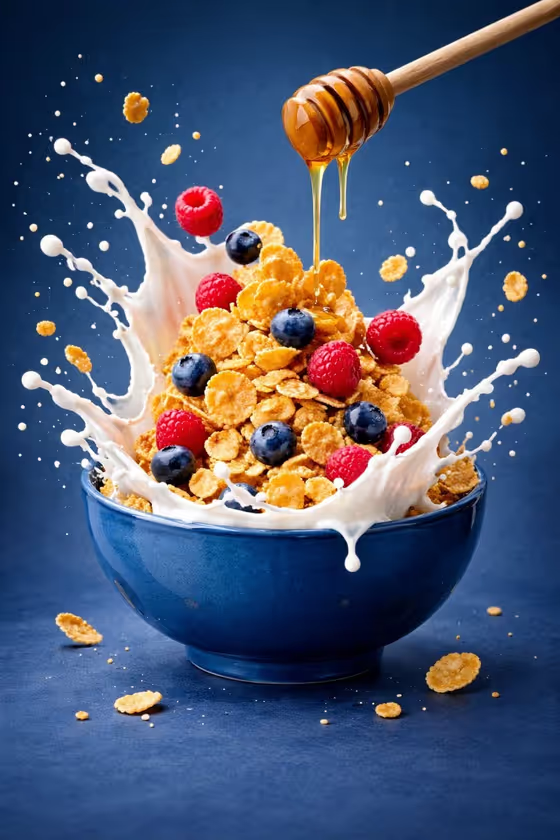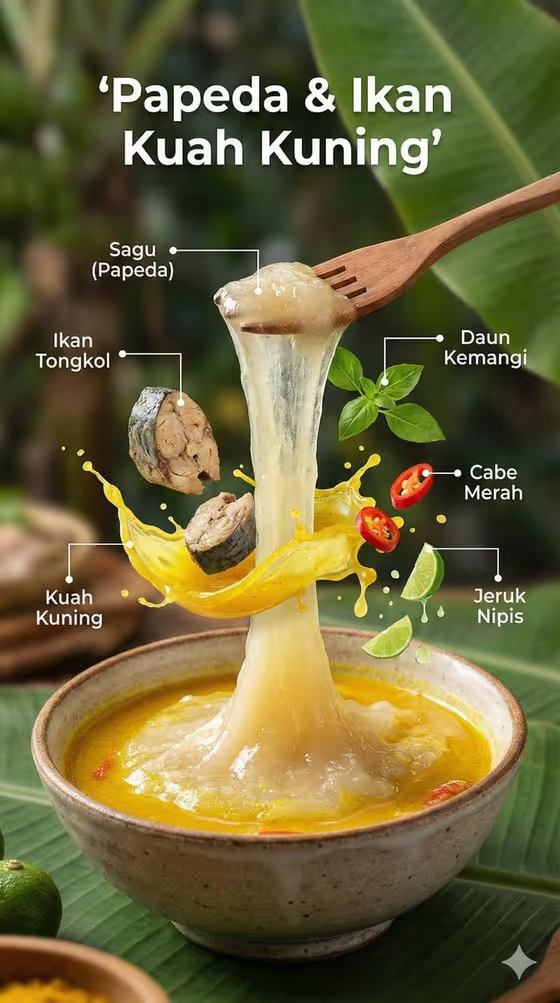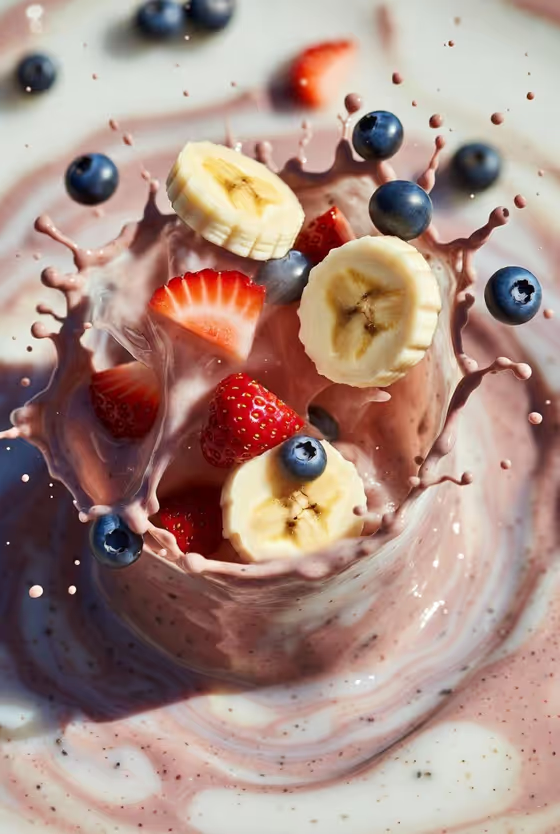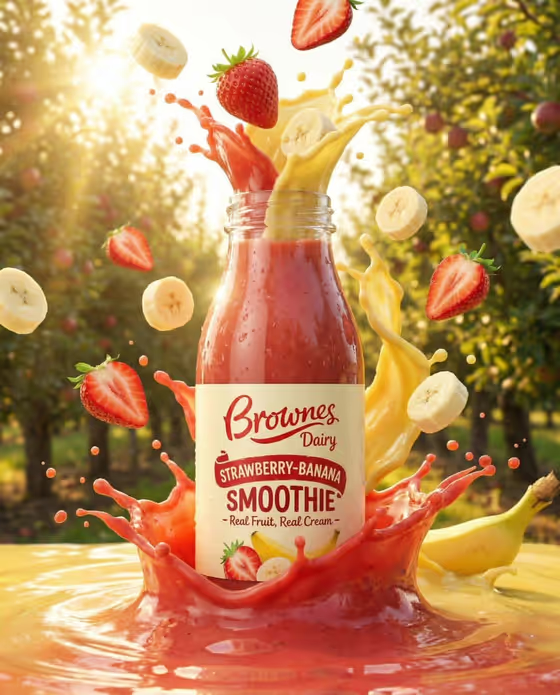
Caramel Coffee Suspension turns a coffee drink into a floating, high-speed style product shot. The cup hangs in mid-air with its dome lid, whipped topping and straw intact, while coffee beans, powder fragments and curved caramel trails circle it against a smoky dark background with golden highlights.
It suits anyone who wants a polished cafe-style ad image for an iced coffee or blended drink, such as a home barista sharing a creation, a small cafe building a menu visual, or a creator making a drink post. The output is a 3:4 image.
What works best as input
- In the Coffee product or drink field you can type a drink name or upload a reference photo of the drink. Typing something specific like caramel frappuccino or vanilla cold brew gives the template a clear target.
- If you upload a photo, pick one where the whole cup is visible, including the lid, straw and topping, so the template can rebuild a clean, complete cup.
- Use a sharp, well-lit reference with the drink in focus. A blurry or cropped cup gives the template less to work from.
- Describe flavor and toppings in the text, such as mocha, whipped cream or caramel drizzle, since those details shape how the drink looks in the final shot.
How to use it
- Open the Caramel Coffee Suspension template in Phosphene.
- In Coffee product or drink, type the drink you want (for example mocha iced coffee) or upload a matching reference photo.
- In Coffee burst, choose or describe what should swirl around the cup, such as beans, caramel and powder.
- Generate the image, then check that the cup, topping and straw look complete and the floating elements feel balanced. Adjust your inputs and run it again if needed.
Tips for a better result
- Match the Coffee burst to the drink. Beans, caramel and powder suit a caramel frappuccino, while chocolate pieces and espresso splash fit a mocha.
- Try the less obvious burst options, like ice, cream and vanilla pods, for a lighter, creamier look than the default warm coffee mood.
- Keep the drink description short and concrete. One clear flavor and topping reads better than a long list of ingredients.
- If the first result is close but not right, change only one field at a time so you can see what each input does.
Common mistakes
- Describing the drink too vaguely, such as just coffee, which leaves the cup and topping up to chance.
- Uploading a reference where the cup is cut off or the lid and straw are hidden, which can lead to a poorly built cup.
- Choosing a burst that clashes with the drink, like vanilla pods around a dark espresso, so the scene feels unrelated to the cup.
FAQ
Do I have to upload a photo?
No. The Coffee product or drink field accepts typed text, and a photo is optional. You can type a drink like caramel frappuccino or upload a matching reference instead.
What does the Coffee burst setting change?
It controls what floats and splashes around the cup, such as beans, caramel and powder, chocolate pieces and espresso splash, or ice, cream and vanilla pods.
What will the background and lighting look like?
The template uses a smoky dark background with dramatic overhead light and warm golden highlights, with frozen droplets and a shallow macro depth.
What shape is the image?
The output is a 3:4 portrait image, which suits vertical placements.