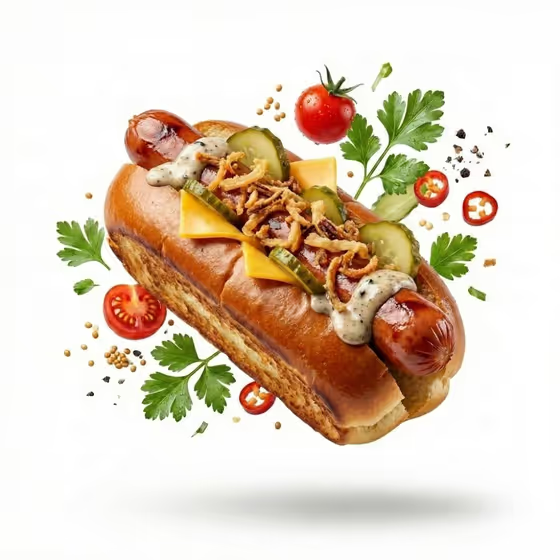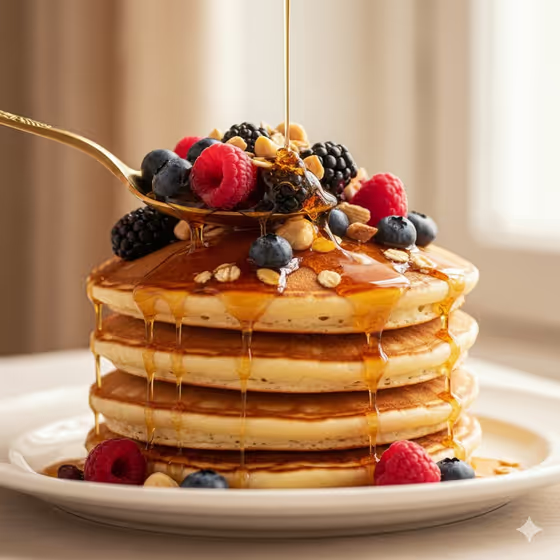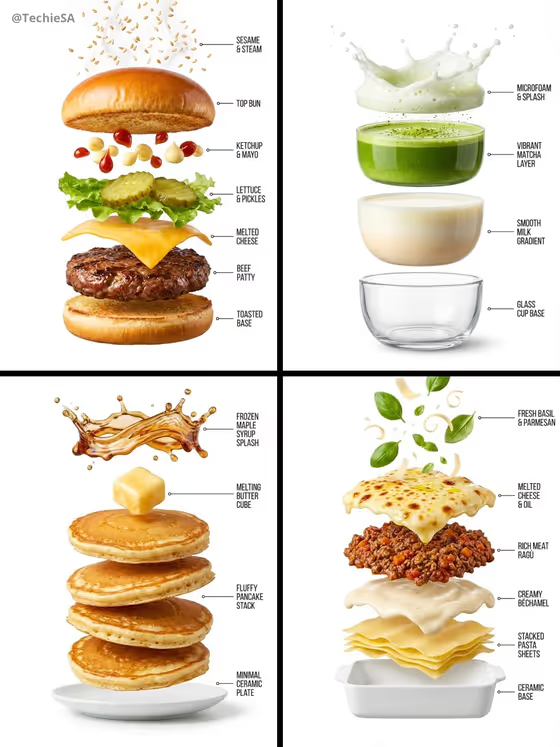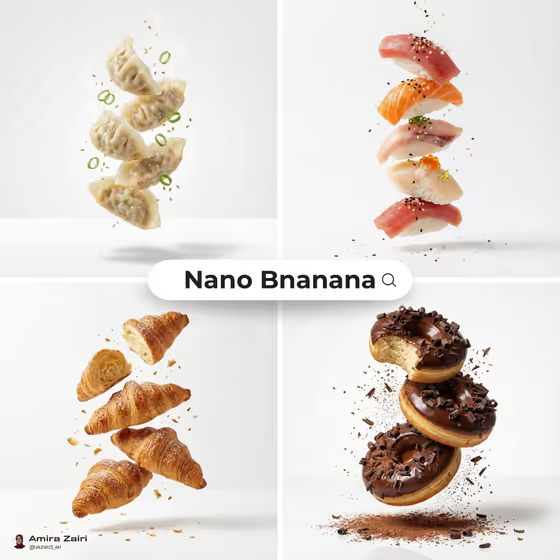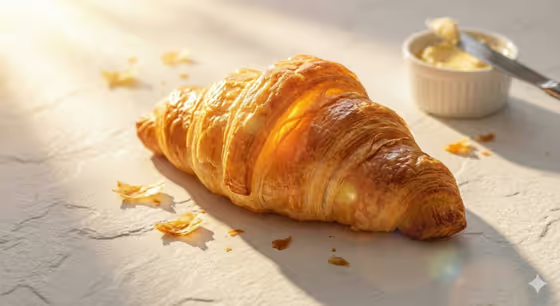
Golden Hour Food turns a simple food subject into a warm, editorial-style hero shot. You name the dish and pick a minimal surface, and the template adds low directional sunlight, long soft shadows and glowing highlights, much like the buttery croissant on pale plaster in the cover image.
It suits home bakers, cafe owners, food bloggers and anyone who needs a polished product-style image of a single dish. The output is a 3:4 image with a clean, tactile set and a premium feel.
What works best as input
- In the Food Product field, describe one clear subject, such as a rustic berry tart or a glazed breakfast pastry. A single, specific dish gives a more focused hero shot than a long list of items.
- The Food Product slot also accepts a reference photo. If you add one, pick a sharp, well-lit picture where the food fills most of the frame and nothing important is cropped.
- Add useful detail in your wording, like texture or finish (flaky, glazed, golden-brown), because the template leans on glowing highlights and rich color depth.
- Avoid cluttered reference photos with busy backgrounds, since the template is designed around a minimal set.
How to use it
- Open the Golden Hour Food template in Phosphene.
- In Food Product, type a description of your dish or add a reference photo of it.
- Choose a Minimal Set Surface from the options, such as Textured white plaster, Warm limestone, Cream linen or Pale handmade paper.
- Generate the image, then review the light, shadows and surface. Adjust your wording or change the surface and generate again if you want a different look.
Tips for a better result
- Try the same dish on different surfaces. Textured white plaster, like in the cover image, catches light and shows shadow clearly, while Cream linen gives a softer, more fabric-like feel.
- Use evocative but concrete wording, for example 'a glazed breakfast pastry' instead of just 'pastry', to guide the shape and shine.
- Stick to one hero subject per generation. The template aims for a minimal, premium set, so one dish tends to read best.
- If you use a reference photo, choose one that already shows the food's texture clearly so the golden light has detail to work with.
Common mistakes
- Describing several dishes in the Food Product field. The template is built around a single hero subject, so a crowded description can dilute the result.
- Using a dark, blurry or heavily cropped reference photo, which gives the template little to work with.
- Expecting a busy styled scene. The set is intentionally minimal, so props and complex backdrops are not what this template is for.
FAQ
Do I have to upload a photo?
No. The Food Product field is a text field, so you can simply describe your dish. It also accepts a reference photo if you prefer to use one.
What surfaces can I choose?
The Minimal Set Surface options include Textured white plaster, Warm limestone, Cream linen and Pale handmade paper.
What shape is the final image?
The template outputs a 3:4 image.
What kind of lighting will I get?
Warm golden-hour directional sunlight with long soft shadows, glowing highlights and a subtle natural lens flare.