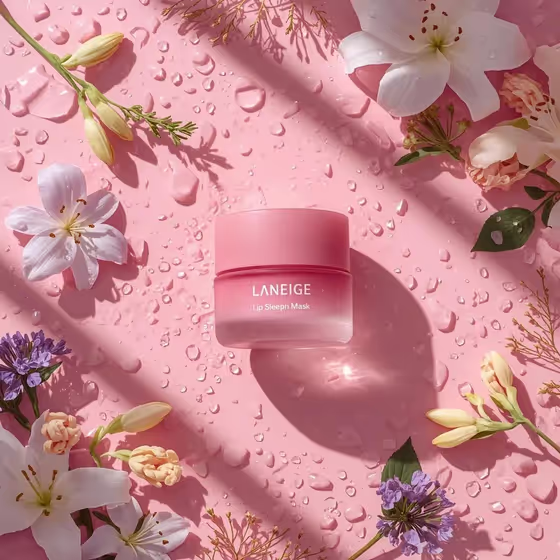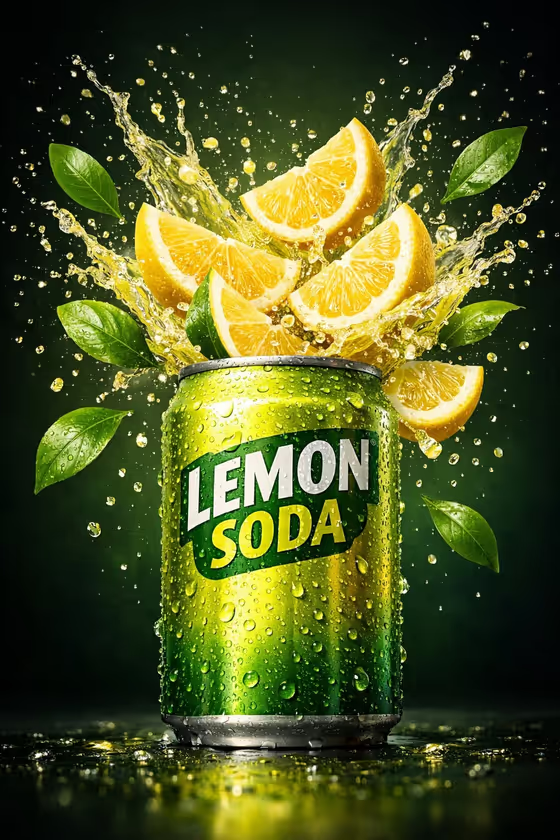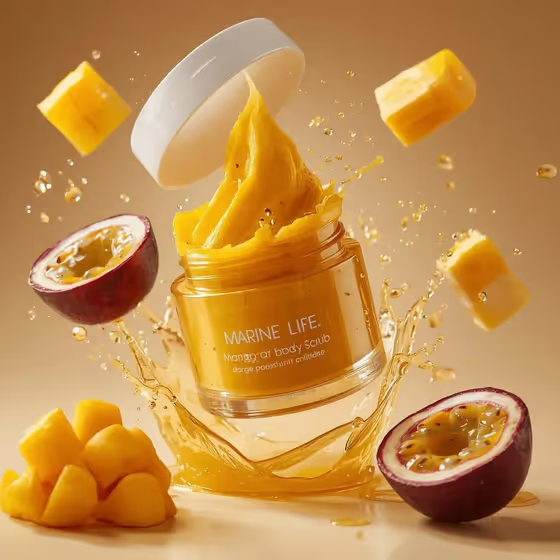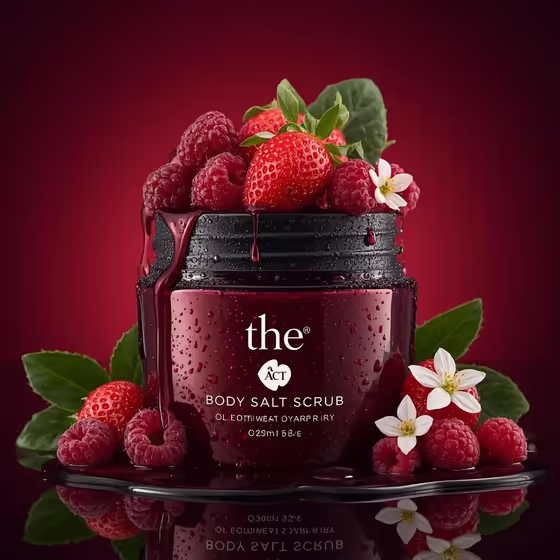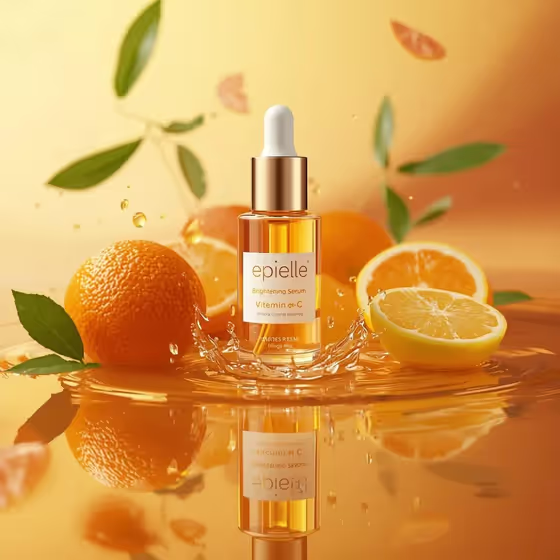
This template turns your serum bottle into a skincare ad-style image. The bottle sits on a glossy orange liquid surface with a crisp mirror reflection, citrus fruit arranged around it, and small golden droplets frozen near its base. The output is a 3:4 image.
It suits skincare brands, small shop owners and content creators who want a fresh, citrus-themed product shot, especially for vitamin C, brightening or other citrus-leaning serums. You describe or upload your product and pick the citrus mix, and the template handles the lighting, liquid surface and styling.
What works best as input
- For the Serum product or bottle field, you can type a short description or upload a matching reference photo. A clear photo of the actual bottle helps keep the shape and label close to your real product.
- If you upload, choose a sharp, well-lit shot of the bottle on its own, with the dropper and label fully visible and nothing cropped.
- If you type instead, be specific about the container and contents, such as 'clear vitamin C dropper bottle' or 'amber brightening serum', so the glass and serum color come out right.
- The template is built around a clear, translucent bottle with a dropper, so descriptions that match that style tend to fit the scene best.
How to use it
- Open the Citrus Serum Reflection template in Phosphene.
- In Serum product or bottle, describe your product or upload a reference photo of it.
- In Citrus arrangement, choose or write the fruit mix you want around the bottle, such as orange, grapefruit and lemon symmetry.
- Generate the image, then review the label readability, reflection and fruit before saving or trying another variation.
Tips for a better result
- Match the citrus to your product story. If the serum is lemon-based, try 'lemon slices with kumquat accents'. For a softer look, 'grapefruit and lime balance' changes the color mix.
- Describe the serum liquid color in the product field (golden, amber, clear). It affects how the light passes through the bottle and how well it blends with the orange surface.
- Try your own ingredients in Citrus arrangement, for example 'my citrus ingredients', if you want the fruit to reflect what is actually in your formula.
- Run the template more than once with small wording changes in either field to compare compositions and pick the best one.
Common mistakes
- Uploading a cluttered or low-resolution bottle photo. Busy backgrounds and blur make the label and bottle shape harder to keep accurate.
- Writing vague product text like 'serum' with no container or color details, which leaves the bottle design up to chance.
- Expecting the label text to match your brand perfectly. Always check the packaging text in the result before using it.
FAQ
Do I have to upload a photo?
No. The Serum product or bottle field accepts a typed description or an uploaded reference, so you can use either. The Citrus arrangement field is text or a choice only.
Can I change the orange background color?
The template is designed around a glossy orange liquid surface with a pale-yellow to deep-orange gradient, so that look is built in. You can influence the mood through your product and citrus choices.
What fruit can I put around the bottle?
Pick from the suggested arrangements or write your own, such as lemon slices with kumquat accents or grapefruit and lime balance. Citrus combinations work best with this scene.
What shape is the final image?
The output is a single 3:4 image, which suits portrait-style product posts and listings.