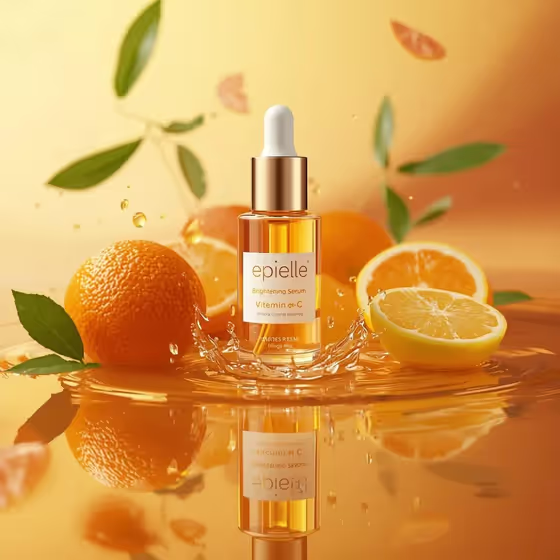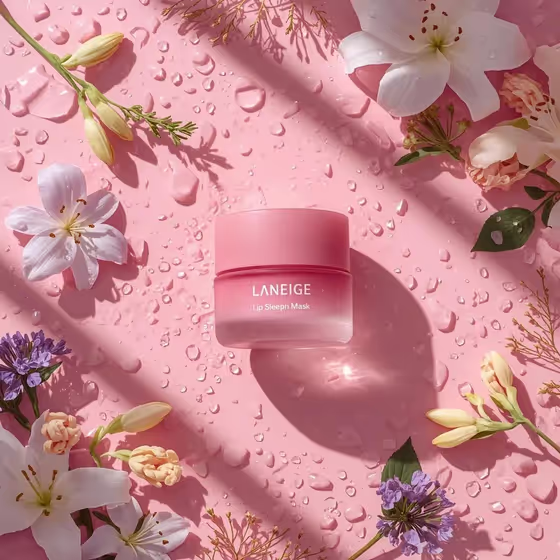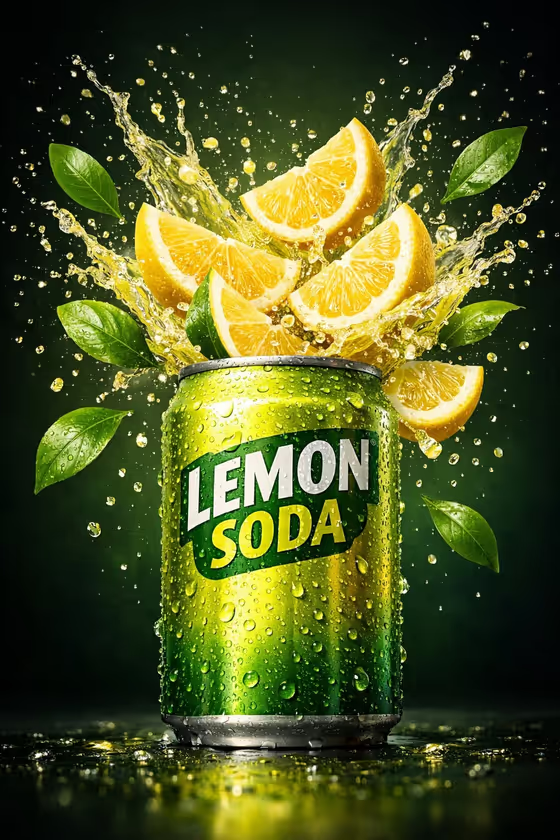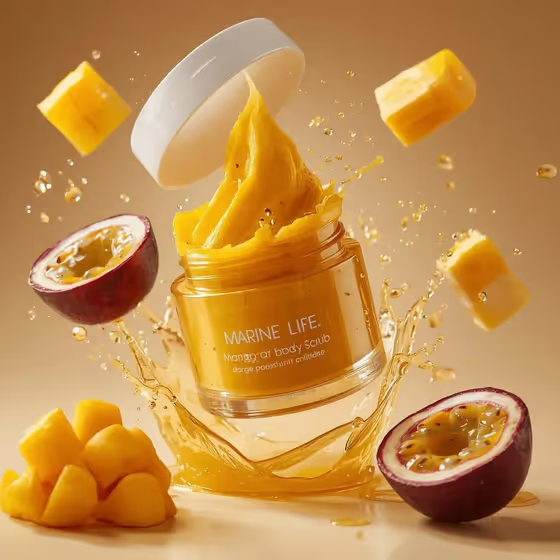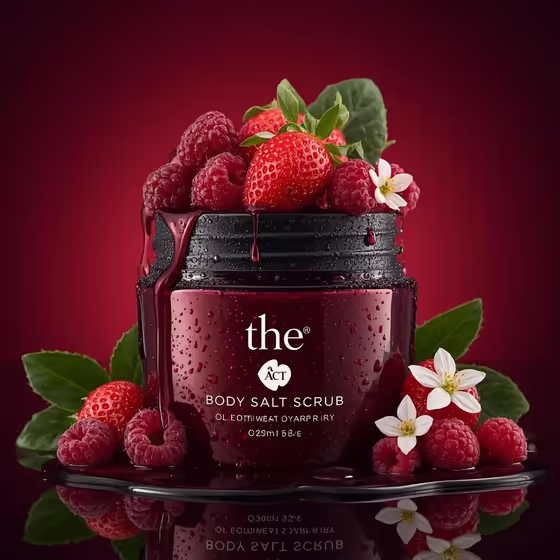
This template turns your cosmetic jar into a luxury beauty ad. The jar sits open in the center of a black reflective surface, with fresh fruit and juice spilling over the rim and water droplets coating the glass, as in the cover image with its deep-red jar and berries on a crimson backdrop.
It suits small beauty brands, sellers of body scrubs, sugar scrubs or face masks, and anyone who wants a product-style hero image in a 3:4 frame. You describe or upload your jar, then choose the fruit, the backdrop and the botanical accent.
What works best as input
- In the Cosmetic product field you can type a description or upload a reference photo. If you upload, use a clear, well-lit shot of your jar so the shape and color are easy to read.
- Pick a reference where the jar is shown straight on, without heavy shadows or clutter behind it. A clean silhouette gives the template more to work with.
- If you describe it in text instead, mention color, material and shape, for example 'deep-red glass body scrub jar' or 'frosted facial mask jar'.
- Keep the label as simple as you can. The template aims for clean, readable packaging without copying a source brand, so very busy artwork may not carry over exactly.
How to use it
- Open the Berry Overflow Body Scrub Ad template in Phosphene.
- In Cosmetic product, describe your jar or upload your reference photo. This field is required.
- Choose your Overflow fruit blend, Backdrop palette and Botanical detail from the options. All three are required.
- Generate the image, then review the jar, the spilling fruit, the droplets and the reflection, and adjust your choices if you want a different look.
Tips for a better result
- Match the fruit to your product. Strawberries and raspberries suit a red scrub, while blackberries and blueberries or cherries and red currants suit a darker one.
- Coordinate the backdrop with the jar color. A deep-red jar like the one on the cover pairs naturally with a rich crimson gradient, and a plum or glossy black and burgundy backdrop gives a moodier version.
- Choose 'no extra botanicals' for a cleaner, more minimal composition, or green leaves and tiny white flowers for a softer, fresher feel.
- Run the template several times with different fruit and backdrop combinations to build a small set of ad variations for the same product.
Common mistakes
- Using a dark, blurry or cropped reference photo, which makes it harder to keep your jar's shape and color accurate.
- Picking a backdrop that is nearly the same color as the jar, so the product blends into the background instead of standing out.
- Writing a vague product description like 'a jar' instead of naming its color, material and type.
FAQ
Do I have to upload a photo?
No. The Cosmetic product field accepts either a text description or an uploaded reference, so you can type something like 'amber sugar scrub jar' instead.
Can I change the fruit around the jar?
Yes. The Overflow fruit blend field lets you choose options such as strawberries and raspberries, blackberries and blueberries, cherries and red currants, or peach slices and apricots.
What shape and format is the result?
The template creates a single image in a 3:4 aspect ratio.
Can I use it for products other than body scrub?
The examples include a sugar scrub jar and a frosted facial mask jar, so other open cosmetic jars can work. Describe the container clearly in the Cosmetic product field.