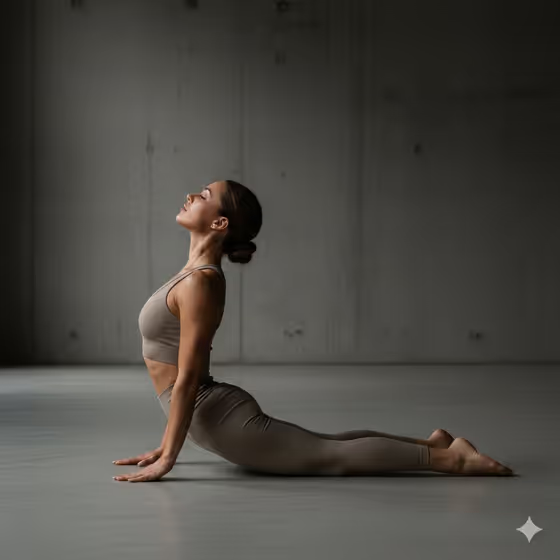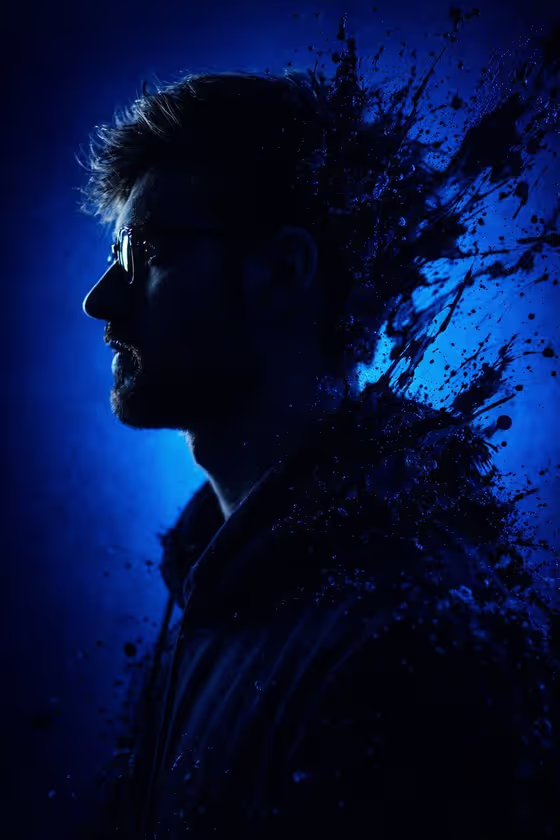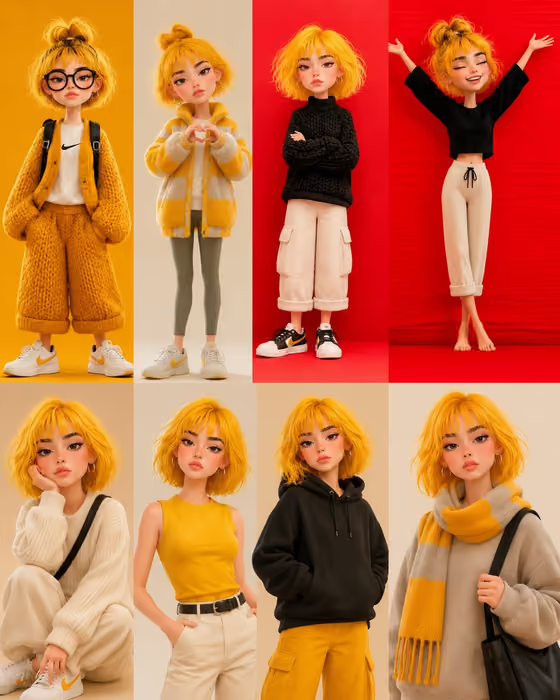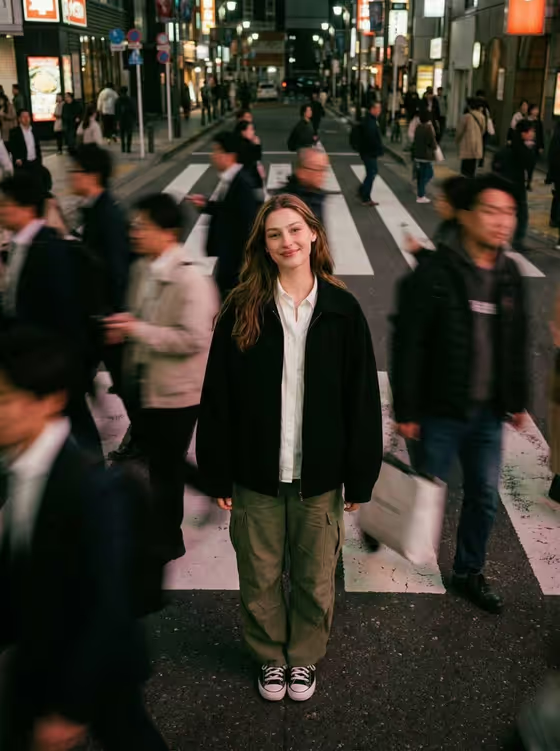
This template makes a golden-hour side-profile portrait of one person standing close to a textured concrete wall. Warm sunlight shapes the face and the tinted sunglasses, while the wall softens into a blurred, earthy backdrop. The result is a vertical 3:4 image with the look of a 35mm fashion photograph.
It suits anyone who wants a clean, moody portrait for a profile picture, a personal brand page, a lookbook-style post or a creative project. You describe or upload your subject and pick the casual styling, and the template handles the pose, light and framing.
What works best as input
- The template asks for 2 or more photos, so upload several clear shots of the same person. Use pictures where the face is fully visible, evenly lit and not hidden by heavy filters.
- Mix angles if you can. A front-facing shot plus a side or three-quarter shot gives a better sense of the face, hair and beard for a profile pose.
- In the Portrait person or subject field, you can also type a short description such as "a bearded adult man" or "a short-haired adult woman" to guide the result, or pair it with your uploads.
- Keep the Casual styling field simple and specific, like "brown T-shirt and round black sunglasses" or "cream knit and dark glasses". You can also point to an outfit in your reference photos.
- Only use photos of yourself or people who have agreed to it, and avoid heavily cropped or blurry images.
How to use it
- Open the Concrete Wall Golden Profile template in Phosphene.
- Upload 2 or more photos of your subject, then fill in the Portrait person or subject field with a short description or choose a matching example.
- Set the Casual styling field, for example "black tee and amber glasses", or reference the outfit from your uploads.
- Generate the image, then review it for profile angle, facial likeness, wall texture and light. Adjust the fields and generate again if something is off.
Tips for a better result
- Swap the styling to change the mood. A black tee with amber glasses reads differently from a cream knit with dark glasses, while the golden light and concrete wall stay the same.
- Be specific about hair and facial hair in the subject field, such as a beard or short cropped hair, since the template emphasizes crisp facial and beard texture.
- Try the different example subjects, like an androgynous fashion subject, to see how the same wall and light treat different looks.
- Keep the outfit minimal. The template is built around muted earth tones and understated styling, so simple clothing blends best with the concrete backdrop.
Common mistakes
- Uploading only one photo or very low-quality photos. The template expects 2 or more, and clearer references give a more faithful result.
- Overloading the styling field with many accessories or bright colors, which fights the muted, earthy palette and minimal look the template aims for.
- Expecting a front-facing or full-body shot. This template frames a close side profile in a 3:4 portrait, so describe the person and outfit rather than a different pose.
FAQ
How many photos do I need to upload?
The template asks for 2 or more photos. Use clear pictures of the same person from slightly different angles.
Can I just describe the person instead of uploading?
The Portrait person or subject field accepts a text description, such as "a bearded adult man", and also accepts a matching reference. The template's upload requirement is 2 or more photos, so plan to include them.
Can I change the outfit or sunglasses?
Yes. Use the Casual styling field to name the outfit and glasses, for example "black tee and amber glasses" or "cream knit and dark glasses".
What size and style is the result?
You get a single image in a 3:4 vertical ratio, styled as a golden-hour side-profile portrait against a blurred concrete wall.