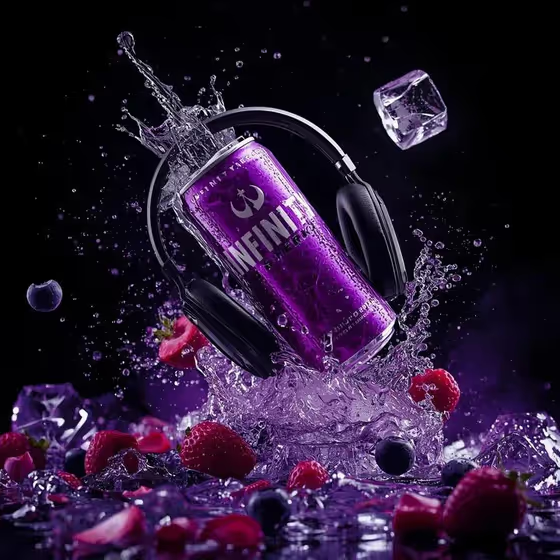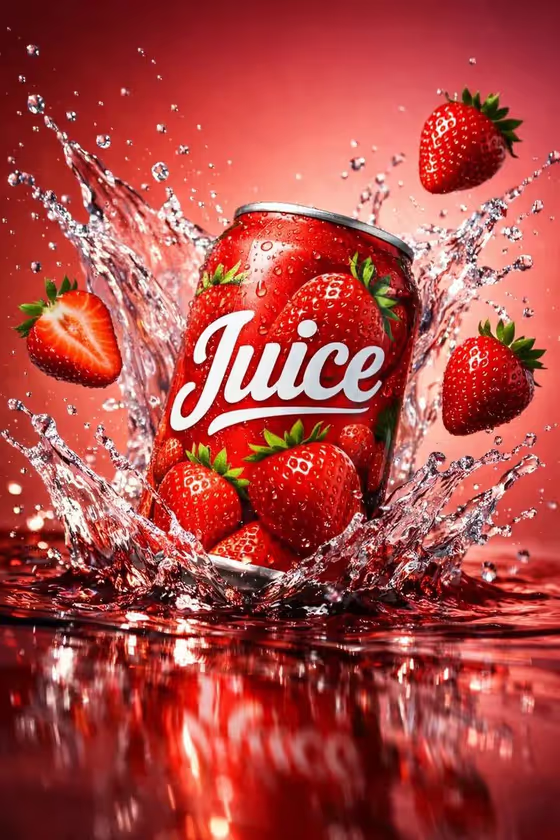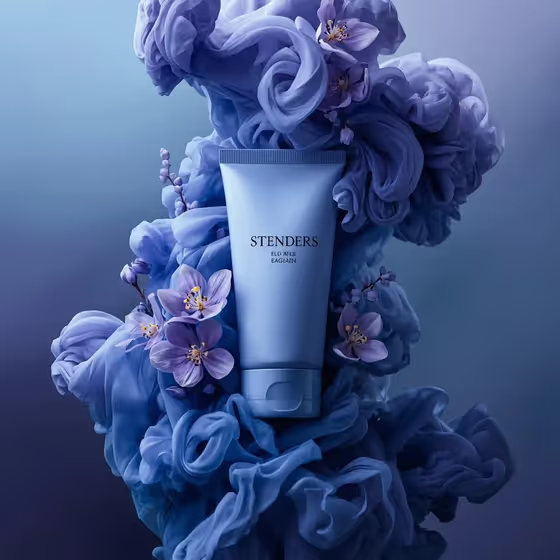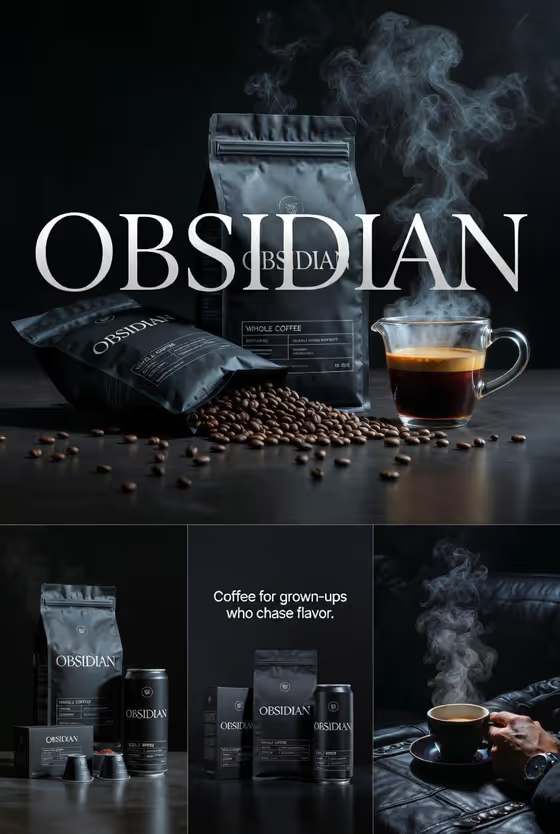
Directional Studio Warmer turns a product or object into a polished studio-style image with a warm brown backdrop and glossy, crisp reflections. The cover shows the idea well: chocolate-coated wafer rolls floating in a diagonal cross, with a swirl of chocolate, hazelnuts and small squares drifting around them against a dark warm gradient.
It is a good fit if you want a hero-style visual for food, drinks, accessories or compact devices and you already know what the product is and what mood you want. You provide the featured product and a creative direction, and the template handles the warm lighting and shiny highlights. The output is a 3:4 image.
What works best as input
- The Featured product or object field accepts a photo, so upload a clear picture of the actual item if you have one. The template is built to keep the look of the source, so a clean shot gives it more to work with.
- Choose a photo where the product is fully visible, in focus and not cropped at the edges. Details like texture, coating and surface finish are the things the glossy highlights will play off.
- If you describe the product in text instead, be specific about material and finish, in the style of the placeholder 'a premium beverage bottle' or 'a compact consumer device'. 'Chocolate-coated wafer rolls with nut pieces' will guide the result better than just 'snack'.
- Avoid busy backgrounds or heavy filters on your source photo, since the template aims to preserve the source's composition, material treatment and lighting.
How to use it
- Open the Directional Studio Warmer template in Phosphene.
- In Featured product or object, upload a photo of your product or type a short description of it.
- In Creative direction, pick or write a mood such as Clean editorial, Cinematic dramatic, Playful colorful or Quiet premium.
- Generate the image, then review the 3:4 result for reflections, product detail and overall warmth, and run it again with adjusted inputs if needed.
Tips for a better result
- Try the same product with different creative directions. Quiet premium and Playful colorful will push the same warm studio look in clearly different moods.
- Products with glossy, textured or coated surfaces, like the chocolate and nut clusters in the cover, show off the specular highlights especially well.
- Keep your product description short and concrete. One clear object usually reads better than a long list of items.
- If you upload a photo and the result drifts from your product, try a sharper, better-lit source image or add material words to the description.
Common mistakes
- Uploading a small, blurry or heavily cropped photo, which leaves little detail for the template to preserve.
- Writing a vague product name like 'food' or 'thing' instead of describing the object and its finish.
- Entering several unrelated products at once, when the field is meant for one featured product or object.
FAQ
Do I have to upload a photo?
No. The Featured product or object field accepts either a photo or a text description, so you can type what the product is if you do not have an image.
What does Creative direction do?
It sets the overall mood of the shot. The examples include Clean editorial, Cinematic dramatic, Playful colorful and Quiet premium, and you can describe your own direction.
What size is the image?
The template outputs a 3:4 image, which suits portrait-style product visuals.
Will the result look like the cover image?
The cover shows the warm, glossy studio style for a chocolate wafer product, but your result depends on the product and direction you enter. Expect the same warm tone and shiny highlights applied to your own subject.