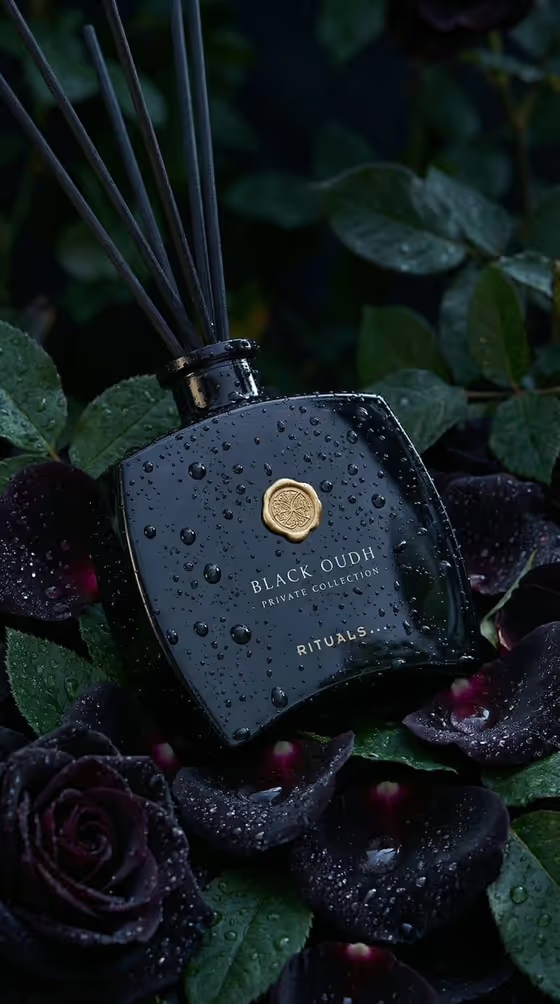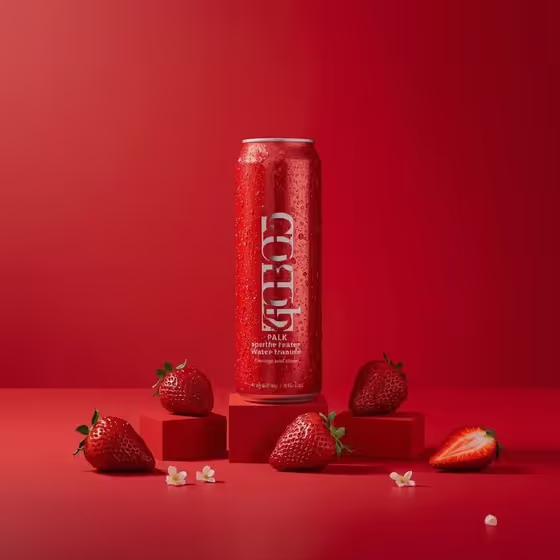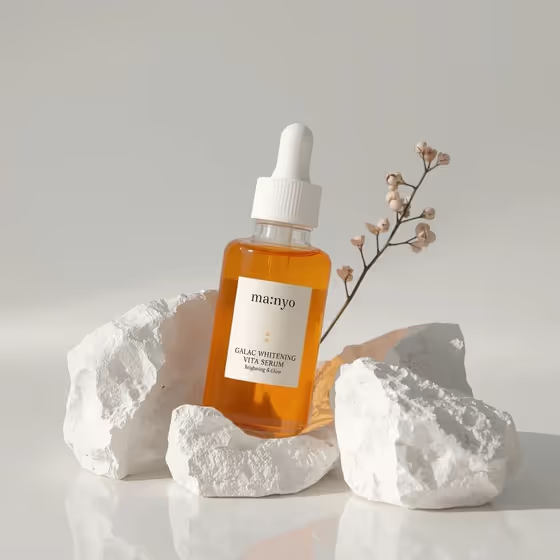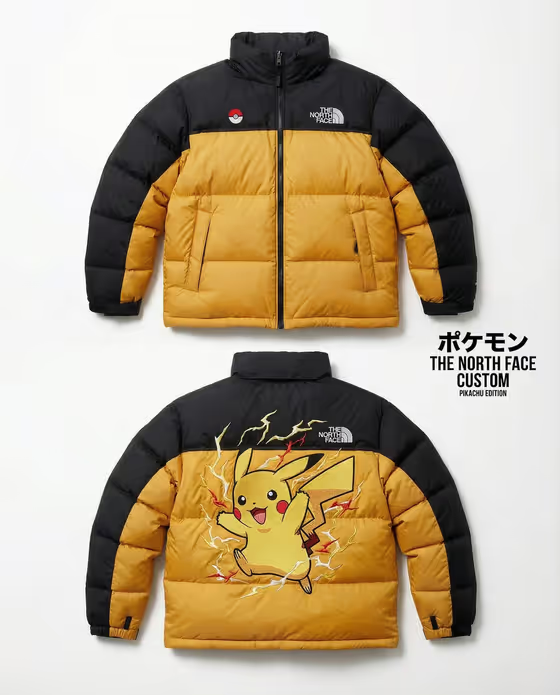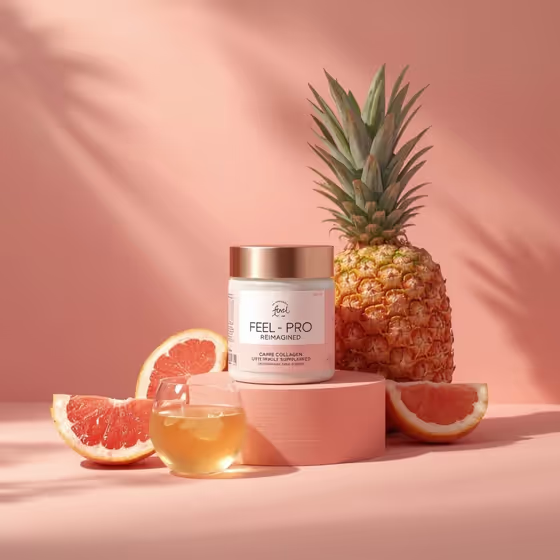
Peach Collagen Still Life turns your supplement jar into a 3:4 product photograph. The jar sits on a low peach pedestal against a soft pastel wall, with sliced fruit around it, a small glass of golden liquid in front, and palm-leaf shadows falling across the background.
It suits wellness brands, small supplement sellers and anyone who needs a clean, airy product image for a shop listing, social post or launch announcement. You pick the product and the fruit pairing, and the template handles the styling and lighting.
What works best as input
- For the Supplement product or jar field, you can type a short description such as "collagen supplement jar" or upload a reference photo of your own product. The template accepts one upload.
- If you upload, use a sharp, evenly lit photo of the jar from the front so the label and lid shape are easy to read.
- A plain or uncluttered background in your reference helps, since the template places the jar in its own peach setting.
- If you describe instead of upload, name the container type and what it holds, for example "hydration powder tub" or "beauty vitamin bottle".
How to use it
- Open the Peach Collagen Still Life template in Phosphene.
- In Supplement product or jar, type a description of your product or upload a matching reference photo.
- In Fresh fruit pairing, choose or enter the fruit you want around the jar, such as pineapple and grapefruit, peach and blood orange, or mango and lime.
- Generate the image, then check that the jar, fruit and glass of golden liquid look the way you intended.
Tips for a better result
- Pick fruit that echoes your product's flavor or ingredients. The "my ingredient fruits" style of entry lets you match the pairing to what is actually in the jar.
- Warm fruit like peach, blood orange or grapefruit blends with the peach backdrop, while pineapple or lime adds more contrast.
- Try different product descriptions (a tub, a bottle, a jar) to see how the pedestal composition adapts to each shape.
- If the label or package detail matters, use an uploaded reference and review the result closely, since small text on packaging can look different from your original.
Common mistakes
- Writing a vague product description like "supplement" instead of naming the container and product type, which leaves the jar's look up to chance.
- Uploading a cluttered, dark or angled photo, which makes the product harder to read and reproduce cleanly.
- Listing too many fruits in the pairing field. The scene is built around a few sliced fruits, so a short, focused pairing reads better.
FAQ
Do I have to upload a photo?
No. The product field accepts a text description, and you can also upload one matching reference photo if you want the result to follow your real product.
Can I change the fruit?
Yes. The Fresh fruit pairing field is required and takes a choice or entry such as pineapple and grapefruit, peach and blood orange, or mango and lime.
Can I change the peach background or the pedestal?
The peach backdrop, pedestal, glass of golden liquid and palm shadows are part of the template's fixed direction. You control the product and the fruit pairing.
What shape is the final image?
It is a 3:4 portrait image, which suits product listings and vertical social posts.