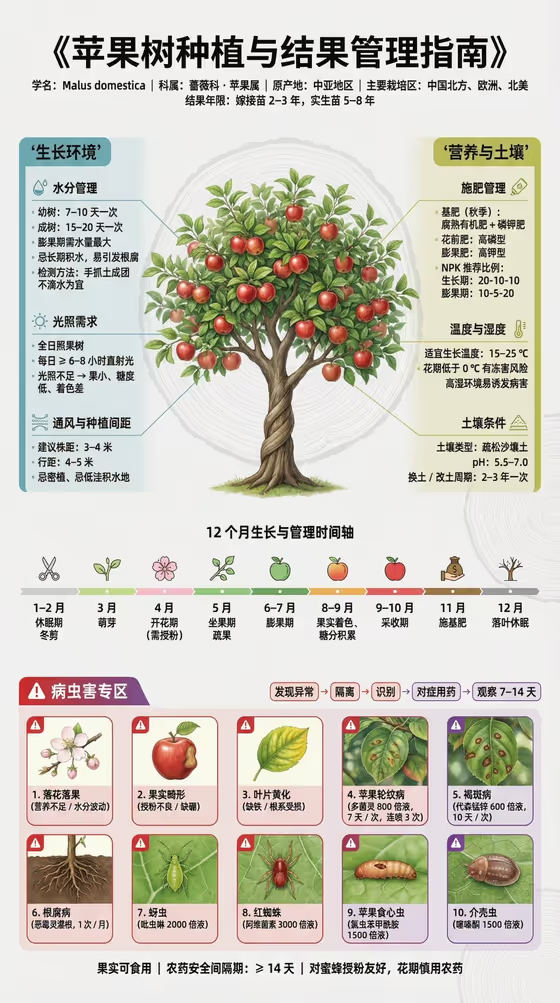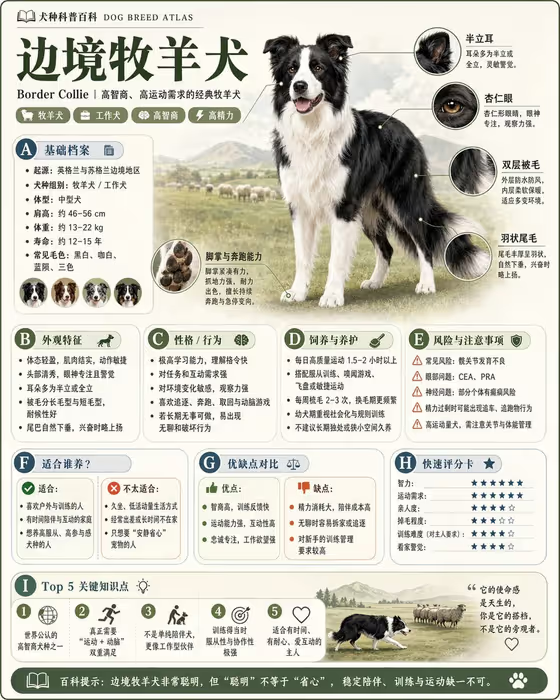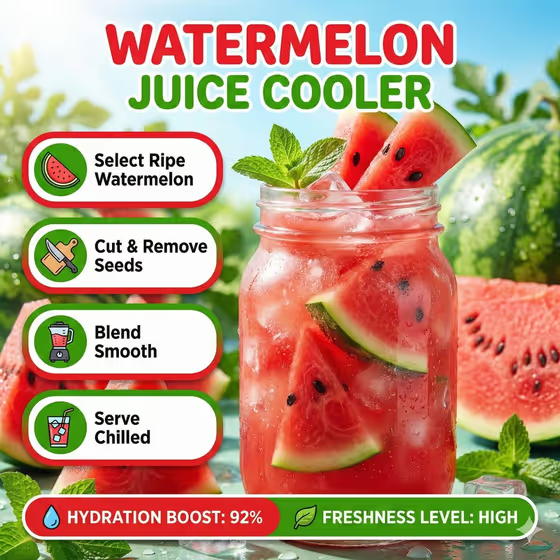
Fresh Juice Steps turns a single drink idea into a bright, vertical recipe infographic. You get an icy hero glass with floating fruit pieces, four labeled step cards, and a compact info bar at the bottom with a freshness callout, much like the watermelon example on the cover.
It suits cafe owners, juice bar menus, recipe bloggers, and anyone posting summer drink content who wants a scannable how-to graphic without laying it out by hand. The output is a single 3:4 image.
What works best as input
- In the Juice product or fruit field, name the drink as specifically as you can, such as "watermelon juice" or "mango cooler". A clear name helps the glass, the fruit wedges, and the color palette match your drink.
- This field also accepts a photo. If you upload one, pick a clear shot of the actual fruit or juice so the result stays close to what you serve.
- Choose a reference with the fruit clearly visible and well lit. Avoid cluttered backgrounds or several different drinks in one frame.
- For Freshness callout, keep the text short, like "92% hydration" or "high natural freshness". It has to fit in a compact info bar and stay readable.
How to use it
- Open the Fresh Juice Steps template in Phosphene.
- Fill in Juice product or fruit by typing a description or adding a matching reference photo, then pick or write your Recipe step set (for example select, cut, blend, chill).
- Enter your Freshness callout, such as a hydration percentage or a short freshness phrase.
- Generate the image, then check the four step cards, the hero glass, and the info bar text before using it.
Tips for a better result
- Match the step set to how the drink is really made. The presets (select, cut, blend, chill; wash, press, strain, serve; peel, mix, ice, garnish) read well, and you can write your own four steps if your process differs.
- Pick a fruit with a strong color. The template builds its palette around the chosen fruit, so vivid fruits like watermelon tend to give bolder, more contrasting layouts.
- Try different callouts for the same drink, such as a hydration figure versus a phrase like "vitamin-rich refreshment", to see which suits your audience.
- Keep each step to a single clear action word so the card labels stay short and easy to read.
Common mistakes
- Using a vague juice name like "fruit drink". The hero glass and palette depend on a specific fruit or drink.
- Writing a long freshness callout. A sentence will crowd the compact info bar, so keep it to a short stat or phrase.
- Giving a step set with more or fewer than four steps. The layout is built around exactly four step cards.
FAQ
Do I have to upload a photo?
No. The Juice product or fruit field accepts typed text, and a matching reference photo is optional. The other two fields are text or a choice only.
Can I use my own recipe steps?
Yes. Recipe step set includes presets, and you can enter your own four preparation steps instead.
What shape is the result?
A single image in a 3:4 vertical format, with a hero glass, four step cards, and a metrics bar.
Will the labels be in English?
The template directs clean, readable English labels without emojis or decorative clutter, so write your inputs in English for the best match.