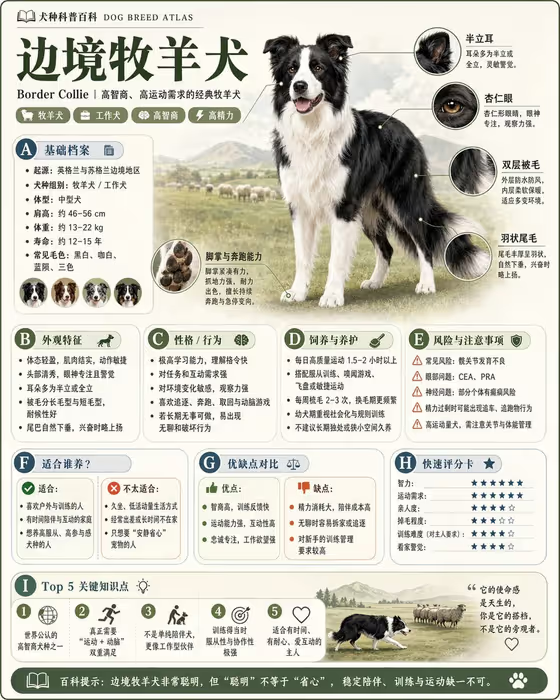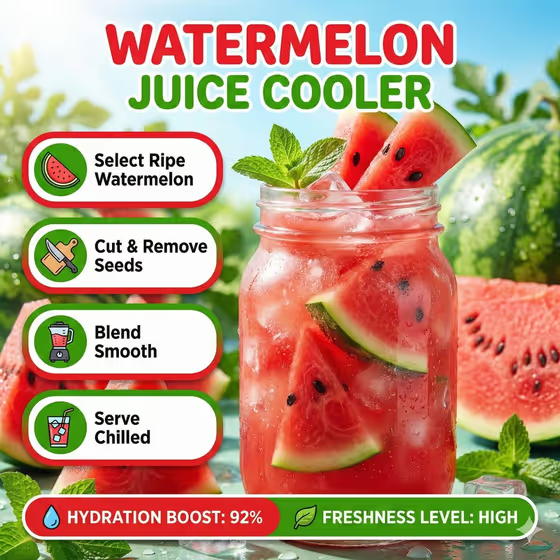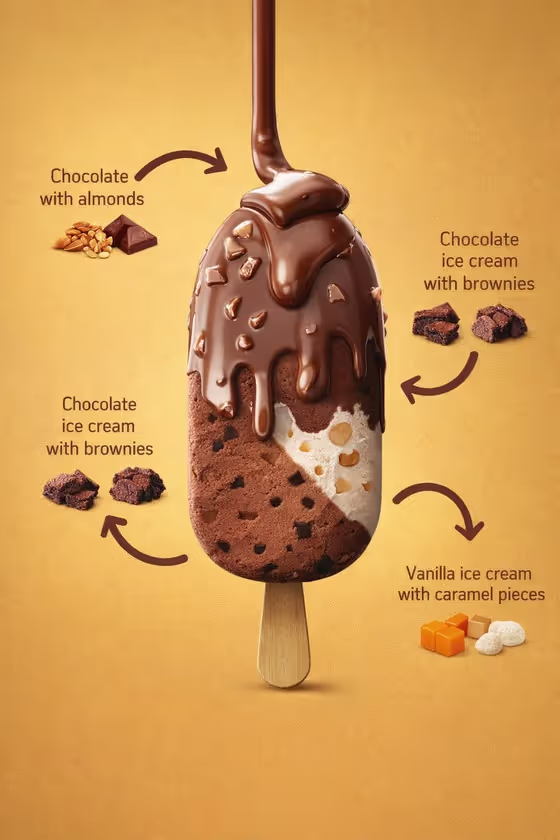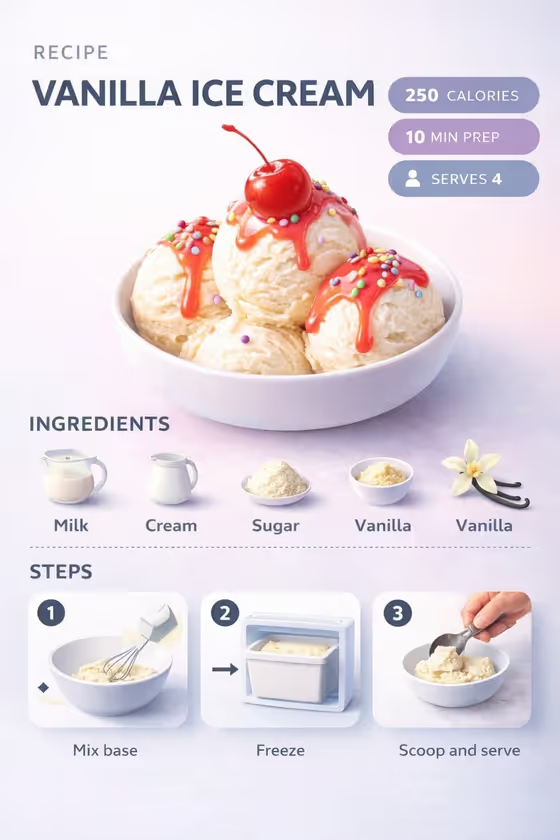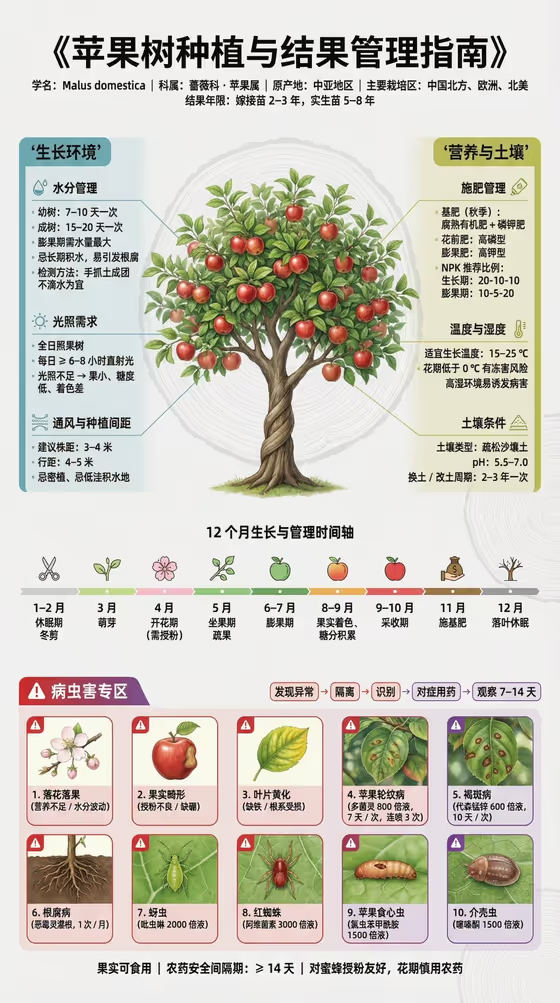
This template turns a fruit tree species into a labeled cultivation atlas in a vertical 3:4 layout. A realistic tree sits in the center, with water and light modules on the left, soil and nutrition modules on the right, a 12-month care timeline across the middle and pest and disease cards along the bottom.
It suits gardeners, orchard keepers, educators and anyone making a reference poster or handout about growing a particular tree. You choose the species, the growth stage to feature and the title, and the template builds the infographic around them.
What works best as input
- In the Fruit tree product or species field, type a specific species, such as apple tree, citrus tree or peach tree. A clear name gives the guide a more accurate specimen and more relevant labels.
- This field also accepts a reference photo. If you upload one, pick a clear shot of the tree, its leaves or its fruit in good daylight, so the tree in the poster matches what you actually grow.
- If you rely on a photo, avoid heavy filters, dark shadows or cluttered backgrounds, since they make the species harder to read.
- Keep the Guide title short and readable, for example Seasonal Orchard Care or From Blossom to Harvest, because it is set as the heading of the poster.
How to use it
- Open the Fruit Tree Cultivation Atlas template in Phosphene.
- Fill in Fruit tree product or species by typing a name or adding a reference photo, then choose a Featured growth stage such as flowering and pollination or fruit development.
- Enter your Guide title, then generate the image.
- Review the result. Check that the species, title and highlighted stage look right, and adjust your inputs and generate again if something is off.
Tips for a better result
- Match the Featured growth stage to your purpose. Use young tree establishment for a planting handout, or harvest and dormancy for an end-of-season care sheet.
- Try the same title with different species to build a matching series of posters for a whole orchard.
- Use a title that tells readers what the poster is for, such as My Cultivation Guide for a personal reference or Seasonal Orchard Care for a shared one.
- Treat the output as a visual overview. The template is set to avoid inventing chemical dosages, so check specific products and rates against local guidance before applying anything.
Common mistakes
- Entering a vague species like just tree or fruit, which leaves the specimen and the labeled modules too generic.
- Uploading a blurry, distant or heavily edited photo as the species reference, so the tree is hard to identify.
- Using a very long guide title, which can crowd the heading and make the text harder to read.
FAQ
Do I need to upload a photo?
No. The species field is a text field, so you can simply type a name like peach tree. A reference photo is optional and only accepted in that field.
Can I make a guide for any fruit tree?
You can describe your own species in the first field, using examples like apple tree, citrus tree or peach tree as a model. Clear, specific names tend to work best.
What does the Featured growth stage change?
It sets which stage the specimen is shown at, such as young tree establishment, flowering and pollination, fruit development, or harvest and dormancy.
Can I rely on the pest and chemical details?
Use them as a general visual reference. The template is instructed not to invent chemical dosages, so confirm treatments and safety intervals with a local source before acting.