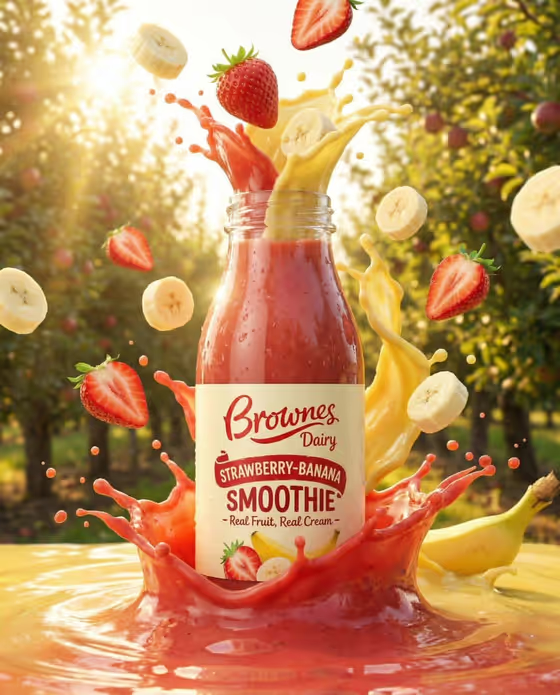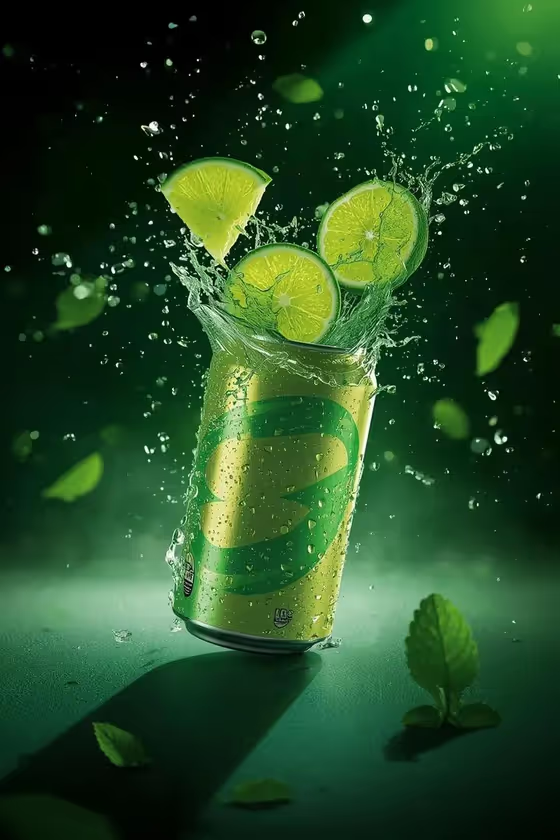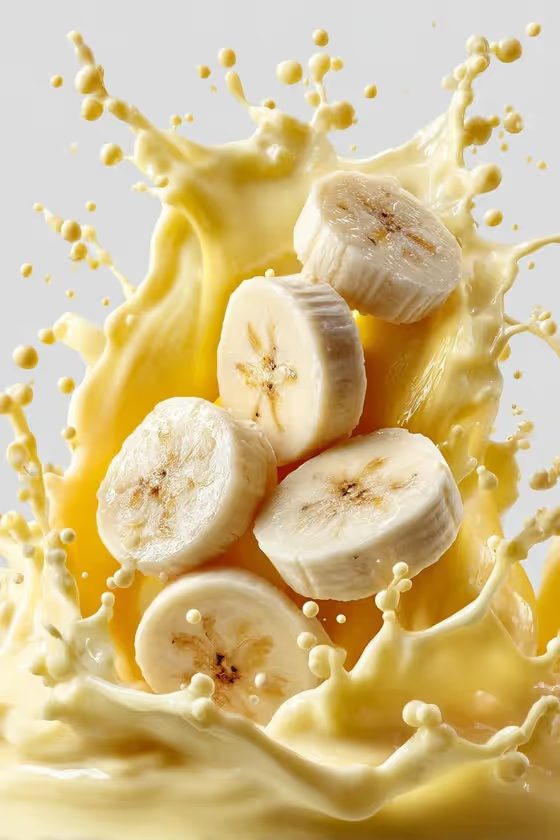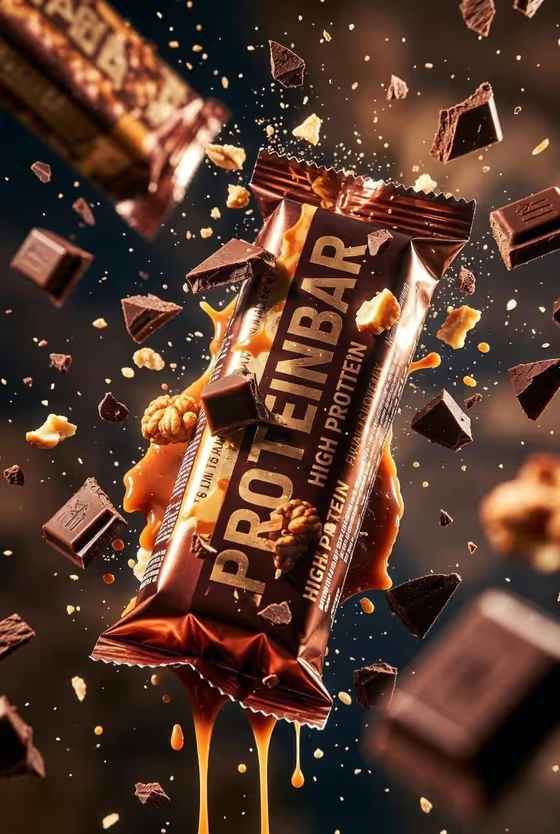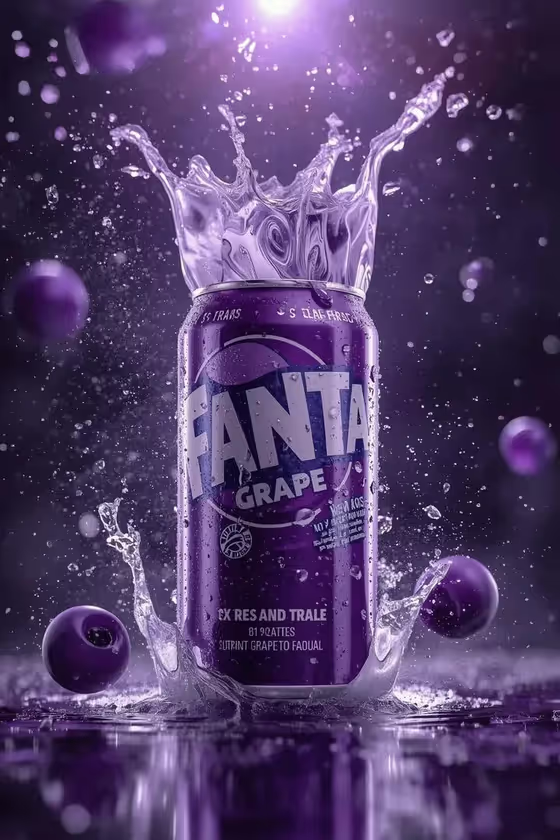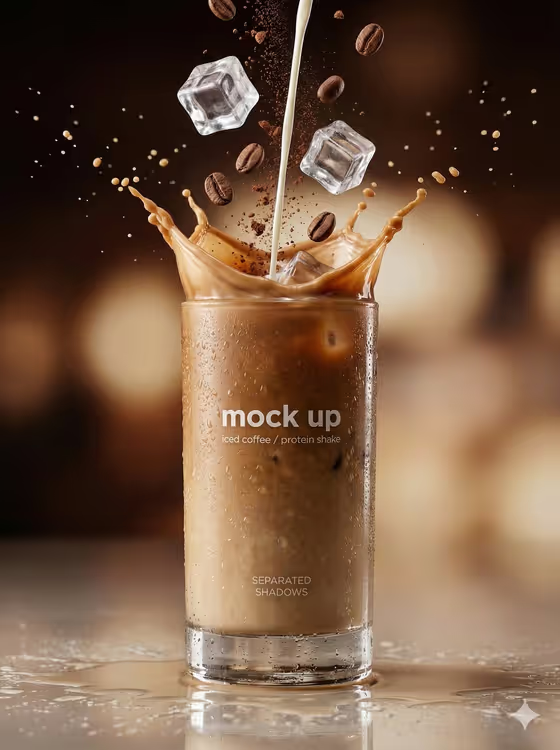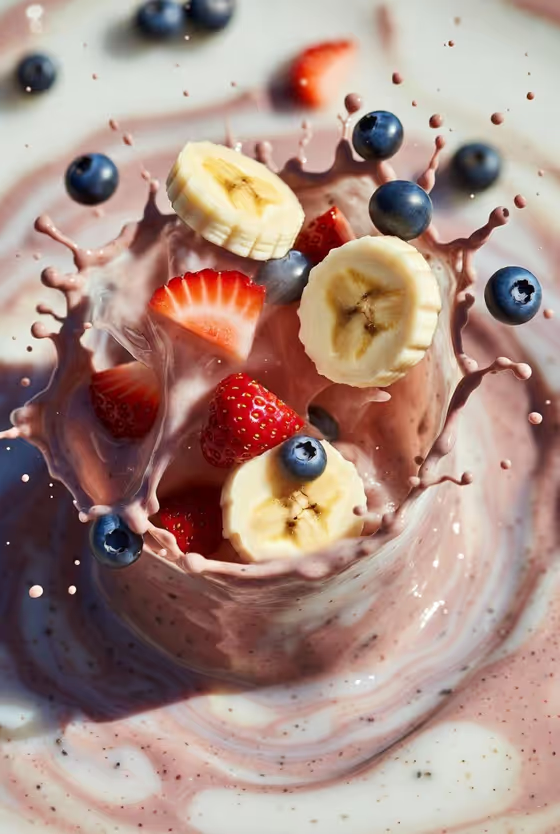
Fruit Smoothie Burst turns a smoothie, or any drink or dish you name, into a frozen mid-air splash. The cover image shows the idea: banana slices, strawberry pieces, blueberries and chia seeds suspended in a pink-and-cream liquid swirl, lit with bright, glossy studio light and a shallow depth of field.
It suits food bloggers, cafe owners, health-drink brands and anyone who wants a premium beverage-ad look without a studio shoot. The result is a single vertical 2:3 image, so it fits portrait posts, menu graphics and product pages.
What works best as input
- In the first field ("banana-berry smoothie food product or dish"), you can type a description or upload a photo of your actual drink or dish. A short phrase like "a banana-berry smoothie" matches the template's default look.
- If you upload a photo, pick one where the food or drink is clear, well lit and not cluttered by other items, so the exact reference is easy to read.
- If you type instead, name the real ingredients you want to see flying, such as banana, strawberry or blueberry, since the template builds its splash around fruit pieces.
- The template's own examples (a chef-made variation, a regional specialty, your exact food or drink reference) show that you can swap in your own recipe rather than keeping the banana-berry default.
How to use it
- Open the Fruit Smoothie Burst template in Phosphene.
- In the first field, type your smoothie or dish, or upload a photo of it as the reference.
- In the "Food presentation" field, choose how the shot should be framed, for example a plated hero composition, an ingredient motion moment or a texture-focused close-up.
- Generate the image, then review the splash, fruit pieces and liquid texture. Adjust your description or presentation choice and run it again if you want a different result.
Tips for a better result
- Try the different Food presentation options on the same smoothie. A texture-focused close-up will feel different from a plated hero composition.
- Be specific about your own recipe in the first field. Naming a particular fruit or topping gives the burst something concrete to build around.
- Use a clean, sharp reference photo when you want the result to stay close to your real product.
- Generate a few versions and compare them, since each run can place the fruit slices and droplets differently.
Common mistakes
- Leaving the first field too vague, like just "drink", which gives the template little to work with compared with a named smoothie or dish.
- Uploading a dark, blurry or crowded photo, which makes it harder to match your exact food or drink.
- Expecting a different style or lighting. The studio lighting, glossy liquid and frozen-motion look are fixed, so only the subject and framing change.
FAQ
Can I use something other than a banana-berry smoothie?
Yes. The first field accepts your own description or a photo, and the examples include a chef-made variation, a regional specialty or your exact food or drink reference.
Do I have to upload a photo?
No. The first field takes text, and a photo is optional. You can simply type what you want, such as "a banana-berry smoothie".
What shape is the final image?
It is a 2:3 vertical image, as shown by the cover.
What does the Food presentation field change?
It sets how the shot is framed, with choices like a plated hero composition, an ingredient motion moment or a texture-focused close-up. The core splash look stays the same.