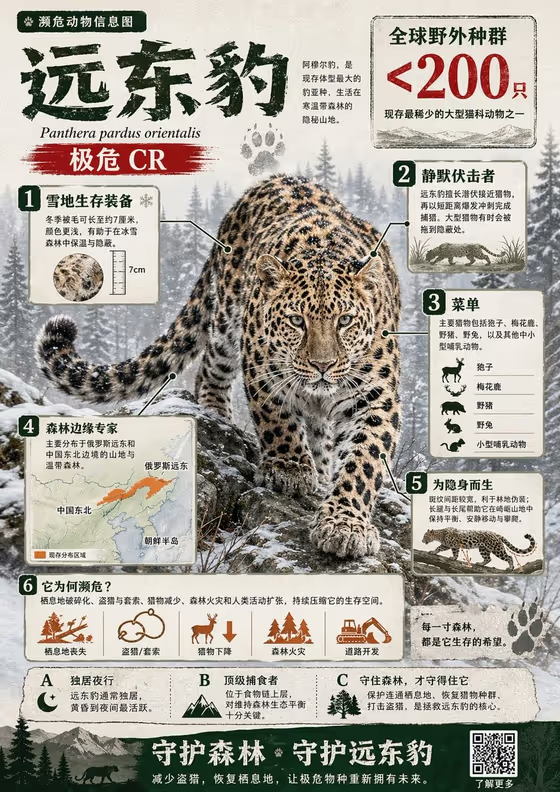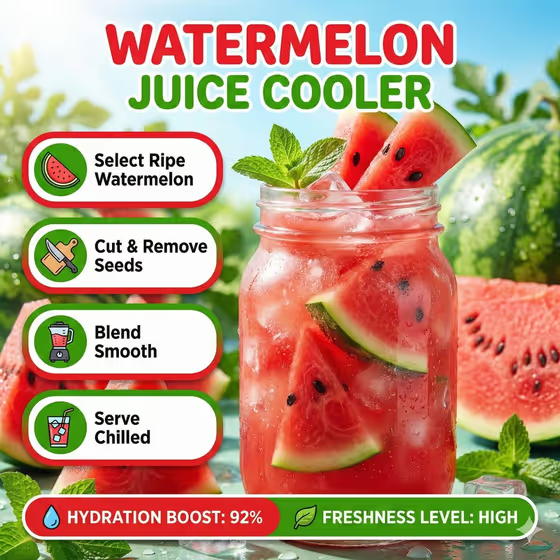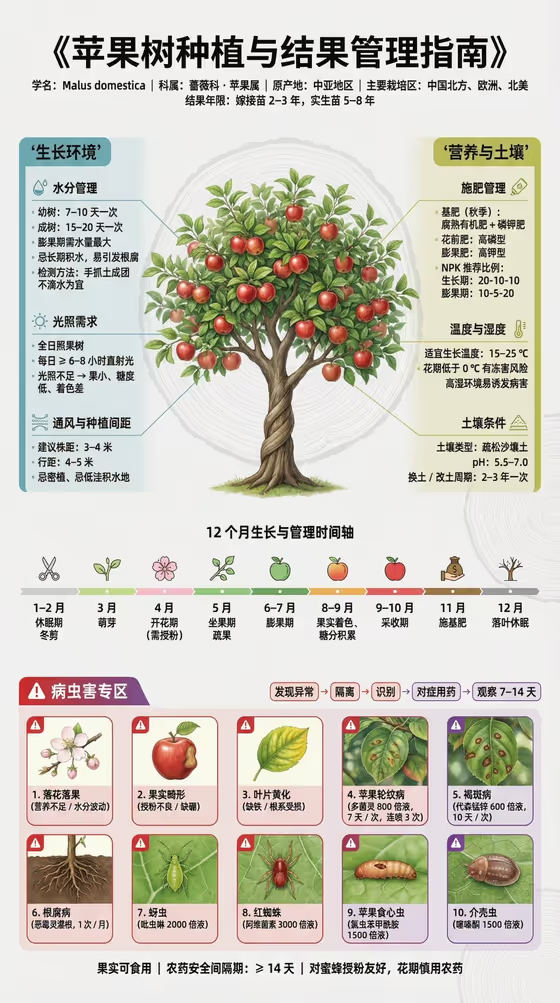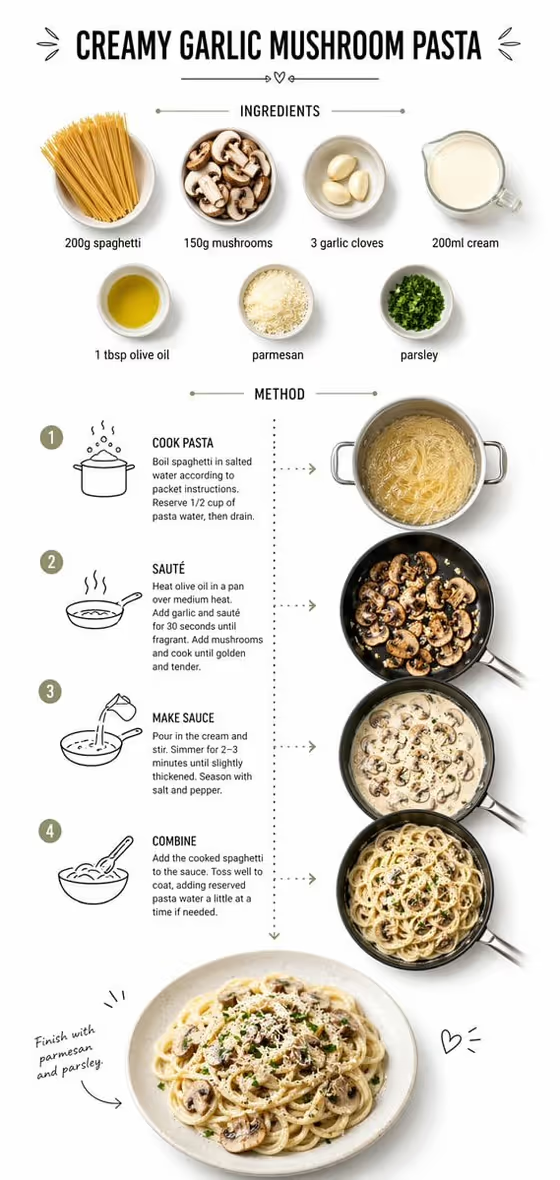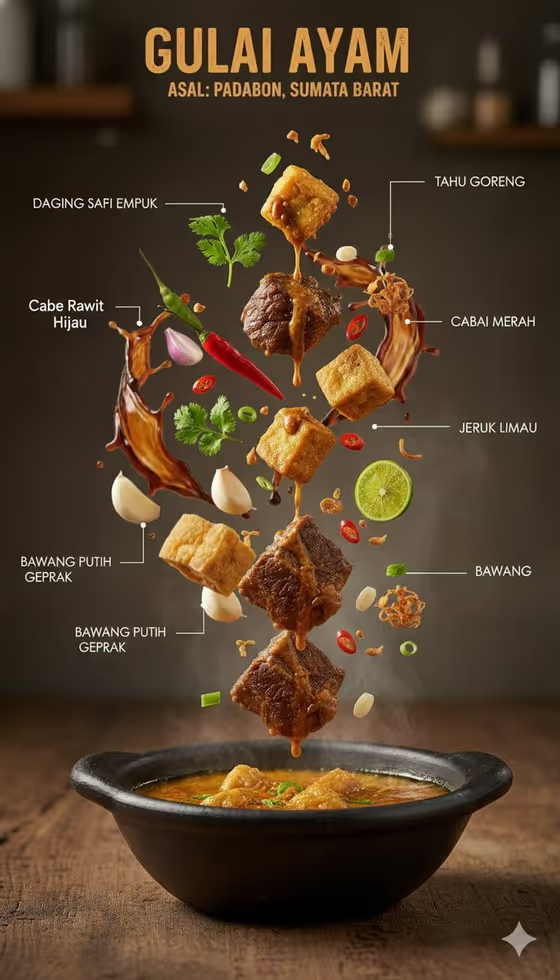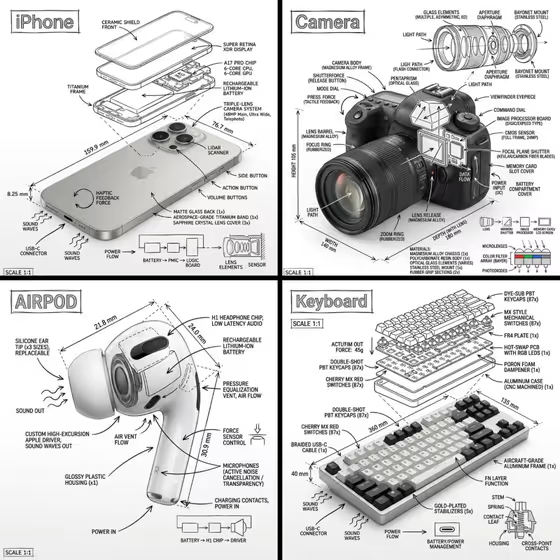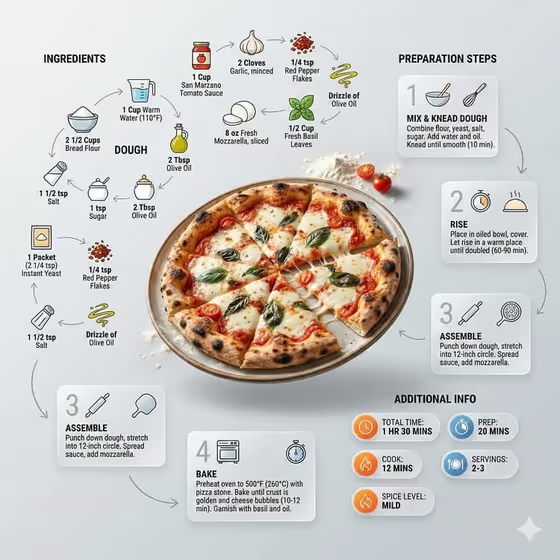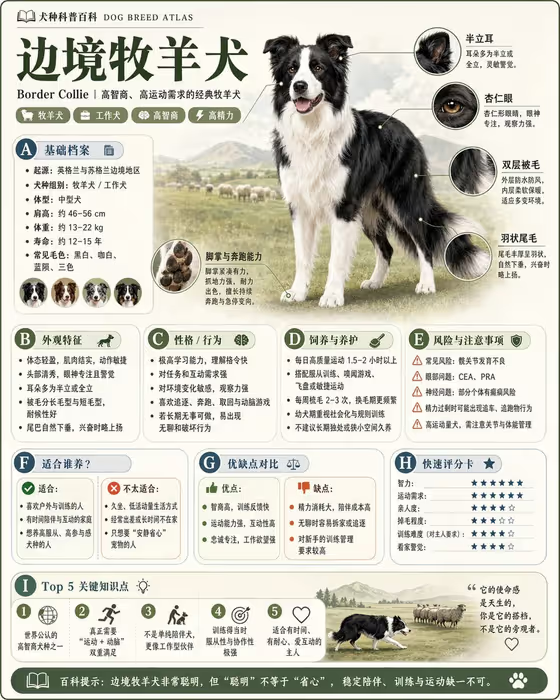
Collectible Knowledge Atlas turns a single subject into a field-guide style infographic card. It builds a page around one clear hero specimen, with magnified detail circles, rounded fact cards, labeled headings and a short five-point summary, all on a light, clean background. The cover example shows how a dog breed can become a dense but readable reference sheet.
It suits anyone who wants a shareable explainer for a species, object or topic: teachers making classroom material, hobbyists documenting plants or minerals, and creators building a series of matching cards. The output is a 3:4 image, which fits poster-style posts and printable pages.
What works best as input
- In the Encyclopedia topic or subject field, you can type a description or upload a matching reference photo. A photo of the actual specimen helps the card center on something recognizable.
- Pick a photo where the subject is clearly visible, well lit and not cluttered. A single subject on a plain or natural background gives the hero image and detail circles the most to work with.
- Make sure the photo shows features worth magnifying, such as texture, coloring, shape or markings, since the detail circles zoom in on these.
- If you type instead of uploading, be specific. Something like a houseplant species or a mineral specimen works better than a vague word, and naming the exact species or object keeps the facts on target.
- Keep to one subject per card. Mixing several different things in one reference tends to blur the hero image and the fact cards.
How to use it
- Open the Collectible Knowledge Atlas template in Phosphene.
- In Encyclopedia topic or subject, type your topic or upload a reference photo of it.
- Choose a Knowledge module focus (for example identity and defining features, or care and maintenance) and enter an Atlas title such as FIELD GUIDE.
- Generate the image, then check the hero specimen, the detail circles and the fact cards, and adjust your inputs if something is off.
Tips for a better result
- Match the Knowledge module focus to your goal: care and maintenance for practical guides, risks, uses and comparisons for decision-making cards, structure and formation for science topics.
- Reuse the same Atlas title across several subjects to build a consistent, collectible series.
- Try a custom title like MY TOPIC ATLAS or VISUAL ENCYCLOPEDIA to change the feel of the header.
- Run the same subject with different module focuses to get complementary cards for one topic.
Common mistakes
- Using a vague topic. A broad or unclear subject gives the cards less concrete detail to organize.
- Uploading a cluttered or dark photo, which makes the hero specimen and the magnified circles harder to read.
- Treating the card as final reference material without checking it. Review the facts and labels before sharing or printing, especially for care, safety or risk information.
FAQ
Do I have to upload a photo?
No. The topic field accepts a typed description or a matching reference photo. The other two fields are text or a choice only.
What format does the result come in?
It makes a single image in a 3:4 aspect ratio, laid out like a field-guide page.
Can I use it for things other than animals?
Yes. The example topics include a houseplant species, a mineral specimen and a kitchen technique, so plants, objects and techniques all fit.
What does the Knowledge module focus change?
It sets which side of the topic the cards emphasize, such as identity, structure, care, or risks, uses and comparisons.