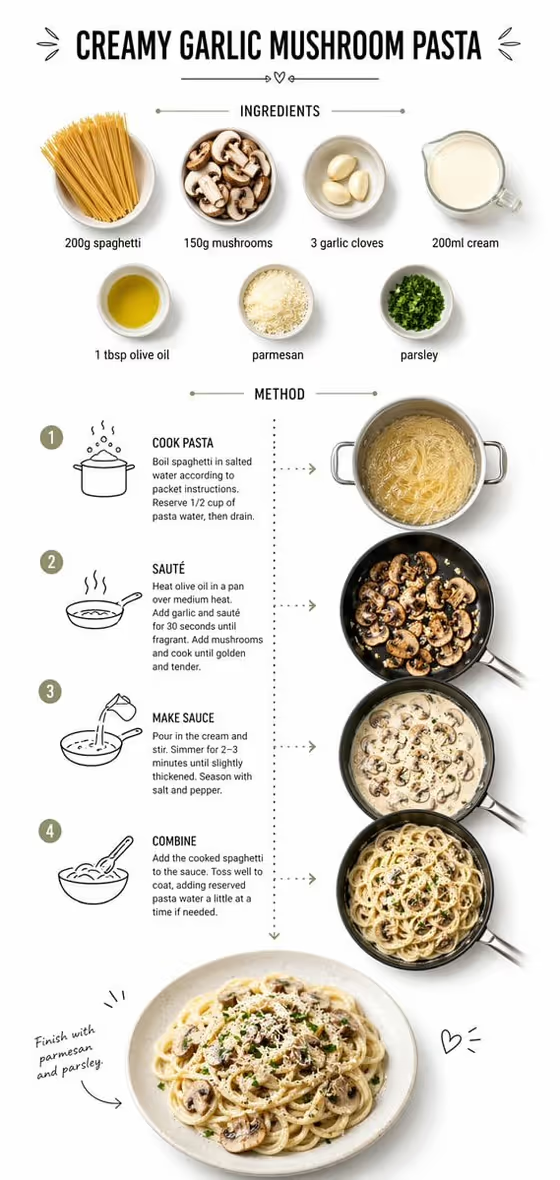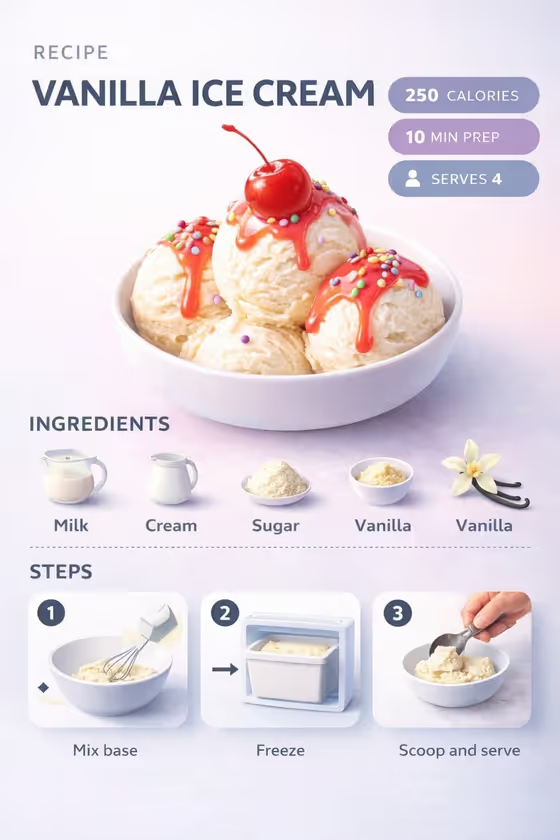
This template turns a dessert into a pastel recipe infographic. The scooped ice cream sits at an angle as the hero visual, with icon-labeled ingredients, numbered step panels (mixing the base, freezing, scooping) and small badges for calories, prep time and servings arranged around it.
It suits home bakers, food bloggers, cafe owners and anyone who wants a shareable recipe card without laying out the graphic by hand. The soft gradients, light background and clean typography give it a tidy, modern dessert look.
You describe the dish in text, or you can supply a photo of it as the visual reference, then pick how the result is framed.
What works best as input
- In the first field, describe the dish plainly, for example 'vanilla ice cream with syrup and toppings'. Naming the flavor, sauce and toppings helps the scoops look the way you picture them.
- If you add a reference photo, use a clear, well-lit shot of the exact dessert you want, with the scoops and toppings fully visible and not cropped.
- Keep the reference to a single dish. A busy table with several desserts can make it unclear which one should be the hero.
- Use the example phrasings as a guide: a chef-made variation, a regional specialty, or your own exact food or drink reference all work as descriptions.
- Be specific about distinguishing details such as the color of a syrup or the type of sprinkles, since those are what make your version recognizable.
How to use it
- Open the Ice Cream Recipe Guide template in Phosphene.
- In the first field, type a description of your dessert or add a photo reference of it.
- Choose a Food presentation option, such as Ultra-clean modern recipe infographic, plated hero composition, ingredient motion moment or texture-focused close-up.
- Generate the image, then check the scoops, the ingredient icons, the numbered steps and the badges. Adjust your wording and run it again if something is off.
Tips for a better result
- Start with the default Ultra-clean modern recipe infographic option to get the full layout with ingredients, steps and badges.
- Try the plated hero composition or texture-focused close-up options when you want the dessert itself to take center stage.
- Swap in a different dish description, such as a regional specialty or a chef-made variation, to make a whole series of matching recipe cards.
- If a reference photo is not matching, add more detail in text about the sauce, toppings and scoop count.
Common mistakes
- Writing a vague description like 'ice cream' and then being surprised the toppings and syrup differ from what you had in mind.
- Using a cluttered or dark reference photo where the dessert is small or partly hidden.
- Expecting the calories, prep time or serving numbers to match your own recipe. Check the badges and the ingredient list in the result before you share it.
FAQ
Do I have to upload a photo?
No. The first field accepts a text description, and a photo is an optional way to show the exact dessert you mean.
What does the image include besides the ice cream?
The layout adds ingredient icons for milk, cream, sugar and vanilla, numbered panels for mixing, freezing and scooping, and badges for calories, prep time and servings.
Can I use it for desserts other than vanilla?
Yes. The field is built for any food or drink, so you can describe another flavor, a regional specialty or your own creation.
What shape is the result?
The template is set up for a 3:4 image in a soft pastel style.