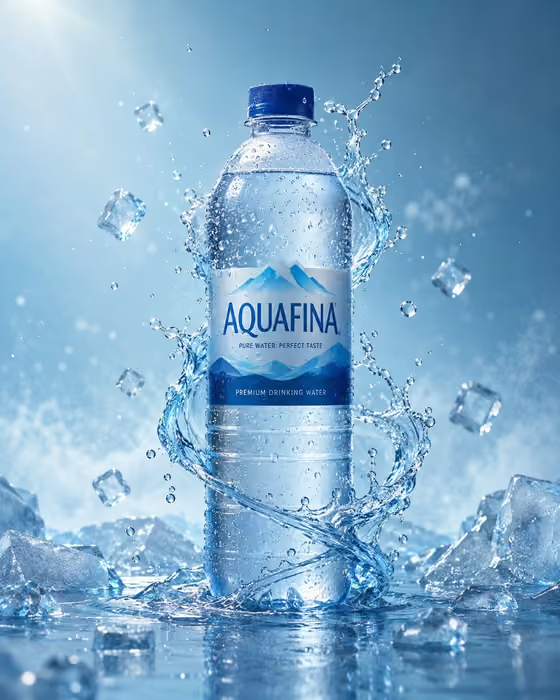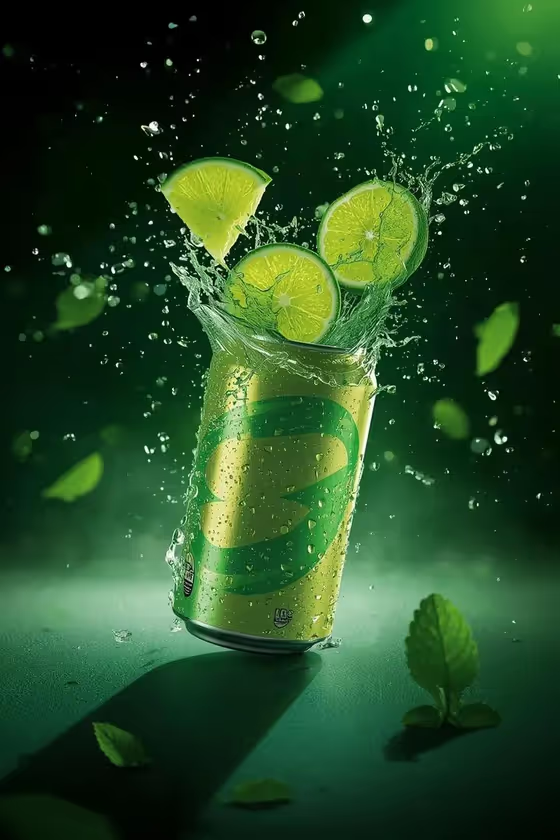
Lime Can Detonation turns a lime beverage can or product into a low-angle hero ad image. The result is a 3:4 portrait shot with lime wedges bursting around the package, frozen droplets, and a neon-green rim light against a dark studio background.
It suits anyone who wants a punchy product visual for a lime soda, tonic, energy drink or similar citrus drink, such as small brands, designers mocking up a concept, or creators building a campaign look.
What works best as input
- For the Lime beverage product or can field, you can either type a description (the placeholder is "sparkling lime soda can") or upload a matching reference photo of your own product.
- If you upload a photo, pick one where the can is fully in frame, evenly lit, and shows the front label clearly, since the template keeps the package face readable.
- Avoid heavy glare, cropped edges or cluttered backgrounds in your reference so the can shape and graphics are easy to follow.
- If you type instead, name the drink type and container, for example "lime tonic can" or "citrus energy drink", rather than a vague word like "drink".
How to use it
- Open the Lime Can Detonation template in Phosphene.
- In Lime beverage product or can, describe your drink or upload a reference photo of it.
- Pick an option for Citrus burst action, such as "vertical lime splash crown" or "diagonal citrus collision".
- Generate the image, then check that the can, label area and lime wedges look the way you want before saving it.
Tips for a better result
- Try each Citrus burst action on the same product. "Torn can with wedges exploding" feels aggressive, while "vertical lime splash crown" is cleaner and more elegant, like the splash rising from the can opening in the cover.
- "Spiraling wedges and droplets" gives a more dynamic, swirling composition if you want movement around the can.
- Be specific about the product wording, for example "lime tonic can" versus "citrus energy drink", to nudge the overall mood of the ad.
- Run the template a few times with the same inputs and compare, since wedge placement and splash shape can differ between generations.
Common mistakes
- Writing a very short or generic product description, which leaves the can design undefined and can give a less convincing package.
- Uploading a cropped, blurry or dimly lit photo, which makes the can and its label harder to reproduce clearly.
- Expecting exact text or logo reproduction from a reference, so always check the label area in the result.
FAQ
Do I have to upload a photo?
No. The product field accepts a typed description, and a photo is optional. You can use either to define the lime beverage or can.
What shape is the output?
The template makes a single image in 3:4 portrait format.
Can I use it for something other than a can?
The field is labeled as a lime beverage product or can, so it is built around drinks. Describe your product in that field and review the result to see how it fits.
What does the Citrus burst action change?
It sets how the lime wedges and splash move around the package, for example a vertical splash crown, a diagonal collision, or spiraling wedges.