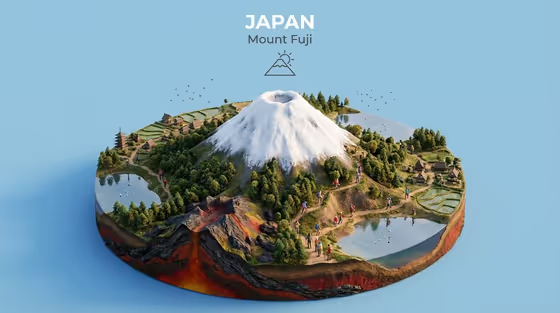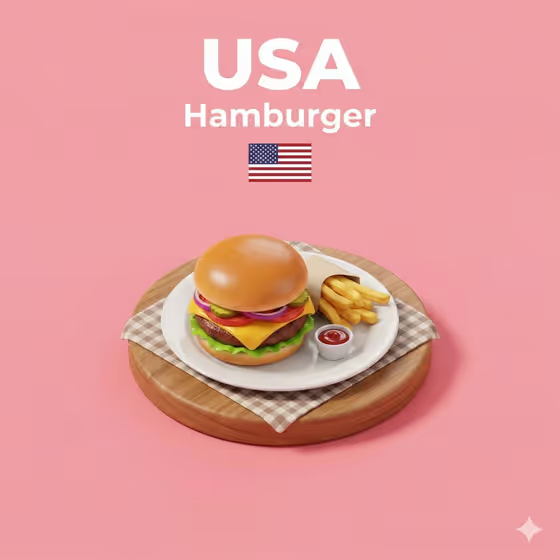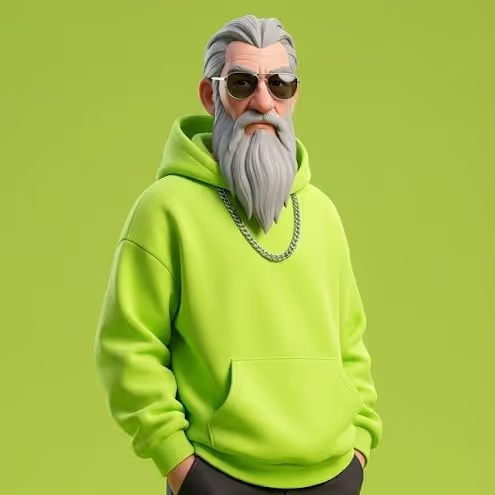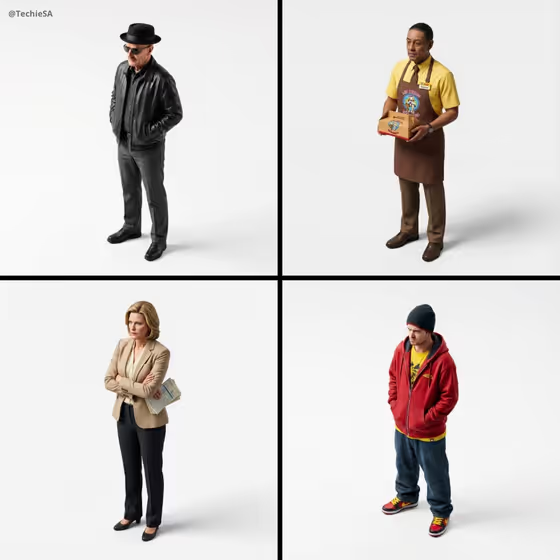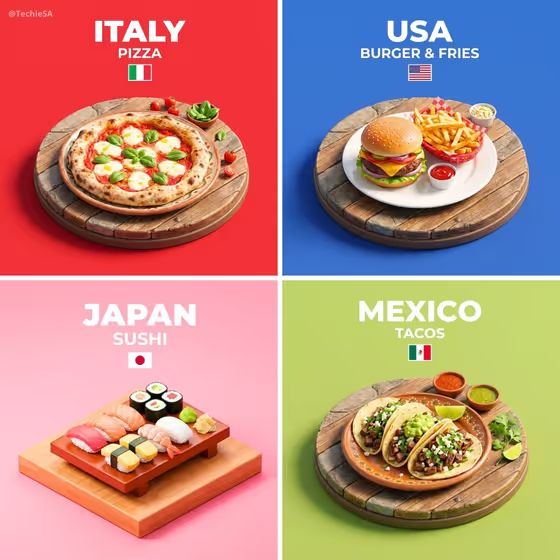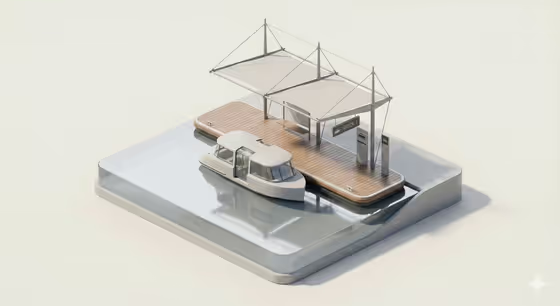
This template turns a subject and a creative direction into a miniature isometric diorama with rounded, toy-like forms and soft studio lighting. The cover shows the look: a small boat at a wooden dock with a light canopy and tiny wayfinding signs, all sitting on a clean glass-like base against a pale neutral background.
It suits anyone who wants a tidy, model-style scene for a concept, a project mood board or a visual with a calm, premium feel. You describe the subject (or add a photo in that field) and pick a direction, and the template handles the rest of the scene styling.
What works best as input
- The Portrait subject field accepts either a photo or a short text description, so use whichever you have. If you add a photo, pick one where the subject is clear and easy to read.
- If you type instead, keep it short and concrete, in the style of the examples: "a confident adult" or "a joyful young woman".
- Use a photo of someone only if you have the right to use it, and keep the subject respectful and everyday rather than exaggerated.
- A single clear subject works better than a crowded scene, since the result is meant to read as a clean, minimal model.
- Creative direction is a choice field, so start from one of the listed options such as Clean editorial or Quiet premium.
How to use it
- Open the Minimal Transit Stop Diorama template in Phosphene.
- Fill in Portrait subject by describing who or what the scene is about, or by adding a photo.
- Set Creative direction, for example Clean editorial, Cinematic dramatic, Playful colorful or Quiet premium.
- Generate the image, then review the diorama for rounded shapes, soft lighting and a neutral background. Adjust your inputs and run it again if you want a different mood.
Tips for a better result
- Try the same subject with different directions. Quiet premium and Playful colorful should give noticeably different moods from the same starting point.
- Keep the subject description to one idea. The template aims for a minimal scene, so extra details can fight the clean look.
- The output is 3:4, so think of it as a vertical tile when you plan where you will use it.
- If a result feels busy, simplify the subject text and choose a calmer direction like Clean editorial.
Common mistakes
- Writing a long, detailed paragraph in Portrait subject. The template favors short, simple subjects that fit a miniature model.
- Picking a direction that clashes with the goal, such as Cinematic dramatic when you want a soft, quiet look.
- Using a cluttered or low-quality photo, which gives the template less to work with than a clear one.
FAQ
Do I have to upload a photo?
No. Portrait subject accepts a photo or a text description, so you can just type something like "a confident adult".
What does Creative direction control?
It sets the overall mood of the diorama. The listed options are Clean editorial, Cinematic dramatic, Playful colorful and Quiet premium.
What kind of image will I get?
A single image in a 3:4 format, styled as a miniature isometric diorama with smooth, rounded materials and soft studio lighting.
Can I get a different version of the same scene?
Yes. Change the subject wording or switch the Creative direction and generate again to compare results.